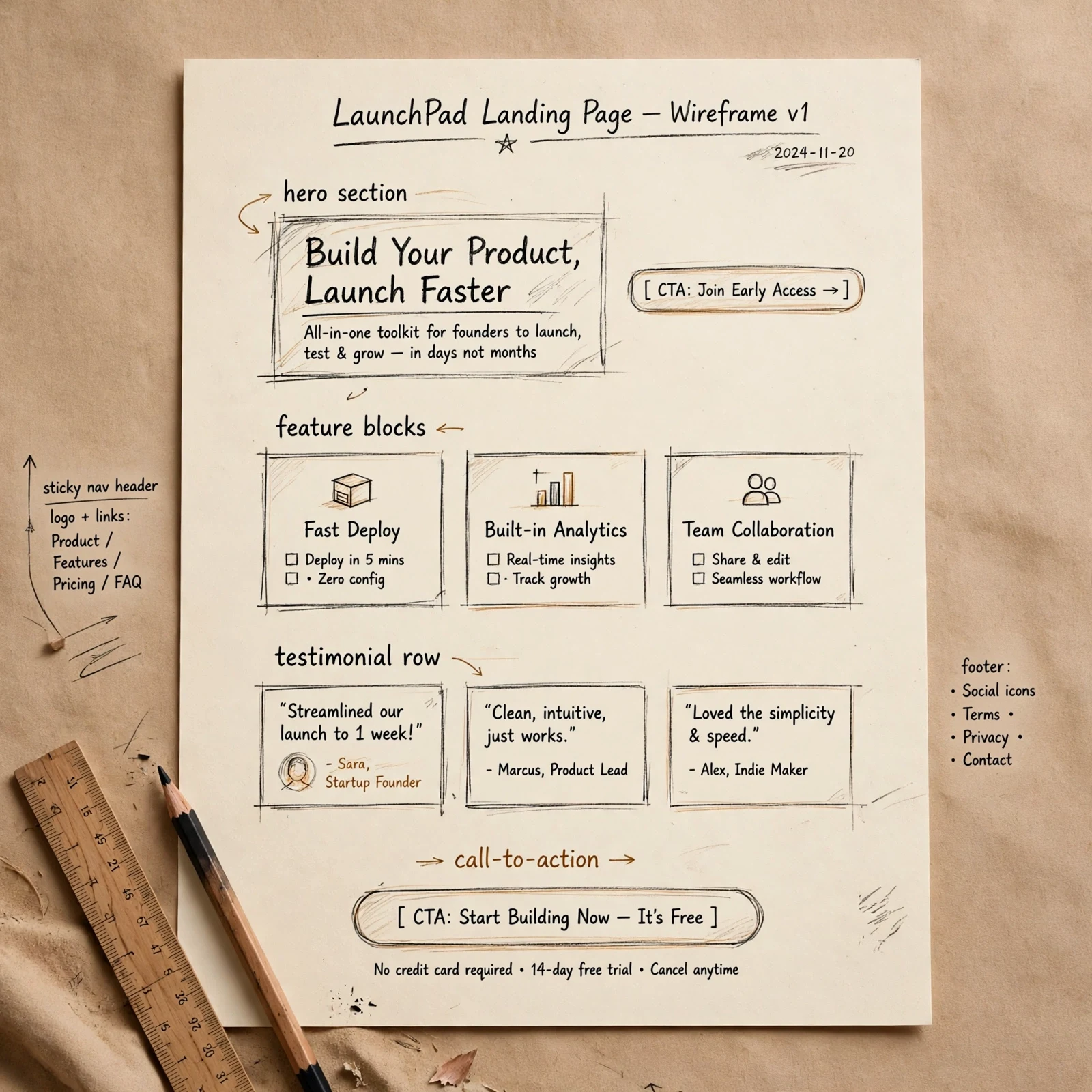
">

Wireframing Services

Low and high-fidelity wireframes that plan every screen, flow and interaction before visual design or development starts.

Structure FirstLayout before styling
AnnotatedEvery decision explained
ClickableFlows you can try early
Wireframing by DesignBub
wireframes project preview
Wireframing

The plan before the polish — screens, flows and annotations agreed while changes are still cheap.

Selected Brands & Businesses We Have Designed For
Asset 38 brand logo Asset 4 brand logo Asset 45 brand logo Asset 46 brand logo Asset 47 brand logo Decent Solar logo Dentesthetix logo Gazal Lounge logo GH Landscape logo Asset 38 brand logo Asset 4 brand logo Asset 45 brand logo Asset 46 brand logo Asset 47 brand logo Decent Solar logo Dentesthetix logo Gazal Lounge logo GH Landscape logo
Ghazoor logo Goodluck Trader logo Kingsley logo Lahoris logo MOI logo Naqaa Salt logo Nature Hug logo Netsole logo Ghazoor logo Goodluck Trader logo Kingsley logo Lahoris logo MOI logo Naqaa Salt logo Nature Hug logo Netsole logo
Nexcell Energy logo Roots logo Sheikh logo Shellbee logo Softcore logo Solvac Lifesciences logo Trendex logo Zameenex logo Nexcell Energy logo Roots logo Sheikh logo Shellbee logo Softcore logo Solvac Lifesciences logo Trendex logo Zameenex logo
The practical side of Wireframing

The quiet work inside Wireframing

The second release of wireframe set is where Wireframing starts to pay. The first release proves the idea; the second fixes what real use revealed. We plan for that second release from the start, so it is a small step, not a rebuild.

We treat Wireframing as a long relationship, not a one-off delivery. After launch, we stay available for fixes, small changes and the next release — because software that is never updated quietly becomes a liability.

We build Wireframing so that fewer redesigns after development is not a hope but a result you can check. The goal is agreed at the start, measured as we go, and reviewed honestly at the end. That is how a project becomes a product.

wireframe set essentials

How Wireframing earns its place

We review Wireframing with you at every stage, not just at the end. You see the design before it is built, the build before it is launched, and the launch before it is announced. There are no big reveals — only steady progress.

The wireframe set your users will actually use

The teams that get the most from Wireframing are the ones that stay involved. We show working software early and often, because feedback on something real is worth more than a month of meetings about something imagined. Your reactions shape the product.

How we keep Wireframing on budget

The first version of wireframe set is deliberately small. It does the core job, it does it well, and it gives us something real to learn from. Everything after that is decided by evidence, not by a wish list.

Where building screens before the structure is agreed is caught early

The wireframe set we deliver is tested, documented and deployable. It is not a demo, and it is not a prototype with a coat of paint. It is working software, ready for your users.

The User Flows side of Wireframing

The wireframe set that fits your process

One of the quiet risks in Wireframing is a plan nobody follows. We design against it from the start, because fixing it after launch costs far more than preventing it. Small decisions early — in structure, in access, in data — are what keep a wireframe set reliable.

After launch, the wireframe set is yours. We hand over the code, the documentation and the deployment, and we walk your team through all three. You should never be locked in to us — or to anyone.

What Wireframing delivers

Where Wireframing goes wrong — and how we avoid it

The hardest part of Wireframing is usually deciding what not to build. Every feature has a cost — in time, in complexity, in support — and we help you spend that cost where it earns the most.

We do not copy other wireframe set products and change the colours. Your wireframe set is designed around your workflow, your users and your business, which is why it looks and behaves differently from anything else out there.

Avoiding building screens before the structure is agreed

The parts of Wireframing people forget

The cost of Wireframing is decided by scope, not by hourly mystery. We agree the scope, the price and the stages before work starts, so there are no surprises in the middle. If the scope changes, the price is discussed first, not discovered later.

Your audience is product teams planning screens before visual design, and they will judge the wireframe set in the first minute. If the first task is easy, they stay; if it is confusing, they leave and do not come back to explain why. So we test the first task before we polish anything else.

Wireframing overview

How Wireframing handles real life

A wireframe set that is hard to change is a wireframe set that will be replaced. We build Wireframing so that new fields, new steps and new reports are small changes, not projects. Your business will change; the software should keep up.

Data is the quiet part of Wireframing. Where it comes from, how it is checked, who can see it — these decisions are made early, written down, and tested. A wireframe set built on messy data will stay messy.

Wireframing in practice

Wireframing: the honest version

The best Wireframing projects have a small team and a clear decision-maker on your side. Decisions get made in hours, not weeks, and the wireframe set moves forward. We will tell you if the decision process is slowing the work down.

The best compliment a wireframe set can get is silence: users who simply get their work done and move on. We aim for that — software that disappears into the task, rather than demanding attention for itself.

Getting Wireframing right

The services inside Wireframing

Errors in wireframe set should be helpful, not cryptic. We write error messages that say what went wrong and what to do next, because a user who knows what to do is a user who stays.

01

Low-Fidelity Wireframes

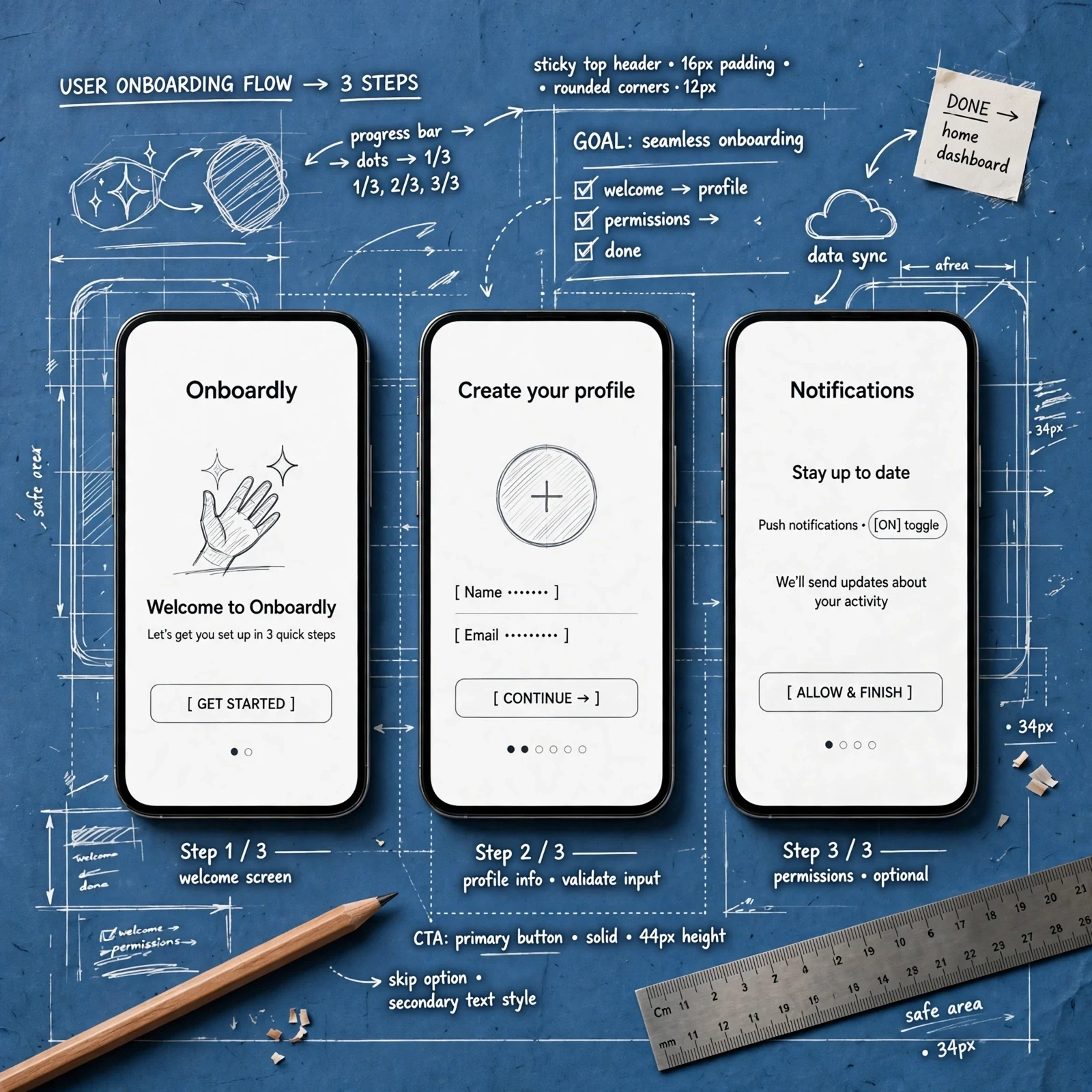
Rough sketches that test structure, hierarchy and flow quickly, while changes are cheap.

Sketch
02

High-Fidelity Wireframes

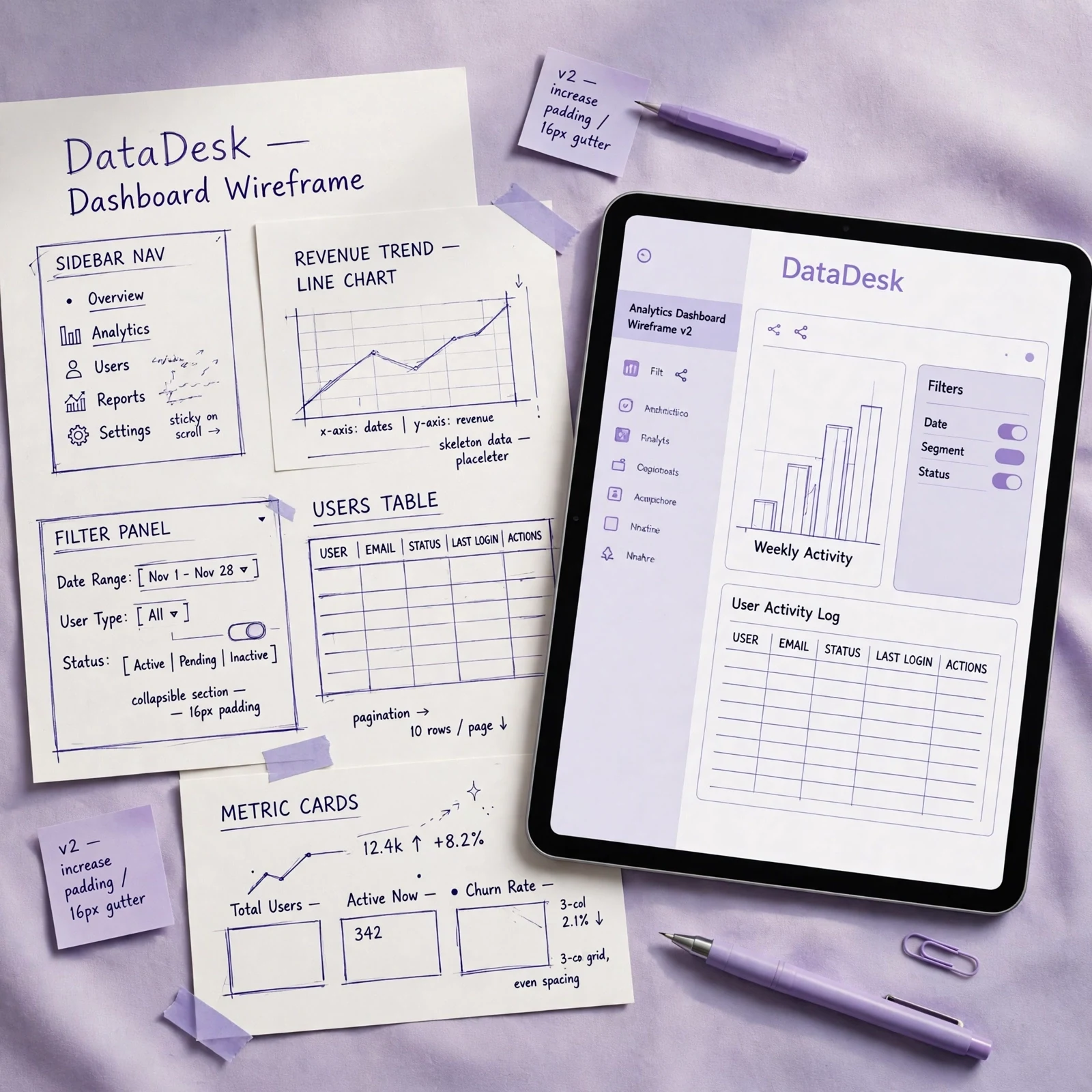
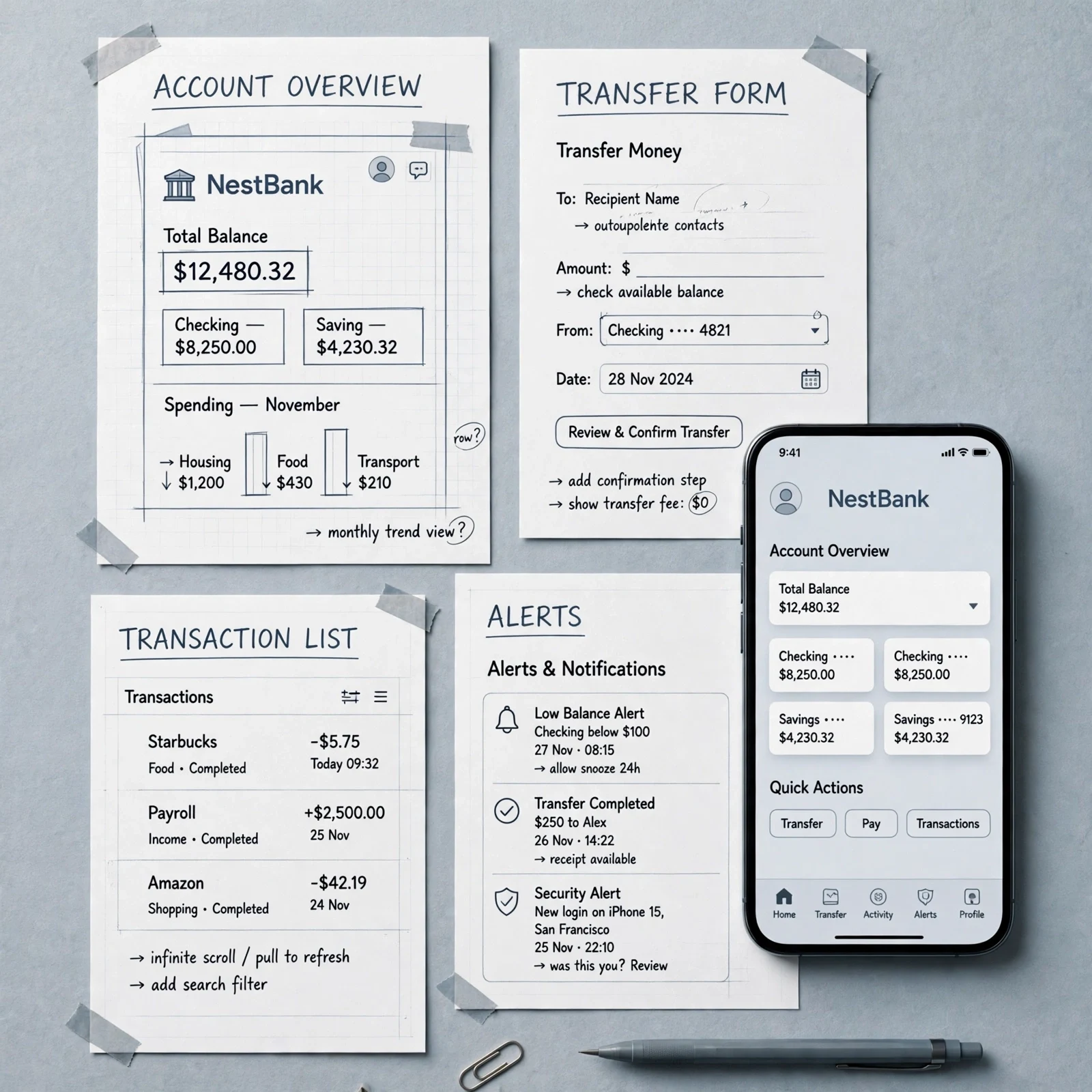
Detailed layouts with real content, states and annotations, ready for visual design.

Detailed
03

User Flow Wireframes

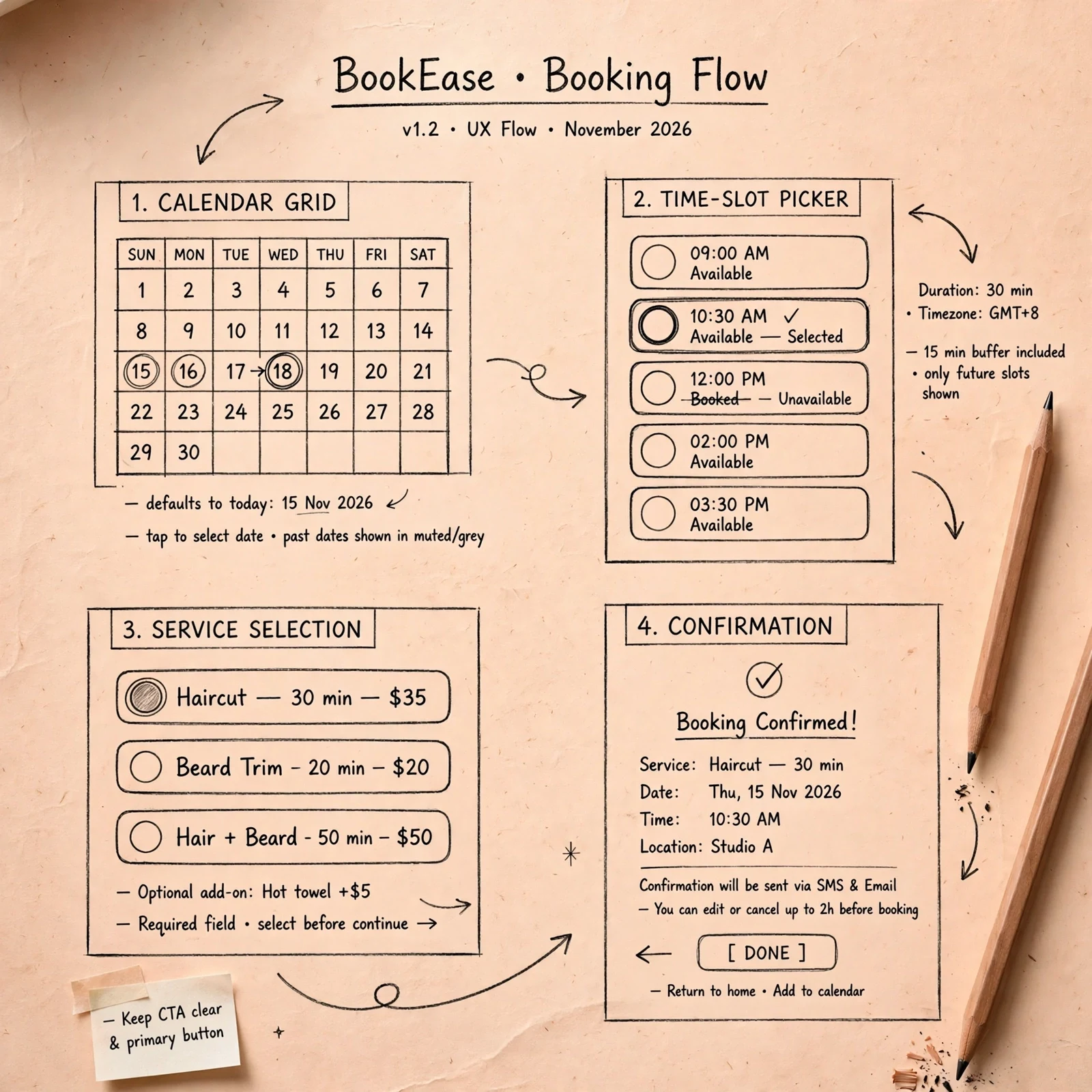
Screens linked into journeys, so the team can walk the important paths before building.

Flows
04

Responsive Wireframes

Layouts planned for mobile, tablet and desktop from the start, not squeezed afterwards.

Responsive
05

Annotated Wireframes

Every screen explained: what it does, why it is there, and what happens next.

Annotated
06

Clickable Prototypes

Wireframes linked into prototypes that stakeholders and users can try early.

Prototype
Wireframing explained

The wireframe set your business actually needs

We would rather tell you that Wireframing is not the right move than sell you something you do not need. If a simpler tool does the job, we will say so. That honesty is why clients come back.

A wireframe set built without testing is a guess. We test Wireframing with real people doing real tasks, and we fix what we find. Testing is not a phase at the end; it is how we work.

Wireframing and a shared plan everyone agrees on

How Wireframing stays useful over time

Annotations and Low-Fidelity Sketches do different jobs in Wireframing, and we keep them separate. The interface is for people; the backend is for data. When the two are tangled, every change is expensive. When they are clean, the wireframe set can grow.

User Flows keeps the data behind Wireframing honest. It is not the glamorous part of the project, but it is the part that decides whether your reports are true and your users' information is safe.

The Wireframing standard

The standards we hold Wireframing to

The scope of Wireframing is written down and agreed before we start. It lists what is included, what is not, and what happens if you want more. That document protects both of us, and we take it seriously.

Support for Wireframing does not end at launch. We offer ongoing help — fixes, small changes, the next release — because a wireframe set that is never updated quietly becomes a risk.

The way we do Wireframing

Planning Wireframing around real work

The sign-off for Wireframing is not a meeting; it is your team using the wireframe set without us in the room. When they can do their jobs with it, the project is done. Until then, it is not.

We test Wireframing with real tasks, not with a checklist of features. Can a new user complete the core job without help? Can your team handle the common support question? Those are the tests that matter.

Wireframing in detail

Who benefits most from Wireframing

Security and privacy are designed into Wireframing from the first week, not audited in the last. Access is limited to who needs it, sensitive data is handled carefully, and the boring safeguards — backups, logs, updates — are set up before launch, not after a scare.

Users forgive a wireframe set that is plain, but they do not forgive one that is confusing. Clarity comes first in Wireframing: clear labels, clear next steps, clear errors. Polish comes after clarity, never before it.

How Low-Fidelity Sketches fits Wireframing

Why teams choose Wireframing from DesignBub

We write documentation for Wireframing that a new team member can actually follow. Setup, data, deployments, common tasks — all written down, because a wireframe set that only one person understands is a risk to your business.

handoff questions reduced is the number we watch most closely on Wireframing projects, because it tells us whether the wireframe set is actually being used. A beautiful product that nobody opens is a failure, however polished it looks.

The Figma view of Wireframing

Wireframing: what to expect at each stage

User Flows handles the front of the wireframe set, Annotations the back, and Clickable Prototypes keeps the data honest. Each has a job, and each is chosen because it fits this particular wireframe set, not because it is fashionable this year. Boring, proven technology is usually the right call.

A wireframe set should load fast, work offline where it matters, and fail gracefully when it cannot. We design Wireframing for the moments when things go wrong, because those moments are when users decide whether to come back.

We ask awkward questions at the start of Wireframing: who will maintain this, what happens when the data is wrong, what does the user do when this fails? Awkward now is better than expensive later.
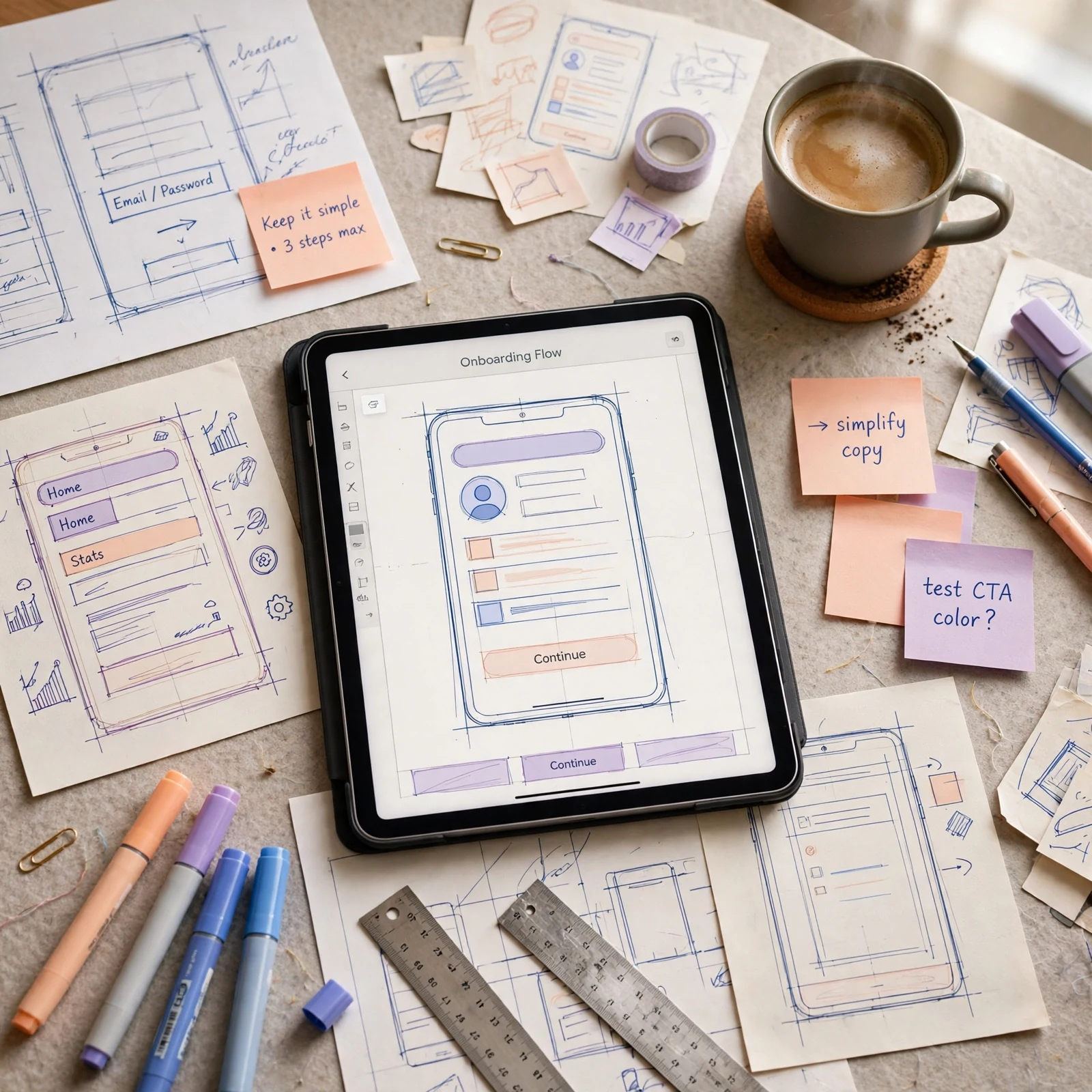
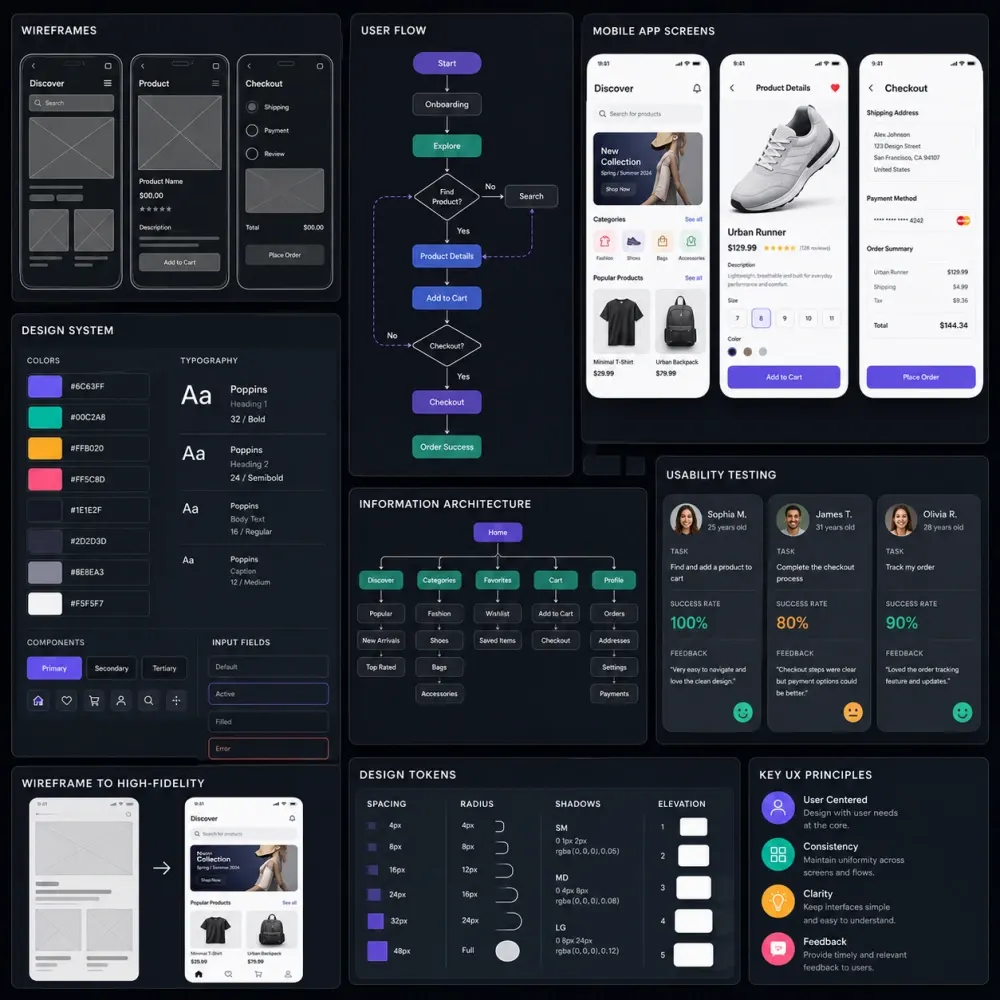
Wireframing at a glance

Who Wireframing is for — and who it is not for

A wireframe set is only as good as its data. We plan where data comes from, how it is checked, and what happens when it is wrong, before a single screen is drawn. Garbage in, garbage out is not a slogan; it is a project risk.

The work of Wireframing is rarely glamorous: data checks, edge cases, error states, permissions. But that is the work that decides whether users trust the wireframe set. We spend time on it because trust, once lost, is hard to win back.

Annotations and Clickable Prototypes in Wireframing

What we refuse to cut corners on in Wireframing

We price Wireframing on scope, and we agree the scope with you before work starts. If you want to change the scope mid-project, we talk about the cost first. No one likes a surprise invoice, least of all us.

Every wireframe set we build starts with the people who will use it. We map their tasks, their frustrations and the workarounds they have already invented, because that is where the real requirements live. The result is wireframes shaped by actual work, not by a feature list copied from a competitor.

Wireframing process

What Wireframing includes — and what it leaves out

The wireframe set we build for product teams planning screens before visual design has to work for the least technical person who will use it. If they can complete the task without help, everyone can. That is the standard we test against, and it is stricter than it sounds.

The difference between a wireframe set that works and one that merely exists is usually the second pass. After the first working version, we watch real people use it, note where they hesitate, and fix the friction. That is unglamorous work, and it is most of the value.

What Wireframing really means

The difference between wireframe set and a quick fix

We document Wireframing as we go, not at the end when everyone has forgotten the details. Decisions, trade-offs, setup steps — all written down while they are fresh. Your future team will thank you.

The fastest way to waste money on Wireframing is to build everything at once. We separate the core — the workflow that must work on day one — from the features that can wait, and we prove the core first. That is how handoff questions reduced improves without the budget disappearing into nice-to-haves.

Wireframing for Figma teams

Why Wireframing is not a commodity

We do not hand over wireframe set and disappear. The weeks after launch are when the real questions arrive, and we stay available for them. A launch is the start of the product's life, not the end of ours.

We are honest about what Wireframing cannot do. If a requirement does not fit the product, we say so and suggest what would. A wireframe set that promises everything delivers nothing.

Inside Wireframing

What success looks like for Wireframing

The interface of wireframe set should make the right action obvious and the wrong action hard. We think carefully about defaults, confirmations and destructive actions in Wireframing, because a misclick should never be a disaster.

A wireframe set that nobody can operate is a liability, not an asset. We build the admin side with the same care as the customer-facing side, so your team can change content, manage users and see what is happening without calling us. Handover is part of the project, not an afterthought.

Where building screens before the structure is agreed is handled

Wireframing built around your customers

We build Wireframing in short cycles so you see progress every week. Working software, real screens, real data — not a slide deck about what will happen next month. If something is off, we find out in days, not at the end.

We bring product teams planning screens before visual design into the design of Wireframing early. A short conversation with a real user is worth more than a month of guessing, and it usually changes the plan in useful ways.

Your wireframe set, explained

From discovery to launch: the Wireframing process

We do not disappear after Wireframing launches. The first month is when the real feedback arrives, and we plan for it — a review, a list of fixes, and the next release. Software is never finished; it is maintained.

01

Discovery

We review the product, its users and the screens the project needs.

02

Content Audit

Real content is gathered first, so layouts are planned around the truth.

03

Information Architecture

Screens are grouped and ordered to match how users think.

04

User Flows

Key journeys are mapped so every screen has a clear job.

05

Low-Fidelity Sketches

Rough layouts test structure quickly with the team.

06

Wireframe Drafts

Detailed wireframes are drawn with real content and states.

07

Review

The team walks the flows and agrees what changes before visual design.

08

Annotations

Decisions, rules and edge cases are written onto the wireframes.

09

Clickable Prototype

Screens are linked so journeys can be tried end to end.

10

Handoff

Annotated wireframes go to designers and developers as the agreed plan.

Wireframing with Annotations

How Wireframing fits into your week

The first release of a wireframe set is a question, not a statement. It asks: does this solve the problem well enough to be worth using? We build it so the answer is easy to read — in rework avoided, in usage, in what users say — and then we act on it.

DesignBub works with product teams planning screens before visual design who need wireframes that actually ship. We keep the process visible — regular reviews, working software early, honest answers about what is and is not ready. You should never have to chase us to find out where your project stands.

UI UX Design Pricing

Starting packages for different levels of product design.

These packages provide a clear starting point. Final pricing depends on the number of unique screens or page templates, workflow complexity, responsive variants, research depth, prototype requirements and whether a larger design system is needed.

Focused interface

UI UX Starter

Starting from$660

For a focused website, landing experience or small product flow that needs clear structure and polished UI.

  • Discovery and requirements review
  • Up to 5 key screens or page templates
  • Core user flow planning
  • Low-fidelity wireframes
  • High-fidelity UI design
  • Responsive direction for key layouts
  • Clickable prototype for main flow
  • Up to 3 revision rounds
  • Editable Figma source file
Choose UI UX Starter ↗
SaaS or mobile product

SaaS & App UI UX

Starting from$2,640

For SaaS platforms, dashboards and mobile products with deeper workflows, states and reusable interface requirements.

  • UX planning for complex workflows
  • Up to 18 key screens
  • Role-aware flows where required
  • Wireframes and high-fidelity UI
  • Dashboard, web or mobile layouts
  • Loading, empty and error states for key flows
  • Interactive prototype
  • Starter design system
  • Up to 6 revision rounds
  • Developer handoff and design notes
Discuss SaaS / App UI UX ↗

Common standalone starting prices

ServiceStarting PriceTypical Scope
UX Audit$249Focused review with prioritized interface and usability recommendations.
Landing Page UI UX$299One conversion-focused responsive landing page design.
Website UI UX$599Up to 5 key website page templates.
Mobile App UI UX$899Up to 5 key mobile app screens.
SaaS Dashboard UI UX$1,199Up to 8 dashboard or web-app screens.
Design System Starter$599Core colors, type, spacing and common reusable components.
Additional UI Screen$79One additional screen within an existing approved design direction.

Pricing note: Prices are starting design fees in USD. Development, copywriting, paid research participants, user-testing incentives, licensed stock assets, premium fonts, third-party software and substantial new scope are separate unless specifically included in the quotation. “Screen” means a unique interface screen or page template; simple state variations may be grouped where appropriate.

How Wireframing is built

Deliverables you can check, not promises

We do not invent features for wireframes to fill a page. Every feature we propose answers a task your users actually perform, and we can explain the task it serves. If a feature cannot be tied to real work, it does not get built.

Content Audit
Information Architecture
User Flows
Low-Fidelity Sketches
High-Fidelity Wireframes
Responsive Layouts
Annotations
Clickable Prototype
Review Sessions
Handoff Pack
Content Audit
Information Architecture
Wireframing for product teams planning screens before visual design

The questions that shape Wireframing

A wireframe set built for product teams planning screens before visual design should feel like it was made for them, not adapted from someone else's product. We design the workflows around your users' actual jobs, which is why the result looks different from a generic tool.

When we talk about a shared plan everyone agrees on, we mean something specific and measurable. Vague promises do not help anyone plan, so we define what success looks like before we start building, and we check it honestly when the work is done.

We have seen Wireframing projects go wrong in the same few ways, and building screens before the structure is agreed is near the top of the list. Our process is built to catch it early: a review before the build, a check during the build, and a test before launch.

Why rework avoided matters

Questions before you start Wireframing

Low-fidelity wireframes are rough sketches that test structure and hierarchy quickly. High-fidelity wireframes add real content, states and annotations so developers can build from them. We use low fidelity to explore and high fidelity to agree.

Because structure is harder to change than colour. Wireframes let the team agree what goes where, what the user does next and what can be left out — before visual design and development make changes expensive.

Yes, wherever possible. Real headings, real data and realistic lengths, so the design is tested against the truth instead of perfect mock text. Placeholder text hides problems.

Yes. We link wireframes into clickable flows, so you and your users can walk the important journeys before anything is built.

Designers build the visual interface from them, developers estimate from them, and stakeholders sign off against them. Annotations explain every decision, so the wireframes stay useful long after the meeting.

Plan the screens before you pay to build them.

A wireframe costs a fraction of a rebuild. If your team disagrees about what a screen should do, wireframes settle it in days instead of months. Tell us what the product must do and we will plan the screens.

WhatsApp DesignBubChat with us now