">

CMS Development

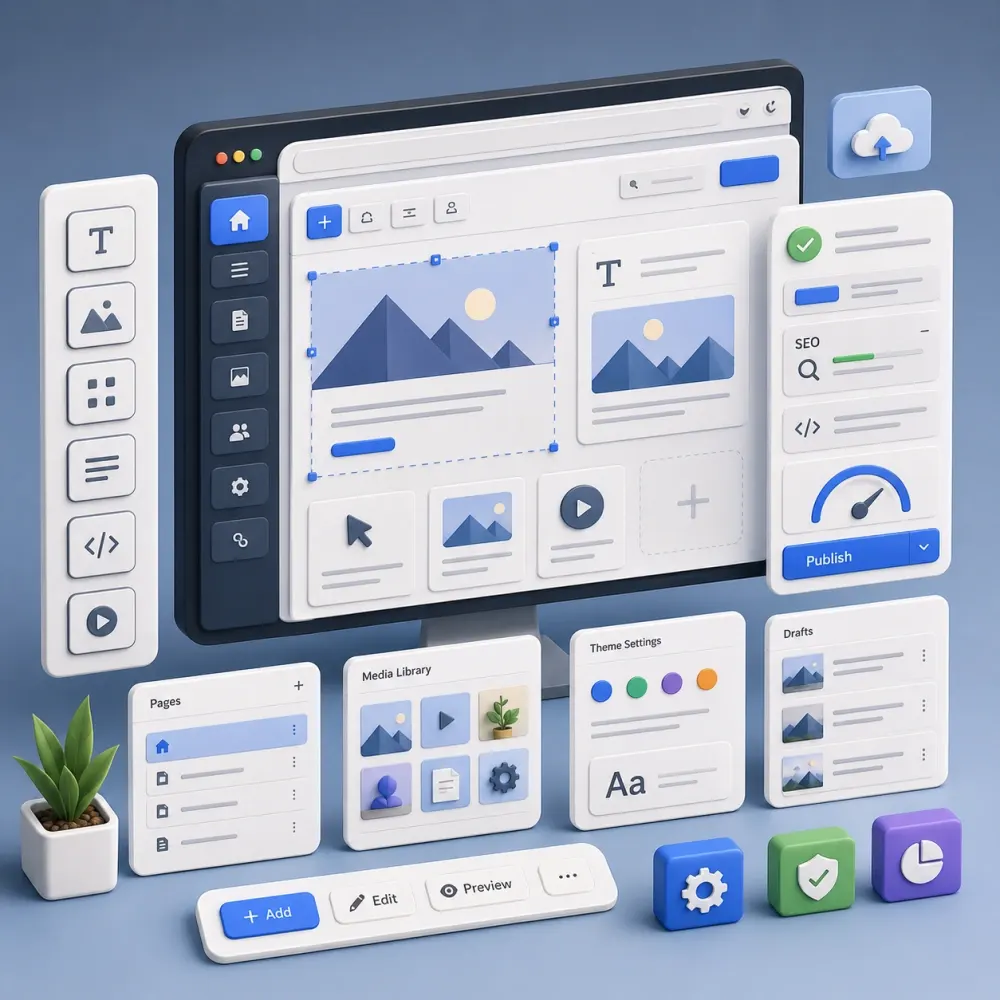
Your team publishes pages, products, guides and resources every week — the CMS should make that easy, not turn every small change into a developer ticket. We plan the content model, the editing workflow, the templates, the integrations and the migration around the people who will actually run the site once we hand it over.

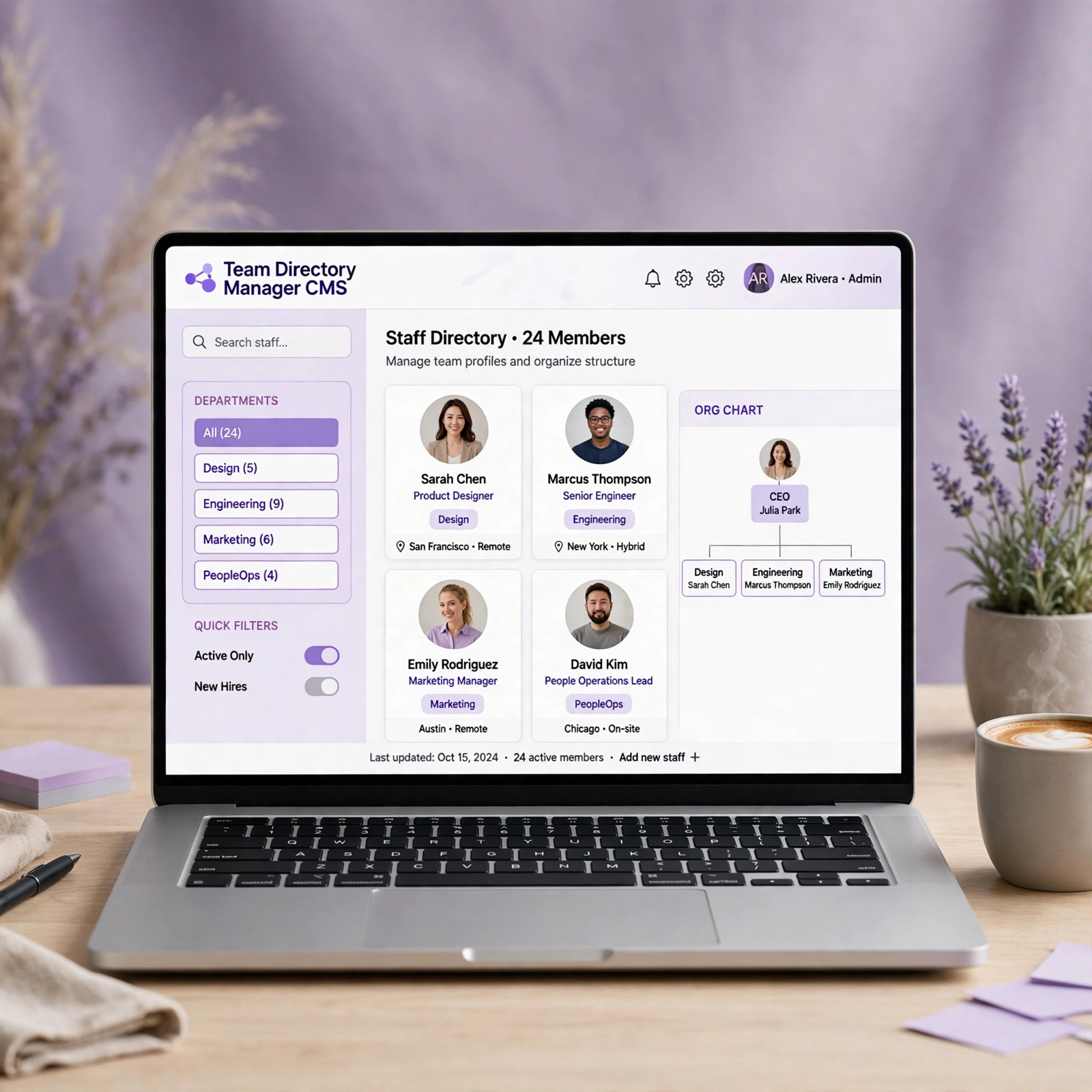
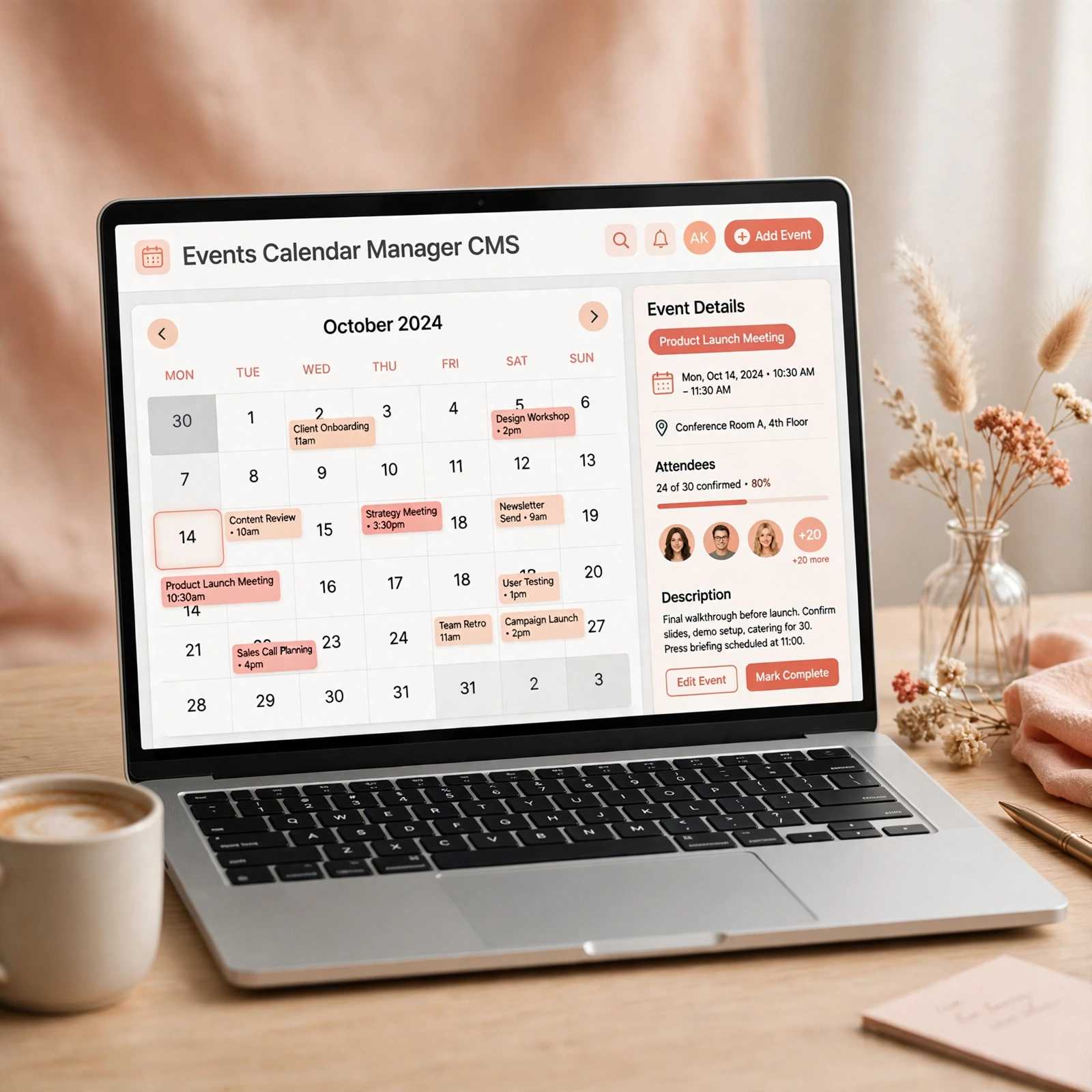
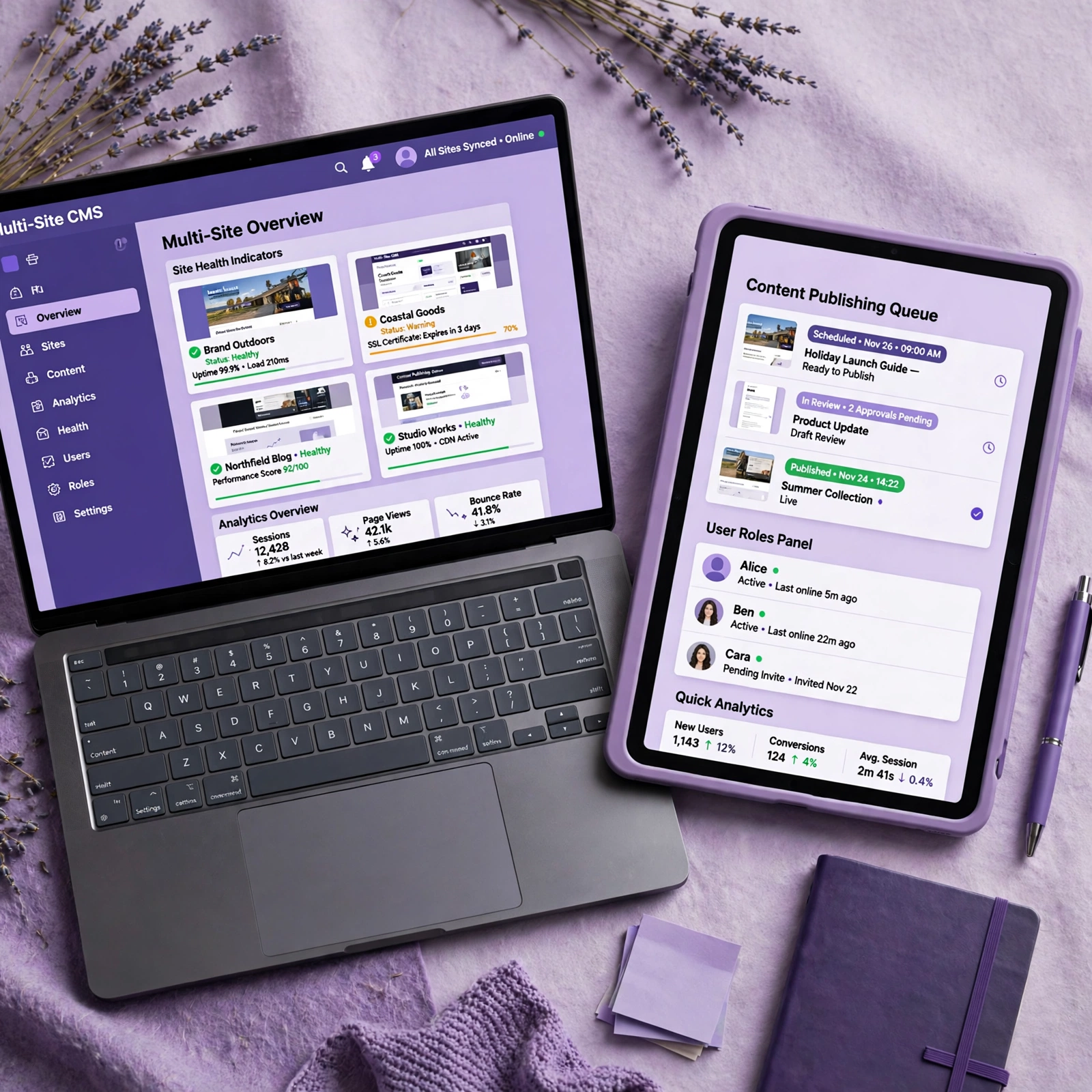
StructuredContent With Clear Fields
EditablePractical Admin Workflows
ConnectedAPIs & Integrations
Custom CMS development
CMS website development
Content first

A publishing system shaped around what your team writes, approves, reuses and updates week after week.

Selected Brands in Our Portfolio
Asset 38 brand logo Asset 4 brand logo Asset 45 brand logo Asset 46 brand logo Asset 47 brand logo Decent Solar logo Dentesthetix logo Gazal Lounge logo GH Landscape logo Asset 38 brand logo Asset 4 brand logo Asset 45 brand logo Asset 46 brand logo Asset 47 brand logo Decent Solar logo Dentesthetix logo Gazal Lounge logo GH Landscape logo
Ghazoor logo Goodluck Trader logo Kingsley logo Lahoris logo MOI logo Naqaa Salt logo Nature Hug logo Netsole logo Ghazoor logo Goodluck Trader logo Kingsley logo Lahoris logo MOI logo Naqaa Salt logo Nature Hug logo Netsole logo
Nexcell Energy logo Roots logo Sheikh logo Shellbee logo Softcore logo Solvac Lifesciences logo Trendex logo Zameenex logo Nexcell Energy logo Roots logo Sheikh logo Shellbee logo Softcore logo Solvac Lifesciences logo Trendex logo Zameenex logo
CMS Development Services

A CMS should make publishing quicker, not add another queue

A website usually becomes hard to run long before it starts to look old. Marketing wants a new landing page, but the layout can only change in code. A service is mentioned in four places, so the same facts are copied four times. An editor needs to change one date and ends up hunting through a page builder full of unrelated blocks. Another team asks for a second language and discovers the original structure never allowed for it.

Good CMS work starts with those everyday publishing headaches, not with a platform brochure. The technology matters, but so does the editing experience. We look at what content you have, who owns it, where it appears, how often it changes and which systems need to swap data with the site — so the CMS gets a real job instead of becoming a generic admin panel.

DesignBub handles custom CMS builds, headless architecture, migrations, content modelling, reusable components, permissions, integrations, multilingual publishing and ongoing support. Some projects need a well-known platform configured with care; others need custom modules or a headless setup. The publishing requirements decide — not the latest trend.

What CMS Development Covers

Decide how content is organised before a single page is written

A CMS earns its keep when the information inside it has a clear shape. A business site might hold services, projects, people, articles and locations. A property platform holds developments, units, agents and amenities. A software company juggles use cases, integrations, documentation and customer stories — each with its own fields and relationships.

Those are not just pages with different titles; they are content types with their own fields, relationships and editing needs. CMS work can cover content architecture, custom fields, taxonomies, reusable sections, templates, permissions, search, filtering, migration, APIs and technical SEO controls — and we include only the parts your project genuinely needs.

Editing Experience

The editor's screen deserves as much care as the public one

Visitors never see the dashboard, but its quality shapes every update they do see. Editors should know exactly where information belongs, which fields are required, and what a change will affect. A good admin interface removes guesswork without handing every user unrestricted control over how the site looks.

We favour clear field labels, predictable relationships and reusable patterns over a sprawling menu of ambiguous options. A marketing team should be able to publish ordinary content without first learning the technical history of the website.

Custom CMS Development

Tailored does not mean starting from a blank page

Custom CMS development can mean a tailored build on an established platform, custom content types, dedicated admin tools, platform extensions, or a specialist application for managing proprietary information. Building a whole content platform from scratch only makes sense when the requirements justify owning — and maintaining — that extra software.

We start by looking for reliable platform features that already solve the problem. Custom code earns its place when the workflow is genuinely specific, when existing extensions add more complexity than they remove, or when the organisation needs tighter control over data and editorial behaviour. The result stays maintainable while still doing what the business needs.

CMS Website Development

What editors enter and what visitors see should line up

CMS website development connects what is stored behind the scenes to the layouts customers actually see. If a case study has an industry, a service, a result and a related team member, the frontend should use those links automatically — editors should never have to rebuild the same associations by hand on every page.

Reusable templates can carry service pages, resource libraries, teams, product collections, directories and campaign pages while the visual language stays consistent. The aim is controlled flexibility: enough freedom for normal publishing, with enough structure to stop every new page becoming a one-off design.

Content Modeling

Write it once, use it everywhere it belongs

Content modelling defines the types of information you hold and the fields each type needs. A team-member entry, for example, can hold a name, role, department, biography, photograph and related services — and that same person can then appear on a profile page, a department page and a service page without three separate copies of the biography drifting apart.

It matters even more as the site grows. Products, locations, courses, events, projects and resources all need relationships that are painful to maintain when everything lives inside generic text blocks. Structured content gives the system context and gives editors predictable forms to fill in.

We also avoid over-modelling. Every extra field is another decision for the editor, so the model should support reuse and consistency without turning a simple page update into a data-entry chore.

Reusable Page Components

Freedom to publish, without letting every page drift off-brand

Most marketing sites benefit from approved sections for testimonials, logos, comparisons, statistics, FAQs, images and calls to action. Editors can combine these blocks freely while typography, spacing and responsive behaviour stay under the design system's control.

A small set of well-planned components is usually easier to use than a library of near-duplicates. We build around the patterns the site genuinely repeats, so the CMS stays flexible without feeling like an unrestricted page builder.

Headless CMS Development

Headless only when the payoff is real

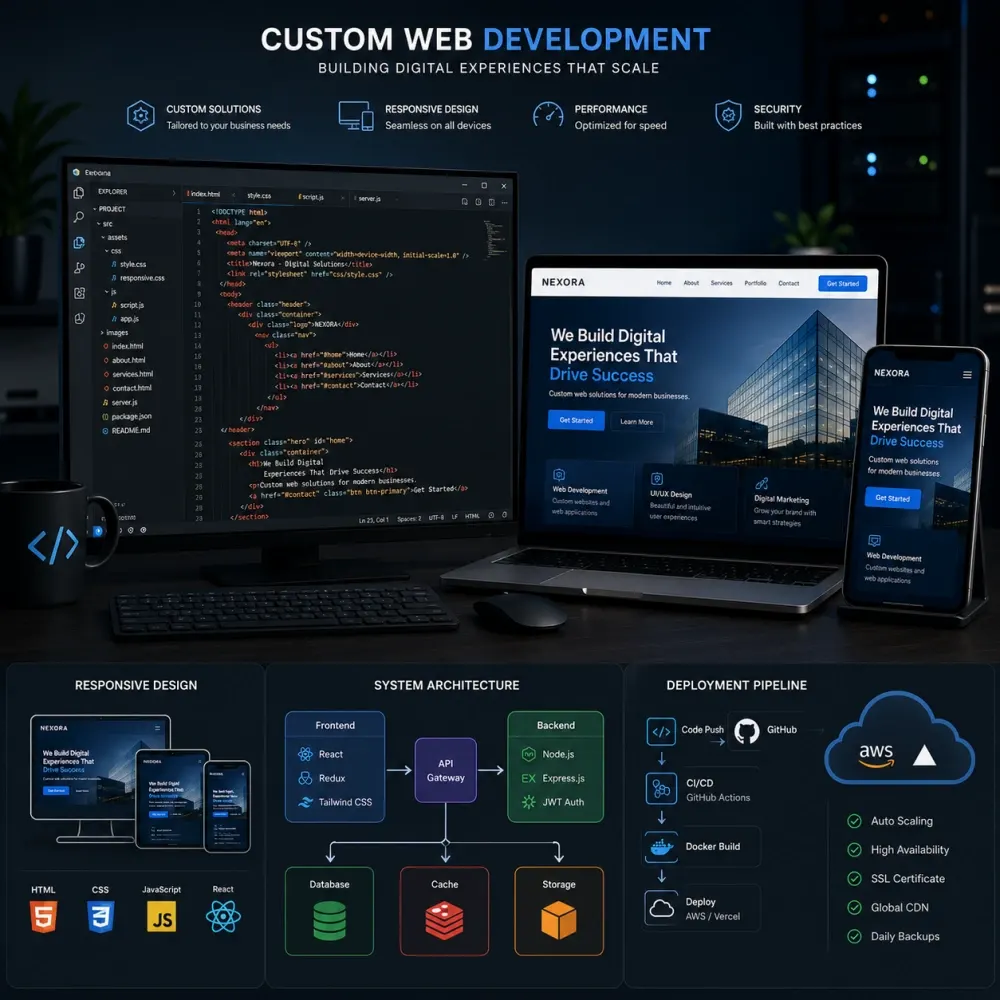
A headless CMS manages structured content and delivers it through APIs to a separate frontend. That helps when the same information must appear on a website, a mobile app, a product interface or another channel — or when the public experience needs a frontend that evolves independently from the CMS.

Headless also adds responsibility: preview, deployments, caching, API behaviour, authentication and frontend hosting all become separate concerns. We recommend it when those trade-offs buy a real advantage, not simply because the word sounds modern.

Traditional vs Headless CMS

Simpler usually wins — if it does the job

A traditional CMS is often the stronger choice when the website is the main publishing channel and editors want an integrated preview and management experience. Headless makes more sense for multichannel publishing, application frontends, or organisations with dedicated frontend teams.

Hybrid options exist too. The decision rests on content reuse, editorial workflow, frontend needs, infrastructure and long-term ownership — we do not treat any one architecture as the default answer for every business.

CMS API Integration

Let the CMS talk to the systems that own your business data

Websites rarely stand alone now: they swap information with CRMs, ecommerce platforms, product databases, marketing tools, search services and internal applications. CMS API integration moves the selected information between those systems when suitable access exists.

Before any integration is built, we agree the source of truth. If pricing lives in an ERP, the CMS must not become a second place where someone can type a conflicting value. If customer records live in a CRM, the CMS may only need to send form data there. We also settle sync direction, update timing, authentication, and what should happen when an external service returns an error.

Third-party APIs can change, impose rate limits or charge separately. Those dependencies are treated as part of the technical scope, not hidden behind the word “integration”.

CMS Migration Services

A migration should carry the structure, not just the words

A CMS migration can involve pages, media, authors, categories, metadata, redirects, internal links and structured records — and the old and new systems rarely describe content the same way, so every migration begins with mapping.

We review what should move, what can be consolidated, and which URLs need redirect planning. Large migrations can use scripts or import tools where the source data allows it; unusual records may still need a human eye. Access to the old system and the quality of its export shape the work, so the migration scope is confirmed after we have inspected the available data.

The aim is a cleaner destination — not a perfect replica of every structural problem the old CMS had.

Multilingual CMS Development

Going multilingual is a workflow, not just a translation

Multilingual sites may need localised navigation, metadata, forms, URLs, reusable sections and market-specific content. Some fields should be shared across languages; others need independent local versions. A good CMS also shows editors which translations are missing or need review after the source content changes.

Multilingual CMS development can cover language relationships, locale-aware content models, translation workflows and frontend language switching. The CMS provides the framework; linguistic accuracy still depends on proper translation and review.

Roles, Permissions & Editorial Workflow

The right access for each person — no more, no less

A writer may need to draft. An editor may need to approve. A marketing manager may need to publish campaign content, while technical settings stay with an administrator. Role-based permissions separate those responsibilities and cut down on accidental changes.

Larger organisations may need scheduled publishing, approval stages or content status rules; smaller teams usually need far less. We shape the workflow around the people and the risk involved instead of adding enterprise-style bureaucracy to a simple site.

CMS SEO Foundations

Search controls editors can use without touching code

A CMS shapes URLs, titles, canonical tags, sitemaps, archives and structured content. CMS work can include sensible URL behaviour, metadata fields, redirect tools, sitemap support, image metadata, heading controls and structured data where they help.

Content types and taxonomies affect indexation too: automatically creating empty archives or thin tag pages spawns URLs nobody needs. We balance what editors need for organisation against what search engines should crawl. Technical setup can support SEO, but it never guarantees rankings, traffic or revenue.

Performance & Reliability

Diagnose the slowdown before prescribing anything

CMS performance can suffer from templates, database queries, images, plugins, scripts, API requests, caching or hosting — and headless systems add frontend rendering and build behaviour to the list. We diagnose the actual bottleneck before deciding what to optimise.

The fix might involve asset optimisation, image handling, caching, query review, extension cleanup or frontend changes. Third-party scripts and infrastructure also influence results, so we never promise a permanent perfect performance score.

Ecommerce, Portals & Content-Rich Platforms

When content shares the stage with shops and portals, structure matters more

An ecommerce site can combine product information, buying guides, collections, editorial content and campaign pages. A membership or customer portal mixes public content with authenticated information. A resource platform may need search, filters and several related content types — all in one CMS.

In these projects the CMS should own the information it is best suited to hold, while transactional or account data stays in the system built for it. We plan the boundary between the CMS, the ecommerce platform, the CRM or the application, so editors get a clear workflow without duplicating business-critical data.

CMS Maintenance Services

Businesses change — the CMS has to keep up

After launch, teams ask for new fields, APIs change, extensions get updates and new content types appear. CMS maintenance can cover bug fixes, compatibility checks, minor workflow changes, integration updates, performance work and selected enhancements, under an agreed support scope.

Managed SaaS platforms can reduce infrastructure work, while self-hosted systems usually mean more responsibility for updates, backups and server configuration. Ongoing support is defined clearly, so routine maintenance is never confused with unlimited feature development.

CMS Platform Selection

Pick the platform once you can see what publishing really involves

Platform selection is part of CMS development services because the software shapes the work editors will do for years. WordPress, Drupal, Craft CMS, a hosted headless platform or another established system may serve one business well; another project may need a more custom application because its content is tied closely to internal business logic.

We compare the options against the real content model, the editor experience, integrations, hosting preferences, multilingual needs, security responsibilities and available technical support. Licence cost matters, but it is only one part of ownership: a cheap platform can become expensive if every routine change needs custom development, while a more structured platform may save a large publishing team hours every week.

The goal is never to sell a favourite CMS to every client. It is to choose a foundation the organisation can realistically operate, maintain and extend for years.

Content Governance & Enterprise CMS Development

Big teams need rules that still make sense at scale

Enterprise CMS work involves more than extra templates. Several departments may own different sections, legal or brand teams may review selected content, and regional editors may need access only to particular markets. Governance defines those responsibilities up front, before they decay into inconsistent permissions and informal workarounds.

We can plan ownership, approval stages, publishing rights, shared components and reusable content so the system mirrors how the organisation actually works. Where audit history, single sign-on, advanced access control or other enterprise requirements matter, the platform's exact capabilities are confirmed during discovery rather than assumed.

These CMS development services help most when the publishing challenge is organisational as well as technical: the CMS has to support many contributors without turning ordinary content work into a chain of manual handoffs.
CMS Development Process

Begin with the content, end with a system the team can run

This process exists to remove surprises: content structure, editing rules and technical dependencies are settled before the build becomes hard to change.

01

Mapping what you publish

We find out what information the site manages, who owns it, where it appears, and which updates happen most often.

02

Designing the content model

Content types, fields, relationships, categories and reusable modules are mapped around real publishing needs.

03

Choosing the architecture

We settle the CMS approach, frontend structure, permissions, integrations and migration plan that fit the requirements.

04

Building against real content

Templates, components, admin controls, APIs and custom functionality are implemented against representative content, not lorem ipsum.

05

Testing the editor's day

We test the public site and the routine admin tasks, so normal updates never depend on technical workarounds.

06

Going live, then handing over

Production settings, redirects and integrations are reviewed, followed by the agreed documentation and editor handoff.

CMS Development Pricing

Clear starting points for well-defined CMS work

What you pay depends on content types, templates, migration volume, integrations, editor roles and frontend requirements. These packages are a practical starting point; unusually complex workflows, enterprise migration or custom application features are quoted after discovery.

Focused business website

CMS Website Foundation

starting at$799

For a compact business site that needs a tidy editor experience and reusable content sections, without a complex custom application.

  • Up to 6 core page templates
  • Core content model and fields
  • Reusable content sections
  • Blog or resource content type
  • Basic roles and editor setup
  • Technical SEO foundations
  • Responsive frontend integration
  • Admin handoff notes
Ask About $799 Package →
API-first / multi-channel

Headless & Advanced CMS

starting at$3,499

For headless, multilingual or content-rich builds that need API delivery, custom frontend integration and a more involved publishing architecture.

  • Headless or advanced CMS architecture
  • Structured multi-type content model
  • Custom frontend CMS integration
  • API and webhook planning
  • Preview/publishing workflow setup
  • Advanced permissions
  • Migration planning and validation
  • Technical documentation
Ask About $3,499 Package →

Smaller CMS jobs, priced on their own

CMS Migration$499+
Content Model & Architecture$299+
API / CRM Integration$399+
Custom Module or Plugin$599+
Multilingual CMS Setup$499+
CMS Performance Review$299+
Editor Workflow / Permissions$249+
CMS Maintenance$199+/mo

Not included unless quoted: domain and hosting, paid CMS plans, premium plugins or extensions, third-party licences, translation, copywriting, large manual data cleanup, paid search services, enterprise infrastructure, custom mobile apps and external API usage fees. Third-party services remain subject to their own pricing and terms.

Possible Deliverables

Scope shaped by your publishing system, not a checklist

CMS Architecture
Content Model
Custom Content Types
Reusable Components
Frontend Templates
Headless API Setup
Roles & Permissions
Editorial Workflow
CMS Migration
CRM / API Integration
Multilingual Setup
SEO Controls
Search & Filtering
Performance Review
Documentation
Editor Handoff
Why DesignBub

One product: the site visitors see and the system behind it

A CMS project can fail while the frontend looks polished. If editors cannot understand the fields, content goes in inconsistently. If the content model is disconnected from the design, reusable information still ends up copied into one-off pages. If the architecture ignores the team, the business inherits a platform that is technically capable but awkward to run every day.

DesignBub approaches CMS work from both sides at once: how information should appear to visitors, and how the team should manage it behind the scenes. We use existing platform capability when it solves the problem well, and custom development where it adds a clear operational benefit.

We also avoid promises no one can keep. No CMS is automatically secure, infinitely scalable or search-engine friendly just because a particular platform was chosen. Security, performance, SEO and maintainability depend on configuration, code, infrastructure, content and ongoing operations — so the project is scoped around the level of control and review the business genuinely needs.

CMS Development FAQs

What teams ask before replacing their CMS

Straight answers on choosing a CMS, moving content, approvals and what the packages cover.

It gives your team a structured place to create, edit, approve and publish content — pages, articles, products, team profiles, events — without asking a developer for routine changes. Fields, templates and permissions keep the output consistent even when several people publish.

It depends on how you publish. WordPress suits many content-led sites; a headless CMS fits when the same content must feed a website, an app or another channel; a custom setup fits when the workflow is genuinely specific. We compare the options against your content model and team before recommending one.

Yes. We map the old content model to the new one, then move pages, media, structured fields and metadata, with redirect planning for URLs that change. The method depends on what the old system lets us export and how closely the two models match.

Writers can draft, editors can approve, and managers can publish — or a simpler setup for a small team. Permissions, approval stages and scheduled publishing are configured around the people involved, not copied from an enterprise template you do not need.

DesignBub's starting packages are $799 for CMS Website Foundation, $1,699 for Custom CMS Build and $3,499 for Headless & Advanced CMS. Hosting, domains, paid CMS plans, premium extensions, translation and large manual content cleanup are separate unless they are written into your quote.

Give every piece of content a proper home — before workarounds take over

Show us what your team publishes today, which systems are involved, and where editing starts to hurt. We will map the CMS around that real workflow — not around a platform brochure.

WhatsApp DesignBubChat with us now