



















">

iOS App Development

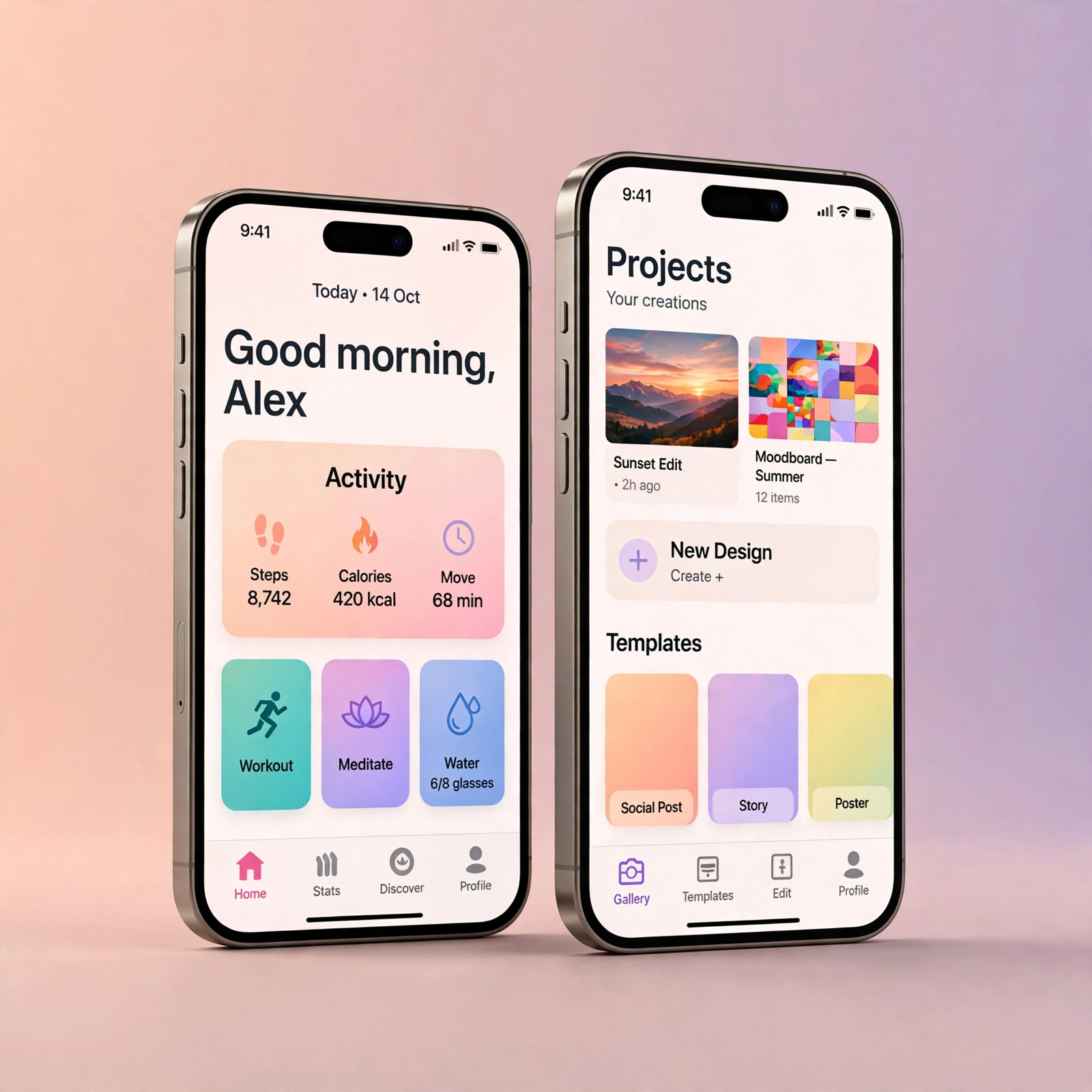
Native iOS apps for iPhone and iPad, built with Swift and SwiftUI, tested on real devices and prepared for App Store submission — so the app feels like it belongs on iOS from the first tap.

Swift & SwiftUINative iOS code
TestFlightReal-device beta testing
App StoreReview-ready submission
iOS App Development by DesignBub
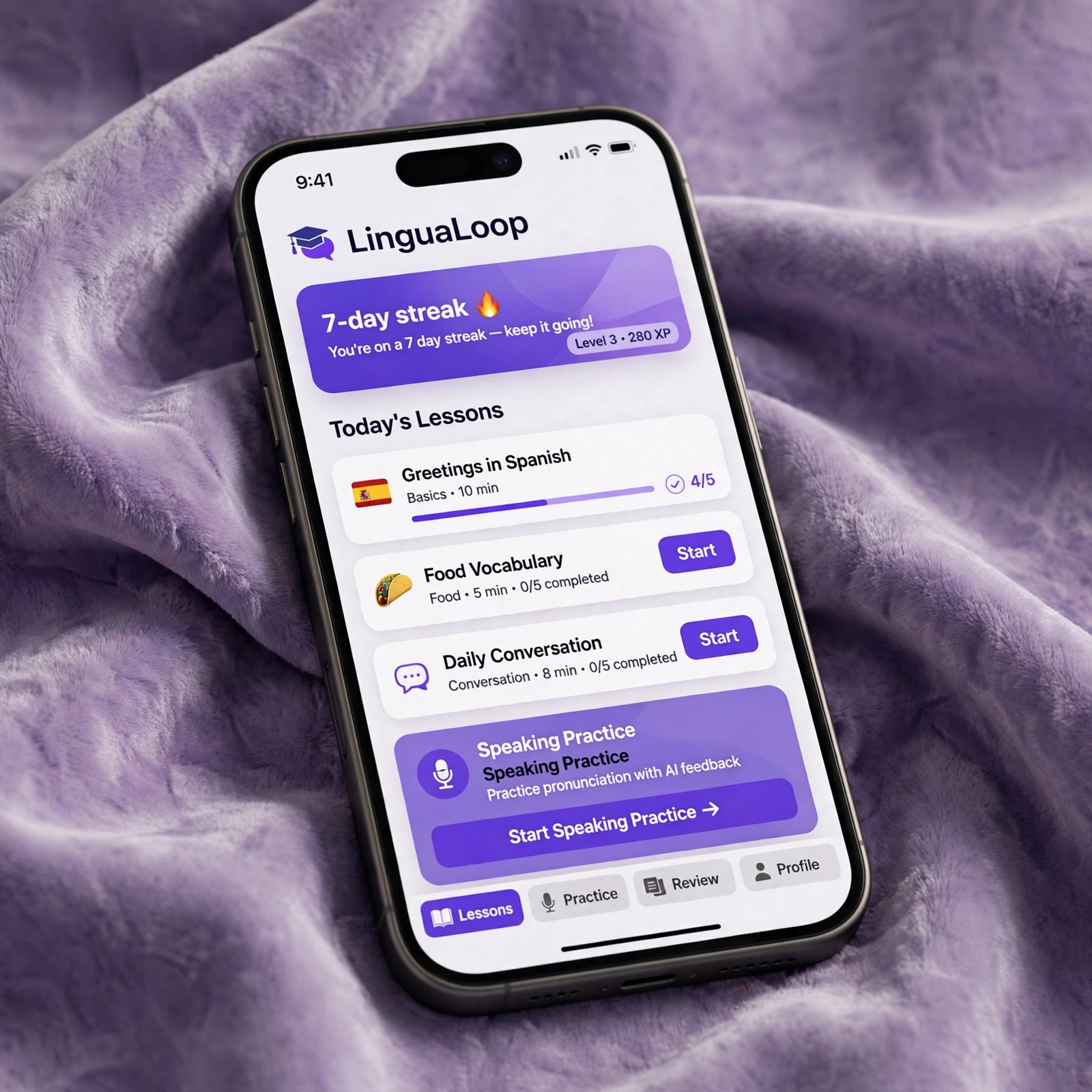
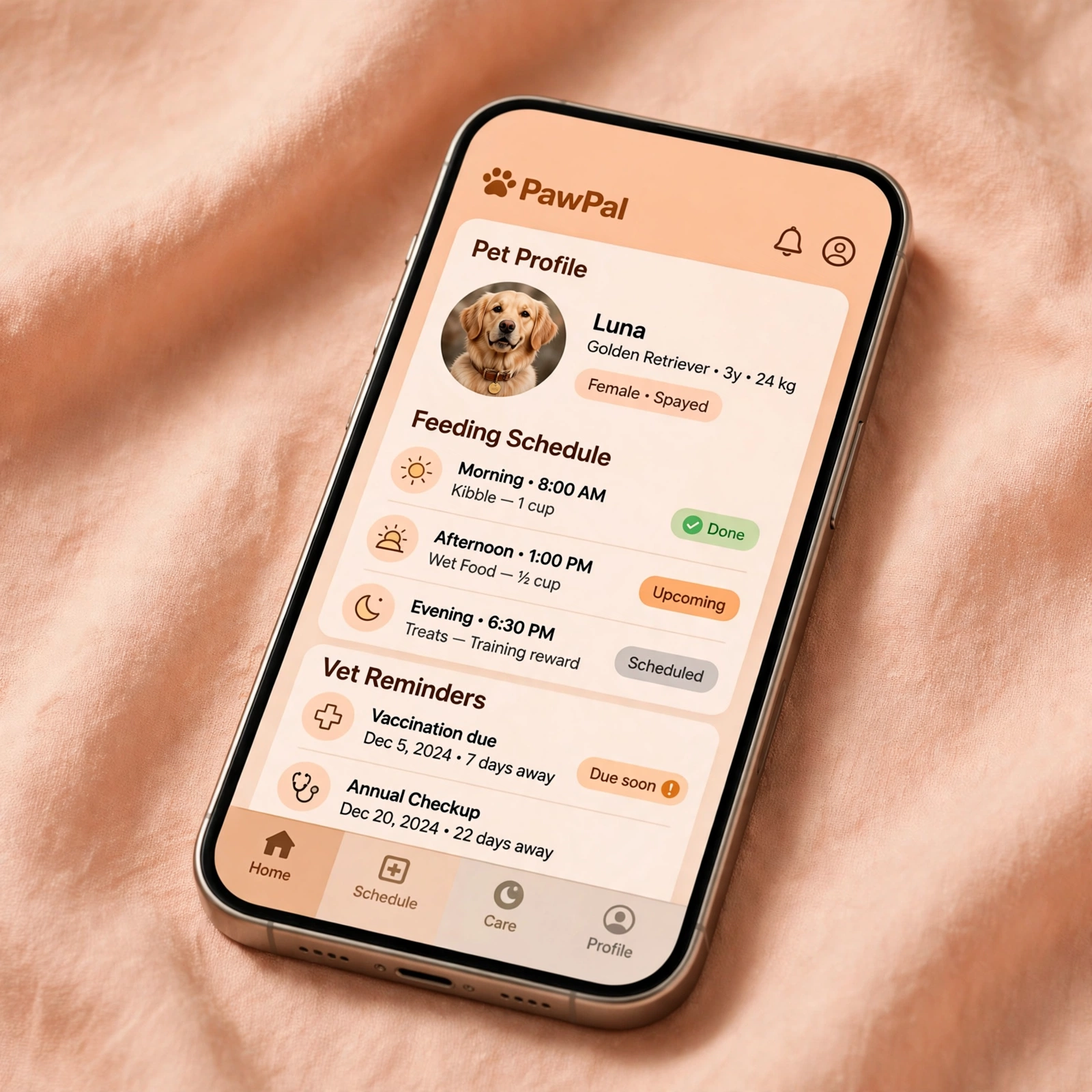
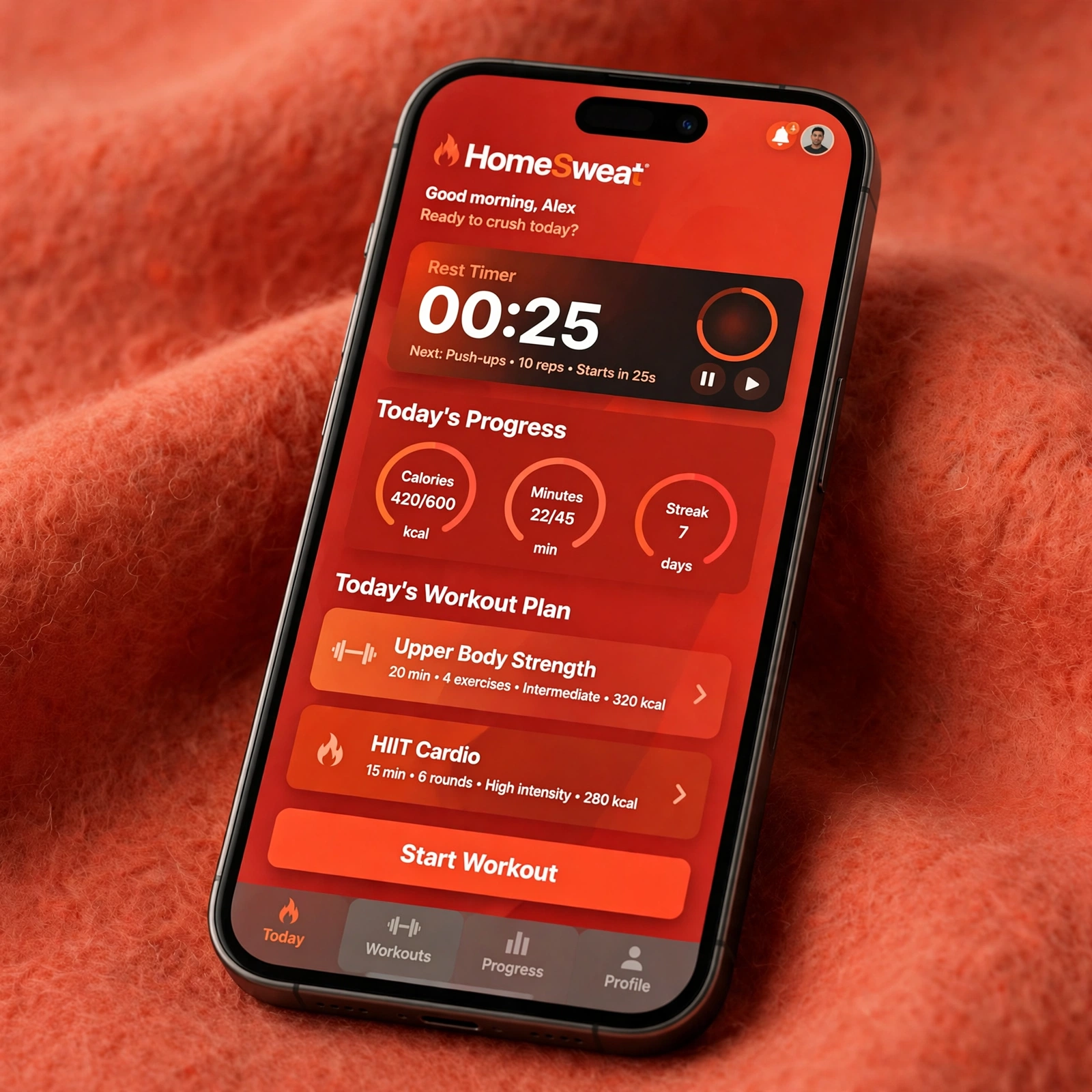
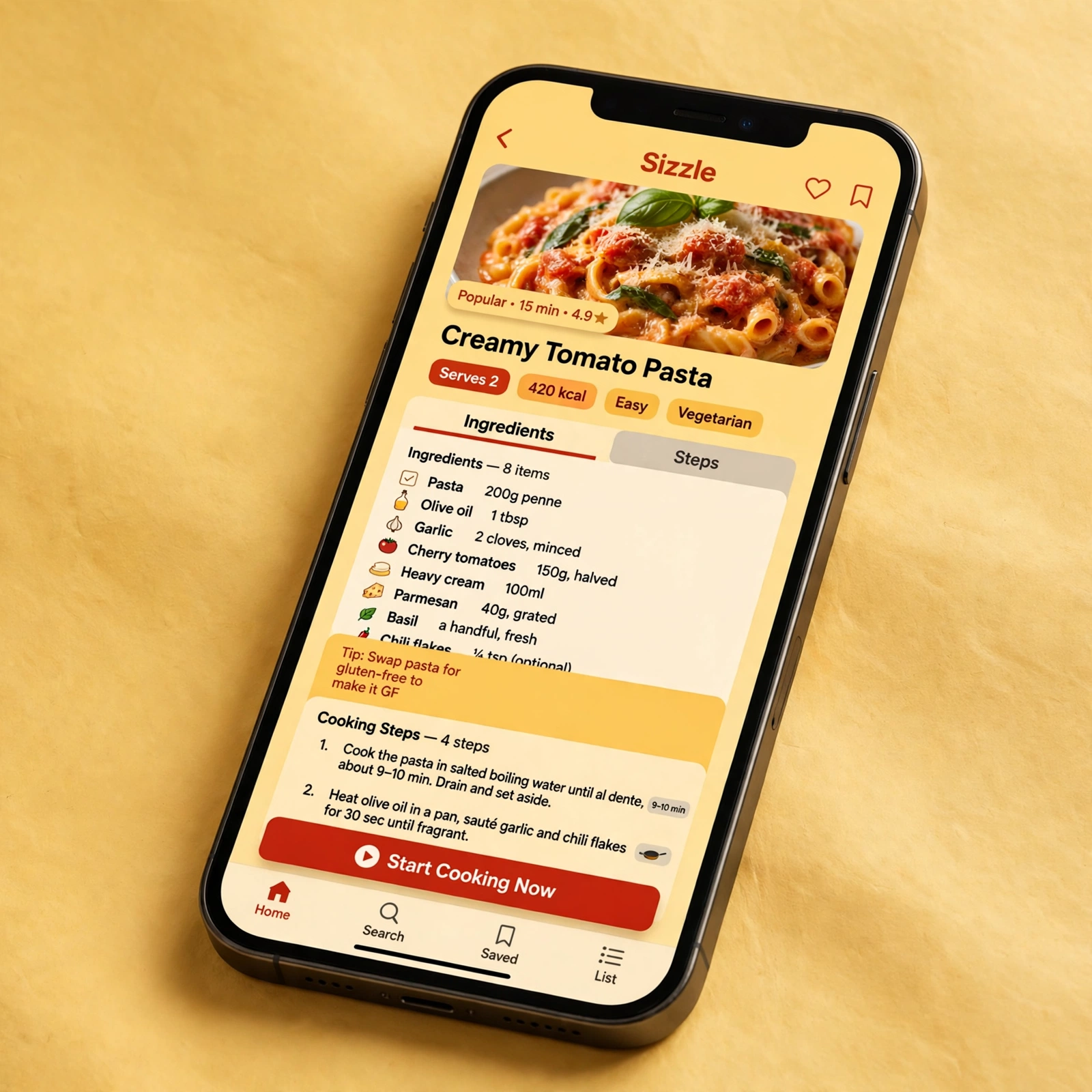
iOS apps project preview
Native iOS Development

Apps built the Apple way — Human Interface Guidelines, native performance and a review-ready submission, not a web page in a wrapper.

Selected Brands & Businesses We Have Designed For
Asset 38 brand logo Asset 4 brand logo Asset 45 brand logo Asset 46 brand logo Asset 47 brand logo Decent Solar logo Dentesthetix logo Gazal Lounge logo GH Landscape logo Asset 38 brand logo Asset 4 brand logo Asset 45 brand logo Asset 46 brand logo Asset 47 brand logo Decent Solar logo Dentesthetix logo Gazal Lounge logo GH Landscape logo
Ghazoor logo Goodluck Trader logo Kingsley logo Lahoris logo MOI logo Naqaa Salt logo Nature Hug logo Netsole logo Ghazoor logo Goodluck Trader logo Kingsley logo Lahoris logo MOI logo Naqaa Salt logo Nature Hug logo Netsole logo
Nexcell Energy logo Roots logo Sheikh logo Shellbee logo Softcore logo Solvac Lifesciences logo Trendex logo Zameenex logo Nexcell Energy logo Roots logo Sheikh logo Shellbee logo Softcore logo Solvac Lifesciences logo Trendex logo Zameenex logo
iOS App Development at a glance

An honest overview of iOS App Development

We do not hand over iOS app and disappear. Once the app is live on the App Store and real iPhone users start tapping through it, the genuine questions arrive — and we stay around to answer them. A launch is the start of the product's life, not the end of ours.

iOS App Development projects fail most often on handover, not on code. So handover is planned in: documentation your team can follow, a walkthrough of the Swift codebase, and a window afterwards when we are still there for questions. The iOS app should feel like yours on day one.

We build iOS App Development in short cycles so you see progress every week. A working app on a real iPhone, with real screens and real data — not a slide deck promising what might arrive next month. If something feels off on a real device, we find out within days, not at the final handover.

We do not copy other iOS app products and change the colours. Your iOS app is designed around your workflow, your users and your business, which is why it looks and behaves differently from anything else out there.

The iOS App Development standard

What success looks like for iOS App Development

We treat your budget for iOS App Development with respect. Every part of the app is costed in the agreed scope, and if an extra integration or App Store requirement would change the price, we flag it before we touch it. An invoice from us should only ever confirm costs you have already agreed to.

The iOS app for busy teams

We keep iOS App Development honest about time. If building the app and getting it through App Store review will take three weeks, we say three weeks. Over-optimistic estimates are how iOS projects run late, and we would rather you trust our word than enjoy a cheerful guess for a day.

A iOS app built without testing is a guess. We test iOS App Development with real people doing real tasks, and we fix what we find. We test on real iPhones and iPads throughout the build — different sizes, different iOS versions — not in a final rush before submission.

How we keep iOS App Development on budget

We review iOS App Development with you at every stage, not just at the end. You see the designs before they are built, the build on a real iPhone before it goes to the App Store, and the store listing before anything is announced. There are no grand unveilings — just steady progress you can try on your own iPhone.

Security and privacy are designed into iOS App Development from the first week, not audited in the last. Access is limited to who needs it, personal data is handled carefully under Apple's rules, and the unglamorous safeguards — backups, logs, updates — are in place before launch, not after a scare.

Why Xcode and TestFlight

A iOS app that works for iPhone and iPad users has to work on a bad connection, on an old phone, in a hurry. We design for the moment someone opens the app one-handed on a train with a weak signal, not for the polished demo where everything goes right. An iOS app proves itself in real life — a commute, a weak signal, an older iPhone — not in a staged walkthrough.

We plan iOS App Development around App Store rating as much as around features. If downloads, sign-ups or repeat use stay flat after a change, we say so plainly rather than dressing the result up. Measuring sign-ups, retention and drop-off honestly is how an iOS app keeps getting better after launch.

Where an App Store rejection over guidelines is caught early

We keep the number of tools in iOS App Development small. Swift, SwiftUI, Xcode — each chosen because it fits this iOS app, each one we can support properly. A long list of tools and services is a long list of things that can break on one iPhone model or another.

We do not disappear after iOS App Development launches. The first month after App Store launch is when the honest feedback arrives, so we plan for it: a review, a list of fixes, and a next release to carry them. An iOS app is never truly finished; it is looked after, updated for new iOS versions, and improved as your users grow.

iOS and Android mobile app development
Measuring crash-free sessions in iOS App Development

The questions that shape iOS App Development

An iOS app is only as good as its data. Before a single screen is drawn, we decide where the app’s data comes from, how it is validated, and what an iPhone user sees when the connection drops or a record is wrong. Rubbish data in means a poor app out, and that is a real project risk, not just a saying.

We test iOS App Development on the devices your users actually own. An old Android phone, a slow office laptop, a tablet in a warehouse — that is the real environment, and the iOS app has to work there.

  • Native Swift code, not a wrapped website
  • Interfaces that follow Apple guidelines
  • TestFlight builds your team can try early
  • App Store review handled for you
React Native mobile application development
iOS App Development in detail

iOS App Development for iPhone and iPad users

We keep iOS App Development projects small enough to steer. We work in short rounds with a build you can try on your own iPhone after each one, so a change your users ask for lands in days rather than months. Trying to launch every feature in one giant App Store release is how iOS budgets disappear without a working app to show for it.

The fastest way to waste money on iOS App Development is to build everything at once. We separate the core — the one journey that must work on an iPhone on day one — from the features that can wait, and we prove the core first. That is how the app stays stable and crash-free without the budget disappearing into nice-to-haves.

  • Tested on real iPhones and iPads
  • Apple Pay and subscriptions done properly
  • Offline support where it matters
  • Source code handed over to you
How TestFlight fits iOS App Development

What is included in iOS App Development

Communication is part of iOS App Development, not a layer on top of it. You get a single named contact, a straightforward plan, and review sessions where your feedback genuinely steers the next build. Surprises are bad in an iOS project; the only welcome one is your app reaching the App Store sooner than expected.

01

Native iOS Development

Swift and SwiftUI apps for iPhone and iPad, built to Apple standards and ready for the App Store.

Native
02

SwiftUI Interfaces

Modern, declarative interfaces that stay smooth on every screen size, from iPhone SE to iPad Pro.

SwiftUI
03

App Store Submission

Listings, screenshots, privacy labels and review preparation handled end to end.

App Store
04

TestFlight Beta Testing

Beta builds for your team and early users, with feedback collected before the public launch.

TestFlight
05

Apple Pay & In-App Purchases

Payments handled the Apple way, with subscriptions, consumables and restore purchases working properly.

Payments
06

Push Notifications

Thoughtful notifications through APNs — timely, relevant and easy to switch off.

Push
07

Core Data & CloudKit

On-device and iCloud storage that keeps user data available offline and in sync.

Data
08

iPad Layouts

Adaptive layouts that make proper use of the larger screen instead of stretching the phone design.

iPad
09

iOS Maintenance

Updates for new iOS versions, device sizes and App Store rule changes after launch.

Support
iOS App Development and an app Apple users trust

Who benefits most from iOS App Development

We document iOS App Development as we go, not at the end when everyone has forgotten the details. Every decision, trade-off and setup step is noted down while it is fresh, so whoever works on the app next never has to guess. The people who look after the app next will be glad it was written down.

Data is the quiet part of iOS App Development. Where the app's data comes from, how it is checked, and who can see it — we settle those rules early, write them down, and test them on real devices. A iOS app built on messy data will stay messy.

iOS App Development for iPhone and iPad users

A iOS app is a promise to its users: it will be there, it will work, and it will keep their data safe. We take that promise seriously in iOS App Development, which is why the boring parts — backups, monitoring, updates — are set up from day one.

What looks simple in an iOS app is usually the hardest part to get right: the empty state, the error message, the moment something goes wrong. A first launch, a failed sign-in, a payment that does not go through — we shape those small moments with care, because that is when people decide whether to trust your app.

Getting iOS App Development right

The difference between iOS app and a quick fix

The interface of iOS app should make the right action obvious and the wrong action hard. We think carefully about defaults, confirmations and destructive actions in iOS App Development, because a misclick should never be a disaster.

We bring iPhone and iPad users into the design of iOS App Development early. A short conversation with someone who will actually use the app on their iPhone is worth more than a month of guessing, and it usually changes the plan for the better.

How we measure crash-free sessions

The difference between an iOS app that works and one that merely exists is usually the second pass. Once the first working build is on real iPhones, we watch where people hesitate — a confusing step, a button too close to the edge — and fix those spots. It is unglamorous work, but it is what keeps an app on somebody’s iPhone instead of being deleted.

Good iOS App Development is mostly invisible. Screens stay uncluttered, steps stay short, and nothing asks for attention unless the user truly needs to do something. When an iOS app works well, people barely notice it — they notice it only when it crashes or a screen will not load.

Where poor performance on older iPhones is handled

Where iOS App Development earns its place

A good iOS app respects the user's time. Screens load quickly even on a weak connection, forms ask for only what is needed, and the next step is always obvious on an iPhone. We strip taps out of signing up or checking out, because every extra tap on an iPhone is a chance to lose someone.

Ecommerce Apps

Product browsing, search, cart and Apple Pay checkout, with order history and account management.

Fitness Apps

Workouts, goals, HealthKit data and streaks, designed for daily use on iPhone and Apple Watch.

Finance Apps

Accounts, transfers, budgets and alerts, with Face ID and the security iOS users expect.

Booking Apps

Appointments and reservations with calendar integration, reminders and rescheduling.

Learning Apps

Lessons, progress and offline content for students learning on iPhone and iPad.

Health Apps

Symptom tracking, reminders and HealthKit sync, with privacy handled carefully.

Travel Apps

Trips, stays and itineraries with offline access for the journey itself.

Productivity Apps

Tasks, notes and team workflows that work offline and sync through iCloud.

The way we do iOS App Development

The decisions behind iOS App Development

We price iOS App Development on scope, and we agree the scope with you before work starts. If extra screens or another integration need adding halfway through, we agree what it costs before anyone builds them. A bill nobody saw coming helps no one, and it certainly does not help a business trying to plan its budget.

Support for iOS App Development does not end at launch. We offer ongoing help — fixes, small changes, the next release — because a iOS app that is never updated quietly becomes a risk.

Avoiding poor performance on older iPhones

One of the quiet risks in iOS App Development is an App Store rejection over guidelines. We design for slow connections, small screens and older iPhones from the start, because fixing those after launch costs far more than preventing them. Small decisions early — in structure, in access, in data — are what keep an iOS app reliable.

SwiftUI for the front end

Xcode is where most of the visible work happens, and TestFlight is where the decisions get made. We keep the app's logic and its SwiftUI screens close together, so a change to a workflow reaches the screen straight away instead of taking a week. That closeness is what makes iOS App Development feel responsive instead of rigid.

iOS App Development for iPhone and iPad users

What happens at each stage of iOS App Development

App Store Connect keeps the data behind iOS App Development honest. It is not the showy part of an iOS project, but it decides whether your figures are true and your users' details stay safe.

01

Discovery

We review who the app is for, what it must do on iPhone and iPad, and which Apple frameworks fit.

02

Feature Scope

Core iOS features and first-release priorities are separated from later roadmap ideas.

03

User Flows

Key journeys are mapped against iOS patterns — navigation, sheets, alerts and settings.

04

UI & Prototype

SwiftUI interfaces are designed and prototyped, then reviewed on real iPhones.

05

Architecture

Data, networking, storage and Apple services are planned around the approved scope.

06

Development

The app is built in Swift with reviewable TestFlight builds at each stage.

07

Testing

Device testing, permissions, offline behaviour and App Store guideline checks come before launch.

08

Launch

The listing, screenshots and review notes are prepared and the build is submitted.

09

Improve

Ratings, crash reports and usage decide what the next iOS release should contain.

How onboarding completion is measured

Xcode handles the front of the iOS app, TestFlight the back, and App Store Connect keeps the data honest. Each has a job, and each is chosen because it fits this particular iOS app, not because it is fashionable this year. For an app that must run reliably on iPhones old and new, proven Apple technology is usually the right call.

The first version of iOS app is deliberately small. The first release handles the core job well — one clear journey, working on iPhone and iPad — and gives us real usage to learn from. What comes next is chosen from real iPhone usage, not from a wish list written before anyone had tried the app.

What makes iOS app reliable

We write documentation for iOS App Development that a new team member can actually follow. Setup, data, deployments, common tasks — all written down, because an iOS app that only one person understands is a risk to your business.

We plan the data model for iOS App Development before the screens, because the screens are easy to change and the data model is not. Getting the data structure right before building saves months of untangling records later.

The iOS app after the first month

We choose SwiftUI for iOS App Development because it fits this iOS app, not because it is popular this year. We choose technology on evidence — what the app needs, what your team can maintain, what Apple will still support in three years.

The cost of iOS App Development is decided by scope, not by hourly mystery. Before we build, we agree the screens, the features, the price and the stages, so nothing unexpected appears halfway through. If extra screens or another integration are requested later, we agree the cost first instead of letting it surface on an invoice.

How Xcode fits this iOS app

crash-free sessions is the number we watch most closely on iOS App Development projects, because it tells us whether the iOS app is actually being used. A lovely app that nobody opens has failed, no matter how polished its screens are.

We build iOS App Development so that a smooth App Store review is not a hope but a result you can check. We agree the goal up front, track it as the app takes shape, and review it honestly once it is live on the App Store. That is how a project becomes a product.

iOS App Development that delivers a smooth App Store review

How iOS App Development works in practice

We have seen iOS App Development projects go wrong in the same few ways, and poor performance on older iPhones is near the top of the list. We catch problems early: a review of the plan before coding, a check on real devices mid-build, and a full test on iPhone and iPad before App Store submission.

We would rather tell you that iOS App Development is not the right move than sell you something you do not need. If a simple mobile website or an off-the-shelf app would do the job, we will tell you before you pay for a custom iOS build. Clients return to us because we would sooner turn a project down than sell an iPhone app nobody needs.

The sign-off for iOS App Development is not a meeting; it is your team using the iOS app without us in the room. When your users can do what they came for with it, the project is done. Until then, it is not done — however polished it appears.

Your iOS app, explained

The decisions we make for you in iOS App Development

A iOS app that is hard to change is a iOS app that will be replaced. We build iOS App Development so that new fields, new steps and new reports are small changes, not projects. Your business will change — new services, new offers, new ways of serving customers — and the app should bend with it rather than hold you back.

The work of iOS App Development is rarely glamorous: data checks, edge cases, error states, permissions. But that is the work that decides whether users trust the iOS app. We spend time on it because once users stop trusting an app, winning that trust back is slow, hard work.

The iOS app we build for iPhone and iPad users has to work for the least technical person who will use it. If the least technical person using the app can finish the task unaided, everyone else will find it easy. That is the standard we test against, and it is stricter than it sounds.

iOS App Development overview

How iOS App Development stays useful over time

Your team will live with this iOS app every day, so their opinion matters more than ours. We involve them in iOS App Development from the start — in reviews, in testing, in the small decisions that add up to a tool they actually like using.

an app Apple users trust is the outcome we design iOS App Development around. The screens, the features, the integrations — all of it only matters if it helps your users do what they came for. If a requested feature does not help someone do that, we ask whether it earns its place.

The everyday work of iOS App Development

The iOS app we deliver is tested, documented and deployable. It is no tappable mock-up masquerading as a finished app. It is a working iOS app, ready for real people to download from the App Store.

Why iOS App Development starts with questions

An iOS app that nobody can operate is a liability, not an asset. We give the admin side the same attention as the app your customers see, so your team can update content, manage users and check what is happening without waiting on a developer. Handing the app over properly — App Store account, code, docs, a walkthrough — is built into the project from the start, not squeezed in at the end.

The iOS app that grows with you

We do not invent features for iOS apps to fill a page. Every feature we suggest answers something your users actually do on their iPhones, and we can name that task. If a feature does not serve something a real iPhone user does, it stays out of the build.

How Swift keeps iOS App Development honest

We start iOS App Development by watching the current process, not by reading a brief about it. The brief describes how people think they use their iPhones; watching them shows the one-handed scrolling, the interrupted sessions and the shortcuts they actually take. That gap is usually where the real iPhone requirements are hiding.

Inside iOS App Development

The tangible results of iOS App Development

Where iOS App Development starts

The second release of iOS app is where iOS App Development starts to pay. The first release proves people want the app; the second release fixes what real use on real iPhones revealed. We plan for that second release from the start, so it is a small App Store update, not a rebuild.

Your audience is iPhone and iPad users, and they will judge the iOS app in the first minute. If the first thing someone does feels straightforward, they keep the app; if it bewilders them, they remove it without a word. So we test that first task on real iPhones before we polish anything else.

How iOS App Development stays maintainable

Your users do not care about App Store Connect or Core Data. They care whether the iOS app lets them finish their task and move on with their day. We keep that in mind every time a technical decision comes up: the people using the app matter more than the technology.

The best iOS App Development projects have a small team and a clear decision-maker on your side. Decisions get made in hours, not weeks, and the iOS app moves forward. We will tell you plainly if slow sign-offs are holding the app back.

Product Discovery
iOS User Flows
SwiftUI Design
TestFlight Builds
App Store Listing
Apple Pay Setup
Push Notifications
Core Data & CloudKit
iPad Layouts
Review Support
Source Code
Launch Checklist
App Development Pricing

Starting packages for MVPs and custom mobile apps.

These USD packages are a practical starting point for your iPhone app. We confirm the final price once we have reviewed your features, user roles, integrations and technical requirements.

MVP Starter

Focused First Release

$1,499starting at

For a focused first iPhone app — one clear journey, done properly.

  • iOS and Android build from a single codebase
  • Up to 8 core screens
  • A single primary user role
  • iPhone UI and experience design
  • Basic sign-in, backed by a simple backend
  • A single third-party integration
  • Testing plus App Store submission support
Choose MVP Starter →
Advanced Build

Custom App Platform

$6,999starting at

For multi-role iPhone apps, marketplaces and products with more demanding business logic.

  • iOS and Android application built together
  • Up to 30 core screens
  • Multiple roles with permissions
  • Tailored backend and admin system
  • Five third-party integrations at most
  • More advanced workflows and notifications
  • QA, launch help and a technical handover
Discuss Custom Platform →

Prices are starting design and development fees in USD. Your App Store or Google Play accounts, hosting, paid APIs, third-party subscriptions, payment-provider fees, licensed assets and ongoing maintenance are separate unless your quotation specifically includes them. Complex marketplaces, real-time systems, AI-heavy products or extra features are quoted after a technical review.

Core Data and Swift in iOS App Development

What good iOS app changes for your team

We keep the iOS app fast. A slow screen on an iPhone loses people fast, and no amount of polish makes up for an app that keeps them waiting. Performance is planned into iOS App Development from the first week, not bolted on at the end.

Every iOS app we build starts with the people who will use it. We map what your iPhone users are trying to achieve, what annoys them, and the workarounds they have already built for themselves, because that is where the genuine requirements live. The result is iOS apps shaped by actual work, not by a feature list copied from a competitor.

The scope of iOS App Development is written down and agreed before we start. It spells out which screens, features and integrations are included, which are not, and what happens if you ask for more. That written scope protects your budget and our build in equal measure, and we treat it as a proper agreement.

Why iOS App Development

Before you begin: iOS App Development questions answered

The teams that get the most from iOS App Development are the ones that stay involved. We show you working software early and often — on a real iPhone — because feedback on a real app is worth more than a month of meetings about an imagined one. What you say when you try it on your own phone shapes what we build next.

A native app can use the camera, notifications, Apple Pay, HealthKit and offline storage properly, and it feels faster because it is built for the device. If your users live on iPhone, native is usually the better experience — though we will say so honestly if a web app would do.

We build against the App Store Review Guidelines from the start: privacy labels, account deletion where required, clear permissions and a clean submission. We prepare the listing, screenshots and review notes, and we handle the back-and-forth if Apple asks questions.

Yes. We test on real devices through TestFlight, not only the simulator — different screen sizes, older models, poor connections and real-world conditions like low battery mode. Your team can join the TestFlight build too.

Yes, where it makes sense. Many business and productivity apps are used on iPad, so we design layouts that adapt properly instead of stretching the phone screen. If iPad is not needed, we say so and keep the scope tight.

We check the app against new iOS releases and update what needs updating — new permission prompts, design changes, deprecated APIs. Maintenance can be arranged monthly or booked when a new version lands.

Build an iPhone app your users will actually love.

An iOS app succeeds when it respects how iPhone users already work — clear navigation, honest permissions and speed. Tell us what the app should do and we will plan the shortest honest route to the App Store.

WhatsApp DesignBubChat with us now