Website Maintenance
Your website needs looking after long after launch day. DesignBub takes care of the routine work — updates, backups, security checks, small fixes and content changes — so the site stays online, accurate and ready for the next visitor.

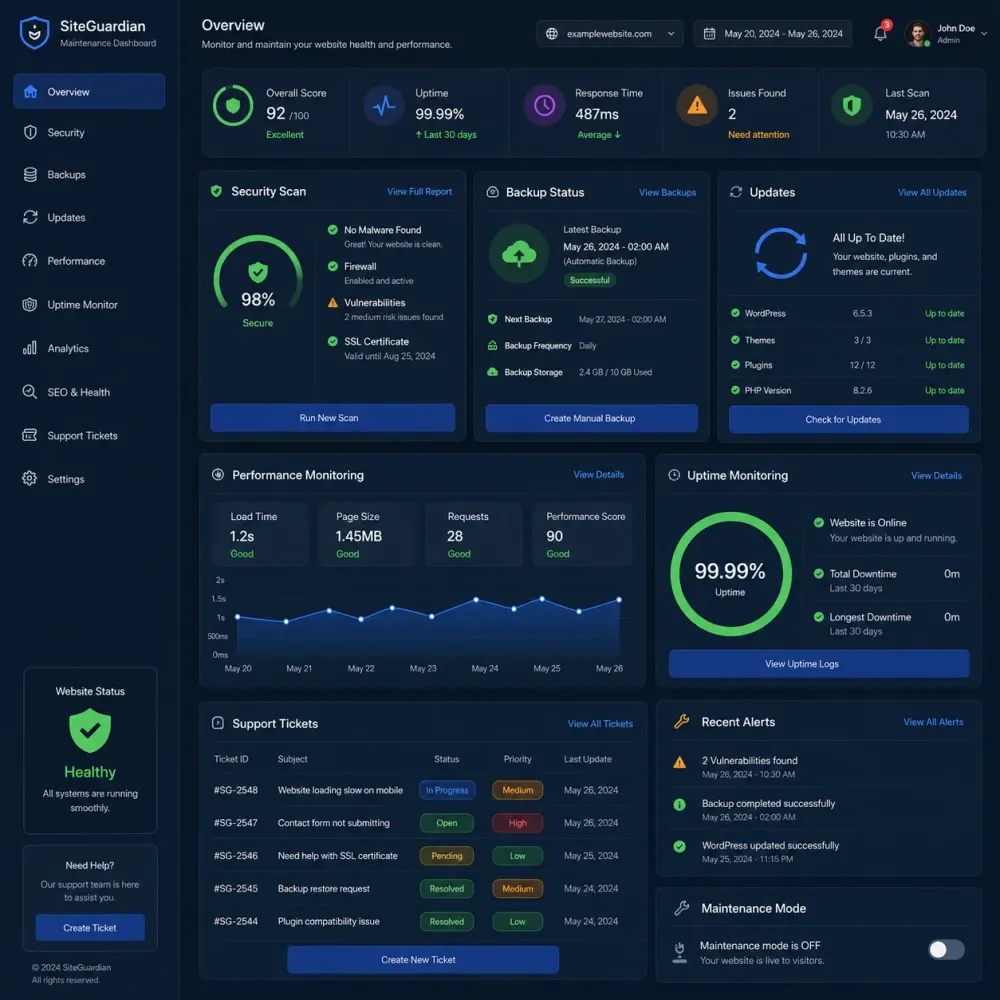
A care plan for the site you already rely on, with every change logged and checked.


























A care plan that keeps your website healthy month after month
Think of maintenance as the regular servicing your website needs to stay dependable. Each month we work through a set list: the platform and plugins are brought up to date, backups are confirmed, forms and links are tested, and anything that looks tired or out of date is noted for you.
- Platform, plugin and theme health review
- Backup availability and restore readiness check
- Uptime, form and security monitoring routine
- A clear route for content updates and support requests

WordPress care, handled without the guesswork
WordPress sites change quietly — a plugin update here, a theme change there — and small conflicts can build up unnoticed. We test updates before and after they are applied, keep a record of what changed, and separate everyday upkeep from bigger improvements that deserve their own project.
- Careful CMS, plugin and theme updates
- Text, image and layout refreshes
- Bug fixes, form testing and broken-link tidy-ups
- A plain-English monthly note on site health
Six kinds of upkeep, one tidy monthly routine
A maintenance plan is only useful if you know what it covers. Ours is built around the jobs that keep a business website running day to day — the small, repeatable tasks that are easy to postpone and expensive to ignore.
Routine Updates
We apply content, plugin, theme and CMS updates in a careful order, checking the site as we go.
Upkeep 02Small Repairs
We sort out layout glitches, dead links, form errors and other front-end niggles before your visitors trip over them.
Repairs 03Backup Confidence
We confirm that recent backups exist and could actually be used, so a bad update never leaves you stranded.
Safety net 04Security Basics
We look for the usual weak spots — out-of-date software, unguarded forms and plugins that should have been retired.
Protection 05Content Support
We refresh wording, swap images, update service sections and keep banners and landing pages current.
Edits 06Monthly Site Notes
Each month you get a short, practical note on how the site is doing and what deserves attention next.
ReportingWhy steady upkeep beats emergency repairs
Left alone, a website slowly drifts: plugins fall behind, a form stops sending, a page goes stale. A regular routine catches those small slips while they are still cheap to fix, instead of letting them pile up into an urgent, expensive problem.
Updates Without the Worry
Platform, theme and plugin updates are applied with checks, rather than leaving the site years out of date.
Backups You Can Rely On
Recoverable copies are kept before important changes, so one failed update never becomes the only version.
Forms and Links That Work
We spot broken enquiry forms, dead links and visible front-end faults that could quietly turn visitors away.
A Tidy Site, Month by Month
Unneeded clutter is cleared, security basics are reviewed and settings are kept in step with what the business needs now.
How a month of maintenance runs, step by step
First Look
We map the platform, hosting, key plugins and the pages or functions the business cannot do without.
Plan the Safety Net
We agree how backups and updates should be handled, given the site’s risks and whether staging is available.
Carry Out the Work
We apply the agreed updates, content changes and technical housekeeping inside the maintenance scope.
Check Everything Still Works
We test the important pages, forms, navigation and responsive layouts after every change.
Write It All Down
We log what was done and flag anything bigger that needs a separate development or redesign project.
What you receive from a maintenance plan
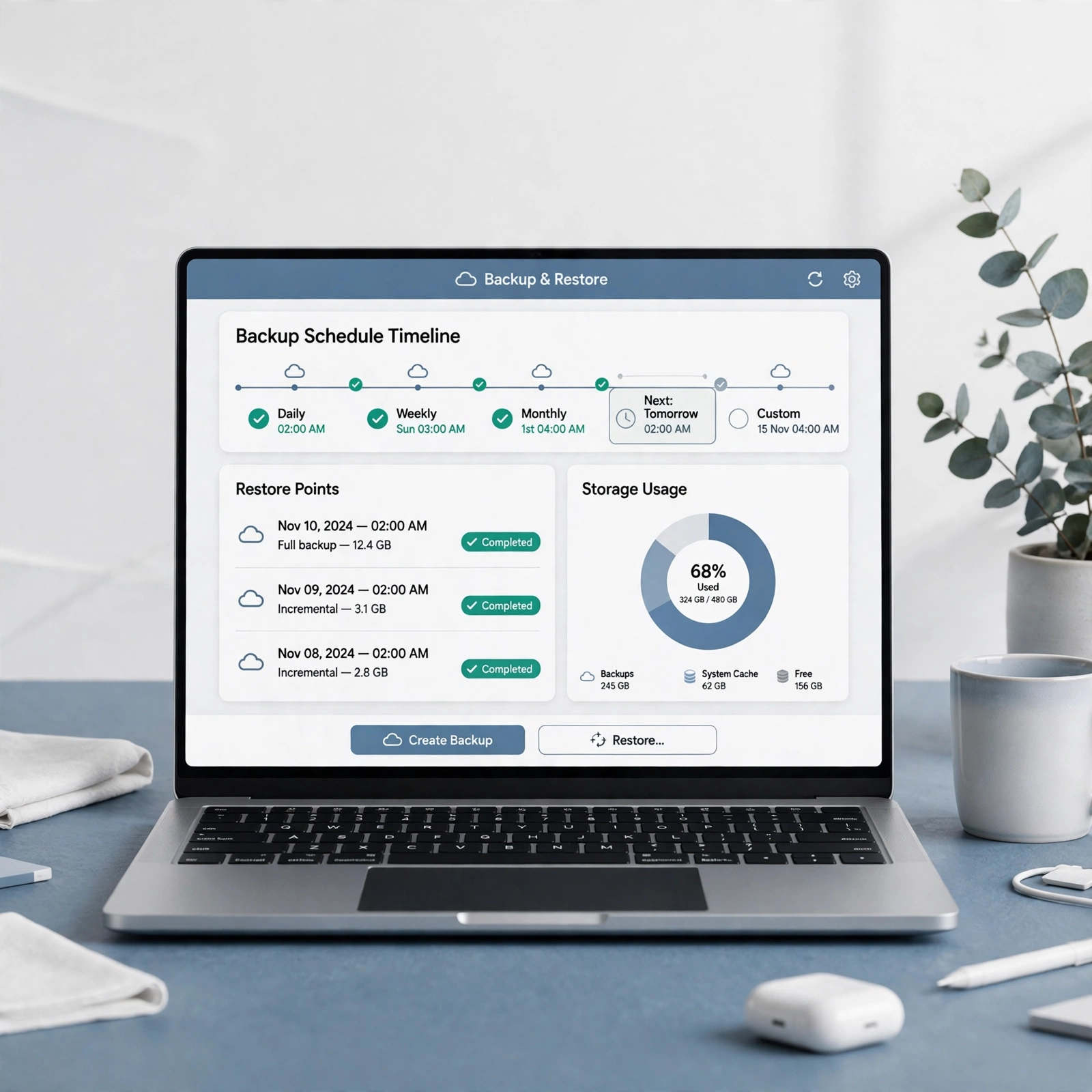
Care dashboards that make site health easy to see at a glance
A look at the monitoring panels, reports and logs behind a tidy maintenance routine — built around the SiteCare dashboard.





Maintenance questions, answered plainly
Straight answers about what a care plan covers, what it asks of you, and where its limits sit.
Day-to-day upkeep: routine platform and plugin updates, backup checks, form and link testing, minor content changes, security basics and a monthly note on site health. Anything larger, such as a redesign or a new feature, is quoted as its own project.
Yes. We start by reviewing the theme, plugins, hosting and any custom code, so we know what is safe to update and what needs a gentler touch before we change anything.
Yes, and any honest provider will say so. Maintenance lowers the avoidable risks and makes recovery far quicker, but hosting outages, new vulnerabilities and targeted attacks can still happen.
Yes, small edits to text, images and sections are part of the plan, depending on the package and your CMS. New pages, campaigns and larger builds are scoped separately.
Your website and hosting details, a list of the functions that matter most, what you know about current backups, and access that matches the maintenance tasks we have agreed.
Give your website the steady care it quietly needs
Hand the routine to us and stop worrying about updates, backups and broken forms. Tell us about your site and we will set up a care plan that fits how your business actually uses it.