n8n Automation

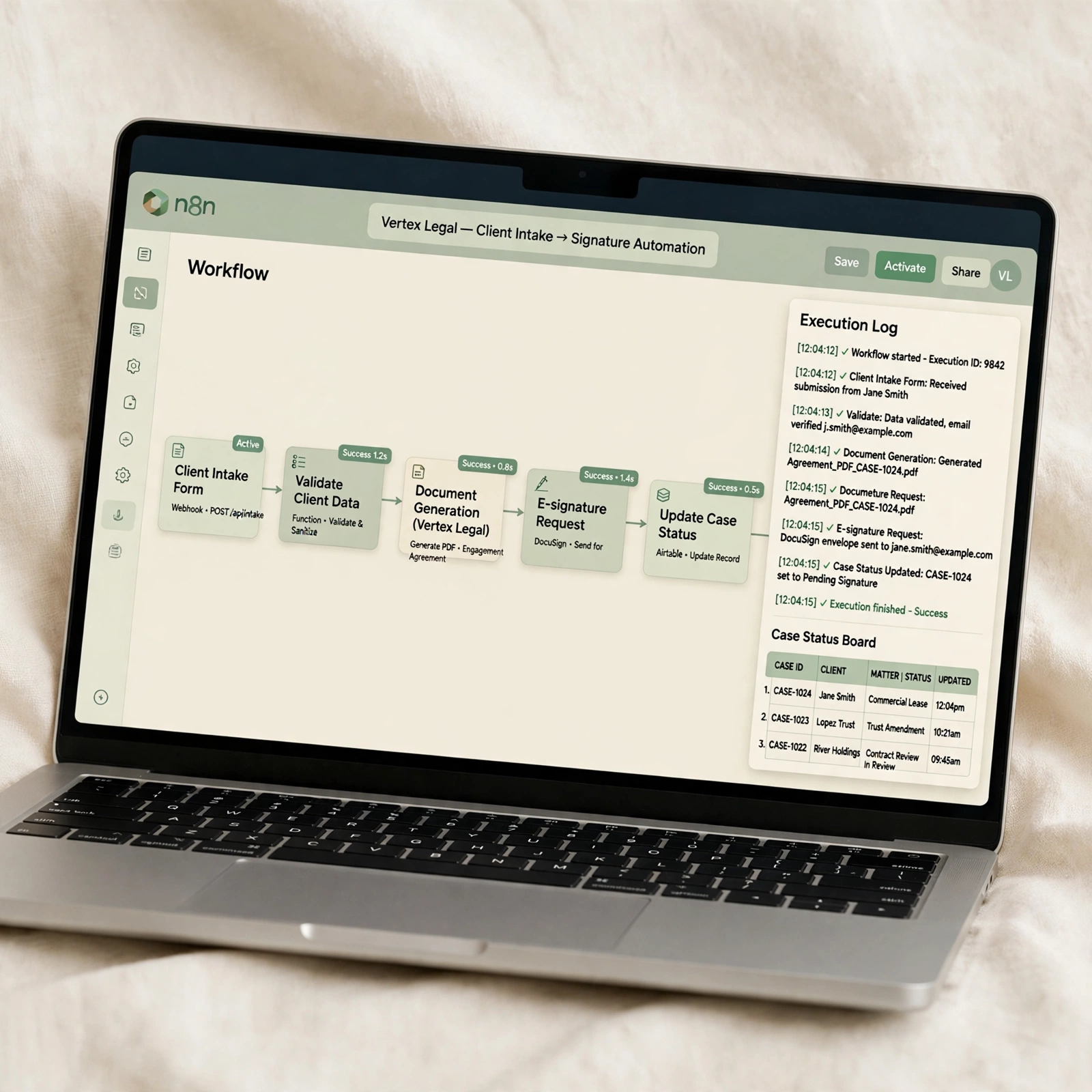
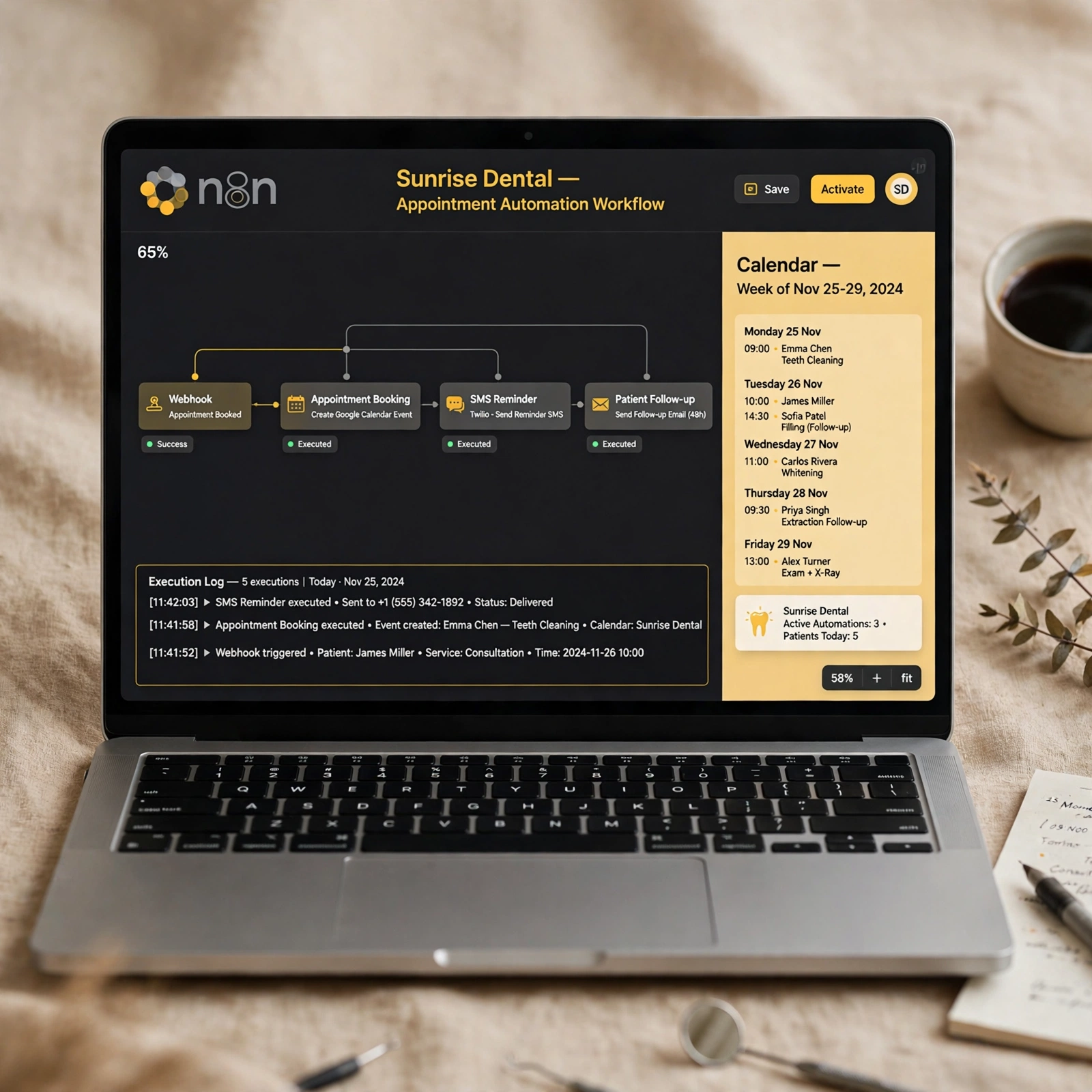
DesignBub provides n8n automation services for businesses that spend too much time copying information, checking several tools, routing requests or repeating the same operational steps. We map the process first, then build the workflow with clear logic, realistic testing, visible error handling and documentation your team can actually read.

MapUnderstand the Process
ConnectApps, APIs & Data
MonitorErrors & Handoffs
n8n workflow automation
n8n integration and automation workflow
Process → Logic → Handoff

Automation planned around the real work — not around how many nodes can fit on a canvas.

Selected Brands in Our Portfolio
Asset 38 brand logo Asset 4 brand logo Asset 45 brand logo Asset 46 brand logo Asset 47 brand logo Decent Solar logo Dentesthetix logo Gazal Lounge logo GH Landscape logo Asset 38 brand logo Asset 4 brand logo Asset 45 brand logo Asset 46 brand logo Asset 47 brand logo Decent Solar logo Dentesthetix logo Gazal Lounge logo GH Landscape logo
Ghazoor logo Goodluck Trader logo Kingsley logo Lahoris logo MOI logo Naqaa Salt logo Nature Hug logo Netsole logo Ghazoor logo Goodluck Trader logo Kingsley logo Lahoris logo MOI logo Naqaa Salt logo Nature Hug logo Netsole logo
Nexcell Energy logo Roots logo Sheikh logo Shellbee logo Softcore logo Solvac Lifesciences logo Trendex logo Zameenex logo Nexcell Energy logo Roots logo Sheikh logo Shellbee logo Softcore logo Solvac Lifesciences logo Trendex logo Zameenex logo
n8n Automation Services

Start with the repetitive work. The tool choice comes second.

A business usually does not need automation because a new tool has become popular. It needs automation because someone is doing the same transfer, check, reminder or update again and again. A website lead is copied into a CRM. A sales manager looks through several inboxes before assigning an enquiry. A finance person downloads an attachment, renames it and adds values to a sheet. Support staff move customer information from one system into another before they can answer a simple question.

Those steps may be small, but repetition adds friction. Our n8n automation services are designed around that friction. We identify the trigger, the information involved, the systems that need to talk to each other, the decisions that can be handled by rules and the points where a person still needs to stay in control.

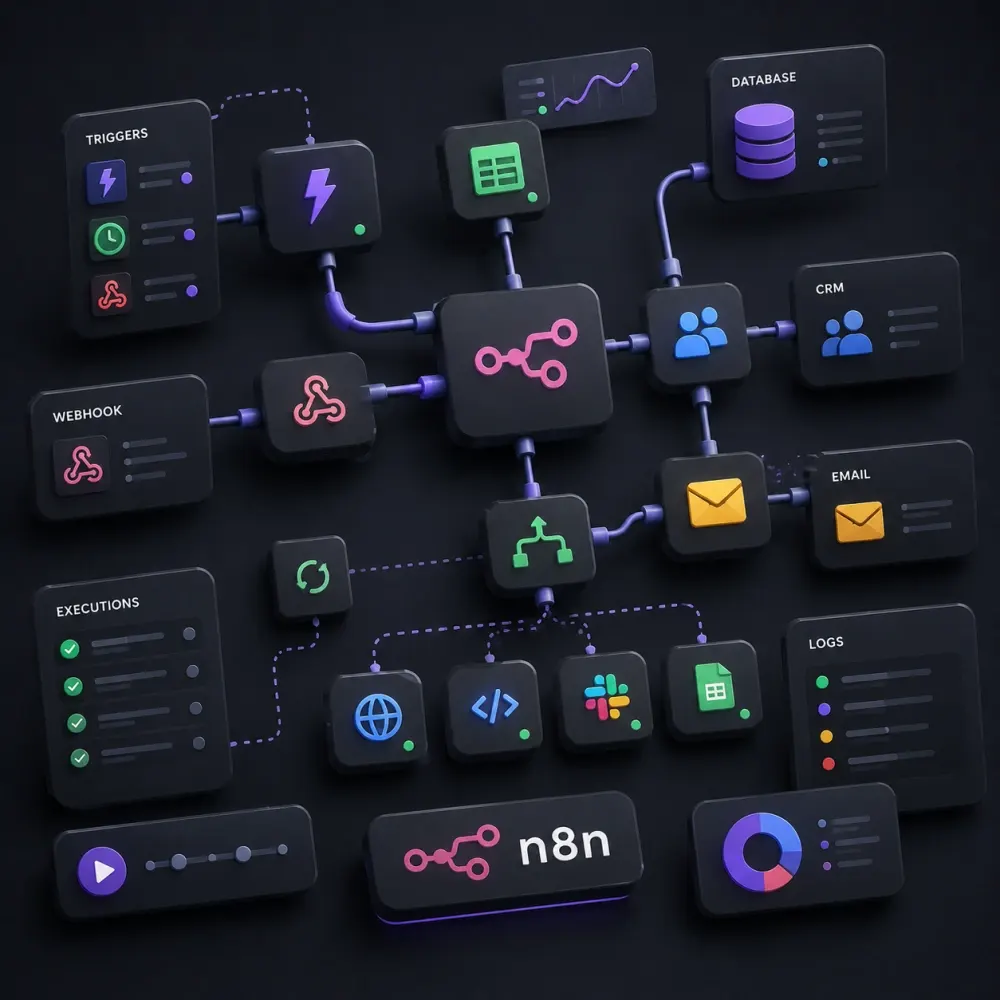
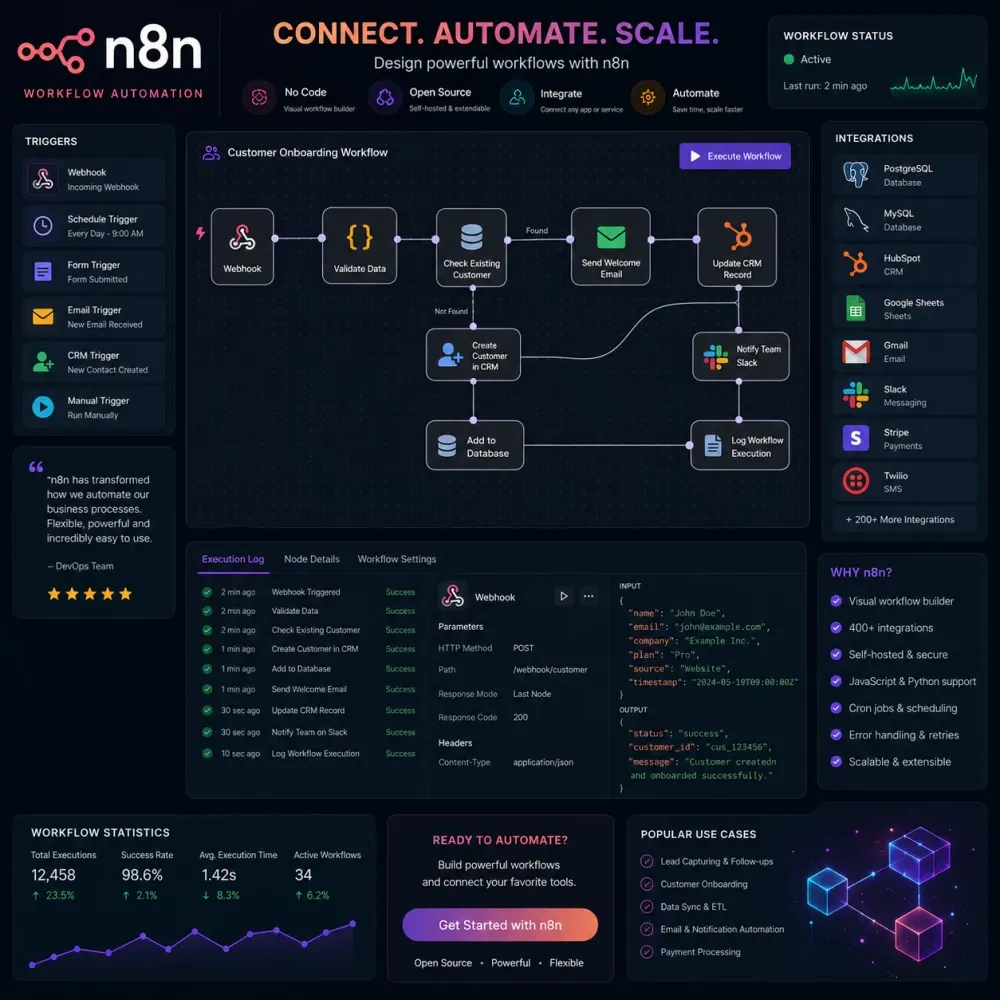
n8n is useful because a workflow can combine visual logic, application integrations, webhooks, HTTP requests, databases, code and AI-related components inside one automation environment. That flexibility is valuable when a process needs more than a single trigger and one action — and it is exactly why the workflow should be designed carefully, so it stays understandable long after the first version goes live.

Workflow Design

Mirror the process people actually follow.

The most useful automation usually begins with a simple observation: how does the work actually happen today? A workflow that mirrors the real process — with its checks, its exceptions and its handoffs — is one your team will trust.

A simple flow might receive a form submission, notify the right person, create a CRM record and set a follow-up. The value is not in the cleverness of the nodes; it is in the fact that the same thing happens correctly every time.

We avoid hiding unrelated steps inside one enormous workflow. A canvas that nobody can read is a workflow nobody can maintain — so we split, label and document as we build.

Business Process Automation

Coordinate the work — without removing every human decision.

Business processes contain exceptions. A new customer, an unusual request, a missing field — these are not edge cases, they are Tuesday. Good automation plans for them.

We separate predictable actions from judgement. Predictable steps run automatically; judgement stays with a person, with the context attached so the decision is quick.

This approach is especially useful for onboarding, approvals and support, where the cost of a wrong automatic decision is higher than the cost of a short human check.

Integrations

Connect systems that were never designed to talk.

Many businesses already have the right tools. The problem is that those tools were never designed to work together, so people become the integration layer — copying, pasting and retyping between systems.

We can connect suitable systems using n8n’s native integrations, webhooks and HTTP requests, so information moves on its own and people stop being the middleware.

Two-way synchronisation needs extra care. If the same record can change in two places, the workflow must decide which change wins, what happens on conflict, and how your team finds out.

Custom APIs

APIs first: check what the platform really allows.

An API can make a custom system automatable even when no off-the-shelf integration exists. But the details matter: authentication, rate limits, pagination, error responses and what the API simply does not expose.

The technical details matter. Authentication can expire, endpoints can change, and a workflow that worked on day one can quietly stop working on day ninety if nobody is watching it.

We review the available documentation and build against what the platform actually supports — not what a marketing page implies it supports.

Real-Time Events

Webhooks: react the moment something happens.

Webhooks are useful when an application can send an event the moment it happens: a new order, a payment, a form submission, a status change. The workflow reacts immediately instead of polling every few minutes.

A webhook endpoint should still be treated as an untrusted input. We verify signatures where the platform supports them, validate the payload, and reject anything that does not match the expected shape.

Duplicate events also need attention. Some platforms retry deliveries, and a workflow that creates two records for one event is worse than a slow one. We design for idempotency from the start.

CRM & Sales

Leads that reach the right person, first time.

An n8n CRM automation can collect leads from forms, chat, ads and email, then clean, categorise and route them — so a real enquiry reaches the right person while it is still warm.

A simple routing rule may look at service interest, location or budget and assign accordingly. More complex cases can use AI-assisted qualification to read a free-form message and extract what matters.

Lead qualification can also include AI-assisted steps: summarising the enquiry, scoring it against your criteria, and preparing the context your salesperson needs before the first call.

Email & Messaging

Email and WhatsApp with routing rules, not just auto-replies.

Inbox workflows can classify messages, extract the important details and route each one to the right queue — sales, support, billing — instead of leaving everything in one shared inbox.

A shared inbox might receive sales enquiries, billing questions and complaints in the same hour. Classification and routing mean each message reaches the person who can actually resolve it.

WhatsApp automation with n8n is possible when the provider and official access requirements are in place. Templates, opt-ins and messaging rules are respected, because the platform enforces them whether you plan for them or not.

AI Workflows

AI in n8n: models for ambiguity, rules for everything else.

Language models are useful when the input is messy: a paragraph instead of a form, a document instead of a spreadsheet, a conversation instead of a ticket.

We combine deterministic workflow steps with AI-assisted interpretation, so the model handles ambiguity and the rules handle everything predictable.

Model output should also be treated as output that can be wrong. We validate it, constrain it with structured formats, and route uncertain results to a person.

AI Agents

Agent-style workflows with strict limits.

An agent-style workflow allows a model to choose between tools — checking a record, searching a knowledge base, drafting a reply. That freedom needs boundaries more than most features do.

Tool permissions matter more than the number of tools. An agent with two carefully scoped tools is safer and more useful than one with twenty it barely understands.

We can introduce human approval before selected actions, so the agent prepares the work and a person authorises the consequential step.

Reporting & Data

Reports that show their working.

Weekly and monthly reporting often follows the same pattern: gather the numbers, shape them, send them. It is repetitive, time-sensitive and exactly the kind of work a workflow does well.

The logic should remain auditable. A missing API response or a changed field should be visible in the report, not silently replaced with a zero.

If an AI summary is included, the raw data can remain attached, so anyone can check the numbers behind the narrative.

Deployment

Self-hosted control comes with real responsibility.

Some businesses prefer a managed n8n cloud plan. Others want the workflow running on their own infrastructure, under their own control.

Self-hosting means somebody must take responsibility for updates, backups, security, monitoring and uptime. That responsibility does not disappear because the workflow itself is automated.

DesignBub can support self-hosted n8n setup as part of a project, and we are honest about the ongoing care it needs — including what happens when nobody is watching it.

Reliability

Error handling belongs in the design, not in a ticket queue.

External systems do not behave perfectly. An API can time out, a credential can expire, a platform can change a field without warning. A workflow that assumes otherwise will fail quietly.

Depending on the process, we can add validation, retries with limits, error workflows, alerts and a dead-letter queue for the cases that need a human to look at them.

Retries also need boundaries. Repeating the same failed request forever is not resilience — it is a loop. We set sensible limits and a clear escalation path.

When Not to Automate

When n8n is not the right answer.

A workflow can be technically possible and still not worth building. If a task happens twice a year, takes five minutes and needs human judgement throughout, automation may cost more than it saves.

Some systems also do not expose the required API, webhook or export. In that case we say so early, and agree whether a partial automation, a different tool or a manual step is the honest answer.

The strongest automation opportunities are usually the ones your team already complains about: the repeated, the fiddly, the error-prone and the boring. Start there.
Our Process

From a messy manual routine to a workflow your team can read.

We build in stages so technical decisions stay close to the business process they serve — no big-bang launches, no black boxes.

01

Process Discovery

We review the repeated task, the people involved, the triggers, the data and the result you want to improve.

02

Automation Map

We separate rules, decisions, exceptions, approvals and the points where a person must stay in control.

03

Access Review

We confirm apps, APIs, webhooks, credentials, data sources and who owns each connection.

04

Workflow Architecture

Triggers, branches, transformations, storage, approvals and error paths are mapped before we build.

05

n8n Development

We build the agreed nodes, requests, expressions and integrations — and we label everything so the canvas reads like documentation.

06

Scenario Testing

Normal inputs, missing fields, duplicates and realistic failures are tested, not just the happy path.

07

Deployment

The workflow is moved into the agreed environment with monitoring, alerts and a rollback plan.

08

Handoff

We document the major stages, connections, dependencies and failure modes, then walk your team through it.

Deliverables

What an n8n project can include.

Not every workflow needs every item below. Deliverables are selected according to the process and the systems it connects.

Process map
Workflow architecture
n8n workflow build
API integration
Webhook setup
CRM automation
AI workflow logic
Approval flow
Data transformations
Error handling
Alerts & logging
Test scenarios
Workflow export
Connection notes
Handoff documentation
Launch support
n8n Automation Pricing

Start with one workflow. Scale when it proves itself.

These n8n automation services are priced around the process, not the tool: how many workflows, how many systems, and how much of it needs AI or human approval.

Focused Build

n8n Workflow Starter

Starting at$660

For one clear manual process that can be automated without a large integration architecture.

  • 1 production workflow
  • Up to 2 connected systems
  • Basic data transformation and routing
  • Validation and practical error handling
  • Testing with supplied sample data
  • Workflow export and handoff notes
  • Up to 3 revision rounds within scope
Choose Workflow Starter
Advanced Build

AI & Multi-System Automation

Starting at$3,970

For advanced automation involving AI agents or AI-assisted steps, custom APIs and several connected business systems.

  • Up to 6 connected workflows
  • Up to 8 app/API connections
  • AI agent or AI-assisted workflow logic
  • Human approval for selected actions
  • Advanced error paths and monitoring
  • Deployment, testing and detailed handoff
  • Up to 6 revision rounds within scope
Discuss Advanced Automation
Focused Services

Individual n8n automation rates

Useful when you need one defined piece of work rather than a full package. A final quote is confirmed after the connected systems and access requirements are reviewed.

ServiceStarting PriceTypical Scope
Workflow Audit & Process Map$199Review one existing or manual process and produce a practical automation map.
Simple n8n Workflow$399One straightforward automation with a trigger, actions and basic error handling.
API / Webhook Integration$299Connect one supported API or webhook flow inside an existing n8n project.
CRM / Lead Automation$599Lead intake, duplicate checks, CRM update, routing and internal notification logic.
n8n AI Agent Workflow$999One focused agent or AI-assisted workflow with approved tools and fallback handling.
Self-Hosted n8n Setup$660Deployment and baseline configuration on suitable client-controlled infrastructure.
Workflow Repair / Optimization$249Diagnose and improve one existing workflow with reproducible issues.
Maintenance & Monitoring$299/moSelected workflow checks, minor fixes and agreed maintenance tasks within a monthly scope.

Pricing note: Prices are DesignBub service fees in USD. n8n Cloud or hosting, servers, model/API usage, WhatsApp or messaging-provider charges, external SaaS subscriptions, databases, premium tools, high-volume infrastructure and third-party licenses are separate. Custom security, compliance or enterprise infrastructure work may require a separate technical scope.

Before We Build

Before we start, we need the real story — not the ideal one.

The best brief is often a real example of the manual work: a recent enquiry, a real invoice, a real support thread. Show us the messy version, not the version from the process diagram.

We also need access details at the right time. The workflow cannot be tested properly against systems it cannot reach, so we agree credentials, test data and permissions early.

Finally, we ask what should happen when the workflow cannot complete its job. Who gets told, what do they do, and how quickly? That answer shapes the error handling.

Why DesignBub

A workflow your business can understand, not just your developer.

n8n sits between operations and software. A technically impressive canvas that nobody in the business understands is a liability, not an asset.

We also separate platform capability from project scope: what n8n can do is not the same as what your project should do. The objective is a workflow that earns its place by saving real time, every week.

A small, well-documented workflow that runs reliably is worth more than an ambitious one that needs constant rescue. We build for the team that will live with the automation, not for the demo.

n8n Automation FAQs

Questions businesses ask before automating a workflow.

Scope, integrations, AI, self-hosting and maintenance — answered plainly.

n8n connects the applications, APIs, webhooks and databases your team already uses, so repeated work happens on its own: lead capture and routing, CRM updates, inbox triage, document handling, reporting, notifications and approval flows. It is strongest when a process crosses several systems — if the job lives inside one app, a simpler tool may be the better answer.

Often, yes. We first map the process and confirm what each system exposes — native integrations, APIs, webhooks or exports. If a platform has no suitable access, we tell you early and agree an alternative rather than building around an assumption that will not hold up.

Yes. We can build agent-style workflows that use models for classification, extraction, drafting and tool use — with strict permissions, structured outputs and human approval before consequential actions. The model handles ambiguity; the workflow rules handle everything predictable.

It depends on control, cost and who looks after it. Self-hosted deployment support can include setup on your infrastructure, but somebody must own updates, backups, security and monitoring. A managed cloud plan suits teams that would rather not carry that responsibility. We will help you weigh it honestly.

DesignBub projects start at $660 for a focused workflow, with larger multi-system and AI-assisted builds quoted after the process review. The workflow, its export and its documentation are handed over to you — ownership is defined in the project agreement, so your team is never locked out of its own automation.

Show us the process your team is tired of repeating.

DesignBub’s n8n automation services can map the process, connect the systems and hand you a workflow your team can read, run and trust.

WhatsApp DesignBubChat with us now