">

AI Automation

Your team does the same work every day — chasing leads, updating the CRM, answering the same questions, copying details from one tool into another. DesignBub builds AI automation that takes those repeated jobs off your team’s plate, and keeps a person in charge of the decisions that actually matter.

WorkflowBuilt around your process
HumanApproval where it counts
ConnectedYour tools, working together
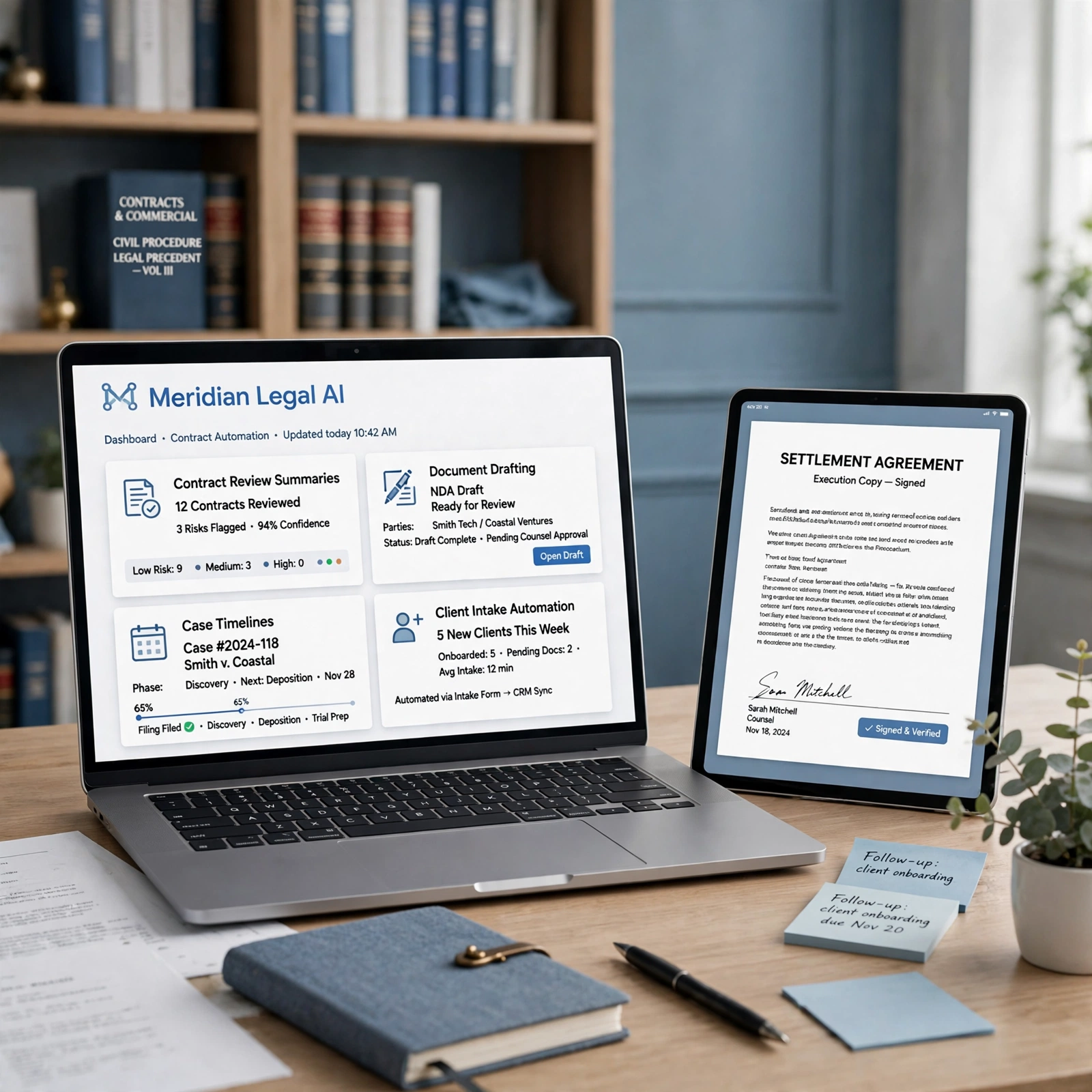
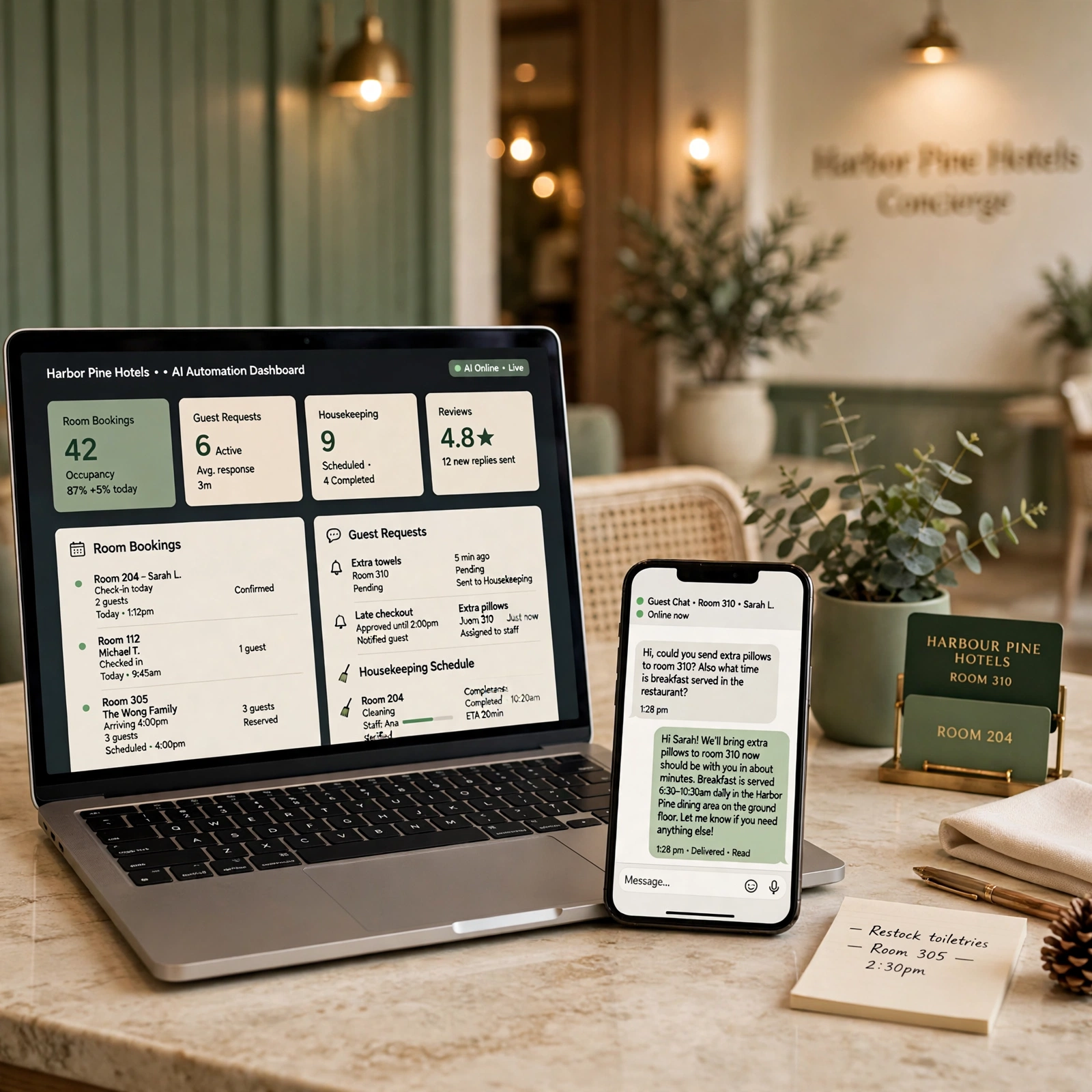
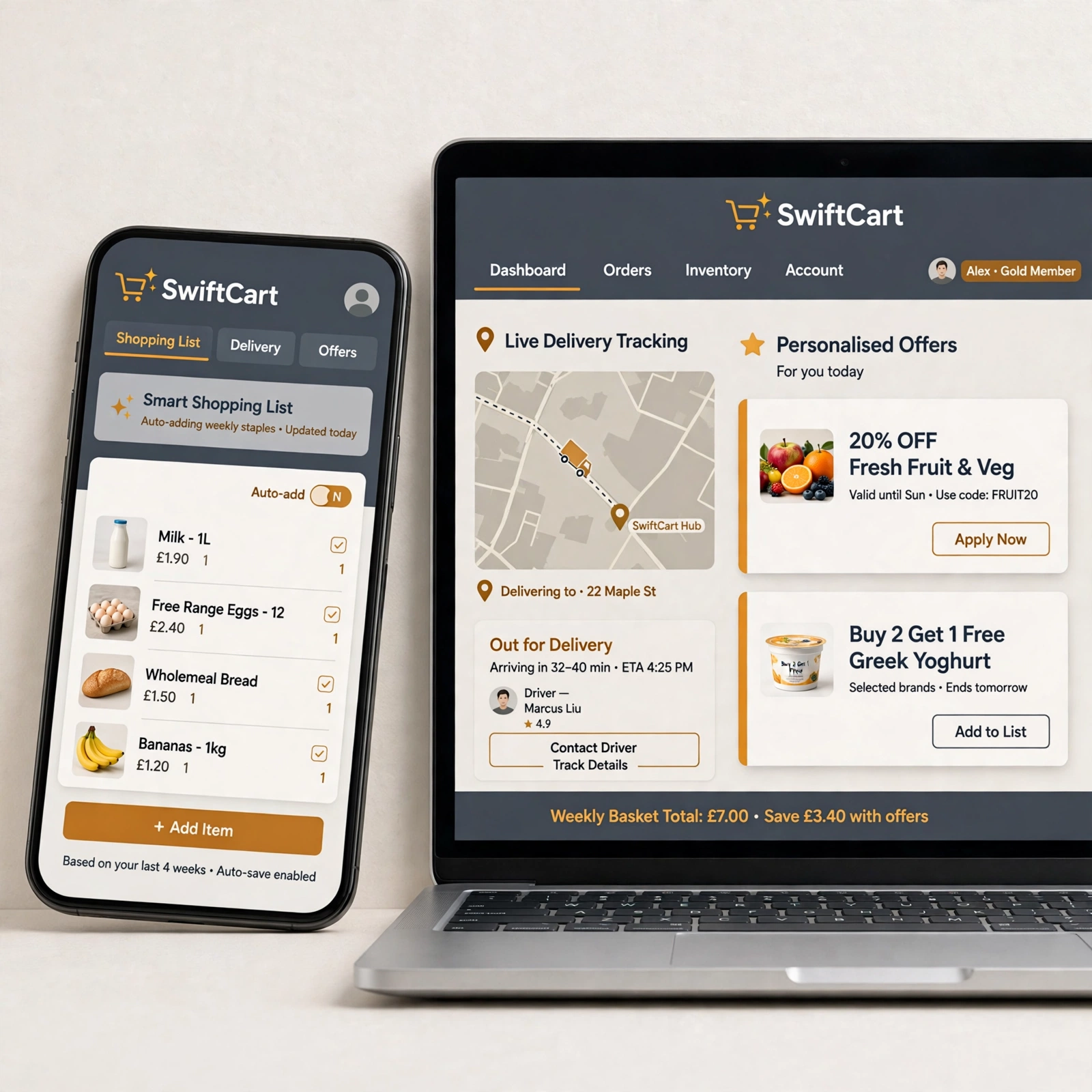
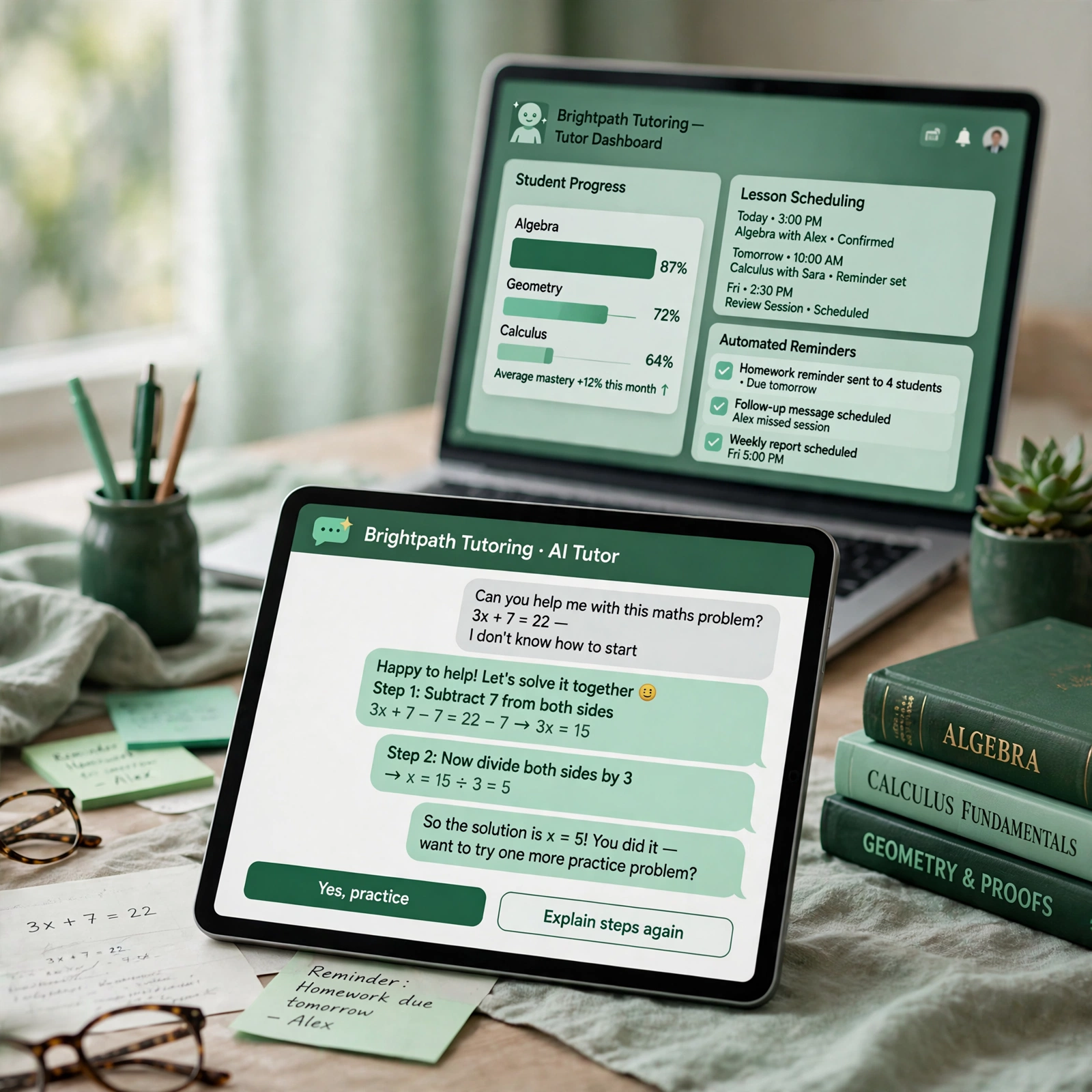
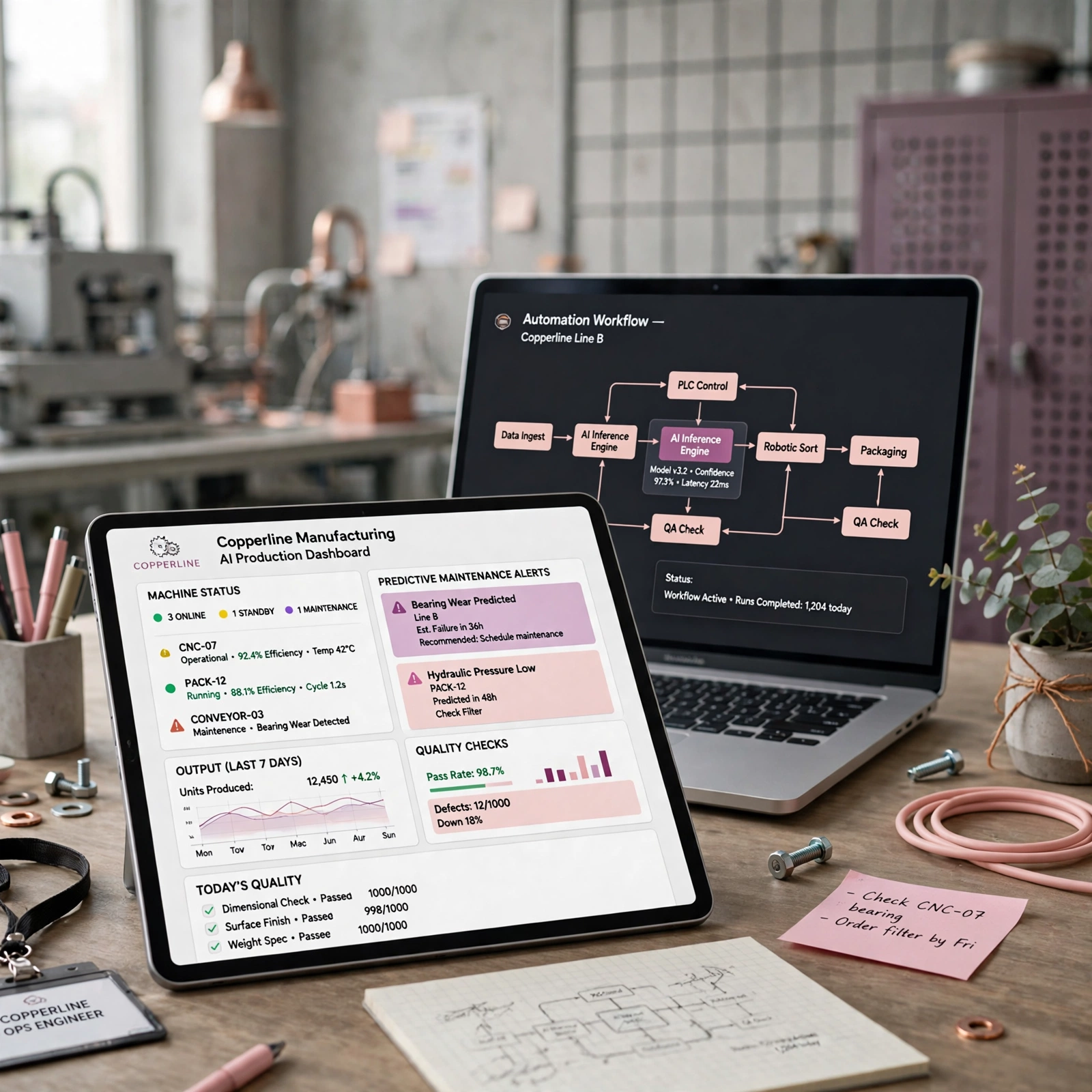
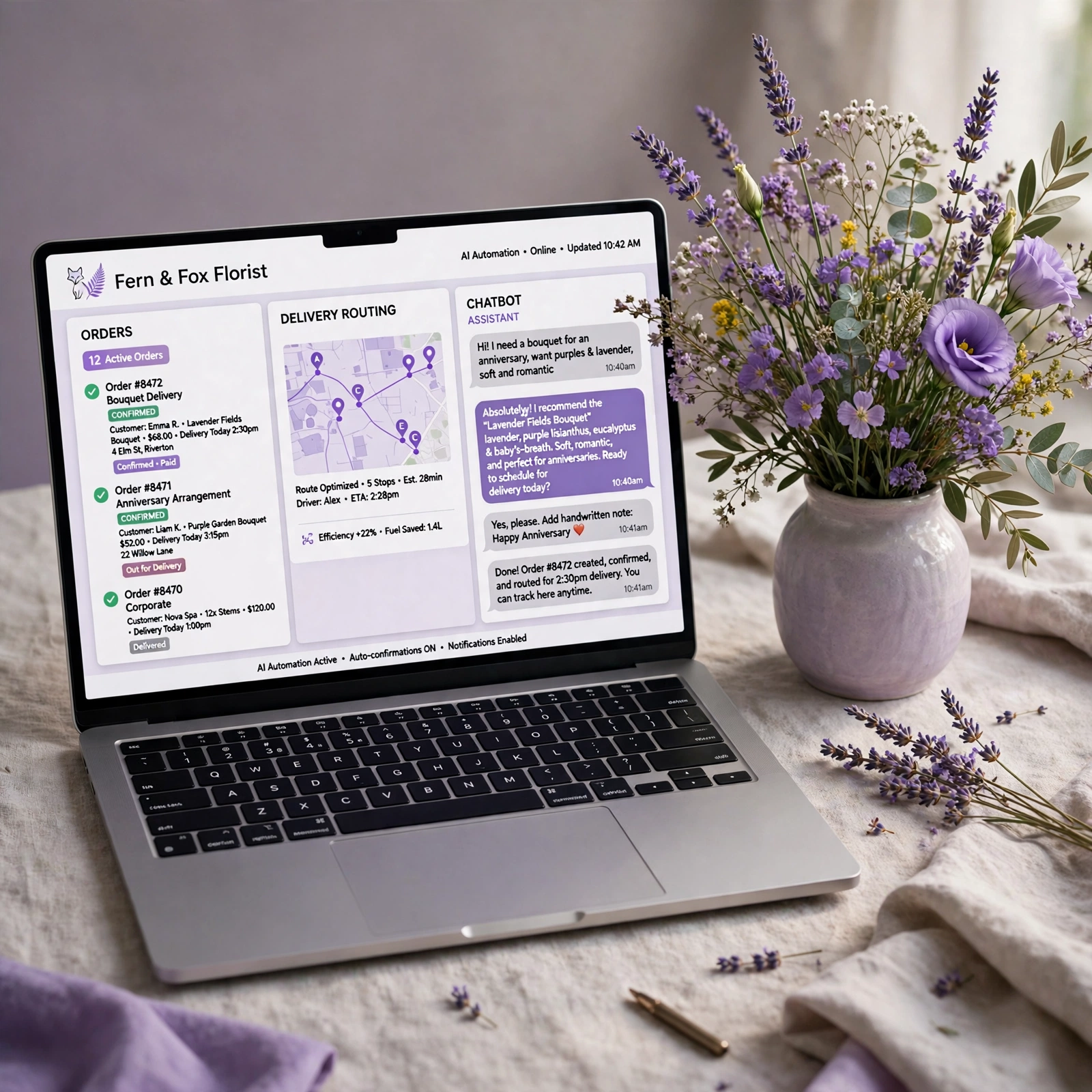
AI business automation workflow
AI workflow automation system
One Connected System

Lead capture, support, CRM updates and follow-ups — automated end to end, with human approval built in.

Selected Brands in Our Portfolio
Asset 38 brand logo Asset 4 brand logo Asset 45 brand logo Asset 46 brand logo Asset 47 brand logo Decent Solar logo Dentesthetix logo Gazal Lounge logo GH Landscape logo Asset 38 brand logo Asset 4 brand logo Asset 45 brand logo Asset 46 brand logo Asset 47 brand logo Decent Solar logo Dentesthetix logo Gazal Lounge logo GH Landscape logo
Ghazoor logo Goodluck Trader logo Kingsley logo Lahoris logo MOI logo Naqaa Salt logo Nature Hug logo Netsole logo Ghazoor logo Goodluck Trader logo Kingsley logo Lahoris logo MOI logo Naqaa Salt logo Nature Hug logo Netsole logo
Nexcell Energy logo Roots logo Sheikh logo Shellbee logo Softcore logo Solvac Lifesciences logo Trendex logo Zameenex logo Nexcell Energy logo Roots logo Sheikh logo Shellbee logo Softcore logo Solvac Lifesciences logo Trendex logo Zameenex logo
AI Automation for Business

Start with the work your team repeats every day.

Look at any ordinary week in your business and you will find the same tasks appearing again and again: a new enquiry arrives and someone has to copy it into the CRM, a customer asks the same question for the tenth time, a follow-up is promised and then forgotten, a report is assembled by hand from three different tools. None of this work is difficult. It is simply relentless — and it quietly eats the hours your team should spend on customers.

That is where AI automation earns its place. We build systems that handle the repeated steps — capturing a lead, classifying a message, updating a record, drafting a reply, preparing a summary — so your people can focus on the conversations and decisions that need a human being.

Our work starts with the process, not the tool. We sit with your team, watch how work actually moves, and find out where it stalls: which details get lost between systems, which approvals depend on memory, and which decisions should never be automated at all. Only then do we design the workflow around those realities.

Some projects need an AI model. Others only need solid workflow logic. Most need a bit of both — a rule where a rule is enough, and interpretation only where the work is genuinely ambiguous. The goal is always the same: less manual work, a system your team can understand, and nothing important left to chance.

What AI Automation Means

Three ingredients, one working system.

Workflow Automation

The dependable backbone. A new form submission creates a CRM record, sends a confirmation, assigns a salesperson and sets a reminder — the same way, every time, without anyone having to remember. When the steps are clear, plain rules are the most reliable answer.

AI Workflow Automation

Interpretation on top of the rules. The system can read an enquiry and work out what the customer actually wants, pull the key details from a document, summarise a long conversation, or draft a reply for a person to check — the parts of the job that need understanding, not just repetition.

AI Agents

For work that takes several steps. An agent can check the CRM, look up approved information, prepare an update and ask a person to approve it before anything changes. It works inside permissions you set, using only the tools you allow it to touch.

Human-in-the-Loop

The part that keeps everything trustworthy. Approval points, escalation rules and confidence thresholds mean sensitive cases, unusual requests and high-value decisions always reach a person. Automation should make your team faster — never make decisions they would not stand behind.

AI Automation Services

What we can automate for you.

Each service can be delivered as a focused workflow, or connected into one larger automation system. The scope depends on your process, your integrations, and how much human oversight you want.

01

AI Workflow Automation

We connect the repetitive steps across forms, inboxes, your CRM, spreadsheets and internal tools — with clear rules, AI classification where it helps, and structured handoffs so nothing falls between systems.

Workflow
02

Custom AI Agents

For work that takes several steps and some judgement: agents that research inside approved sources, use connected tools, update records and ask for approval before acting.

Agents
03

AI Chatbot Development

Chatbots for your website or business channels that answer from approved information, collect lead details, guide people to the right next step — and hand over to a person the moment a question gets uncertain.

Chatbot
04

CRM Automation

Lead creation, conversation summaries, pipeline updates, follow-up tasks and notifications handled automatically, so your CRM stays current without your sales team doing admin after every call.

CRM
05

Lead Automation

Enquiries from forms, chat, ads or messaging channels are captured, qualified, categorised and routed into one structured sales process — with the right person notified at the right time.

Leads
06

Customer Support Automation

Approved FAQs answered instantly, issue details collected, requests categorised, and the unusual or sensitive conversations escalated to a person who can actually help.

Support
07

WhatsApp Automation

Structured WhatsApp workflows for enquiries, qualification, customer information, follow-ups, appointment steps and a clean handoff to your team.

WhatsApp
08

Document Automation

Key fields pulled from submitted PDFs, forms, emails and business documents, checked, summarised and routed — with a verification step wherever the information matters.

Documents
09

Reporting Automation

Approved information gathered from your connected systems and turned into recurring summaries, internal notifications and operational reports, delivered to the right people on schedule.

Reporting
10

API & System Integrations

We connect the CRMs, forms, websites, messaging tools, databases and business software you already use, through their available APIs and integration methods — no rebuilding what works.

Integrations

AI chatbots that know your business

A chatbot is only as good as the information behind it. Ours answer from your approved material — services, product details, pricing rules, policies, opening hours, delivery information or your internal knowledge base — instead of guessing from generic model knowledge.

When a question is uncertain, sensitive, or simply outside the approved material, the conversation goes to a person. That handover is designed in from the start, with the full context attached, so the customer never has to repeat themselves.

CRM automation that keeps records honest

A CRM is only useful if it is up to date, and nobody has time to update it after every call. Automation can create leads, attach enquiry details, summarise conversations, assign follow-ups and move a deal to the next stage when a clear event happens.

AI helps most before the record is written: reading a free-form message, pulling out what matters, and filing it cleanly. The commercial judgement — negotiation, exceptions, sensitive customers — stays with your sales team, where it belongs.

Lead capture that never drops an enquiry

Leads arrive from everywhere at once: forms, WhatsApp, website chat, ads, email. Handled separately, they get missed or answered inconsistently, and the customer can feel the difference.

With one intake, every enquiry is collected, asked the approved qualification questions, recorded and routed — and AI is genuinely useful here, because customers describe what they need in their own words rather than ticking boxes.

Support automation that knows when to stop

Good support automation is mostly triage. An assistant can answer the approved FAQs, collect the account or order context, categorise the request and prepare everything a human needs — then get out of the way.

Complaints, unusual cases, account changes and anything the system cannot verify need a clear human path. The best support automation knows exactly when it should stop answering.

WhatsApp as part of the workflow

WhatsApp works best as part of a wider workflow, not as a standalone inbox. The system can greet the customer, collect details, answer approved questions, create or update the CRM record and pass the conversation to the right team member.

AI makes the chat feel natural when customers write in their own words, while business rules keep the process structured. Platform policies, messaging permissions and provider requirements are respected throughout.

Documents that file themselves

So much operational work still lives in PDFs, emails, uploaded forms and spreadsheets. AI can pull out the specific fields, classify the document, summarise it and move the approved information into the system that needs it.

Where the information affects money, legal matters or safety, a human still checks it. Speed is worth nothing if it removes the control that keeps your business safe.

Reporting without the Friday scramble

Nobody enjoys assembling the same report every week. Automation can pull approved figures from your CRM, project tool or support system and prepare the recurring summary for the right people, on the right day, without anyone chasing numbers.

Some of the most valuable automation is invisible to customers. It simply removes the administrative work that would otherwise eat a little of every team member’s day, every day.

Seeing the whole process, not one task

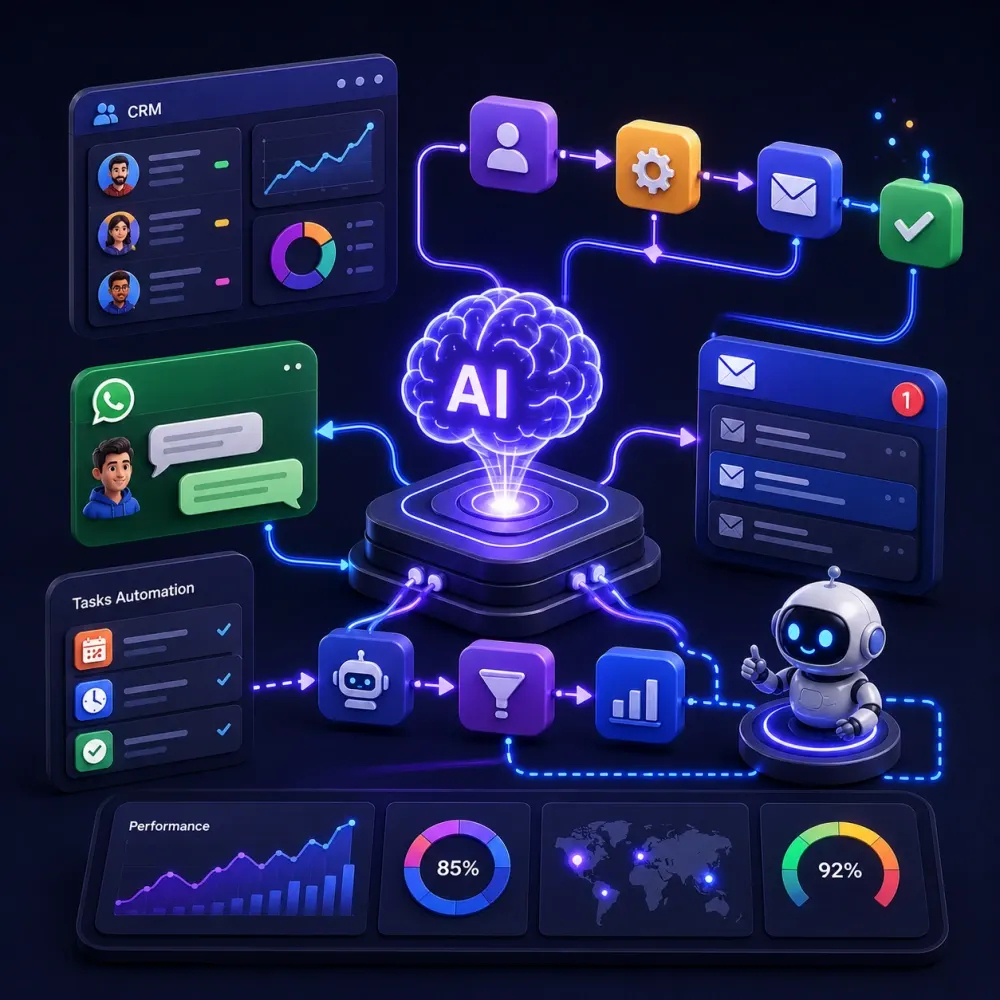
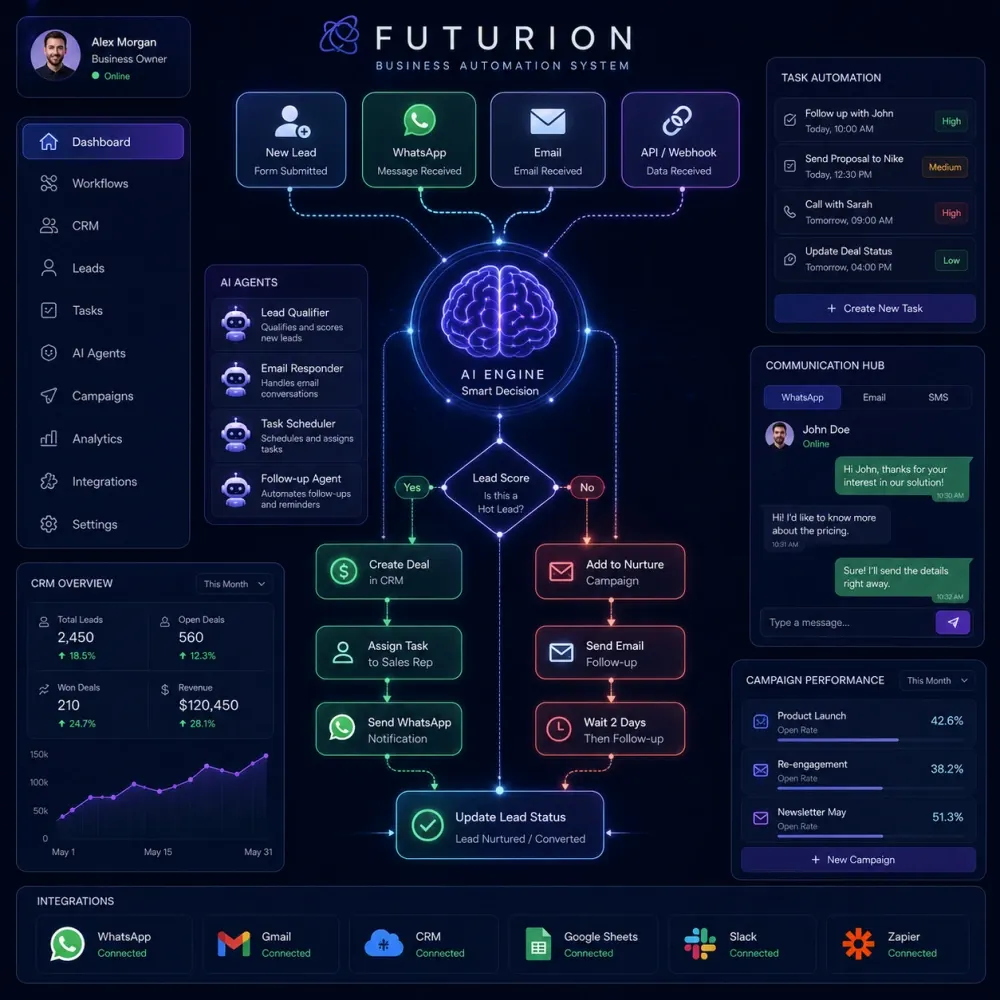
Real process automation looks at the whole journey, from the moment a request enters the business to the moment the work is finished. Mapping that journey reveals duplicated data entry, missing handoffs and approvals that currently depend on someone remembering.

We use that map to decide what should be automated, what should stay manual, and where AI adds genuine value — without adding complexity for its own sake.
Where AI Automation Helps

Every team loses time in a different place.

Good automation reflects how a department already works — and where its manual effort quietly disappears.

Sales Teams

Sales teams lose hours to admin: leads captured, conversations summarised, CRM records created, follow-ups assigned, and the routine pipeline work kept moving — while judgement stays with the salesperson.

Customer Service

Support teams need speed with a conscience: approved questions answered, context collected, requests categorised, and the conversations that need empathy, judgement or account-level decisions passed to a person.

Operations

Operations teams live in approvals, routing, reminders, document handling, status updates and recurring reporting — the invisible work that keeps everything else running.

Ecommerce

Ecommerce teams juggle product information, order communication, enquiry routing and support triage — all of which depend on reliable, connected data rather than memory.

Real Estate

Property teams need preferences, price range and viewing requirements collected before a qualified enquiry reaches the right representative.

Professional Services

Clinics and professional practices need intake, appointment steps, document collection and reminders automated — while confidential or professional decisions stay firmly under human control.

Marketing Teams

Marketing teams can automate lead nurturing, audience tagging, campaign notifications and reporting — without letting public communication turn into unsupervised output.

Management

Leadership needs structured summaries, exception alerts and operational reporting, so attention stays on decisions instead of chasing information.

Custom vs Off-the-Shelf

Custom only when your process genuinely needs it.

If an off-the-shelf product already matches how you work, use it. There is no reason to build custom automation for a problem that a reliable existing tool already solves well.

Custom automation earns its keep when a workflow crosses several systems, needs business-specific logic, depends on a controlled knowledge source, or has approval rules that generic software cannot handle cleanly.

Custom does not mean starting over. A project can connect the CRM, forms, email, spreadsheets or messaging systems you already use, instead of rebuilding them from scratch.

We aim for the simplest reliable architecture that supports the process — because every unnecessary tool or integration is another thing that can break later and needs maintaining.

Finding the Right Automation Opportunities

Where to look first: the work that repeats.

Follow the repetition

The best automation opportunities are the ones you can already see: the same action, again and again. Someone copies enquiry details into the CRM, sends the same reminders, prepares the same report, routes the same kind of request, moves information between systems. These are easy to evaluate, because the current process can be watched and compared with the automated version.

Before we build anything, we ask what starts the process, what information it needs, what decision is being made and what should happen at the end. That discipline keeps the workflow testable — and stops the project becoming a pile of disconnected features.

Separate rules from interpretation

Not every step needs AI. If a form field says “website design”, a plain rule can route that enquiry to the right team. AI earns its place when a customer writes a paragraph describing several needs at once, and the system has to work out the main request, pull out the important details or write a useful summary.

Using ordinary automation for predictable steps and AI only where interpretation adds value keeps the system easier to maintain — and means a probabilistic model is never asked to make a decision a simple rule could have handled.

Decide what success looks like

An automation project should have a practical outcome: faster lead response, fewer missed follow-ups, less manual data entry, shorter support triage, cleaner CRM records, quicker recurring reports. Clear outcomes make it easy to tell, after launch, whether the workflow is actually helping.

Plan for the exceptions

Real processes contain incomplete forms, unusual requests, duplicate records, integrations that go down and information that does not fit the pattern. A reliable workflow has a defined response for each: raise an alert, put the task in a review queue, or ask the customer for what is missing — never guess.

This matters most with AI, because a fluent answer can still be wrong. The system needs clear limits on what it can say or do, and an obvious path to human review when those limits are reached.

Count the running cost, not just the build

Automation is not only a build cost. Connected tools charge subscriptions, API, messaging, storage or model-usage fees, and higher volumes push those costs up over time.

So we look at the build and the running cost together when choosing the architecture. A technically impressive workflow is not useful if its monthly cost outweighs the business value it creates.

Start small, then expand

For a large operation, one small first workflow is safer than automating a whole department at once. The first stage proves the integrations, the data quality, how people actually use it and whether the escalation logic works.

Once that foundation is reliable, more steps or departments can be added with far less uncertainty — and the business has learned from real use before increasing autonomy or connecting more critical systems.

AI Automation Process

From manual work to a tested system.

Process discovery comes first, so the automation is designed around real business rules rather than a demo flow.

01

Discovery

We learn the current process, the people involved, the tools in use, the repetitive tasks and the result you want to improve.

02

Opportunity Mapping

We separate the simple rule-based tasks from the steps that could genuinely benefit from AI interpretation, extraction or generation.

03

Integration Review

We review your systems, available APIs, access permissions and data sources — and agree which steps must stay under human approval.

04

Workflow Design

Triggers, actions, business rules, AI steps, approvals, fallbacks and error handling are mapped out before a single thing is built.

05

Build

We connect your supported systems and configure the automation logic, prompts, knowledge sources and integrations around the agreed scope.

06

Testing

We test normal scenarios, incomplete information, edge cases and the situations that should send the work to a person instead of carrying on automatically.

07

Launch & Handoff

Once approved, the workflow goes live with agreed documentation, monitoring and launch support — and your team knows exactly how it works.

Project Deliverables

What your automation project includes.

Every project is scoped around the process being automated — you get the components your workflow needs, and nothing it does not.

Workflow Mapping
Automation Architecture
AI Prompt Logic
AI Chatbot Setup
Custom AI Agent
CRM Automation
Lead Routing
WhatsApp Workflow
Knowledge Base Setup
Document Processing
Human Approval Steps
Error Handling
API Integrations
Testing & Refinement
Technical Documentation
Launch Support
Responsible Automation

Guardrails first, automation second.

Automation touches customer messages, internal records and operational data, so its access should be limited to exactly what the workflow needs. We set permissions, escalation rules, fallback actions and approval points during design — not as an afterthought.

Controlled Access

Connected accounts and tools expose only the actions and information the workflow actually requires — nothing more.

Human Escalation

Sensitive, uncertain or high-impact cases go to a person instead of forcing the automation to make a call it should not make.

Fallback Logic

If information is missing or an integration fails, the workflow follows a defined next step instead of quietly carrying on as if nothing happened.

Third-Party Review

When external AI or automation platforms are involved, you should review their privacy, retention, security and compliance terms for your intended use — we flag what to check.

AI Automation Pricing

Three starting packages, one clear scope each.

These packages give you a clear starting scope. The final price can change if the project needs extra integrations, complex data handling, custom dashboards, unusual provider restrictions or ongoing managed support.

Starter

Focused Automation

$399one-time implementation

For one clearly defined process that currently depends on repetitive manual work.

  • 1 core automation workflow
  • Up to 2 supported integrations
  • Lead, support or operations use case
  • Basic AI classification or response step
  • Human handoff / approval rule
  • Testing and launch documentation
Choose $399 Package on WhatsApp ↗
Advanced

AI Operations System

$3,990one-time implementation

For multi-step automation that needs AI agents, several integrations and stronger operational controls.

  • Up to 6 connected workflows
  • Up to 6 supported integrations
  • Custom AI agent or advanced assistant
  • CRM, support or sales automation
  • Document or structured-data workflow
  • Approval, escalation and error handling
  • Technical documentation and launch support
Choose $3,990 Package on WhatsApp ↗

Typical AI automation project pricing

Need one specific automation rather than a full package? These starting prices show how common projects are scoped. Final pricing depends on integrations, data access and workflow complexity.

Automation TypeStarting PriceTypical Scope
AI Chatbot SetupFrom $399Approved knowledge, FAQ handling, lead capture, human escalation and website integration planning.
WhatsApp AutomationFrom $499Enquiry flow, qualification, customer-data capture, CRM handoff and follow-up logic using supported provider access.
CRM Workflow AutomationFrom $399Lead creation, routing, pipeline actions, reminders, notes, summaries and connected notifications.
Lead Qualification SystemFrom $399Form or chat intake, qualification questions, categorization, scoring rules and salesperson routing.
AI Customer Support AssistantFrom $599Knowledge-based answers, support triage, issue categorization, escalation and conversation context.
Custom AI AgentFrom $659Multi-step task flow, connected tools, defined permissions, approval steps and controlled actions.
Document AutomationFrom $599Extraction, classification, summarization, structured data output and optional human verification steps.
Additional API IntegrationFrom $249One supported external system or service connected to an existing automation scope.

Important: Package prices cover the agreed implementation scope only. Third-party platform subscriptions, CRM fees, hosting, WhatsApp provider charges, messaging costs, AI model/API usage, paid automation tools and other external service fees are separate. Projects requiring custom software, complex dashboards, compliance-specific architecture or ongoing managed operations are quoted separately.

FAQ

AI Automation Services FAQs.

The questions we hear most before an automation project starts — about scope, cost, integrations and what stays under human control.

It takes over the repeated, rules-based work: capturing and routing leads, updating your CRM, answering approved questions, processing documents, sending follow-ups and preparing recurring reports. Your team keeps the judgement calls, the relationships and the exceptions — the automation handles the volume in between.

We start with your process, not the technology. If a step is predictable — a form field, a status change, a reminder — plain rules are faster, cheaper and more reliable. AI comes in only where the work needs interpretation: reading a free-form message, extracting details from a document, or drafting a reply a person then checks.

Usually, yes. We connect the CRM, forms, email, spreadsheets, WhatsApp and other systems you already run, through their available APIs. Before we commit to a workflow, we check what each platform actually allows — permissions, actions, limits — so nothing is promised that cannot be built reliably.

Our starting packages on this page are $399 for one focused automation, $659 for a connected growth system and $3,990 for an advanced AI operations setup. The final price depends on how many workflows and integrations are involved. A focused automation can be live in days; a multi-system build takes longer, and we confirm the schedule after the process review. Third-party subscriptions and AI usage fees are separate.

It can happen, which is why we design for it. Important workflows have boundaries, confidence thresholds and fallback rules: uncertain or high-impact cases go to a person, missing information triggers a defined next step, and nothing sensitive happens without approval. We test edge cases before launch and agree monitoring with you afterwards.

Tell us about the work your team repeats.

Describe the manual process, the tools involved and where it slows down. We will recommend the simplest reliable mix of workflow automation, AI, CRM integration and human approval — and give you a clear next step.

WhatsApp DesignBubChat with us now