Website Speed Optimization
A slow website rarely has one single cause. DesignBub tracks down the real delays — oversized media, files that block rendering, heavy scripts, sluggish server responses, wasteful fonts, weak caching and jumpy layouts — and fixes the ones that matter, instead of chasing a test score for its own sake.
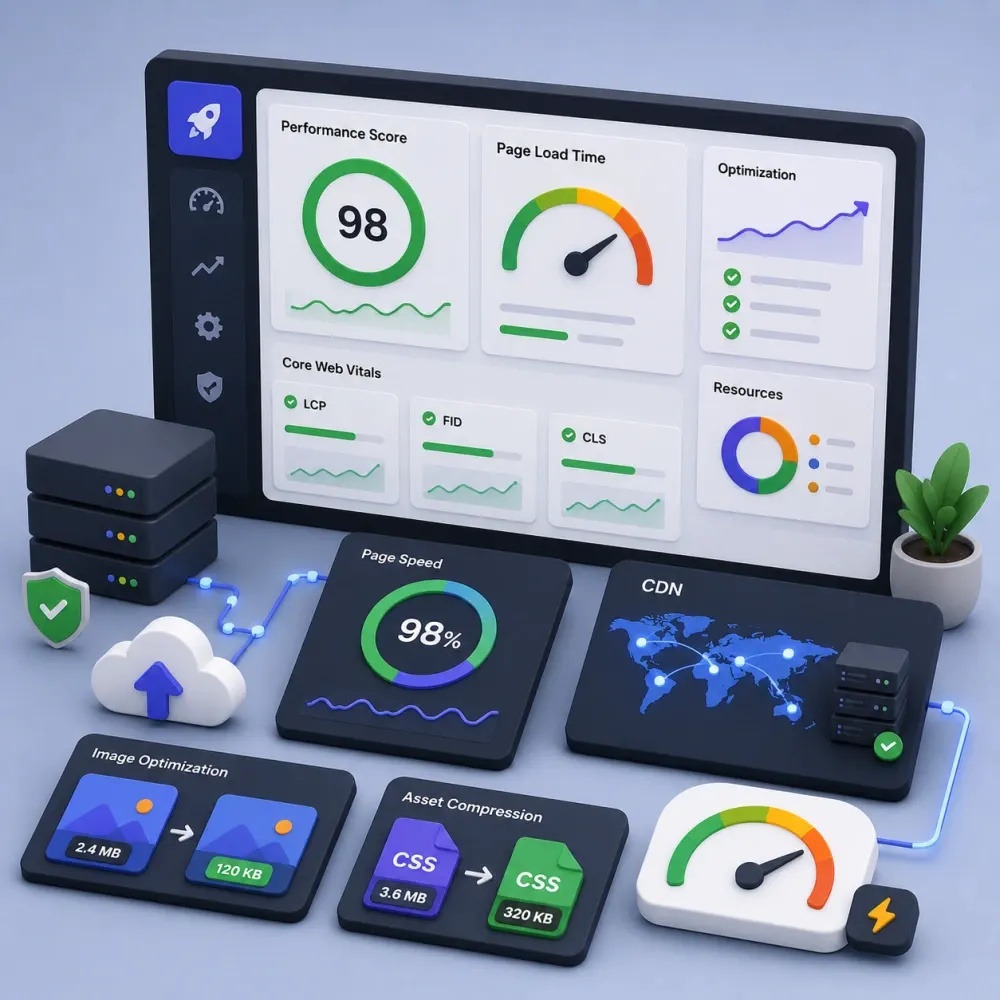
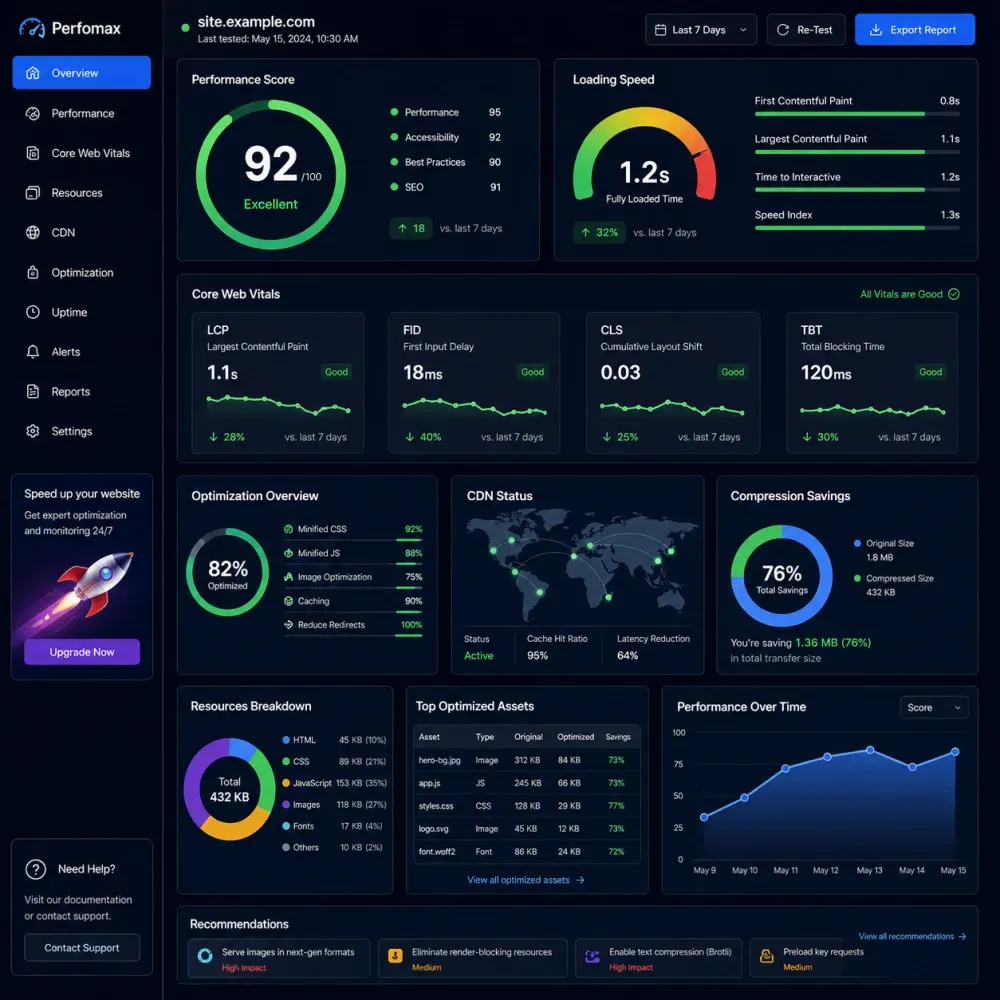
Measure first. Fix the delays that cost you visitors. Test again once the work is live.

























What actually makes a website slow — and where to start
Speed work means finding the technical delays and cutting the work a browser, server or application has to do before a page becomes useful. The culprit might be one enormous hero image, but more often it is several smaller problems working together: slow hosting, resources discovered too late, heavy JavaScript, unused CSS, too many font files, third-party widgets, database strain, app scripts and poor caching.
A worthwhile project begins with measurement. We examine the page types that matter, compare phone and desktop behaviour, inspect everything the browser downloads, and pinpoint the steps that hold back visible content or interaction. Changes are then ranked by likely impact and risk, instead of switching on every optimisation setting at once.
Visitors feel speed long before they understand it
Nobody thinks about request waterfalls or main-thread work. People simply experience a site as responsive or irritating. A page that sits blank for too long, shifts while someone is reading, or ignores a tap on the menu creates friction even when the design looks excellent.
Speed also changes with the device and the connection. A fast office computer hides problems that show up immediately on a mid-range phone using mobile data. That is why phone performance deserves its own attention rather than being treated as a smaller version of desktop testing.
For a lead-generation site, slow service pages delay the moment a visitor reaches the offer or the enquiry form. For an online shop, customers move through categories, product pages, the basket and checkout — and every step can hide a different bottleneck. For a publisher, heavy ads, embeds and media can spoil the reading experience in their own ways.
Performance work pays off most when it follows the journeys that matter to the business. We prioritise representative templates and the interactions people actually use, instead of polishing only the homepage while product, landing, category and checkout pages stay slow.
Find the real bottleneck before changing a single file
A speed audit sets the baseline for everything that follows. We look at how important pages load, which resources block rendering, which files are unusually large, which scripts keep the browser busy, and whether the server itself is adding delay. We also check for layout movement, unnecessary requests, third-party dependencies, font loading problems and image delivery issues.
The audit separates symptoms from causes. A hero image may appear late because the file is too big — or because the browser only discovers it after JavaScript runs. A page can hold compressed images and still feel slow because the server takes too long to answer. A site can use caching yet throw it away too often or leave important resources out.
From those findings we build a priority list. The high-impact problems come first. Chasing minor score improvements can wait until the main loading and interaction problems are under control.
Core Web Vitals, explained in plain terms
Core Web Vitals look at three parts of the page experience. Largest Contentful Paint, or LCP, is about when the main visible content appears. Interaction to Next Paint, or INP, is about how quickly the page responds after a visitor taps or clicks. Cumulative Layout Shift, or CLS, measures how much visible content jumps around unexpectedly.
These numbers describe outcomes, not single fixes. Weak LCP can come from a slow server, render-blocking styles, late image discovery, client-side rendering, fonts or an oversized hero asset. Weak INP usually points to too much JavaScript work, long tasks, heavy event handling or third-party code. CLS can come from images without reserved space, late-loading fonts, ads, banners, embeds or elements that appear after rendering begins.
Our Core Web Vitals work traces each metric back to the page behaviour causing it. We avoid generic advice when the actual bottleneck can be measured.
Scores are useful diagnostics — not promises
PageSpeed Insights and Lighthouse can surface genuinely useful opportunities, but the headline score alone does not explain what is wrong. Two pages with the same score can need completely different work: one may have a slow LCP image while another spends too long running JavaScript, and a third may be held back by advertising or analytics the business still needs.
Lab tests are valuable because they repeat the same conditions every time. Real-user or field data, where available, shows what visitors have actually experienced across devices and networks. We use both kinds of evidence where practical, and we never judge a whole website from a single test run.
We also explain the limits that remain. If a required third-party service, hosting platform, theme or application sets a ceiling, the report says so plainly instead of pretending every recommendation can be solved through front-end settings.
Phone performance is its own job, not a smaller desktop test
A phone can be asked to download the same heavy resources as a desktop while running on weaker hardware and a less predictable network. A responsive layout does not automatically mean responsive performance: a mobile visitor may still receive oversized images, several font weights, large JavaScript bundles, embedded videos, tracking scripts and interface code that is not needed yet.
Mobile speed work looks at what the browser needs first and what can wait. We review responsive image delivery, the assets above the fold, navigation, fonts, scripts, sliders, embeds, pop-ups and anything else that affects loading or interaction. We also test touch controls, because a page can look complete while menus, filters, forms and buttons are still slow to respond.
The aim is not to strip the site bare until it loses its character. We look for avoidable weight and inefficient delivery while protecting the content and features people actually need.
Performance work shaped around the platform you actually run
A WordPress site, a Shopify storefront, a WooCommerce store and a custom application do not share the same technical limits. We adjust the review and the implementation around the platform instead of applying one checklist to every project.
WordPress Performance
We review themes, plugins, page-builder assets, images, caching, fonts, database behaviour, third-party scripts and hosting limits.
Elementor Performance
We cut unnecessary widget output, heavy media, extra add-ons and inefficient asset loading while protecting the approved layout.
WooCommerce Speed
We focus on product, category, basket, account and checkout flows, with careful caching rules and functional testing for dynamic store behaviour.
Shopify Performance
We review theme code, app scripts, images, sections, fonts, tracking tags and third-party widgets while respecting platform-controlled infrastructure.
Custom-Build Performance
We trace front-end, API, server or application bottlenecks on custom stacks, according to the access and architecture available for the project.
Landing Page Speed
We prioritise hero rendering, marketing scripts, forms, media and above-the-fold resources on pages where paid or organic traffic needs a fast first impression.
The reports and dashboards behind faster loading pages
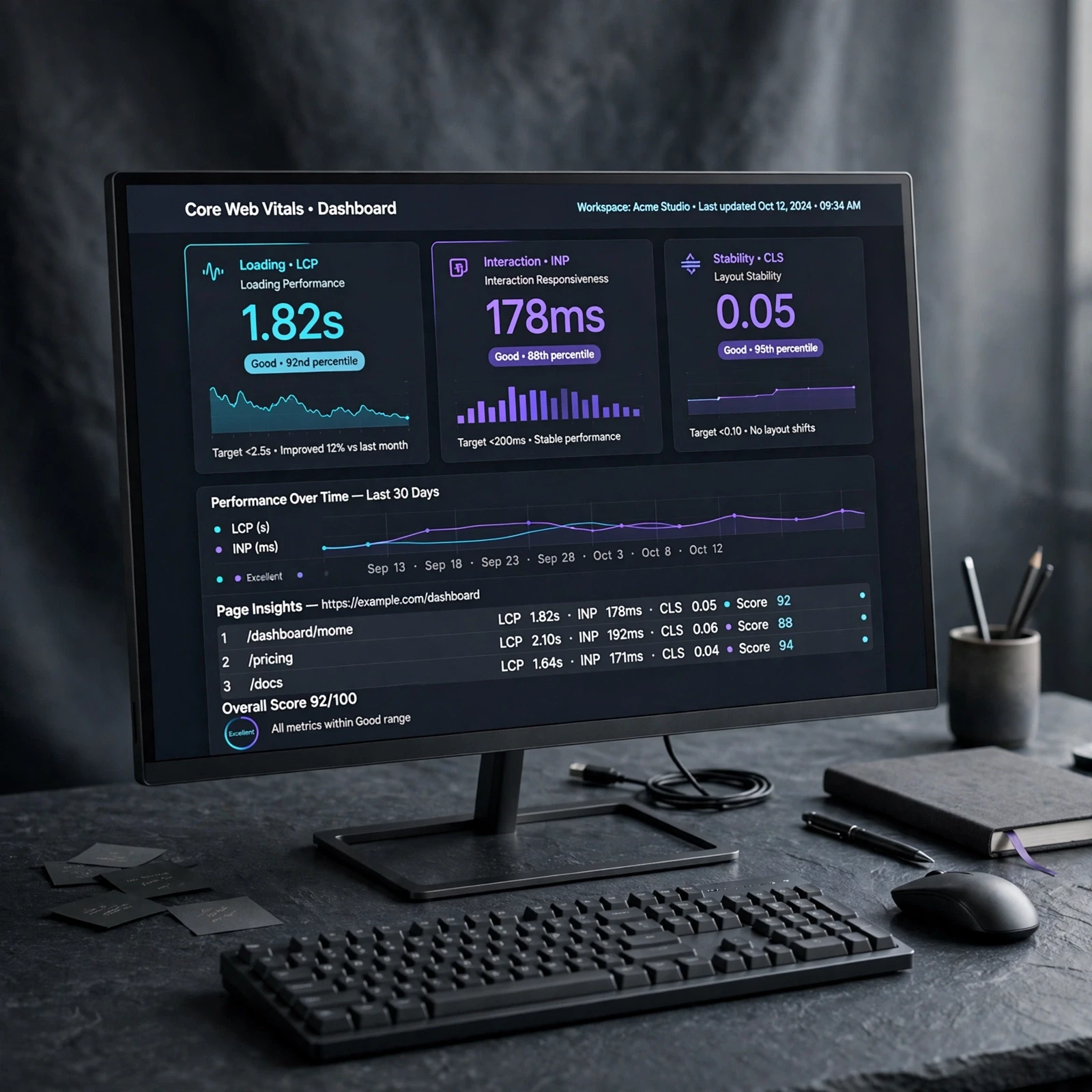
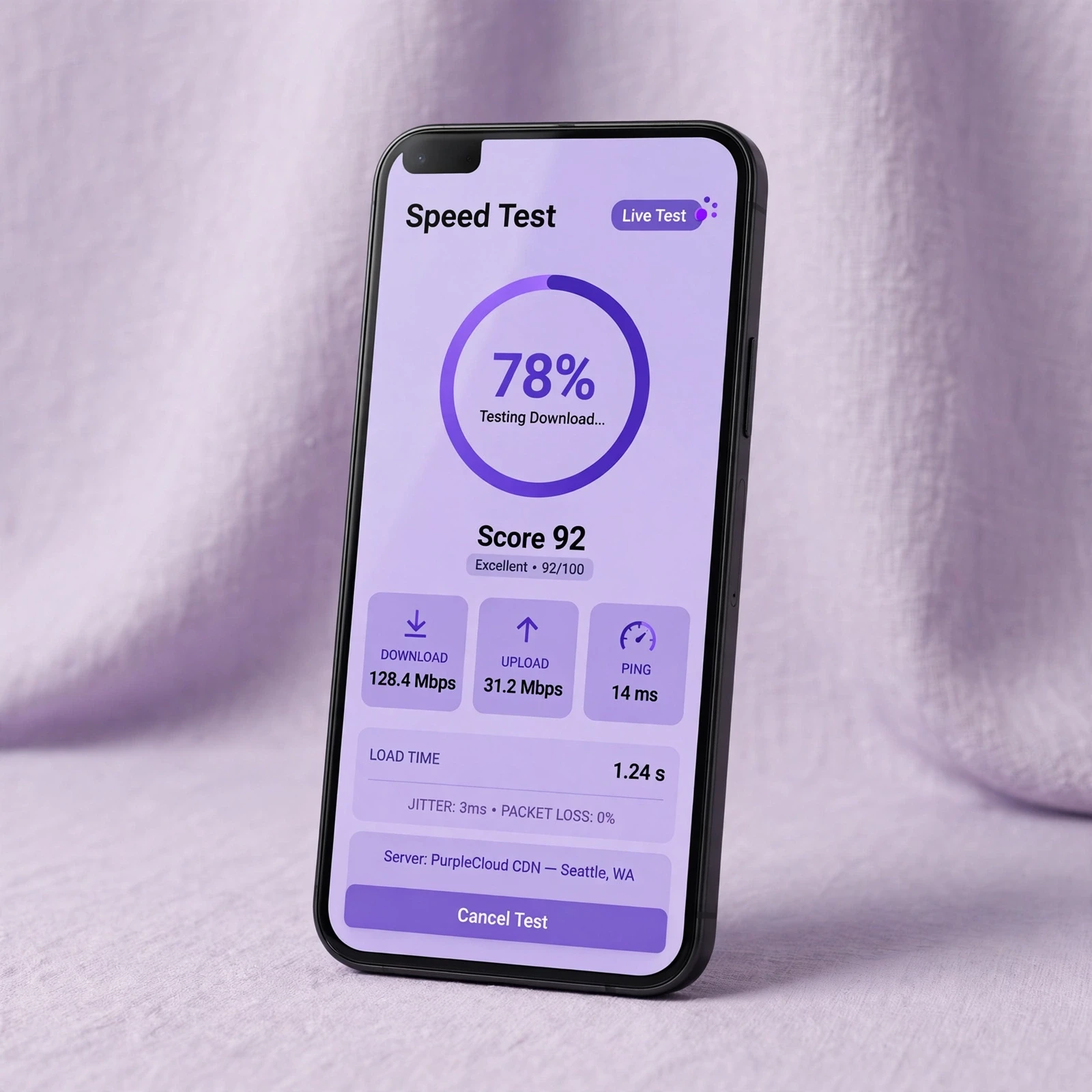
A look at the measurements we actually work from — scores, vitals, waterfalls and cache behaviour, not guesswork.




Images, fonts, CSS and JavaScript — the four usual suspects
Images are often the largest resources on a page. We check real display sizes, compression, responsive variants, formats, lazy loading and loading priority. Content below the fold can usually wait, but a hero image that drives LCP needs the opposite treatment — delaying it makes the first view slower, not faster.
Fonts add network and rendering work too. A brand may load several families, weights and styles even though most pages use only a small subset. Font work can mean fewer variants, better delivery, modern formats, smarter preload decisions and cleaner fallback behaviour.
JavaScript can make a page feel slow after it already looks loaded. We inspect heavy bundles, duplicate libraries, long tasks, third-party tools and code that runs on pages where it is not needed. Some scripts can load later and some need page-level conditions, but aggressive delaying can break menus, forms, tracking and shop features — so changes are tested.
CSS can also hold up rendering when a theme or builder ships far more style rules than the page uses. We look for practical reductions and better delivery without turning the codebase into something fragile to edit. The smallest possible file is not always the best long-term result.
Caching and delivery, set up for how your site really behaves
Caching cuts repeated work, but the right approach depends on how dynamic the site is. A mostly static service page can use far more aggressive page caching than a basket, an account area, a membership page or a personalised dashboard. Browser caching, page caching, object caching and CDN caching each solve a different part of the delivery path.
We check what the platform already does before piling more caching layers on top. Badly configured caching can serve stale pages, wrong basket states, missing updates or conflicts that are hard to diagnose. Shops and membership sites need especially careful exclusion rules for dynamic content.
A CDN can improve asset delivery and sometimes add compression, caching, image handling or security features. It does not automatically fix inefficient code or a slow application. We treat CDN work as one part of the performance system, and any paid CDN subscription or usage charge stays separate from DesignBub’s service fee.
When the server itself is the slow part
The browser cannot render anything useful until the server starts responding. If backend processing is consistently slow, compressing images alone will not fix the experience. Server response can suffer from limited hosting capacity, PHP or application configuration, database queries, uncached dynamic work, remote API calls and platform-specific limits.
Some of those problems can be solved inside the website. Others need a hosting change or help from the infrastructure provider. We identify which layer is responsible so the project does not spend its time optimising the wrong one.
Database cleanup can help on selected dynamic sites, but it should not become a ritual. A large database is not automatically a slow one — query behaviour matters more. When database work is justified, we recommend backups and platform-specific precautions before removing revisions, transients, logs, sessions or plugin data.
Every marketing tool has a speed cost — let’s see it clearly
Analytics, ad pixels, chat widgets, review tools, booking systems, CRM scripts, consent platforms, video embeds, heatmaps, social widgets and other external services all add network requests and JavaScript work. Many of them earn their place, so the answer is not to delete everything until the score improves.
Third-party optimisation looks at where each tool loads, whether it needs to run on every page, whether it can wait until someone interacts, and how much work it adds. Sometimes a service only needs to load on the templates where it is used. Sometimes the business decides a feature is worth its performance cost.
We make those trade-offs visible. A useful performance project helps you see which delays are avoidable and which are tied to tools you have deliberately chosen to keep.
Working on each Core Web Vital at the level that causes it
LCP work begins by identifying the actual element and the steps that must happen before it appears. If it is an image, we look at file size, discovery, priority, server response, CSS and rendering dependencies. If it is text, fonts and stylesheet delivery may matter more. The fix follows the loading chain, not the metric name.
INP work focuses on interaction. Long JavaScript tasks, heavy event handlers, large frameworks, complex filters and third-party code can keep the main thread busy just when a visitor taps or clicks. We look for ways to reduce, defer, split or simplify that work while protecting the feature itself.
CLS work focuses on unexpected movement. Reserving space for images and embeds, handling banners carefully, stabilising fonts and controlling content that is inserted dynamically can all reduce shifts. Animation triggered by the user is different from unexpected movement, so we concentrate on layout changes that make the page hard to follow or click.
Speed supports search — but it is not a ranking shortcut
Website speed and Core Web Vitals can contribute to page experience, but performance should never be sold as a guaranteed way up the rankings. Search visibility also depends on whether the content satisfies the query, technical crawlability, internal linking, competition, authority and many other factors.
A fast page with weak information does not automatically become the best search result. At the same time, useful content should not sit behind avoidable delays, unstable layouts or unresponsive interactions when those problems can be improved.
We treat speed work for SEO as technical quality work. The goal is to remove unnecessary friction and strengthen the technical foundation, while content relevance and wider SEO strategy keep their proper roles. We do not promise a specific ranking, traffic increase, conversion rate or revenue result from speed work alone.
A shop is several performance problems wearing one storefront
Online shops contain several performance environments inside one store. Category pages may load dozens of product images and filters. Product pages may include galleries, reviews, recommendations, variation logic, subscriptions or video. The basket and checkout can depend on payments, analytics, shipping, taxes, stock and third-party services.
Our ecommerce speed work reviews representative parts of that journey. We prioritise the pages and interactions customers actually use to browse and buy. Dynamic functions get extra testing, because caching or script changes that look fast on a static page can cause real problems in the basket, account, variation or checkout behaviour.
For WooCommerce and other self-hosted stores, backend and database behaviour may join the scope. For Shopify, more of the work sits in the theme, apps, tracking, media and storefront code, because the platform controls the core infrastructure.
Prove the improvement with before-and-after evidence
Performance changes should be measured against a baseline. We test representative pages before implementation and use the same page types again afterwards where possible. That shows whether the work improved the bottleneck we set out to fix, rather than merely changing a different number.
Lab testing gives us controlled diagnostics. Field data, where available, reflects real visitors across different devices and networks. Both are useful, but they should not be confused: a lab test reacts immediately to a change, while real-user datasets may need time and enough traffic before they reflect the new experience.
We document the limits that remain as well. If a page is still constrained by hosting, a required marketing script, a complex app or an architectural decision outside the project scope, you should know that instead of receiving an unexplained score.
From baseline tests to controlled changes and a second round of testing
Performance work is safer when every change has a reason and a way to verify it. We work in stages so optimisation never becomes a pile of untracked plugin settings.
Measure the Baseline
We test representative pages, mobile and desktop behaviour, key resources, Core Web Vitals indicators and server response.
Rank the Bottlenecks
We separate high-impact problems from low-value score chasing, and note platform, hosting or third-party constraints.
Implement Safely
We apply the approved image, caching, CSS, JavaScript, font, CDN or platform changes within the agreed scope.
Check the Functionality
We retest navigation, forms, responsive layouts, analytics and important ecommerce or interactive functions after changes.
Retest Performance
We compare representative before-and-after measurements and check whether the targeted bottlenecks actually improved.
Hand Over and Advise
We document remaining limits, optional improvements and any work that needs a hosting provider, developer or third-party vendor.
What we need from you before we start
Send the website URL, the platform, and the pages or functions that matter most to the business. A lead-generation site may prioritise the homepage, major service pages, campaign landing pages and forms. An online store may prioritise category, product, basket, account and checkout flows.
Access depends on the package. WordPress projects may need administrator access and sometimes hosting, CDN or server access. Custom websites may need repository or deployment access. Shopify work needs the right store permissions for theme and app review. We define the access before implementation instead of asking for credentials that are not needed.
Tell us about the features that must stay exactly as they are — analytics, advertising, CRM tools, booking, forms, membership functions, payments or custom integrations. A safe backup or staging route is strongly preferred when meaningful code, cache, database or configuration changes are involved.
Pick the depth of performance work your website genuinely needs
These are DesignBub service fees for audit, implementation and QA within the stated scope. Hosting upgrades, premium caching tools, paid CDN plans, third-party apps, licences and external usage charges are separate unless a quotation says otherwise.
Speed Audit & Quick Wins
For smaller websites that need a technical baseline plus a few carefully chosen, low-risk improvements.
- Audit of up to 5 representative pages/templates
- Mobile + desktop performance review
- Core Web Vitals diagnostic notes
- Image, font, caching and resource review
- Implementation of agreed low-risk quick wins
- Before-and-after summary
- 1 QA/review round
Performance Optimization
For business websites that need hands-on optimisation across the main performance layers.
- Audit of up to 10 representative pages/templates
- Image and responsive media optimization
- CSS and JavaScript delivery improvements
- Font-loading and third-party script review
- Caching configuration within platform limits
- Core Web Vitals-focused implementation
- Functional QA + before/after report
- 2 QA/review rounds
Advanced Performance
For WooCommerce, Shopify or integration-heavy sites where performance touches dynamic business functions.
- Expanded audit across key customer journeys
- Product/category/cart/checkout review where relevant
- Plugin, app and third-party script assessment
- Advanced caching/CDN/server coordination
- Database/backend review where accessible and relevant
- Staging-based implementation where appropriate
- Functional regression testing
- Detailed before/after and remaining-constraints report
Package comparison
| Scope | $199 Audit & Quick Wins | $500 Performance | $799+ Advanced |
|---|---|---|---|
| Representative pages/templates | Up to 5 | Up to 10 | Expanded journey-based scope |
| Core Web Vitals review | Yes | Yes + implementation focus | Yes + complex flows |
| Images / fonts / caching | Review + quick wins | Deeper implementation | Advanced implementation |
| CSS / JavaScript work | Basic review | Included | Included + complex dependencies |
| Ecommerce flow testing | — | Limited if applicable | Included where relevant |
| Backend / database review | — | Basic diagnostic | Where accessible and relevant |
| Before / after reporting | Summary | Detailed | Detailed + constraints |
Extend the optimization scope when the site needs more
Important: package prices do not include hosting upgrades, premium WordPress plugins, paid CDN subscriptions, Shopify apps, analytics tools, developer licenses or other third-party charges. We also do not guarantee a specific PageSpeed score, Core Web Vitals pass, ranking position, traffic level or conversion result.
What actually changes the cost of speed work
The cost of speed optimisation depends on the technical condition of the site, the platform, the number of important page types and how deep the problems run. A small brochure site with one clear bottleneck is a very different job from a large store with issues spread across templates, plugins and integrations.
Cost can also rise when the project needs staging, custom code changes, server configuration, a CDN move or careful testing of dynamic features. Each of those adds time, but each is priced against the work it involves.
We prefer to price the technical work that can actually be identified rather than selling the same checklist to every website. The audit exists so the quotation reflects your site, not a generic package.
Questions worth asking any speed optimisation provider
Ask how the provider measures the site before making changes. Ask whether mobile gets the same attention as desktop, and whether they test with lab data, field data, or both. A serious answer will name the pages and metrics they will use as a baseline.
For WordPress and ecommerce sites, ask how forms, analytics, baskets, payments, account functions, tracking and third-party tools will be protected during the work. Speed gains that break the checkout are not gains at all.
Also ask how the provider handles limitations. A useful speed optimisation agency should be able to explain what it cannot fix — hosting ceilings, platform limits, required scripts — and what it plans to do about the things it can.
Speed questions, answered without the jargon
Clear answers about scores, Core Web Vitals, WordPress, ecommerce, access, SEO expectations and what the optimisation actually changes.
It can include performance auditing, image optimisation, caching, JavaScript and CSS improvements, font loading, Core Web Vitals work, third-party script review, CDN configuration, backend investigation, database cleanup where appropriate, and before-and-after testing. The exact work depends on the bottlenecks found on your website.
No. PageSpeed results vary with device, network conditions, hosting, third-party scripts, page complexity, test location and platform limits. We focus on measurable technical improvements and real user-facing performance instead of promising one fixed laboratory score.
We aim to preserve the approved design and required functionality. If a heavy visual component, plugin, app, animation or third-party tool is a major bottleneck, we explain the performance trade-off before recommending a visible or functional change.
Yes. WordPress and Elementor work can cover image delivery, caching, plugin and theme output, JavaScript, CSS, fonts, database behaviour and hosting limits. WooCommerce work adds product, category, basket and checkout flows. Shopify work focuses on theme code, app scripts, images, sections, fonts and tracking tags, within what the platform allows.
DesignBub speed packages start at $199 for the Speed Audit and Quick Wins, $500 for Performance Optimization and $799+ for Advanced Performance. To start, send the website URL, platform, important page types and any performance concerns you already know about, and tell us which business functions must remain unchanged.
Make the site faster without breaking the business behind it
Send us your website URL, platform and the pages or functions that matter most. DesignBub can audit the loading behaviour, rank the bottlenecks and fix the ones that actually cost you visitors.