"> "> ">

Custom Web Development

Tell us how your team works and who the website is for, and we will build the site around that — a brochure site that wins enquiries, a shop that handles unusual ordering rules, a client portal, a booking tool or a full browser-based application with its own database. No off-the-peg template, no features you will never use.

CustomBuilt Around Your Requirements
ResponsiveDesktop, Tablet & Mobile
FlexibleWebsite, CMS or Web App
Custom web development for business websites and web applications
Custom website and web application development
Plan • Design • Develop

Custom websites, CMS platforms, portals, dashboards and connected web applications.

Selected Brands & Businesses
Asset 38 brand logo Asset 4 brand logo Asset 45 brand logo Asset 46 brand logo Asset 47 brand logo Decent Solar logo Dentesthetix logo Gazal Lounge logo GH Landscape logo Asset 38 brand logo Asset 4 brand logo Asset 45 brand logo Asset 46 brand logo Asset 47 brand logo Decent Solar logo Dentesthetix logo Gazal Lounge logo GH Landscape logo
Ghazoor logo Goodluck Trader logo Kingsley logo Lahoris logo MOI logo Naqaa Salt logo Nature Hug logo Netsole logo Ghazoor logo Goodluck Trader logo Kingsley logo Lahoris logo MOI logo Naqaa Salt logo Nature Hug logo Netsole logo
Nexcell Energy logo Roots logo Sheikh logo Shellbee logo Softcore logo Solvac Lifesciences logo Trendex logo Zameenex logo Nexcell Energy logo Roots logo Sheikh logo Shellbee logo Softcore logo Solvac Lifesciences logo Trendex logo Zameenex logo
Custom Web Development

A website that fits the work it has to do, screen by screen.

One website might exist to win new enquiries; another might take orders all day, let clients check their documents, or run the bookings for a whole clinic. The build that suits a five-page brochure site would be the wrong answer for a membership platform, so we start by pinning down what the site must actually do before anyone talks about frameworks.

What custom web development means

Custom web development services mean the site is planned around your business, your customers and your technical reality, rather than squeezed into a template that almost fits. That might be a marketing site wired into a CMS, a portal where clients, staff and managers each see different things, a shop with ordering rules no standard theme supports, or a complete application with its own database and admin tools.

Custom does not mean reinventing everything. Where a proven CMS, framework or platform already handles part of the job well, we use it — and we spend the custom effort where your business is genuinely different, so the budget goes on the parts that earn their keep.

Custom website vs template website

A ready-made template can serve a simple brochure site perfectly well. Custom website development earns its place when you need page structures no template offers, connections to your other systems, content that relates to itself in unusual ways, accounts with several permission levels, or simply proper control over how the whole thing behaves.

Before recommending anything, we weigh what you need against what already exists. The aim is to dodge both traps: cramming a complicated business into a rigid template, and paying for a bespoke platform when a simpler, well-chosen system would do the job.

Custom Web Development Services

One team for brochure sites, portals and full web applications.

No two builds use the same combination. One project might be mostly design and frontend work; another might be heavy on databases, logins and integrations. Below are the pieces we can combine for yours.

01

Custom Business Websites

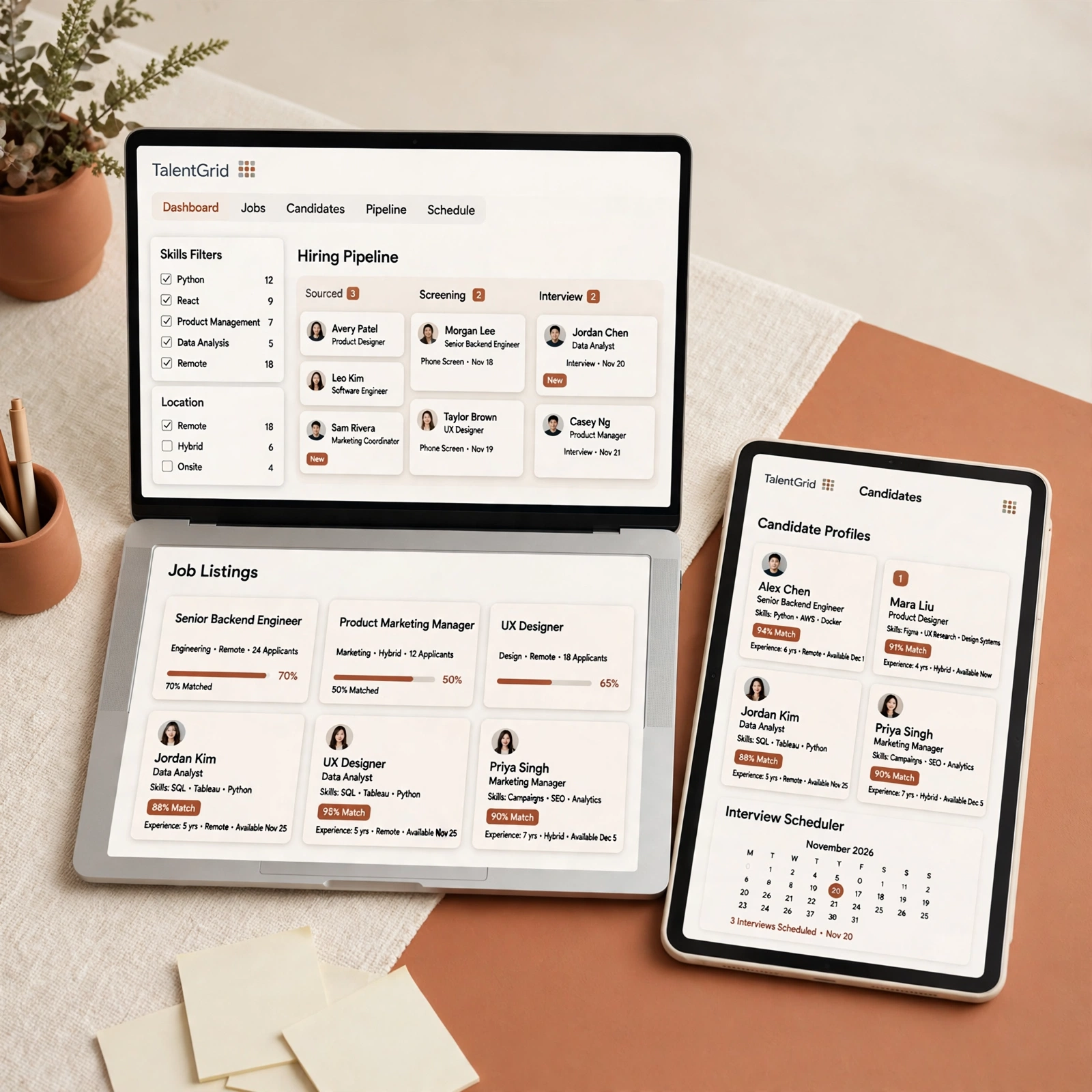
Marketing sites organised around your services, your evidence and the route a visitor takes from first visit to enquiry.

Website
02

Web Application Development

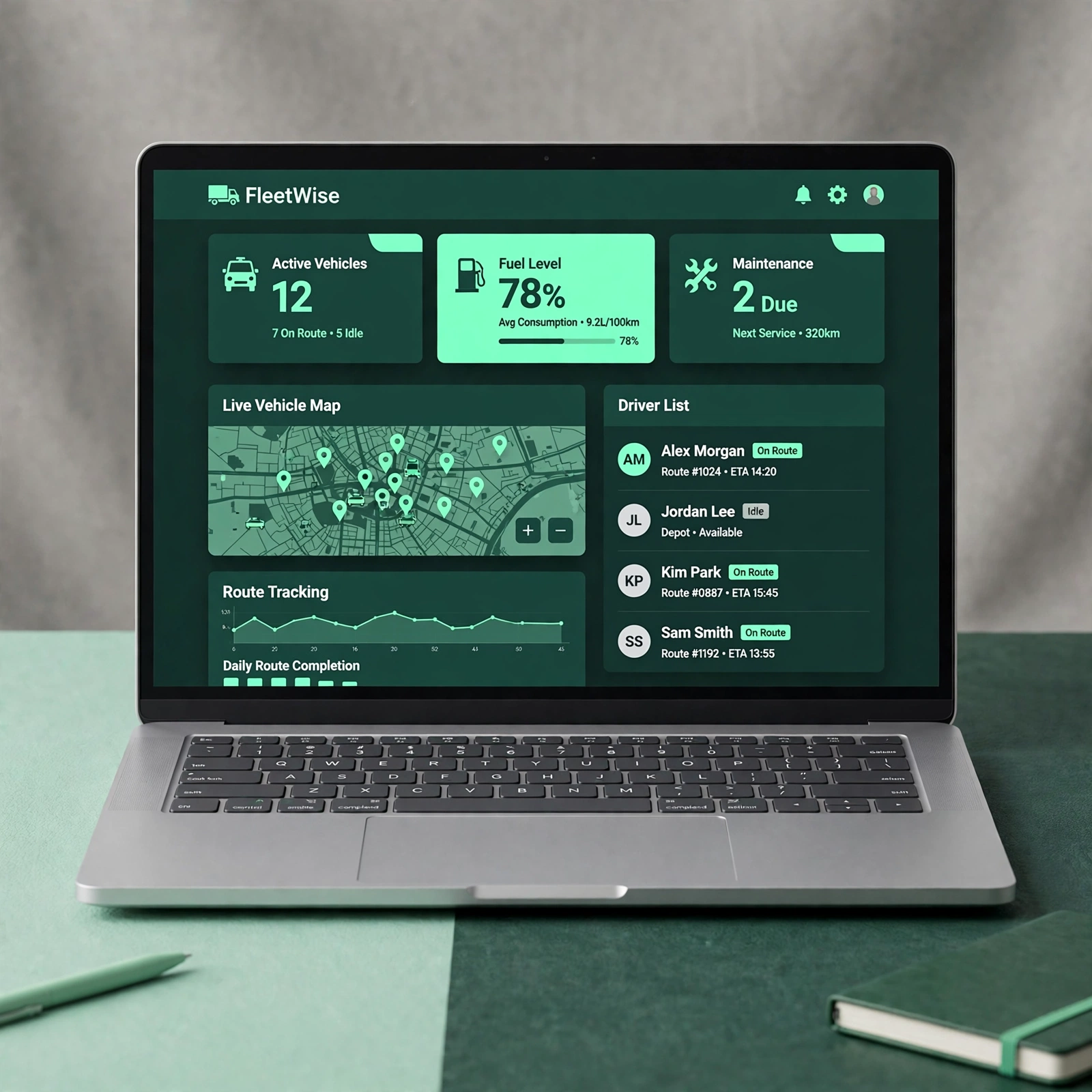
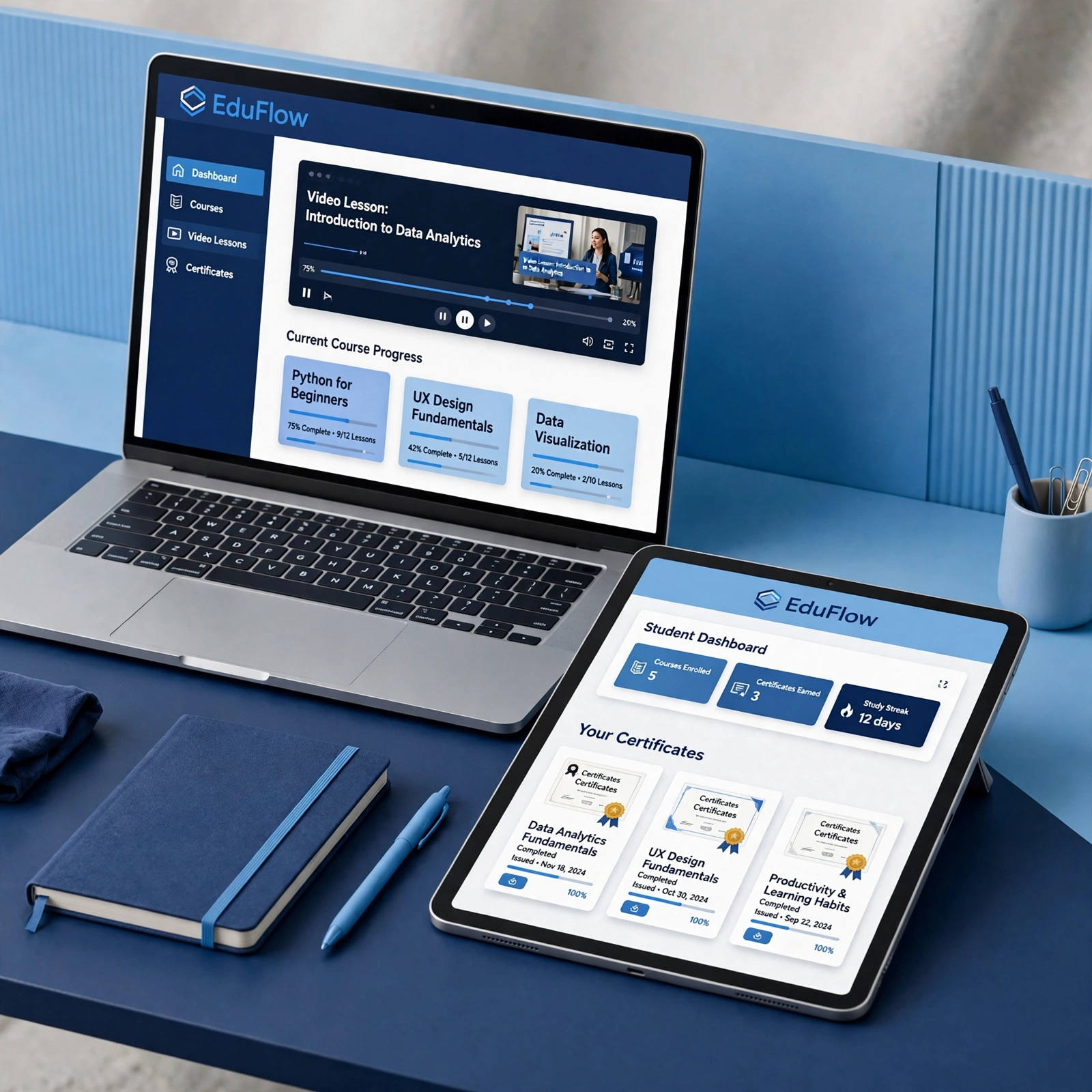
Browser-based tools people log into — booking systems, member areas, staff dashboards and internal apps with their own rules and roles.

Web App
03

Frontend Development

Turning approved designs into fast, responsive pages with clean HTML, CSS and JavaScript, or a modern framework where the project calls for it.

Frontend
04

Backend Development

Everything the visitor never sees: logins, permissions, databases, file handling, emails and the workflows that keep the business running.

Backend
05

CMS & WordPress Development

WordPress or another CMS set up so your team can edit pages, publish articles and manage content without touching code.

CMS
06

Ecommerce Development

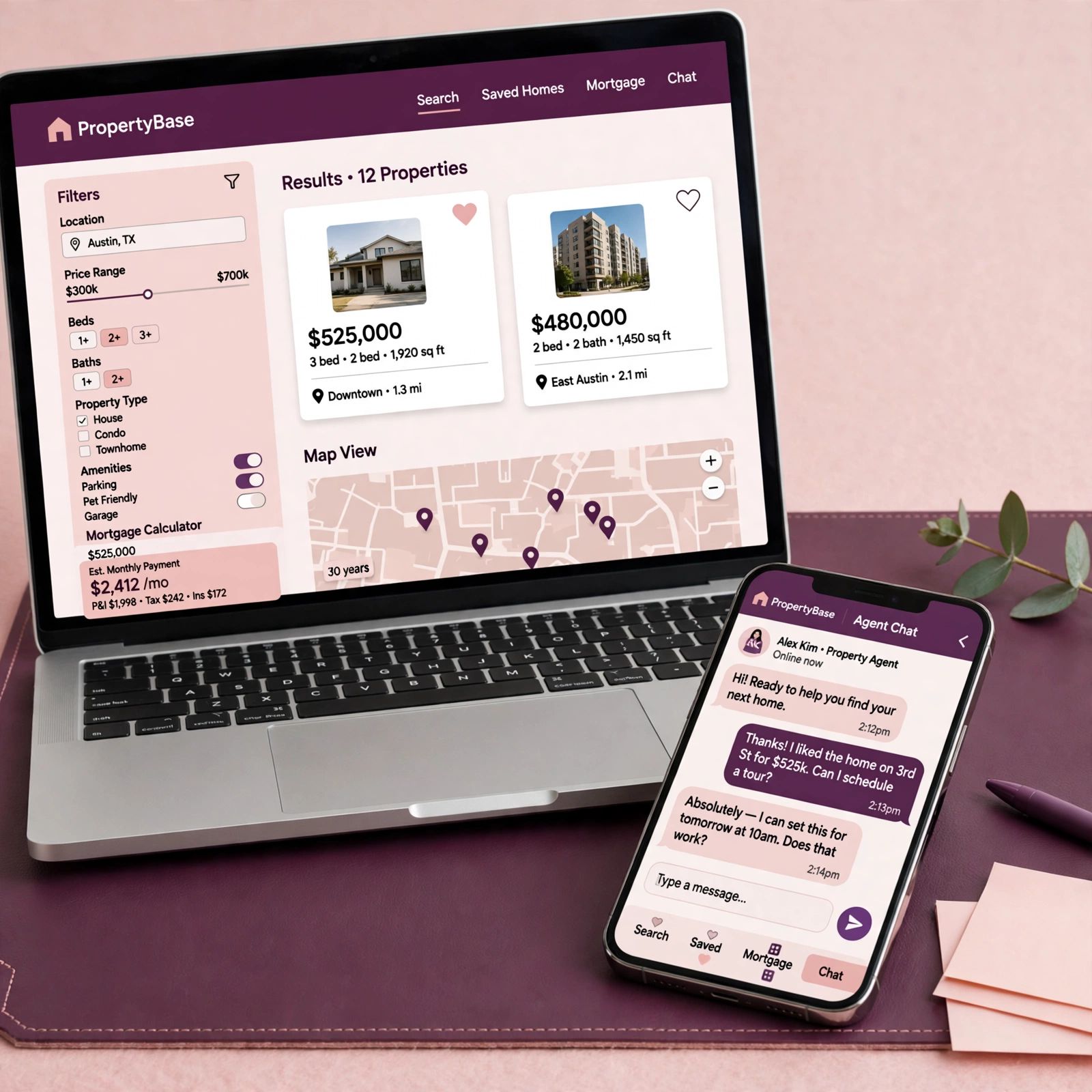
Shops with catalogues, baskets, checkout, customer accounts, payment links and order handling — including the awkward rules standard themes cannot do.

Ecommerce
07

Portals & Dashboards

Secure areas for customers, members, staff, suppliers or partners, each seeing only what they need, with admin tools built around daily tasks.

Portal
08

API & Integrations

Carefully scoped links to your CRM, payment provider, booking tool, email platform, analytics, maps or shipping service.

API
09

Website Maintenance

Optional care after launch: updates, compatibility fixes and further development, agreed as a separate scope so nothing is assumed.

Support
Business Websites

Business websites shaped around your services and your customers

Most business websites juggle several jobs at once: explaining the company, guiding visitors to the right service, showing proof that you can deliver, and making the next step obvious. Behind the scenes, your team also needs to update pages, publish resources and deal with enquiries without calling a developer every time.

Custom business website development can cover service pages, portfolios, case studies, enquiry forms, resource libraries and selected integrations — but the structure should mirror how your customers actually research you, not the sitemap of a competitor you happen to admire.

A consultancy lives or dies on its expertise pages and case studies. A manufacturer needs product ranges, datasheets and distributor enquiries. A law or accountancy firm needs clearer service explanations and a form that qualifies the enquiry. Those differences shape the architecture long before anyone picks a colour.

Web Applications

Web applications that carry real business workflows

A web application asks more of its users than a marketing site. People log in, update records, place orders, upload documents, pull reports and carry out business tasks — all inside the browser, often every working day.

Custom web application development can power customer portals, staff tools, SaaS products, booking systems, directories, approval workflows, membership sites and marketplaces. For these, the planning matters as much as the screens: who can do what, how the data connects, and which business rules must never be broken.

Take a client portal with customers, account managers and administrators — each group needs different access, and those permissions are far cheaper to define up front than to bolt on after the system is built.

Frontend Development

Screens your customers and staff can follow without thinking

Frontend work is everything people touch: pages, menus, forms, dashboards, loading states and the small interactions that make a site feel considered. We build with standard HTML, CSS and JavaScript, or with React or Next.js when the project genuinely benefits from a framework.

The framework is never the point. What matters is whether the layout holds up on a phone, whether people understand what to tap next, and whether the components can be reused as the site grows. A fashionable interface that confuses visitors is still a failure.

Backend Development

The engine room: data, logins and logic, built to last

Custom backend development looks after accounts, permissions, forms, orders, files, payments, notifications and the data itself — through databases, APIs, login systems and admin tools your team can actually use.

The architecture should match the real scale of the product. A booking site for one clinic does not need the infrastructure of a multi-tenant SaaS platform — but nor should a shortcut taken today make ordinary growth painful next year.

Responsive Development

Layouts that rethink themselves for every screen size

Responsive work is not just shrinking the desktop page. Menus, tables, forms and spacing often need to be rearranged entirely on a narrow screen, and a dashboard needs a very different mobile treatment from a service page.

We think about small screens while we build, so the important buttons stay reachable and images do not bloat the page. The aim is a site that feels right on every device, not one that looks identical on all of them.

CMS Development

An editing setup your own team will actually enjoy using

Most teams want to change their own website content without waiting on a developer. A good CMS gives them controlled editing for pages, articles, products, services, team profiles and anything else that changes regularly.

That might mean WordPress custom development, a headless CMS, or a purpose-built admin area. On WordPress we can build custom templates, post types, structured fields and WooCommerce setups around your content model — chosen because it fits, not because it happens to be familiar.

Web Platforms

Different businesses need different machinery behind the site

The same technology behaves very differently depending on the business model. Here is how the work shifts for the builds we see most often.

Ecommerce Web Development

A shop brings products, variants, stock, customer accounts, checkout, payment gateways, delivery and discounts. WooCommerce or Shopify often cover this well, but quotation flows, trade pricing or unusual product configurators can call for custom commerce work instead.

Web Portal Development

Portals live or die on permissions. A customer might view invoices but never touch account settings, while an administrator manages everything. We map every role and rule before a single screen is built.

Dashboard & Admin Panel Development

A dashboard should make the frequent jobs fast. User management, content, reports, orders, bookings and leads can be arranged by role, so staff are not marched through five screens to do a thirty-second task.

Booking & Appointment Systems

Booking systems involve calendars, staff rotas, service lengths, reminders, cancellations, rescheduling and payments. The hard part is usually the availability rules hiding behind the calendar — we pin those down before development starts.

SaaS Web Application Development

SaaS builds can include onboarding, subscriptions, permissions, dashboards, notifications and integrations. We usually recommend launching the smallest genuinely useful version first, then growing it once the core workflow is proven in real use.

Internal Business Tools

Internal tools can replace the tangle of spreadsheets and manual steps with controlled forms, approvals, reporting and proper logins. We start from the workflow your staff already follow, not from a generic software template.

API Integration

Let the website talk to the tools you already rely on

Few websites stand alone now. API integration can link your CRM, payment provider, maps, shipping service, email tool, stock software or analytics — and a custom API of your own may be needed when another application has to read or write your data safely.

We check whether an integration is actually possible before promising it. Third-party services have permission rules, usage charges, rate limits and features that simply are not exposed through their API, so we design around what is documented — not around what the provider's dashboard happens to show.

UI/UX Before Development

Sketch the journey first, then write the code

Website UI/UX design can cover sitemap planning, user flows, wireframes, page layouts, design systems and clickable prototypes. A marketing site leans on navigation and enquiry journeys; an application needs account screens, forms, dashboards and every awkward in-between state a workflow can reach.

Working through those interactions before engineering starts surfaces the unclear processes while they are still cheap to fix. Development then follows an agreed structure instead of discovering the product one screen at a time.

Technical Quality

Speed, search basics and security, baked in from day one

Website Performance

We keep pages light with careful asset loading, image handling, caching and script management, plus attention to slow database or API calls. The goal is a site that feels quick in real use — not a promise that every third-party script or hosting setup will hit a perfect score.

Technical SEO Foundations

We build the search foundations in: clean semantic structure, crawlable navigation, editable metadata, canonicals, sitemap support, redirects and structured data where they help. None of that guarantees rankings — content, competition and authority matter too — but a site without them starts behind.

Website Security

What the site handles decides how much security it needs: logins, role permissions, encrypted transmission, input validation and sensible dependency updates. Systems holding regulated or highly sensitive data may also need specialist security or compliance review beyond ordinary development.

Custom Web Development Process

Nine clear stages from first conversation to going live

The order flexes with the project, but these nine stages keep design, content and engineering moving together instead of drifting apart.

01

Getting the brief straight

We sit down with the business, the audience, the content, the workflows and the systems the site must connect to — and we ask the awkward questions early.

02

Drawing the boundary

Page types, modules, features, integrations and user roles are written down, so the first release has a clear edge and nothing creeps in unnoticed.

03

Mapping the structure

We plan the navigation, the relationships between content, and the journeys different users take through the pages or screens.

04

Sketching before styling

Key pages and workflows are mapped in plain wireframes, so the team can judge structure and usability before any visual polish arrives.

05

Designing the interface

The agreed structure becomes a real interface — typography, spacing, components, forms and how everything behaves on small screens.

06

Choosing the machinery

Frontend, backend, CMS, database, hosting and integration choices are made against the actual requirements, not a favourite stack.

07

Building in stages

Frontend, backend, CMS, APIs and the agreed features are built and reviewed in sensible stages, so progress is visible as we go.

08

Checking, then going live

Responsive layouts, forms, permissions, integrations and the key workflows are tested before the site moves to its agreed home.

09

Staying close after launch

Optional monitoring, fixes, maintenance or further development continue under whatever support arrangement we agreed.

Technology Choices

Pick the technology after the job is clear, not before

A build might use plain HTML, CSS and JavaScript, a framework such as React or Next.js, PHP or Node.js on the server, WordPress or another CMS, and whichever database and hosting suit the job. Shops might run on WooCommerce, Shopify or something more bespoke.

Technology should serve the product, not star in the proposal. Most clients care far more about whether the system is reliable, usable and manageable than about which framework logo sits on the slide.

Redesign & Migration

A fresh look and a fresh build are two different jobs

Sometimes the interface is tired but the backend underneath is perfectly sound. Sometimes the site looks fine yet is painful to maintain because the technical foundations have gone brittle. Website redesign can refresh structure and appearance, while redevelopment replaces themes, plugins, backend logic, database structures or integrations.

Migration can be part of the work where the platforms allow the data to move. Pages, media, products, users, URLs and redirects each need their own handling — and if the current site has search visibility, the URL mapping and redirects are planned first, never improvised.

Maintenance

Looking after the site once it is live

A website keeps changing after launch. New content, browser updates, security patches, plugin releases and third-party API changes all create ongoing work. Website maintenance can cover backups, software updates, monitoring and selected fixes, depending on what we agree.

New modules, redesigns and major features are normally ongoing development rather than routine maintenance. Drawing that line clearly means nobody is surprised about what is covered after launch.

Content & CMS Planning

Code moves faster when the content plan is settled first

Content decisions delay more builds than code ever does. A page can be technically finished yet impossible to launch because nobody decided what goes on it, who supplies it, or which parts should be editable later.

During planning we pick out the repeatable content types — services, projects, team members, resources, products, FAQs — and structure them in the CMS instead of hard-coding each one differently. Everyday updates get easier, and the design stays consistent as the site grows.

If the copy is still being written, we can build around an agreed structure and realistic sample lengths — but the final words should be reviewed before launch, because very short or unexpectedly long copy can break layouts, navigation and components. Content and development are one project, not two.

Accessibility & Browser Testing

Built for real people, real browsers and real phones

A site should stay understandable in the browsers people actually use, on the screens they actually own, and with the input methods they actually rely on. Testing can cover navigation, form labels, focus states, contrast, keyboard use and responsive layouts, where those checks are in scope.

Accessibility expectations differ by project, region and industry. Good development practice improves usability for everyone, but a project that must meet a specific legal or formal standard may need a dedicated audit or specialist review. We would rather agree that expectation up front than imply a certification that was never tested.

What We Need to Start

No technical document needed — a conversation is enough to start

Helpful starting points are the purpose of the site, the people who will use it, the important page types or workflows, the systems it must connect to, your brand assets, how ready the content is, and any deadline that matters. For an existing site, the current URL and a plain explanation of what is not working are often enough to begin.

Not knowing the technical details yet is completely normal. Discovery exists to separate the essentials from the ideas that can wait for a later phase. The clearer the first release, the easier it is to estimate the build, leave out unnecessary features and plan a realistic handoff.
Final Deliverables

Everything a custom build can hand over at the end

What you receive at handoff follows the scope we agreed together — these are the items that commonly make the list for a custom build.

Discovery & Requirements
Sitemap & Architecture
User Flows
Wireframes
Custom UI Design
Responsive Frontend
Backend Development
CMS / WordPress
Ecommerce Functionality
Portal / Dashboard
Database Setup
User Authentication
Role Permissions
API Integrations
Forms & Lead Flows
Payment Integration
Technical SEO Setup
Testing & QA
Deployment Support
Source Code as Agreed
Web Development Pricing

Honest starting points for typical custom builds

Think of these as honest starting points. The final figure is confirmed once we have seen the page types, features, integrations, content readiness and technical requirements.

Focused Business Website

Custom Website

Starting at$499

For service businesses and smaller companies that need a marketing website built around them, not a template.

  • Up to 5 core page templates
  • Custom responsive layout implementation
  • Contact / lead form
  • Basic CMS content controls where required
  • Technical SEO foundations
  • Responsive and functional testing
  • Launch handoff
Choose Custom Website →
Portal / Custom Application

Web App & Portal

Starting at$2,499

For projects where people log in — accounts, dashboards, custom workflows, databases and deeper integrations.

  • Product and workflow planning
  • Custom UI for agreed core screens
  • User authentication and role permissions
  • Backend and database development
  • Admin dashboard / management tools
  • Up to 3 standard integrations
  • Functional and responsive testing
  • Deployment support
Discuss Web App →

Common starting rates

Landing Page Developmentfrom $299
Custom Business Websitefrom $499
CMS / WordPress Websitefrom $799
Ecommerce Websitefrom $999
Customer Portal / Dashboardfrom $1,499
Web Applicationfrom $2,499
Additional Standard API Integrationfrom $199
Additional Custom Page Templatefrom $79

Prices are starting design and development fees in USD. Hosting, domain registration, paid themes or plugins, third-party subscriptions, API usage, payment-provider fees, licensed assets, copywriting, large data migration and ongoing maintenance are separate unless specifically included in the quotation. Complex ecommerce, SaaS, marketplace and regulated-data projects are quoted after technical review.

Why DesignBub

When design, content and code pull in the same direction

Purpose before code

More code does not make a better website. We define the purpose, the users and the workflows first, then choose the level of technology that fits. A well-structured CMS is enough for many projects; where a genuine custom architecture is needed, we scope that instead.

Built for everyday use

We keep asking what visitors need to understand, what your team needs to manage, and which systems must connect. That keeps the interface, the CMS and the backend tied to everyday use instead of three separate technical exercises.

FAQ

Straight answers about custom builds, portals and pricing

Common questions about custom websites, portals, logins, editing and what a build costs.

A custom website is designed and built around your agreed requirements — your page structures, your content model, your workflows and your integrations — instead of fitting your business into a fixed theme. A template can still be the right answer for a simple site, and we will say so when it is.

Yes. We build login areas where customers, members, staff or partners see only what they need — invoices, documents, bookings, reports or account tools — with permissions mapped before development so each role works safely from day one.

We define the roles first — for example customer, account manager and administrator — then build authentication, permissions and admin controls around them. That way a customer can view their own records without ever reaching settings that belong to your team.

Yes, where the scope includes a CMS. Routine pages, articles, products and similar content are structured so authorised editors can update them without touching code, while design-sensitive and technical controls stay restricted.

DesignBub packages start at $499 for a focused custom business website, $999 for a larger CMS or growth website, and $2,499 for a custom portal or web application. The final figure depends on page types, features, user roles, integrations, ecommerce needs and backend complexity.

Tell us how the website should work — we will build it that way

Tell us who will use the website, what they need to get done, and which systems it should connect to. From that we can define the project properly and recommend the build that fits — nothing more, nothing less.

WhatsApp DesignBubChat with us now