Presentation Design

A deck is a conversation with a room full of people who have somewhere else to be. DesignBub shapes pitches, sales decks, proposals, company introductions, webinars and board updates into a clear story — with hierarchy, charts and diagrams that help the audience follow, and editable files your team can keep using.

EditableFiles Your Team Can Update
Story-firstArgument Before Decoration
Every formatPowerPoint, Slides & Keynote
Professional presentation design
Business presentation slide design
PowerPoint · Slides · Keynote

Decks built for three people at once: the audience, the presenter, and whoever has to edit the file next month.

Selected Brands in Our Portfolio
Asset 38 brand logo Asset 4 brand logo Asset 45 brand logo Asset 46 brand logo Asset 47 brand logo Decent Solar logo Dentesthetix logo Gazal Lounge logo GH Landscape logo Asset 38 brand logo Asset 4 brand logo Asset 45 brand logo Asset 46 brand logo Asset 47 brand logo Decent Solar logo Dentesthetix logo Gazal Lounge logo GH Landscape logo
Ghazoor logo Goodluck Trader logo Kingsley logo Lahoris logo MOI logo Naqaa Salt logo Nature Hug logo Netsole logo Ghazoor logo Goodluck Trader logo Kingsley logo Lahoris logo MOI logo Naqaa Salt logo Nature Hug logo Netsole logo
Nexcell Energy logo Roots logo Sheikh logo Shellbee logo Softcore logo Solvac Lifesciences logo Trendex logo Zameenex logo Nexcell Energy logo Roots logo Sheikh logo Shellbee logo Softcore logo Solvac Lifesciences logo Trendex logo Zameenex logo
Presentation Design Services

The slides can all be true and the meeting can still go nowhere.

A crowded slide makes the audience hunt for the point. A weak chart hides the one result that mattered. A pitch deck can contain everything an investor asked for and still feel disjointed. A sales deck can describe a strong offer while spending most of its time introducing the company, long before the prospect understands why the offer matters to them.

That is why presentation design is not the act of making PowerPoint prettier. It starts with communication: what does this audience already know, what should they understand by the end, which ideas need evidence, and which details belong on the screen rather than in the speaker’s mouth or the appendix?

DesignBub designs presentations for founders, companies, consultants, agencies and internal teams that need information shaped into a visual sequence. We work from complete decks, rough outlines, documents, reports, spreadsheets and existing presentations that have grown inconsistent over time.

Some assignments need a complete rebuild. Others need the content cut down and reordered before any visual work begins. A reusable corporate template has a different objective from a one-time investor pitch, and we settle that difference before choosing layouts, graphics or transitions.

What the service covers

A deck is structure first, slides second.

Depending on the brief, a project can include storyline refinement, slide layouts, typography, colour, diagrams, charts, tables, icons, photography, image treatment, branded master layouts and final file preparation. The exact mix depends on what the presentation is expected to achieve.

One client arrives with a finished 40-slide deck that needs visual consistency. Another arrives with a Word document and several spreadsheets that first need shaping into a logical story. A startup needs a concise investor deck. A corporate team needs a master template employees can reuse without breaking the brand. Each one gets a different plan.

Not decoration

If a slide has no job, it should not be in the deck.

Before styling any slide we ask what should be noticed first and what the audience needs from it. A process may be clearer as a sequence. A comparison may work better as a simple table. A slide full of prose may need one sentence and a visual. A detailed financial slide may need to stay detailed, because exact values matter.

Good presentation design does not force every page into the same amount of content. It keeps enough consistency for the deck to feel connected while letting different ideas use the format they actually need.

PowerPoint Presentation Design

Your team should be able to change a number without calling a designer.

PowerPoint is still the workhorse of meetings, proposals, sales conversations, board updates and investor presentations, because teams can present, edit and reuse the same file. Our PowerPoint work can cover a complete deck, a redesign, charts, timelines, diagrams, slide masters and reusable content layouts.

Where the client expects to update figures, names, screenshots or case studies later, editability is part of the design. A polished deck should not turn a routine change into another design project, so we keep common elements editable where the agreed design allows it, and we build repeating pages around practical layouts rather than flattened screenshots.

Fonts, premium images and third-party assets carry their own licensing requirements. Those dependencies are clarified during the project so the handoff reflects the software and resources the client can actually use.

Google Slides & Keynote

Google Slides and Keynote are not just PowerPoint in a different wrapper.

Google Slides suits teams that collaborate online and need several people to review or update the same presentation. The strategic approach is the same as PowerPoint, but browser-based editing and cross-device use influence some visual decisions — we never assume every effect from another application will transfer perfectly.

Keynote works well for product talks, executive presentations and image-led storytelling, with custom layouts, diagrams, product screens and restrained transitions. If the final deliverable will also be shared as a PDF, the static version still has to communicate clearly without any animation.

Pitch Deck Design

An investor deck is an argument with evidence, not a brochure.

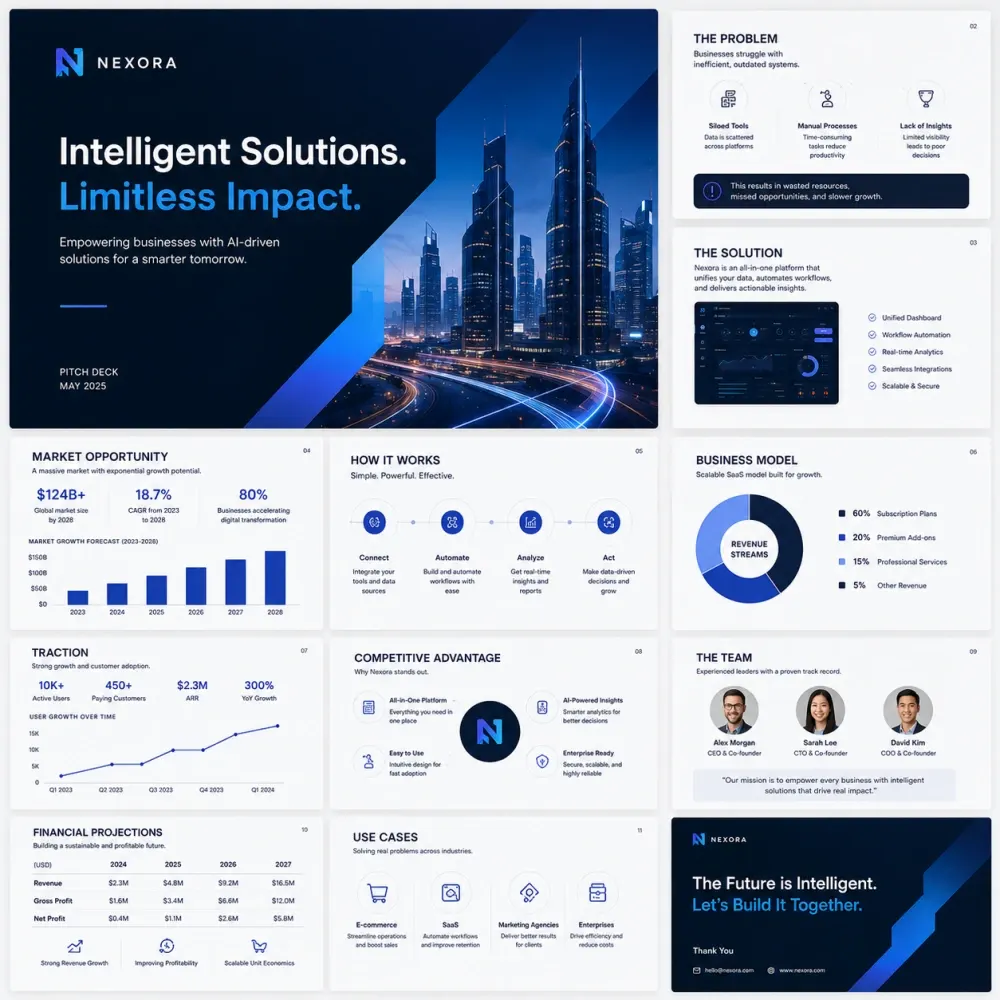
A pitch deck has limited time to explain what the company does, why the opportunity matters and what evidence supports the story. We organise supplied material around the problem, solution, product, market, business model, traction, competition, team, financial context and funding request, where those subjects are relevant.

There is no universal slide order. A mature business raising expansion capital needs a different emphasis from an early-stage startup still proving demand. We never invent market-size figures, financial performance, customer numbers or other evidence — the client remains responsible for the accuracy of business claims, and our job is to make supported information easier to follow and easier to discuss.

Investor decks combine narrative with data. Historical results, forecasts and assumptions should stay visually distinguishable where the source content makes that distinction, and important numbers should never disappear under decorative graphics. A good deck can support a stronger meeting; design cannot guarantee funding or investor interest.

Startup Presentation Design

Founders do not have one audience — so one deck cannot serve them all.

Founders present for fundraising, accelerators, partnerships, sales, demos and internal planning. Reusing the same deck for all of them produces an unfocused message. We establish one visual language and adapt the structure to each audience instead of forcing every conversation into the investor version.

Startup content also changes fast. Product screens, milestones, hiring plans and commercial figures can evolve between meetings, so editable files and repeatable layouts are especially valuable — they allow updates without losing the approved visual rhythm.
Sales & Business Presentations

Sell the problem first. The company introduction can wait.

Sales presentation design organises customer problems, service value, process, evidence, scope and next steps into a useful conversation. The deck should not spend most of its time introducing the seller while the prospect still has not understood why the solution is relevant to them.

How the deck is delivered changes the design. A deck presented live can lean on the speaker for context. A deck emailed after a meeting has to stand on its own. A proposal used in procurement may need detailed scope, assumptions and commercial information. We design around the way the material will actually be reviewed.

Business presentations cover an even wider range: strategy updates, executive summaries, client proposals, project reviews, quarterly reporting and internal planning. A strategy slide may need a framework and supporting data. A proposal may need clear deliverables. An executive update may need a short headline with deeper detail later. The visual system should make those differences feel intentional.

Corporate & Company Profile Presentations

Corporate decks are usually assembled by five departments. It shows.

Corporate presentation design can cover company overviews, capabilities, business units, services, leadership, regions, milestones, case studies, performance and contact information. These files are often assembled by several departments, which means terminology, layout and chart styles are already inconsistent before the redesign begins.

We establish a common visual hierarchy and find where repeated or dense material can be reorganised. The finished presentation can stay formal without feeling like a written report copied into slides.

A company profile presentation is related but more outward-facing — sent to clients, partners or procurement teams. Printed profile content can be a useful source, but it should not be transferred slide for slide: presentations are consumed differently, so long sections may need shorter statements, visual proof and a clearer sequence.

Proposal Presentation Design

A proposal deck gets re-read. Design it for the second reading too.

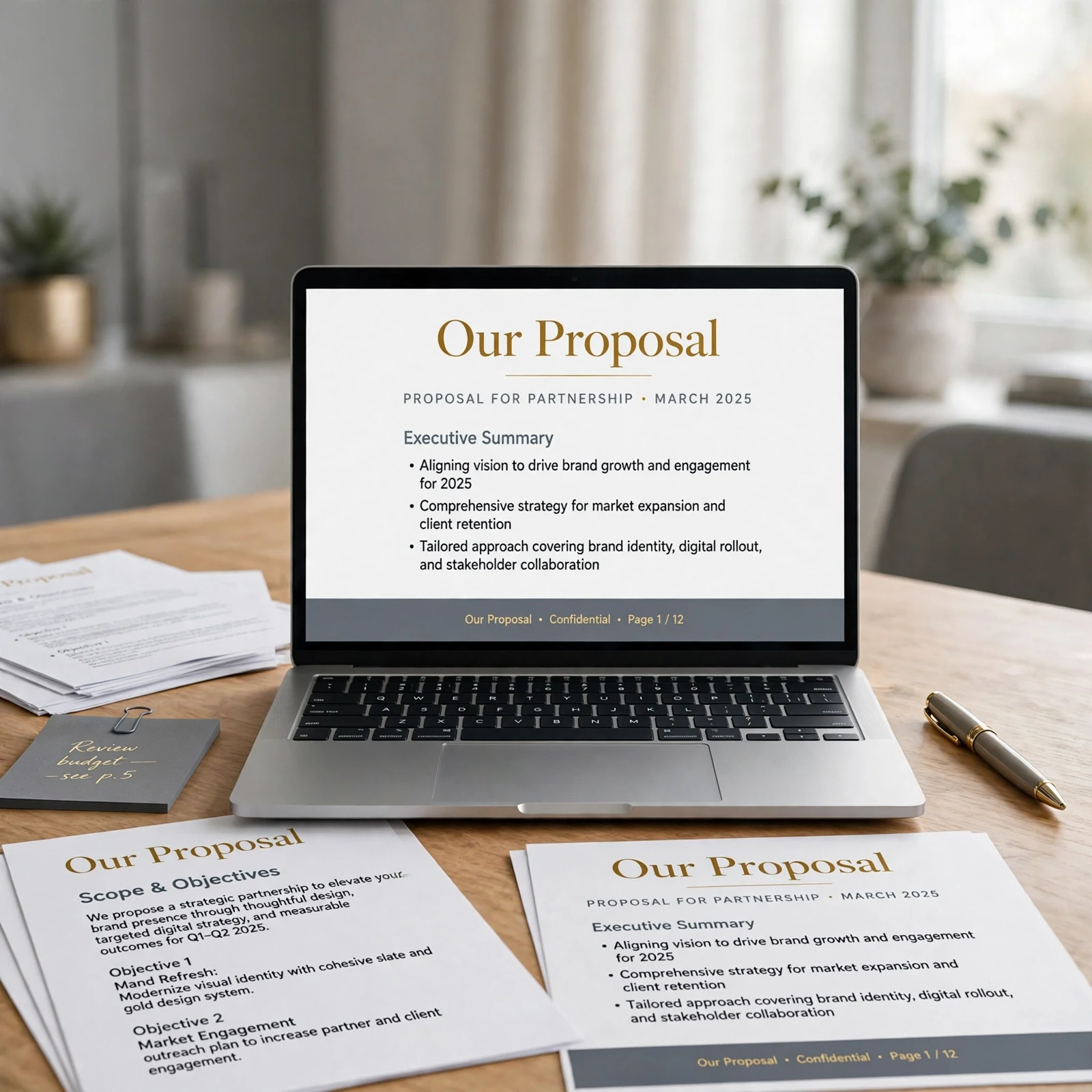
A proposal presentation can explain the client’s situation, the recommended approach, deliverables, process, project stages, team, assumptions and commercial terms. These decks need strong section boundaries, because the audience may return later to check one specific commitment.

Pricing, scope and exclusions should never be hidden inside decorative layouts. If contractual or legal text must remain exact, we design around that requirement without rewriting approved wording. Visual improvement should never change the meaning of a commitment.

Presentation Redesign

A redesign is triage, not a bonfire.

Presentation redesign is useful when a deck has accumulated different fonts, old brand colours, copied slides, inconsistent charts and pages that became crowded after repeated edits. We review the file page by page instead of applying a new background to everything.

Some slides only need alignment and typography. Others need content regrouped. Two repetitive slides may become one. One overloaded slide may become two. Existing diagrams that already explain the idea well can be preserved and restyled. The objective is a better system, not change for the sake of change.

Presentation Template Design

A template is judged by Tuesday’s meeting, not by its cover slide.

A useful PowerPoint template is more than a cover page and one bullet layout. Depending on the organisation it may need title slides, section dividers, image pages, comparisons, charts, timelines, team slides, case studies, process diagrams and other recurring patterns.

We base template design on real use. A consulting team may rely on frameworks and data. A property company may need project photography and specification layouts. A software business may need product screenshots, roadmap pages and feature comparisons. The template should reflect those recurring tasks instead of offering dozens of decorative options nobody uses.

Too much flexibility is as problematic as too little. If every layout exposes unlimited choices, brand consistency disappears quickly. We aim for a system that is easy to reuse while still giving teams enough room for new content.

Data Visualization, Charts & Tables

Pick the chart that answers the question — then stop.

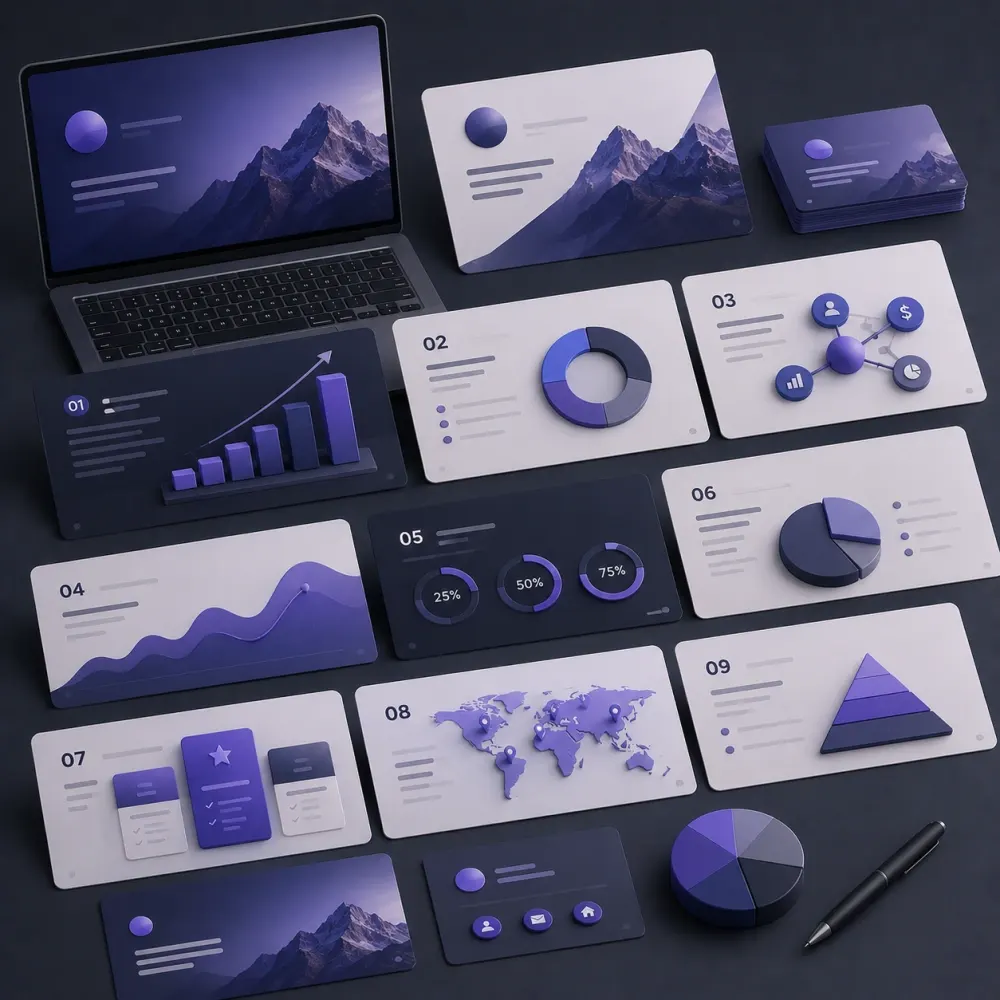
Data visualisation in a deck can include charts, tables, scorecards, timelines and simplified business graphics. The choice depends on what the audience needs to understand. If exact values matter, a table may beat a chart. If the point is a trend, a chart reveals it faster. If one number is the message, a large figure with context may be enough.

We restyle supplied charts so labels, axes, typography and emphasis fit the deck. Where source data is available, selected visuals can be rebuilt in an editable format according to scope. The underlying figures remain the client’s data — we do not manipulate scales or remove inconvenient information to make a result look stronger.

Financial and analytical slides often need more density than marketing slides. That is acceptable when the hierarchy stays clear. Design should help the audience inspect the information, not hide detail under oversized decorative elements.

Infographics & Diagrams

Show the shape of the idea, not just the words for it.

A process can become a sequence. An organisation can become a hierarchy. A product ecosystem can become a diagram. A customer journey can be shown as stages. Infographic design turns suitable information into a visible structure while keeping the meaning intact.

We avoid adding icons only because a slide has empty space. Every visual element should help identify, compare, connect or explain information. The strongest diagram often looks simple because unnecessary detail has been removed carefully.

Conference, Webinar & Training Slides

A keynote slide and a webinar slide are different animals.

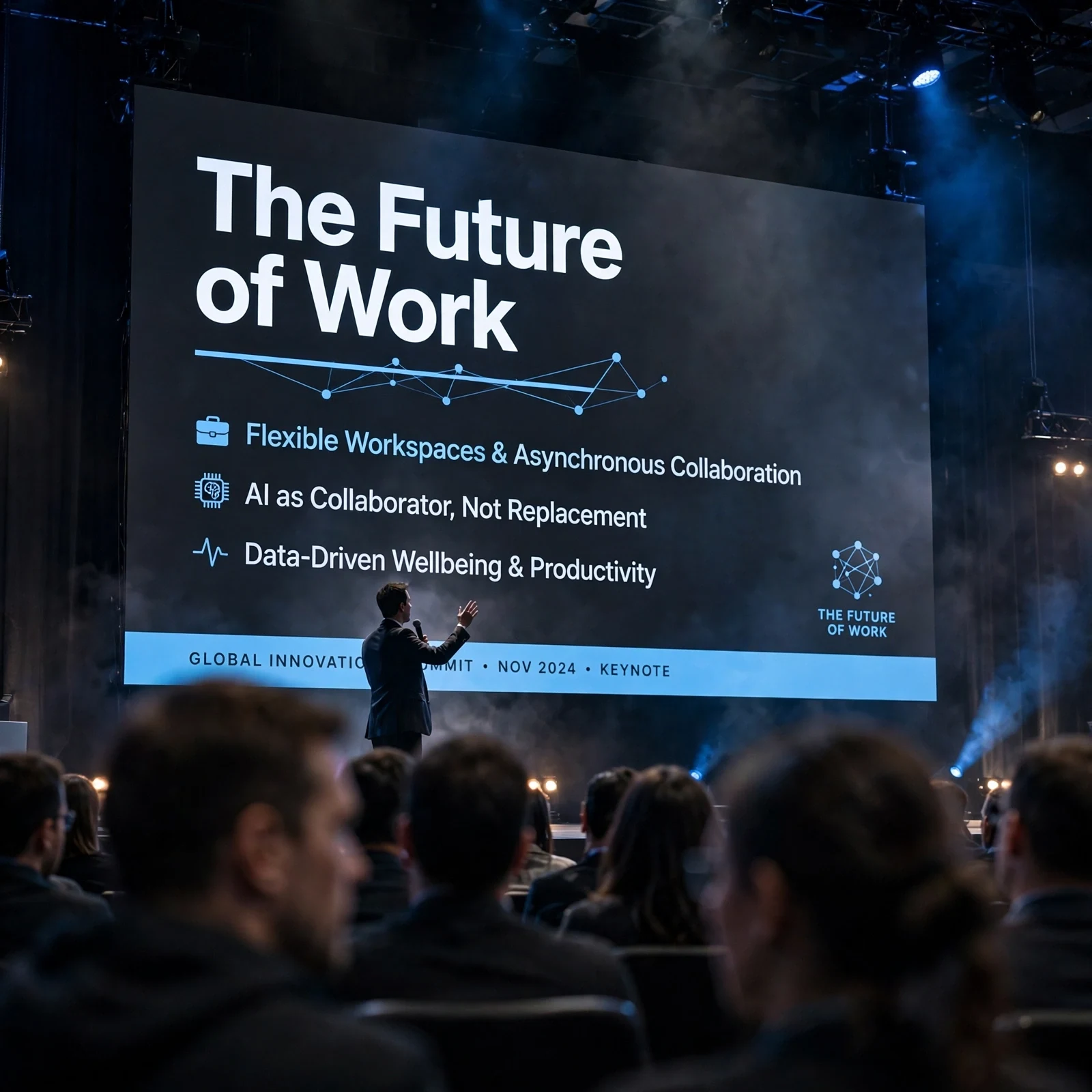
A conference presentation on a large screen can rely on shorter phrases, bigger imagery and the speaker’s explanation. Slides may appear for only a few seconds, so a dense report-style page is rarely appropriate. If the audience also needs a leave-behind document, a separate PDF or a more detailed version may make sense.

Webinars are usually viewed on smaller screens, sometimes beside chat panels or other interface elements. Text that looks comfortable on a designer’s monitor can become too small in that setting, so webinar design needs strong hierarchy, clear section changes and layouts that survive reduced viewing size.

Training design has another requirement: learning. Definitions, examples, process steps, exercises and recap slides may all deserve space. A training deck can hold more information than a keynote, but it still needs deliberate pacing — supporting detail may belong in speaker notes or a workbook when those materials are part of the project.

Brand Consistency

Nobody plans to break the brand. It happens one borrowed slide at a time.

Teams copy slides from old decks, choose a similar-looking font, introduce another shade of the brand colour and borrow an icon from the internet because the meeting is tomorrow. Over time the presentation no longer feels connected to the identity.

We translate brand rules into practical slide behaviour: typography, colour roles, image treatment, icon usage, chart styling, spacing and recurring components. A brand system created for packaging or social media may need adaptation before it works in a data-heavy presentation. The identity should stay recognisable without getting in the way of the information.

Images, Icons & Assets

Real photos of your work beat any stock handshake.

Client-owned photography, product images, project visuals and interface screenshots can make a presentation feel far more authentic than generic stock imagery. Stock assets, icons or illustrations can still be useful where appropriate, but licensing and source requirements are part of the scope.

Image resolution matters too. A visual that looks acceptable inside an email may look soft on a large display. We prepare assets for the expected delivery format rather than treating every presentation as a laptop-only document.

Animation, Transitions & Readability

Animation should explain, not perform.

Basic animation is useful when elements need to appear in a controlled order, or when a diagram is easier to explain step by step. It is far less useful when every object flies onto every slide. We use transitions selectively and make sure the static deck remains understandable if the presentation is exported to PDF.

Complex motion graphics, video production and advanced animated sequences can be scoped separately — they need different production effort from normal PowerPoint transitions.

Readability is equally practical. Font size, contrast, line length, chart labels and spacing decide whether an audience can understand a slide from the back of a room or on a small webinar screen. Formal accessibility requirements vary by organisation; when a project needs a specific accessibility standard, the testing and compliance scope should be agreed explicitly rather than assumed from visual design alone.

Our Process

From a pile of source material to a deck you can present with confidence.

The workflow changes with the project, but keeping the decisions in this order saves the most time.

01

Audience & Purpose

We confirm who will see the deck, how it will be delivered and what the audience should understand — or decide — by the end.

02

Source Material Review

Existing decks, notes, documents, spreadsheets and brand assets are reviewed before a single slide is produced.

03

Storyline First

We find repetition, weak sequence and places where the content needs a clearer structure — before any styling begins.

04

Visual Direction

Typography, colour, imagery, chart treatment and sample layouts set the look before the full deck is built out.

05

Slide Build-Out

The remaining slides are designed inside the approved system, including the diagrams and data visuals in scope.

06

Review & Handoff

Revisions are applied, consistency is checked, and the agreed editable file and exports are prepared for delivery.

Possible Deliverables

The deliverables follow the deck, not a generic checklist.

A project can include presentation structure, PowerPoint design, Google Slides design, Keynote design, pitch deck design, sales deck design, proposal presentation design, company profile slides, executive presentations, presentation redesign, master layouts, charts, tables, process diagrams, roadmaps, timelines, product screenshots, case-study pages, team slides, branded icons, basic transitions, PDF exports and editable source presentation files.

Not every deck needs all of those. A 12-slide investor pitch and a 60-slide training programme are different assignments. We confirm slide count, source-content condition, platform, design depth and revision expectations before the project begins.

Presentation Design Pricing

Starting prices for common presentation scopes.

Pricing is based on slide count, content readiness and visual complexity. These packages assume the core business information is supplied by the client. Research-heavy writing, complex animation, custom illustration, licensed stock, urgent production or major data cleanup can be scoped separately.

Focused redesign

Presentation Refresh

Starting at$299

For a short existing deck that already has usable content and needs stronger visual consistency.

  • Up to 10 slides
  • Existing content supplied
  • Brand-aligned redesign
  • Basic chart and table styling
  • Editable final presentation
  • 2 revision rounds
Choose Presentation Refresh →
Pitch / leadership use

Pitch & Executive Deck

Starting at$999

For investor, strategic or high-stakes business presentations with deeper narrative and visual-development needs.

  • Up to 30 slides
  • Deeper narrative restructuring
  • Custom data visualization
  • Process and concept diagrams
  • Reusable master slide styles
  • 4 revision rounds
Choose Pitch & Executive Deck →

Standalone presentation design pricing

Additional redesigned slide$35+
Complex chart / infographic slide$55+
Branded presentation template$399+
10-slide pitch deck redesign$449+
20-slide company / sales deck$599+
Google Slides or Keynote adaptation$149+

Pricing note: All prices are starting USD fees. Final pricing depends on content readiness, slide count, custom illustration, data complexity, animation, turnaround and licensing. Copywriting, original business research, financial modeling, custom video, paid stock assets and rush delivery are not automatically included. Presentation design does not guarantee investment, sales, approval or any other business outcome.

Why DesignBub

We treat the deck as a business conversation that happens to be a design file.

Presentation work fails when design and content are handled as unrelated tasks. A designer can create a beautiful page without deciding whether the slide has a clear point. A writer can produce accurate content that becomes unreadable on a screen. We bring those decisions together.

Our presentation design also considers what happens after the final review. If a sales team changes client names weekly, the presentation should support that. If a founder sends the PDF without presenting it live, the deck needs enough context to stand alone. If leadership updates numbers every quarter, charts and text areas should remain practical to edit.

That operational detail is part of presentation design. The finished deck should look deliberate during the meeting and remain useful when the next meeting needs an update.

Presentation Design FAQs

Questions to answer before the deck work starts.

Scope, editability and content condition shape presentation pricing and workflow more than anything else.

Yes. We work from notes, a Word document, an existing deck, spreadsheets or other supplied material. The amount of restructuring the content needs is confirmed before the project is priced, because a rough outline and a finished deck are very different starting points.

Yes, when editable delivery is included in the selected scope. We provide the agreed PowerPoint, Google Slides or Keynote file with supported text, charts and common presentation elements remaining editable, so routine updates do not need a designer.

Yes. We design startup and investor decks around the supplied business story, product, market, traction, model, team and financial information. We do not invent unsupported business claims or investment metrics — the client remains responsible for the accuracy of every figure.

Yes. A template can include practical master layouts for covers, dividers, text, images, charts, comparisons, timelines, case studies and other recurring slide types, built around the slides your team actually builds.

DesignBub packages start at $299 for a short presentation refresh of up to 10 slides, $599 for a business presentation of up to 20 slides, and $999 for a pitch or executive deck of up to 30 slides. The final quote depends on slide count, content readiness, visual complexity and turnaround.

Give the room a deck it can actually follow.

Send the existing deck, the rough outline or the source material. We will review the slide count, the condition of the content and how it will be used, then recommend the scope that fits.

WhatsApp DesignBubChat with us now