Triage
Every incoming request is read, understood and sorted by topic and urgency — orders, billing, returns, bookings — so the right person or flow handles it first.
We build support that answers from your knowledge base, drafts replies for your team to approve, and knows exactly when a person should take over.

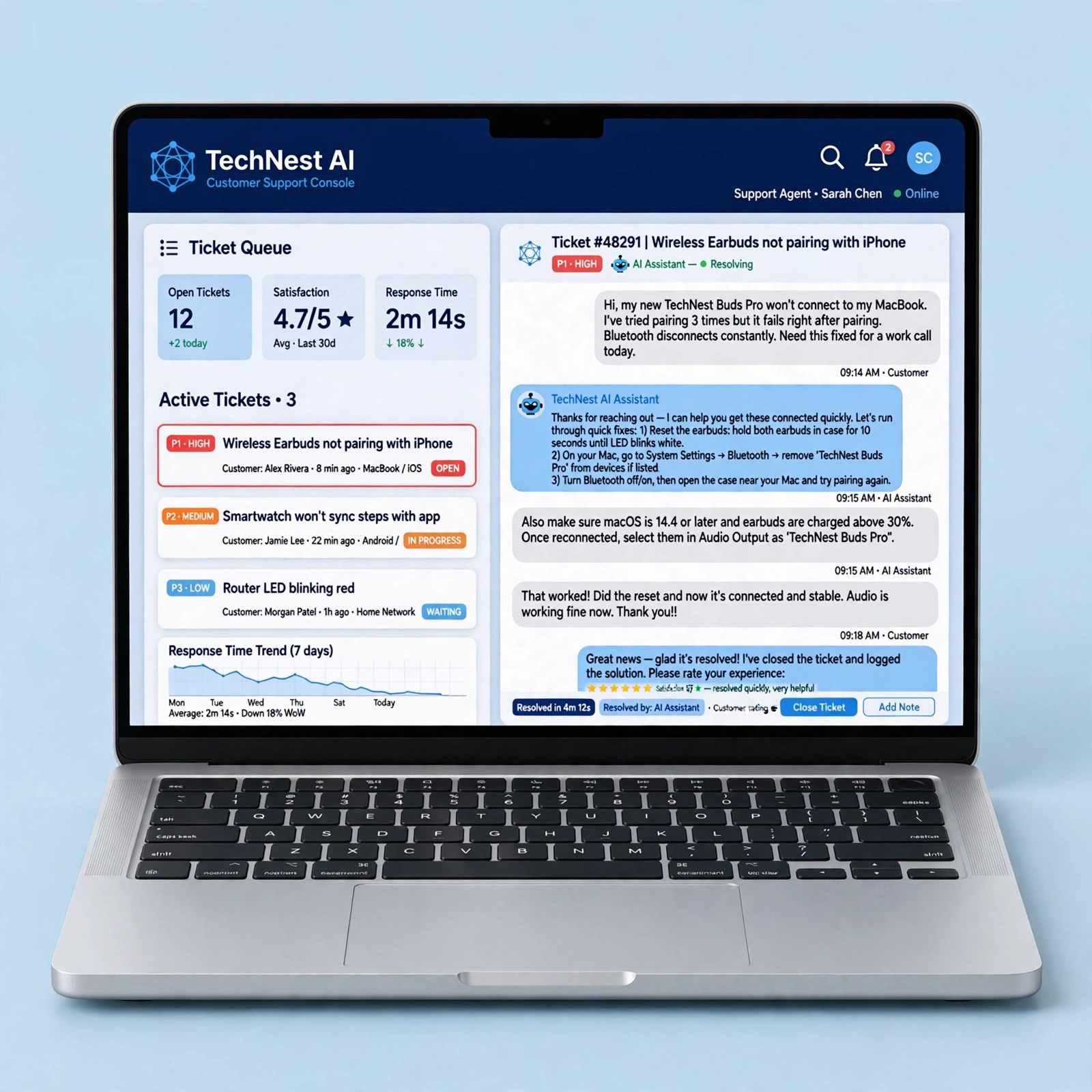
Triage, suggested replies and order help built on your knowledge base — with human approval before anything reaches a customer.

























Most support inboxes are full of the same questions asked in different words: where is my order, how do I return this, what does this charge mean, can I change my booking. Answering them one by one eats the day — and delays the customers who genuinely need a person.
DesignBub builds AI customer support that reads each request, sorts it, drafts a reply from your approved knowledge base, and sends it only after your team has approved it. The routine gets handled in minutes; the difficult cases arrive with the full context already gathered.
Your team stays in control of the words that reach customers. Nothing is sent without approval where approval matters, and anything sensitive, angry or unusual goes straight to a human with a clear summary of what happened so far.
The result is an inbox that shrinks instead of grows: faster answers for customers, less repetitive typing for your team, and no support request left unread because the queue was too long.
Every incoming request is read, understood and sorted by topic and urgency — orders, billing, returns, bookings — so the right person or flow handles it first.
Draft answers are written from your knowledge base, in your tone of voice, ready for your team to approve, adjust or reject. The team writes less and checks more.
Common questions about deliveries, charges and changes are answered from live order and account information, with the customer’s details already gathered.
Sensitive, angry or high-value cases are never answered automatically. They go to a person with a summary, and the customer is told someone is looking into it.
Each workflow is shaped around your inbox, your knowledge base and the moments when a person must step in.
Incoming requests sorted by topic, urgency and customer history, so the right team sees the right cases first.
Ticket TriageDraft responses written from your approved knowledge, ready for your team to approve before anything is sent.
DraftsDelivery, tracking and order-change questions answered from live order information, with the details already collected.
Order HelpGuided return and exchange flows that collect the reason, the item and the photos, then start the process without a phone call.
ReturnsClear, calm explanations of charges, invoices and payment issues, with anything disputed routed straight to your team.
BillingHelp with changing, cancelling or confirming bookings, with availability and policy answers drawn from your own rules.
BookingsYour help articles, policies and answers organised into one trusted source every reply is drawn from.
Knowledge BaseSupport in your customers’ languages, using approved translations so promises and policies stay consistent everywhere.
MultilingualRules that send complaints, vulnerable customers and complex cases to a person quickly, with a full summary attached.
EscalationRegular summaries of what customers ask, where answers fall short, and which articles need writing next.
AnalyticsA support request is rarely just a subject line. We read the whole message — the words, the tone, the order number buried in the middle — and sort it by what the customer actually needs: a delivery answer, a billing explanation, a return, or a person, now.
Good triage also spots urgency. An angry customer, a missed delivery date and a payment taken twice should not wait in the same queue as a question about opening hours. Urgent cases rise to the top with their context attached.
Draft replies are only useful if your team trusts them enough to send them. We write drafts from your knowledge base, in your tone of voice, with the facts checked against your own policies — so approving one takes seconds, not a rewrite.
Your team stays the author of record. Every draft can be edited, rejected or replaced, and the system learns from those corrections, so the drafts get better the more your team uses them.
Most order questions need three facts: which order, what happened, and what the customer wants now. We collect those facts up front, check the live order status, and draft the answer — so the customer gets a useful reply instead of a request for the same details again.
When an order problem needs a decision — a replacement, a refund, a redelivery — the case reaches your team with everything gathered, so the decision takes minutes instead of a day of messages.
Few things frustrate customers more than a charge they do not understand. We explain invoices, subscriptions and payment timing in plain language, using the customer’s own account details, and flag anything that looks like a genuine error for human review.
Disputed charges are never argued with by a machine. They go to a person with the full history, and the customer is told clearly that someone is looking into it.
A good returns flow asks for the reason, the item and a photo, then tells the customer exactly what happens next — label, refund timing, exchange options — without them waiting on hold. Most returns never need a person at all.
The exceptions still do. Damaged goods, missing items and anything outside the normal policy go to your team with the evidence already collected, so the resolution is fast and fair.
Changing a booking is stressful enough without a maze of forms. We guide customers through date changes, cancellations and confirmations using your own availability and policy rules, and confirm each step before anything is changed.
When a change falls outside the rules — a late cancellation, a special request — the case goes to a person who can decide, with the booking details already in front of them.
A knowledge base is only as good as its articles, and most are written once and forgotten. We build yours from the questions customers actually ask, written plainly, kept current, and linked to the replies that use them — so every answer draws from one trusted source.
The base grows from real support conversations. When a new question appears three times, it becomes an article. When an answer is corrected twice, the article is fixed. The knowledge base improves because the inbox teaches it.
Customers explain problems best in their own language, and a clumsy translation can turn a simple question into a complaint. We support the languages your customers use, with approved translations for policies, prices and promises, so nothing is invented in translation.
Where a language is not covered, the request is routed to a person rather than answered in a language the system cannot handle well. An honest handover beats a confident mistranslation.
Support earns its keep by giving each customer the right kind of answer: instant for the routine, human for the rest.
Order, delivery and returns questions answered from live information, while the customer is still deciding whether to trust you again.
Billing, renewal and plan questions explained plainly, with changes and cancellations handled by your own rules.
Booking changes, confirmations and local questions answered quickly, with anything unusual passed to your team.
Account, login and feature questions triaged and answered from your help centre, with bugs routed to the right developers.
Accurate answers at midnight and on weekends, with anything urgent flagged for your team first thing in the morning.
Complaints recognised immediately and sent to a person with a summary — never answered by a machine that cannot apologise properly.
Help in their own language, with approved translations that keep prices, policies and promises the same everywhere.
Fewer repetitive replies to type, clearer cases to work on, and drafts they can approve in seconds instead of writing from scratch.
A well-written FAQ page is enough when support volume is low and the questions rarely change. If your team answers a handful of enquiries a day, a good help centre may be all you need.
AI customer support earns its place when the inbox is full, the same questions arrive daily, and your team spends more time typing than solving. That is when triage, suggested replies and a proper knowledge base start saving real hours.
We build on the tools you already use — your helpdesk, your inbox, your knowledge base — adding the triage and drafting that connect them, rather than replacing a system your team already knows.
The measure is simple: customers get faster, more accurate answers, and your team gets their day back for the cases that genuinely need a person.
Open last week’s inbox and count the questions that repeat. Those are the first articles in your knowledge base and the first drafts your team will approve.
The repeat questions are the business case. Every one of them is time your team could spend on the customers who need them most.
Write the list before you build: complaints, refunds, vulnerable customers, account closures, anything where a wrong answer does real harm. Those cases bypass automation entirely.
A short list, agreed in advance, is what keeps customers trusting the system — because they know the serious things always reach a person.
Your best replies are already written — in sent emails, in chat history, in the heads of your longest-serving team members. Collect them before building anything.
Trace what happens from the moment a customer asks about an order or a charge: which systems hold the answer, who can see them, and what a good reply needs to say.
If the answer lives in three different systems, the support system must reach all three — or the draft will always be incomplete.
Agree which replies can go out automatically, which need a quick approval, and which must be written by a person. Then build those rules in, instead of discovering the gap after a mistake.
Approval rules are the difference between a support system your team trusts and one they quietly work around.
Sorting the inbox correctly is the foundation. Once triage works, add suggested replies for the most common topics, then extend to orders, billing and returns.
One stage at a time keeps the system reliable, and each stage proves its value before the next one begins.
We study how your customers ask for help, then build the triage, knowledge and approval rules that answer them well.
We read real support messages to find the questions that repeat, the cases that need people, and the answers your team already gives.
Help articles, policies and approved replies are collected, checked and written into one trusted knowledge base.
Topics, urgency levels and routing rules are defined, so every request reaches the right flow or the right person.
We decide which replies can go automatically, which need approval, and which must always be written by a person.
Triage, drafts and the knowledge base are built and connected to your helpdesk, inbox and order systems.
We test with real messages — angry ones, vague ones, complicated ones — until triage and drafts behave the way your team expects.
After launch we review real conversations weekly, fix weak answers and add the articles customers actually need.
Deliverables are chosen around your inbox and your customers, not padded with features your support team will never use.
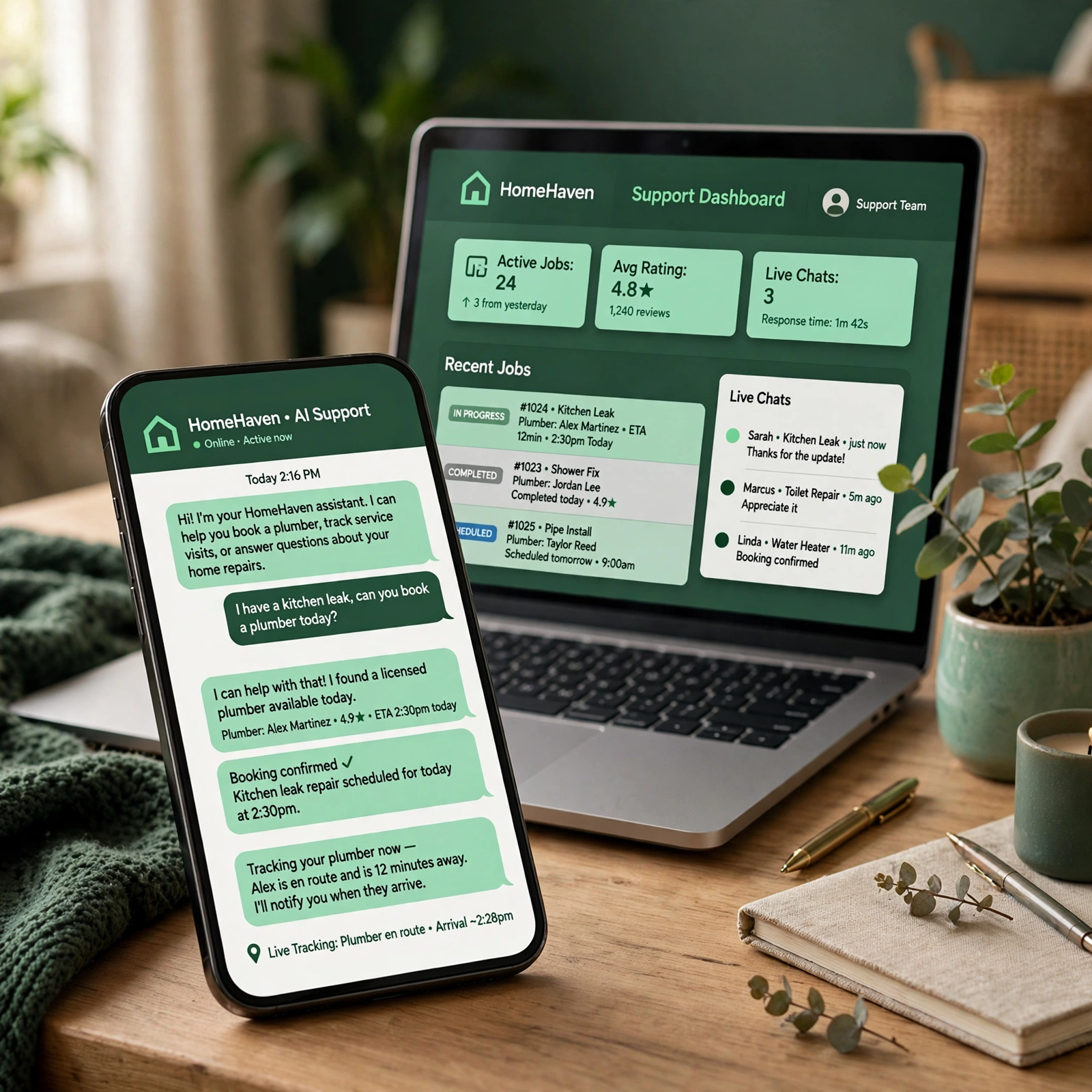
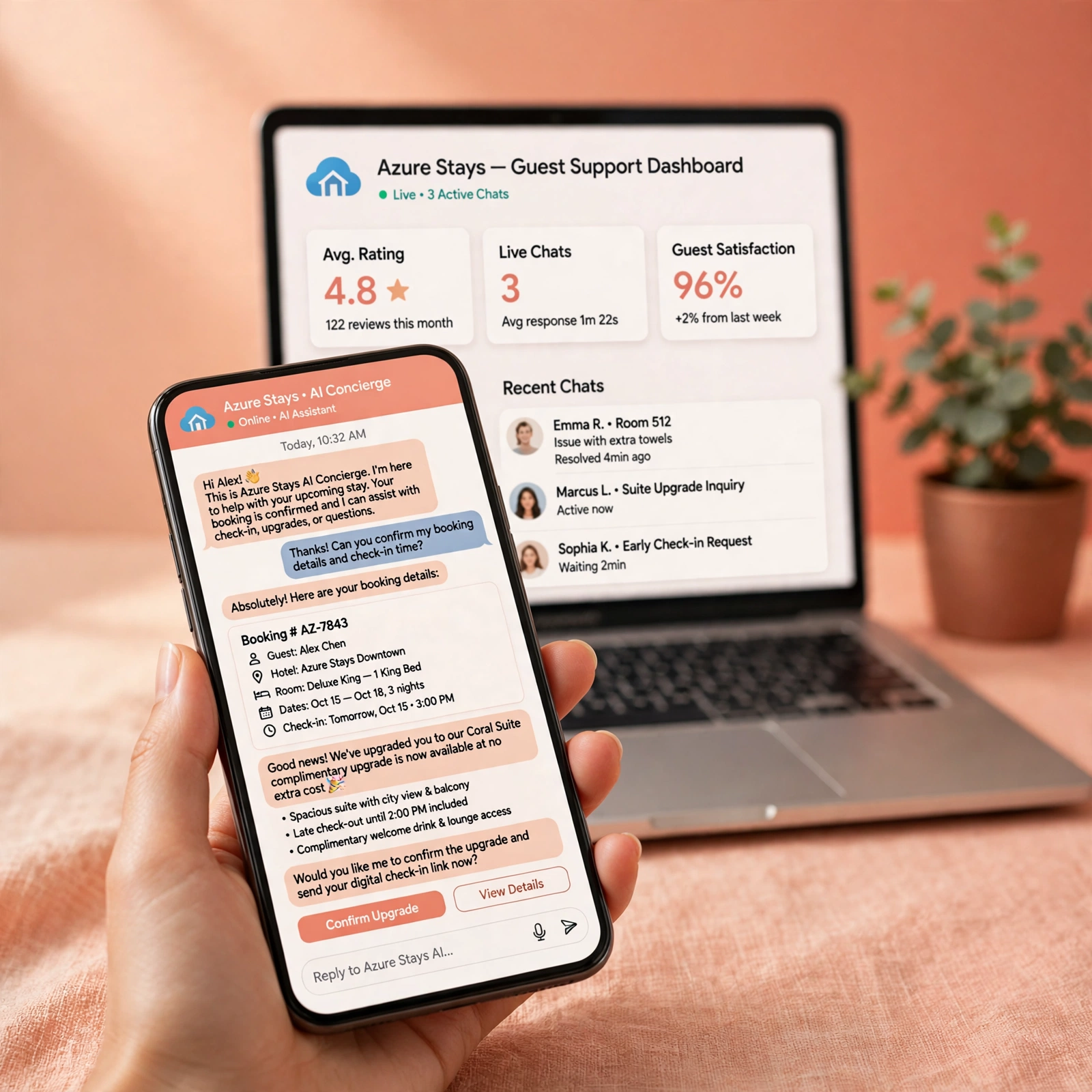
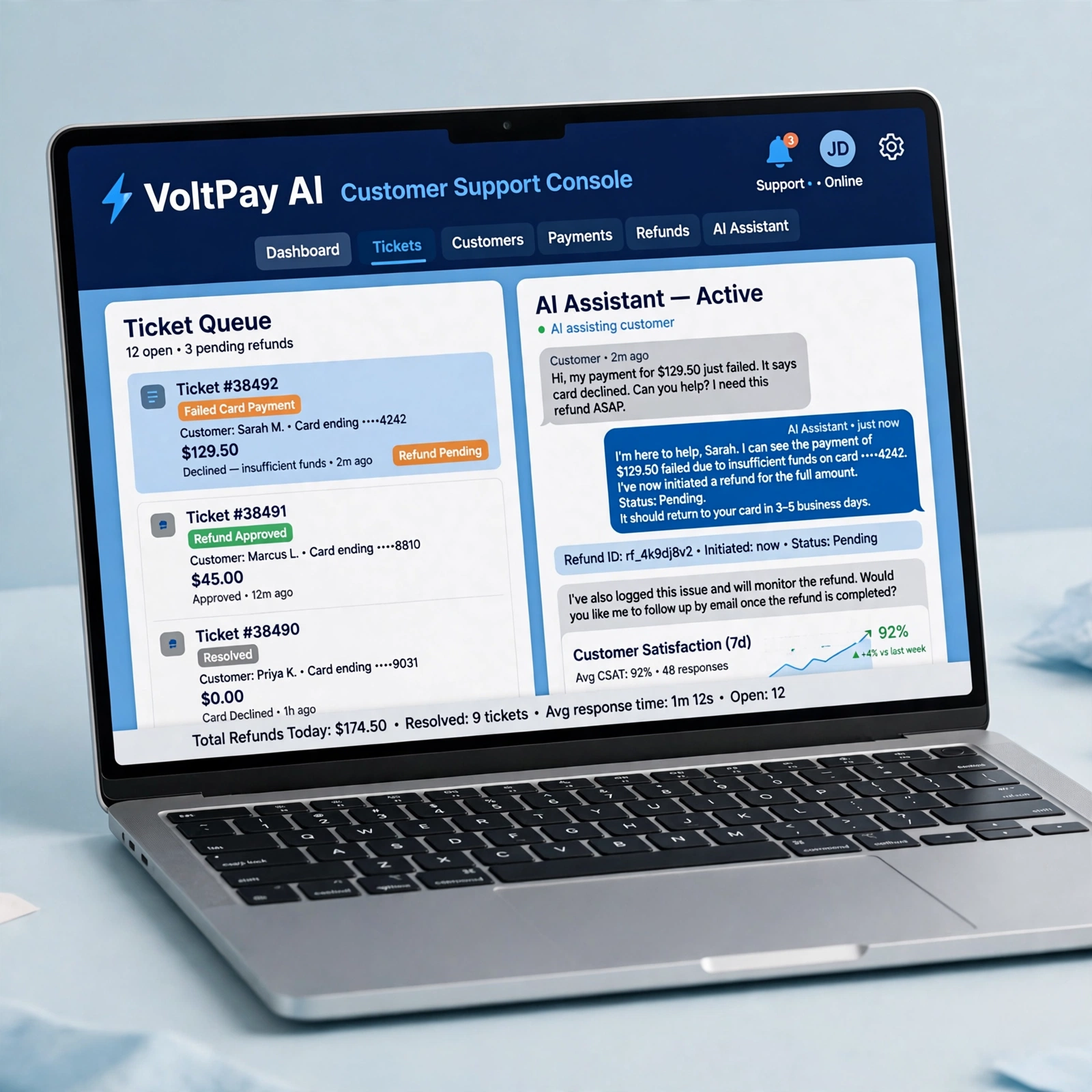
These are sample support concepts created to show how the designs could look — fictional brands, made to demonstrate the style and flow, not real client work.

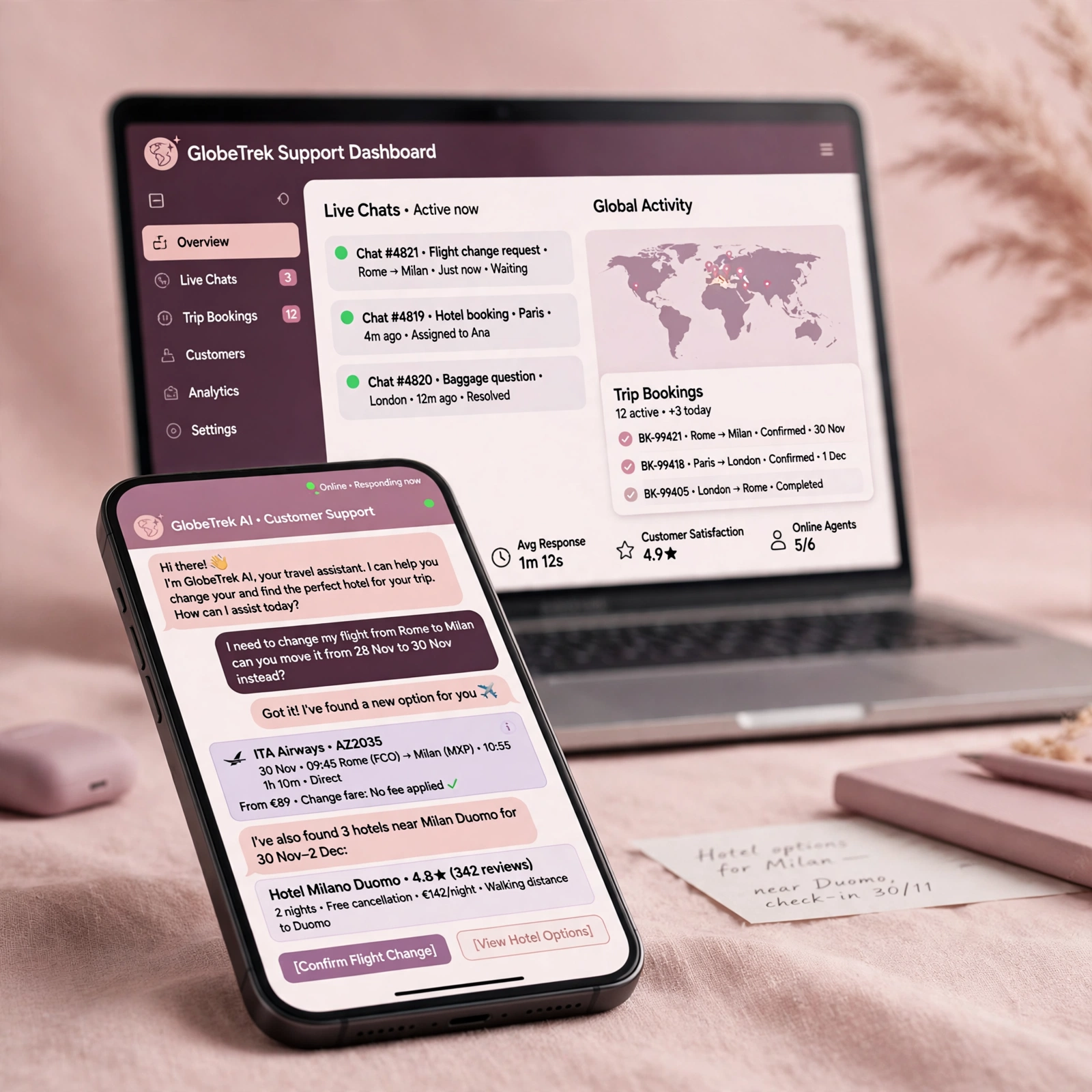
Support automation speaks to your customers on your behalf, so it must never invent policies, promise refunds it cannot give, or handle a vulnerable customer without a person. We set clear limits on what it can say, what needs approval, and what always goes to a human.
Replies that matter are drafted, not sent — your team approves the words that reach a customer.
Every answer comes from your knowledge base. If the policy is not there, the case goes to a person.
Complaints, vulnerable customers and unusual cases reach a human quickly, with a full summary attached.
Every support conversation is kept for review, so answers can be checked, corrected and improved.
Support projects start from these packages, and the final scope depends on how many requests you handle, how much knowledge must be built, and which systems the support must connect to.
For one clearly defined process that currently depends on repetitive manual work.
For businesses connecting several steps across lead handling, CRM, chat or internal workflows.
For multi-step automation that needs AI agents, several integrations and stronger operational controls.
Need one specific automation rather than a full package? These starting prices show how common projects are scoped. Final pricing depends on integrations, data access and workflow complexity.
| Automation Type | Starting Price | Typical Scope |
|---|---|---|
| AI Chatbot Setup | From $399 | Approved knowledge, FAQ handling, lead capture, human escalation and website integration planning. |
| WhatsApp Automation | From $499 | Enquiry flow, qualification, customer-data capture, CRM handoff and follow-up logic using supported provider access. |
| CRM Workflow Automation | From $399 | Lead creation, routing, pipeline actions, reminders, notes, summaries and connected notifications. |
| Lead Qualification System | From $399 | Form or chat intake, qualification questions, categorization, scoring rules and salesperson routing. |
| AI Customer Support Assistant | From $599 | Knowledge-based answers, support triage, issue categorization, escalation and conversation context. |
| Custom AI Agent | From $659 | Multi-step task flow, connected tools, defined permissions, approval steps and controlled actions. |
| Document Automation | From $599 | Extraction, classification, summarization, structured data output and optional human verification steps. |
| Additional API Integration | From $249 | One supported external system or service connected to an existing automation scope. |
Important: Package prices cover the agreed implementation scope only. Third-party platform subscriptions, CRM fees, hosting, WhatsApp provider charges, messaging costs, AI model/API usage, paid automation tools and other external service fees are separate. Projects requiring custom software, complex dashboards, compliance-specific architecture or ongoing managed operations are quoted separately.
Common questions about triage, suggested replies, order and billing help, human approval and the knowledge base.
They will know when a reply is automated and when a person has taken over, because we design the handover to be clear. Customers accept automated help readily when it is accurate and honest — what they dislike is being misled into thinking a machine is a person.
The system recognises the tone and the topic and sends the case to a person immediately, with a summary of what happened so far. No automated apology, no holding pattern — a real person, quickly, with the context already in front of them.
Yes, where it can reach your order system. It collects the order details, checks the live status, and drafts the answer from that information. If the order needs a decision — a refund, a replacement — the case goes to your team with everything already gathered.
Your team does, for any reply that matters. We agree the approval rules with you: routine answers can go automatically, sensitive ones need a quick check, and complaints are always written by a person. Approval takes seconds when the draft is good.
It lives in one place, so a policy or price change is updated once and reaches every reply. We also review real support conversations regularly to find new questions, fix weak answers and add the articles your customers actually need.
Tell us what fills your inbox and which cases must always reach a person. We will build support that triages, drafts and escalates the way your team would.