Triggers
Every workflow starts with a clear event: a form submitted, an invoice received, a date reached, a status changed. The trigger is defined in plain words, so everyone knows what starts the work.
We design the workflows that move work between your tools on their own — approvals, handoffs, reminders and updates, with a clear record of everything that happened.
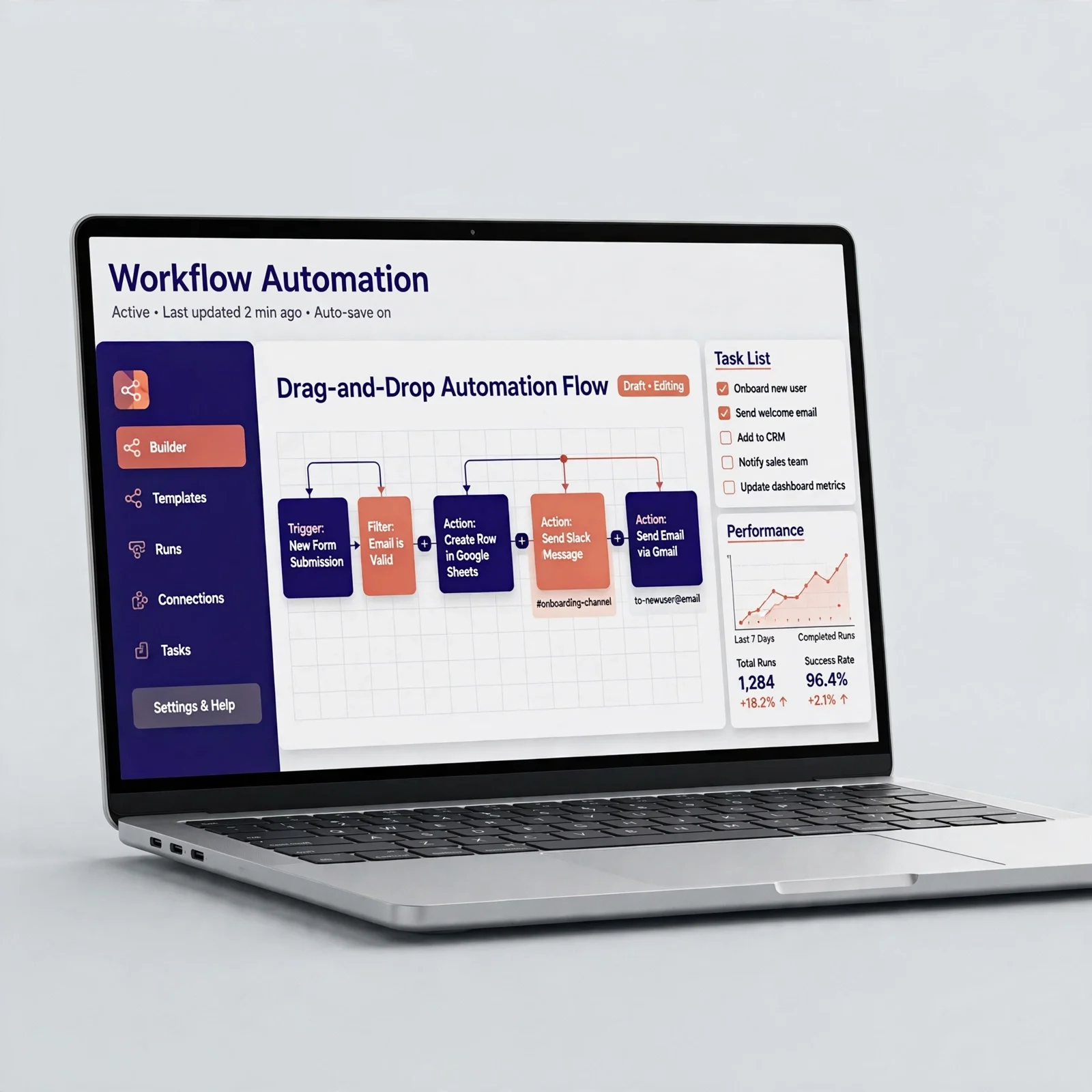
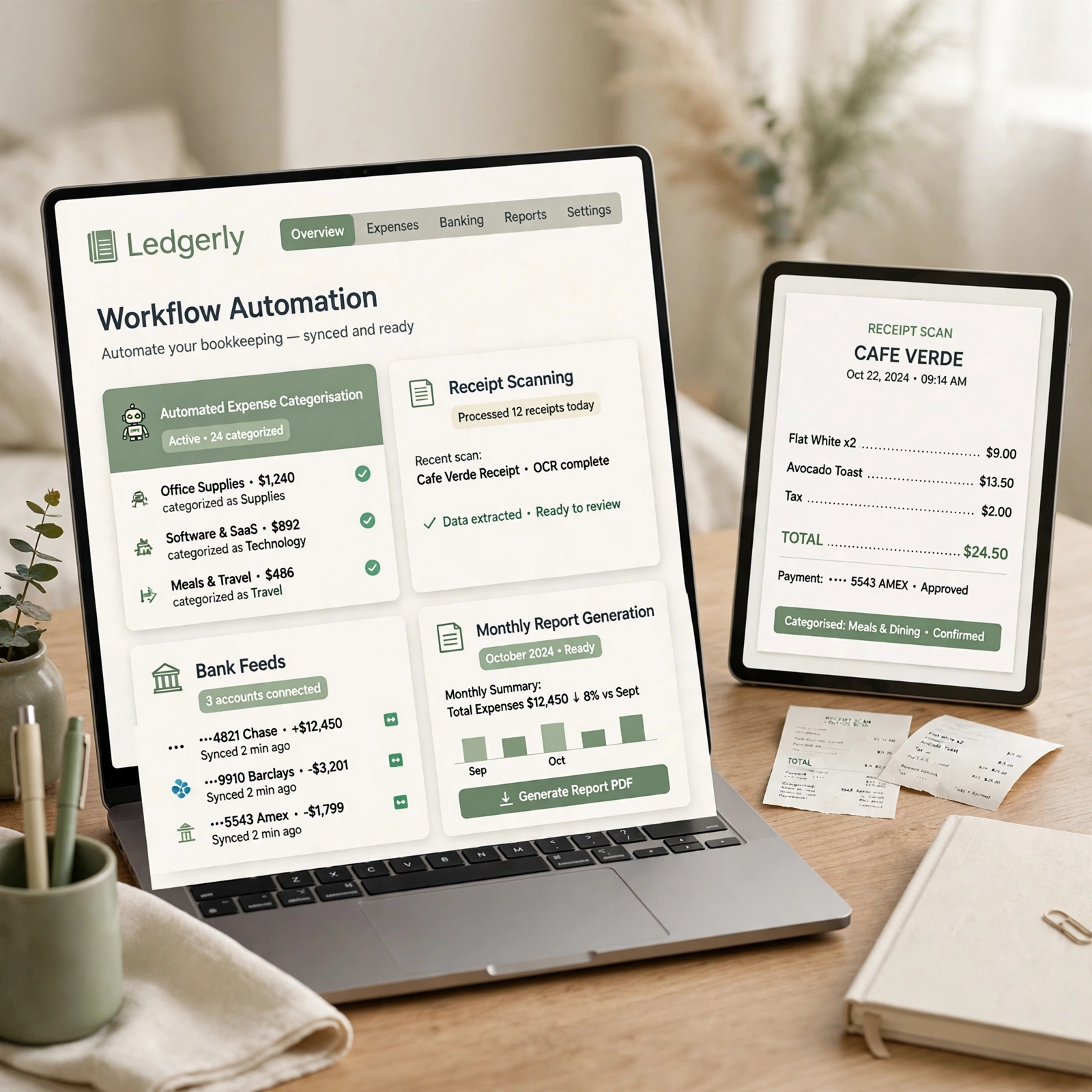
Approvals, handoffs and reminders that run between your tools automatically — with error handling and a clear audit trail when anything goes wrong.

























Every business has the same hidden cost: the time between the real tasks. Chasing an approval, retyping an order into another system, reminding someone for the third time, copying figures into a report. None of it is the job — but all of it fills the day.
DesignBub builds workflow automation that moves that in-between work on its own. A form submission starts an approval, an approval updates the next system, the next system notifies the right person — and every step is recorded, so you can see exactly what happened and when.
We start with the process as it actually runs, not as the org chart says it should. We map the triggers, the handoffs, the approvals and the exceptions — then build the workflow around that reality, keeping people in charge of the decisions that matter.
The result is work that flows instead of waits: fewer chases, fewer mistakes from retyping, and a team that spends its time on the work itself instead of on moving it along.
Every workflow starts with a clear event: a form submitted, an invoice received, a date reached, a status changed. The trigger is defined in plain words, so everyone knows what starts the work.
Information moves from one system to the next without retyping — form to CRM, CRM to accounts, accounts to the customer — with the right fields carried across each time.
The right person is asked at the right moment, with the full context in front of them. Approvals are quick, recorded, and never lost in an inbox.
When something fails or does not fit the pattern, the workflow stops safely, alerts a person, and records what happened — so nothing fails silently.
Each workflow is shaped around your process, your tools and the points where work currently waits.
Invoices, expenses, leave requests and content sign-offs routed to the right approver with the full context attached.
ApprovalsData carried between your CRM, inbox, spreadsheets and accounts tools without retyping or copy-and-paste errors.
HandoffsNew starters, new customers and new suppliers guided through every step with checklists, tasks and reminders.
Onboarding FlowsStock levels, orders and supplier updates kept in step across shops, warehouses and online stores.
InventoryDrafts, reviews and publishing steps tracked in order, so nothing goes live unapproved and nothing waits forgotten.
ContentAppointment, payment and deadline reminders sent at the right moment, with follow-ups when nobody responds.
RemindersOrders confirmed, suppliers notified and deliveries tracked from the moment a customer buys, without manual steps.
Order FlowsContracts, invoices and forms collected, checked, filed and routed to the right person for the next step.
DocumentsRecurring reports gathered from your tools and delivered on schedule, so nobody spends Monday morning assembling figures.
ReportsFailed runs caught, logged and flagged to a person, with a clear audit trail of every step the workflow took.
MonitoringMost approval delays are not about the decision — they are about the request never reaching the right person with the right information. We route approvals with the full context attached: the invoice, the amount, the history, the deadline — so the approver can decide in a minute instead of asking for more details.
Approvals can be chained, too: a team lead, then finance, then a director, each notified only when their turn comes. And every decision is recorded with who approved it and when, so there is never an argument about what was agreed.
Every time information is retyped from one system into another, a mistake has a chance to creep in — and a few minutes disappear. We carry the data across automatically, mapping each field once so the customer’s name, the order value and the dates arrive exactly as they were entered.
Handoffs work between the tools you already use: forms, CRM, email, spreadsheets, accounts and messaging. The workflow becomes the quiet courier between them, and your team stops being one.
A workflow is only as good as its trigger. We define triggers around real events — a form submitted, an invoice received, a renewal date approaching, a stock level falling — so work starts the moment it should, not when someone notices it should have started.
Triggers can be timed as well as event-driven: a reminder three days before a deadline, a report every Monday at eight, a check-in a month after onboarding. The rhythm is agreed with you, then it runs itself.
Onboarding fails when steps are missed, not when they are hard. We turn onboarding into a checklist the workflow drives: documents requested, accounts created, introductions made, first reviews scheduled — each step assigned, each completion recorded.
The same pattern works for employees, customers and suppliers. Everyone gets the same careful start, and the person running onboarding can see at a glance which step each person is on.
Selling something you do not have, or reordering something you already hold, both come from systems that disagree. We sync stock levels, orders and supplier updates across your shops, warehouse and online store, so every system tells the same story.
Low-stock alerts go to the right person before the shelf is empty, and supplier orders can be raised automatically against agreed rules — with a person approving anything unusual.
Publishing the wrong version, or publishing before approval, is an avoidable embarrassment. We build content pipelines where drafts move through review in order, each reviewer notified when their turn comes, and nothing publishes until the final approval is recorded.
Version control is built in: every draft, every comment and every approval is kept, so you can always see who approved what, and when.
A single reminder is easy to miss; a well-timed sequence is hard to ignore. We send reminders around the event — before an appointment, before a payment is due, before a deadline — and follow up when there is no response, escalating to a person when it matters.
Reminders are written in your voice and timed around your customers’ habits, so they feel helpful rather than nagging — and no-shows, late payments and missed deadlines all shrink.
Every workflow will fail sometimes — a system is down, a field is missing, a supplier changes format. The question is what happens next. We design every workflow to stop safely, alert a person with the full picture, and record exactly where it stopped.
An audit trail runs underneath everything: every trigger, every handoff, every approval and every failure, logged in order. When something goes wrong, you can trace it in minutes instead of guessing for a day.
Automation earns its keep by moving work between people and tools without anyone having to chase it.
Invoice approvals, expense sign-offs and payment reminders that move on their own, with every decision recorded.
Onboarding checklists, leave approvals and document collection that run step by step without chasing emails.
Stock synced across shops and online, supplier orders raised on time, and deliveries tracked without retyping.
Appointment reminders, patient onboarding and follow-ups that run reliably, so reception can focus on the people in front of them.
Content pipelines where drafts, reviews and approvals happen in order, and nothing publishes before its time.
Orders, deliveries and stock updates moving between systems automatically, with alerts when anything goes wrong.
One view of every workflow: what is running, what is waiting, and what failed — instead of asking around the office.
Less time chasing, fewer mistakes from retyping, and a clear record of how work actually moves through the business.
A shared checklist is enough when the process is simple, the team is small, and everyone can see what needs doing. If the work fits on one page and rarely changes, a checklist will do.
Workflow automation earns its place when work crosses several people and several tools, needs approvals in order, and fails quietly when someone forgets a step. That is when triggers, handoffs and audit trails start saving real time.
We build on the tools you already use wherever possible — your forms, your CRM, your spreadsheets, your accounts software — connecting them with workflows rather than replacing them.
The measure is simple: work moves without chasing, mistakes from retyping disappear, and you can always see where any piece of work stands.
Ask your team where work sits idle: the invoice awaiting a signature, the order awaiting stock, the document awaiting review. The longest wait is the first workflow to build.
Waiting work is invisible in a busy week, but it is the most expensive kind — because everything downstream waits with it.
Pick one process and write down every step, from the trigger to the finish: who does what, which tools are involved, and where it usually stalls.
A process written down is a process you can improve. One that lives only in people’s heads can only be guessed at.
Approvals are the most common bottleneck in any business. List the ones that take longest and ask why — missing information, wrong person, no reminder.
Watch for a day how often the same information is typed into a second system. Each copy is a few minutes and a chance of error — and it adds up fast.
Retyping is the clearest signal a workflow is needed. If a human is the courier between two systems, the workflow should be.
Before building, decide what happens when the workflow cannot proceed: a missing field, a failed system, an unusual case. Write the fallback down, so the workflow never fails silently.
Exceptions handled well are what separate a reliable workflow from a fragile one. Plan them before launch, not after the first failure.
Automate the single most painful process first — the approval, the handoff, the reminder — and prove it works before connecting the next one.
One reliable workflow teaches your team to trust automation. Five half-built ones teach them the opposite.
We map how work actually flows through your business, then build the workflows that keep it moving.
We trace one process end to end — triggers, handoffs, approvals and the points where work usually stalls.
The events that start work and the rules that route it are agreed in plain language with the people who do the work.
Each approval is defined: who decides, what they need to see, and what happens when they are away.
Triggers, handoffs, reminders, error handling and audit trails are mapped before anything is built.
The workflow is built and connected to your forms, CRM, spreadsheets and accounts tools, so data flows without retyping.
We test the awkward cases — missing fields, failed systems, absent approvers — until the workflow fails safely every time.
After launch we watch the first live runs together, fix the rough edges, and set up monitoring so failures are caught early.
Deliverables are chosen around your processes and your tools, not padded with features your team will never use.
These are sample workflow concepts created to show how the designs could look — fictional brands, made to demonstrate the style and flow, not real client work.
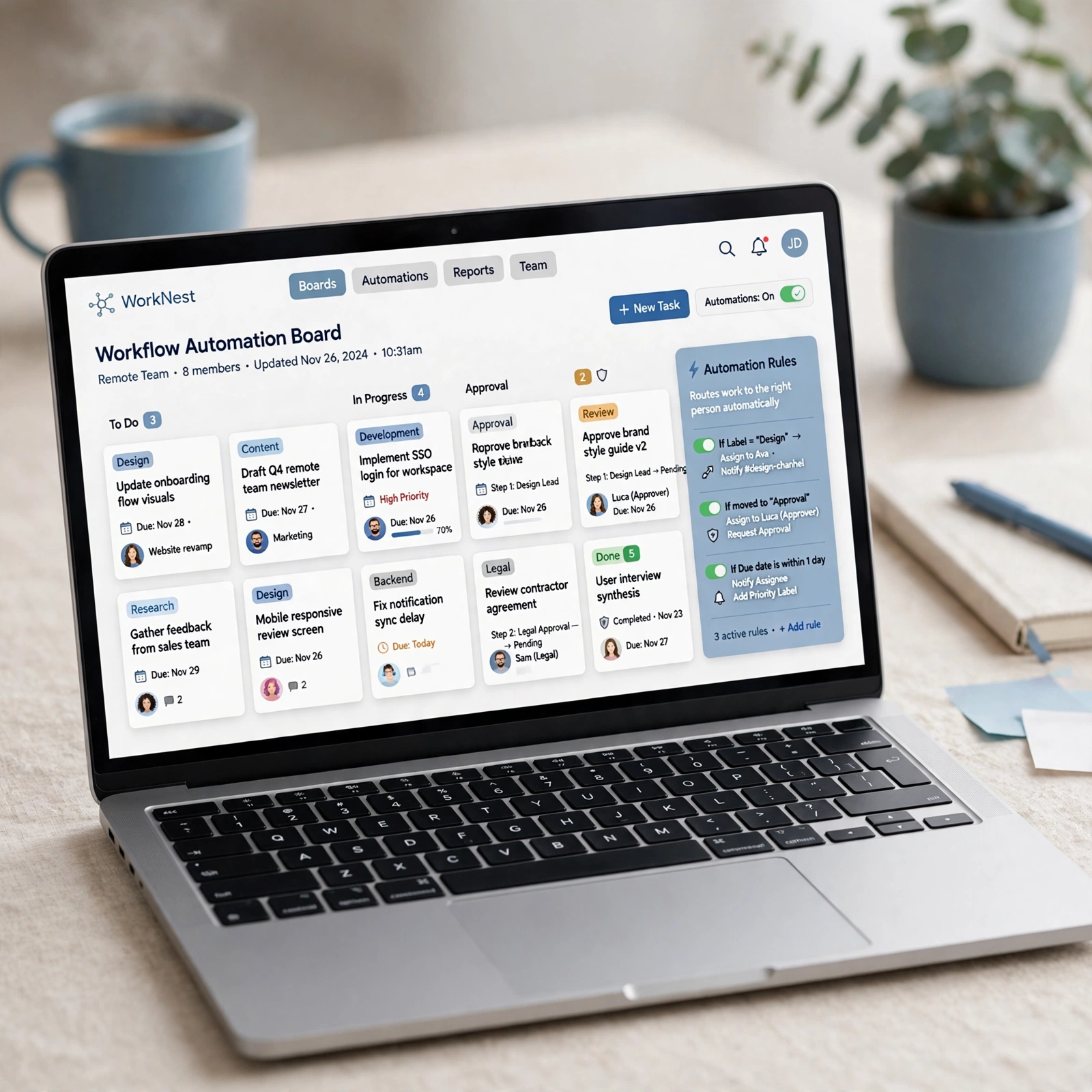


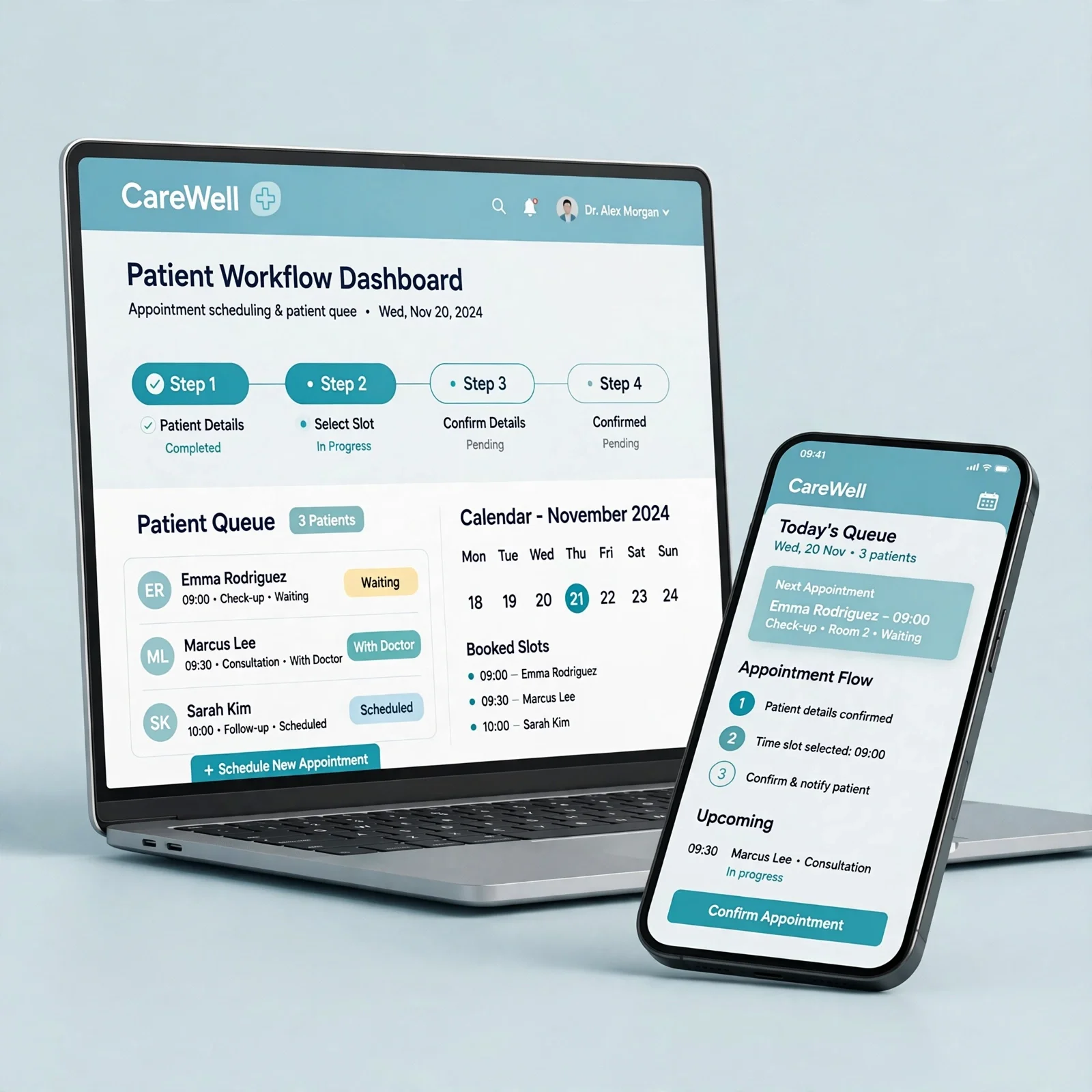

Workflow automation changes records, sends messages and moves money-adjacent work between systems, so it must be visible, testable and safe to stop. We build approval points, error handling and audit trails into every workflow, and make sure a person can always see what ran, what is waiting, and what failed.
Every workflow can be seen running: what started, what is waiting, and what is done.
When a step fails, the workflow stops safely and alerts a person — it never guesses and carries on.
Decisions that matter stay with people, with the full context in front of them.
Every trigger, handoff and approval is logged, so any piece of work can be traced end to end.
Workflow projects start from these packages, and the final scope depends on how many processes you automate, how many tools must connect, and how much approval and error handling each one needs.
For one clearly defined process that currently depends on repetitive manual work.
For businesses connecting several steps across lead handling, CRM, chat or internal workflows.
For multi-step automation that needs AI agents, several integrations and stronger operational controls.
Need one specific automation rather than a full package? These starting prices show how common projects are scoped. Final pricing depends on integrations, data access and workflow complexity.
| Automation Type | Starting Price | Typical Scope |
|---|---|---|
| AI Chatbot Setup | From $399 | Approved knowledge, FAQ handling, lead capture, human escalation and website integration planning. |
| WhatsApp Automation | From $499 | Enquiry flow, qualification, customer-data capture, CRM handoff and follow-up logic using supported provider access. |
| CRM Workflow Automation | From $399 | Lead creation, routing, pipeline actions, reminders, notes, summaries and connected notifications. |
| Lead Qualification System | From $399 | Form or chat intake, qualification questions, categorization, scoring rules and salesperson routing. |
| AI Customer Support Assistant | From $599 | Knowledge-based answers, support triage, issue categorization, escalation and conversation context. |
| Custom AI Agent | From $659 | Multi-step task flow, connected tools, defined permissions, approval steps and controlled actions. |
| Document Automation | From $599 | Extraction, classification, summarization, structured data output and optional human verification steps. |
| Additional API Integration | From $249 | One supported external system or service connected to an existing automation scope. |
Important: Package prices cover the agreed implementation scope only. Third-party platform subscriptions, CRM fees, hosting, WhatsApp provider charges, messaging costs, AI model/API usage, paid automation tools and other external service fees are separate. Projects requiring custom software, complex dashboards, compliance-specific architecture or ongoing managed operations are quoted separately.
Common questions about approvals, handoffs between tools, triggers, error handling and audit trails.
Workflow automation follows rules you define: when this happens, do that. AI automation adds interpretation for unstructured information, like reading a message or summarising a document. Many reliable systems use both — rules for the predictable steps, AI only where judgment about meaning is needed.
Anything with a supported connection — your CRM, forms, email, spreadsheets, accounts software, messaging tools and more. Before promising a connection we check what the tool actually allows, so we never design around an integration that cannot be built reliably.
It stops safely and alerts a person, with a record of exactly where it stopped and why. Nothing is half-updated or silently skipped. The audit trail shows every step that ran, so the work can be picked up and finished properly.
Yes. Every trigger, handoff, approval and failure is logged in an audit trail you can review. You can trace any piece of work from start to finish — who approved it, when it moved, and where it is now.
Usually not. We build workflows between the tools you already use wherever their connections allow it. If a tool cannot support the workflow you need, we will tell you that early and discuss the alternatives, rather than forcing a change you did not ask for.
Tell us where work waits in your business — the approvals, the handoffs, the reminders. We will build workflows that keep it moving, with a clear record of every step.