Lead Routing
Every new enquiry is matched to the right person or team by source, location, product or value, and the owner is notified immediately. No lead waits in a shared inbox while everyone assumes someone else will pick it up.
We set up your CRM so leads are created, routed and followed up automatically — with pipeline stages, reminders and deal updates your team can actually rely on.
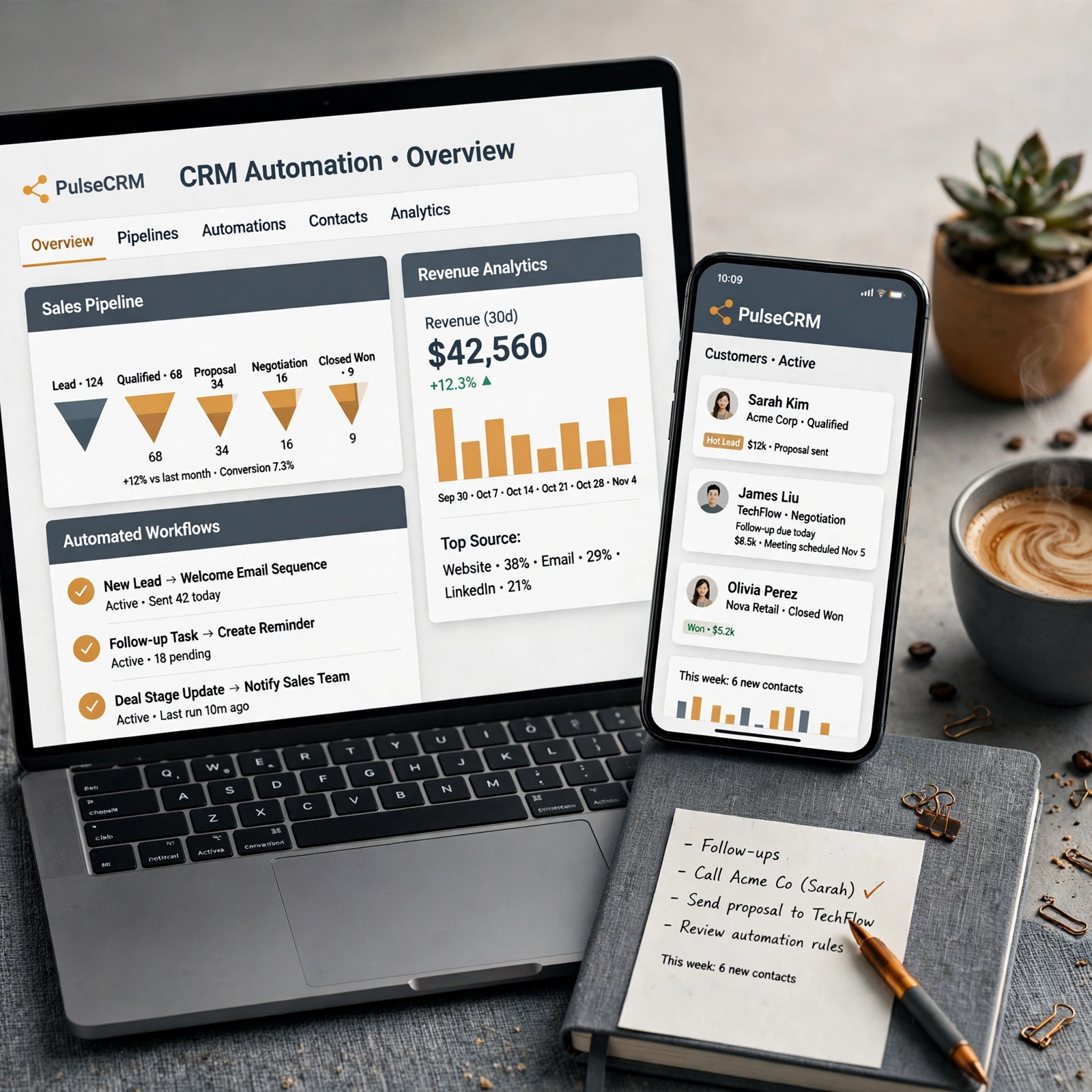
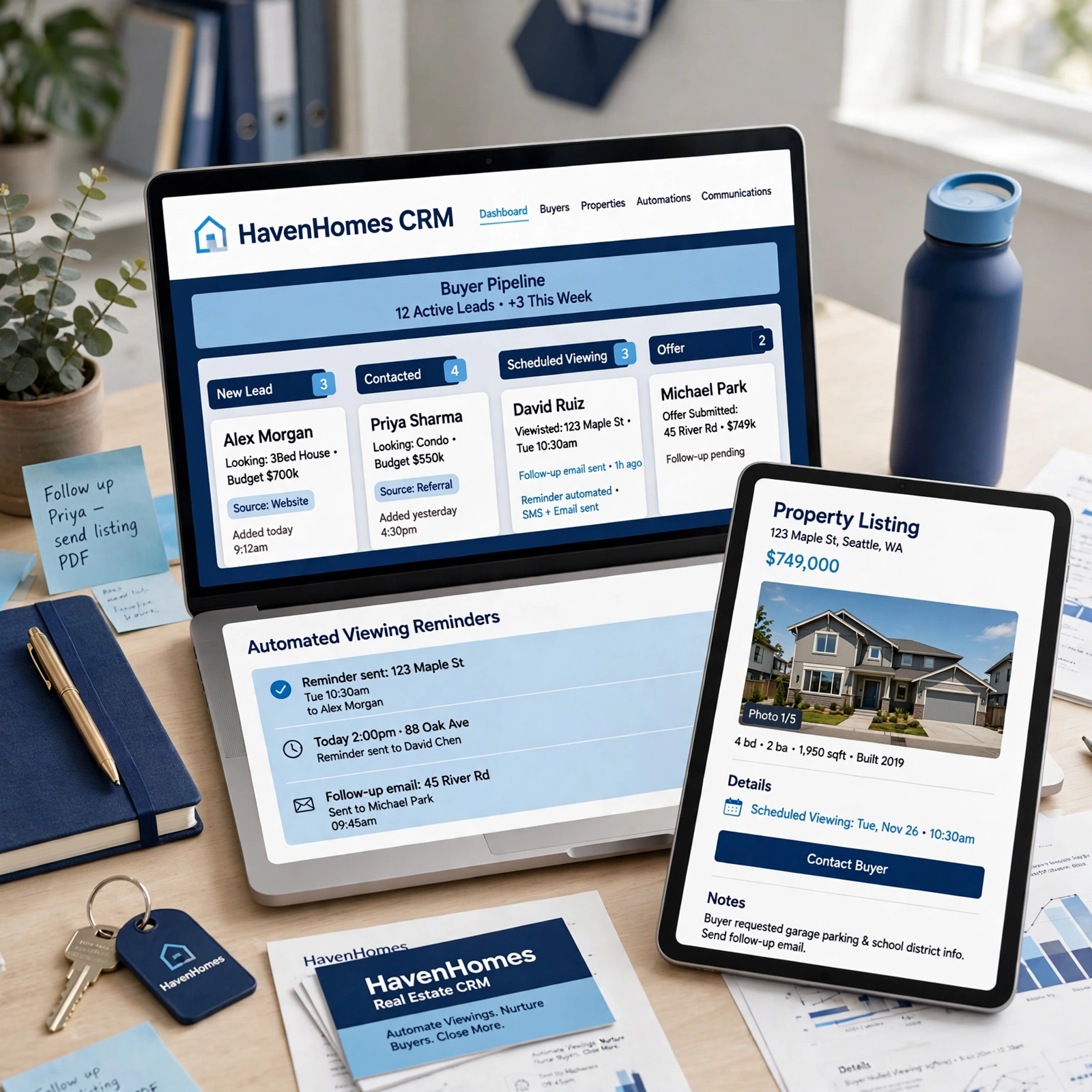
Lead routing, pipeline updates, follow-up reminders and onboarding flows — built around the way your sales team already works.

























A CRM only helps when the records inside it are current. The moment updating it becomes another chore, people stop doing it — and the pipeline quietly stops reflecting reality.
DesignBub builds CRM automation around the way your team already sells. New enquiries become records automatically, leads are routed to the right person, follow-ups are created before anyone has to remember them, and pipeline stages move when clear events happen — not when someone finds the time.
The salesperson still owns the relationship, the negotiation and the judgment calls. The CRM simply stops asking them to do the typing, the remembering and the chasing.
What you get is a pipeline you can trust in a Monday meeting: every lead accounted for, every follow-up scheduled, and nothing important sitting in someone’s inbox unnoticed.
Every new enquiry is matched to the right person or team by source, location, product or value, and the owner is notified immediately. No lead waits in a shared inbox while everyone assumes someone else will pick it up.
Deals move between stages when defined events occur — a call booked, a quote sent, a contract signed — so the board reflects what has actually happened, not what someone remembered to update.
Reminders and follow-up tasks are created automatically at the right moment, with the context attached. Your team sees what to do next instead of relying on memory or sticky notes.
Notes, summaries and status changes are recorded as the work happens, so anyone opening a record can see the full story without asking around the office.
Each workflow is shaped around your pipeline, your team and the moments when a deal needs attention.
New enquiries from forms, chat, email and ads become CRM records automatically, then route to the right salesperson by territory, product or value.
RoutingStages, values and probabilities update from real events, so your board shows the true state of every deal without manual retyping.
PipelineTimed reminders, follow-up tasks and nudges keep every lead warm, with the next action clear and the context already attached.
Follow-UpsConversation and email summaries are written into the record automatically, so handover between team members takes minutes, not a meeting.
SummariesOnce a deal closes, onboarding checklists, welcome messages and internal tasks start automatically, so new customers are never left waiting.
OnboardingQuiet customers and lapsed deals are spotted early and brought back into a gentle re-engagement sequence before they are lost for good.
Win-BackWarning signs — unanswered messages, missed renewals, falling activity — surface as alerts, so your team can act while there is still time.
ChurnWeekly activity and pipeline reports are prepared from live CRM data, giving managers a true picture without chasing spreadsheets.
ReportingQuote requests trigger the right templates, approvals and reminders, so proposals go out quickly and nothing waits for a signature.
QuotesDuplicate records are flagged and merged, stale deals are reviewed, and your database stays trustworthy instead of slowly filling with clutter.
Data QualityA lead that sits unanswered for a day is often a lead lost. We set routing rules around the facts that matter to your business — where the enquiry came from, what the customer wants, where they are based, and how valuable the deal could be — then send each one to the right person the moment it arrives.
Routing can respect working hours, holidays and capacity too, so leads go to someone who can actually respond, and the team is notified in the channel they already watch.
A pipeline stage should mean something. We tie stage changes to real events — a discovery call completed, a proposal sent, a deposit paid — so the board moves because the deal moved, not because someone tidied it before a meeting.
That honesty changes how you forecast. When every stage is backed by an event, the numbers stop being optimistic guesses and start being a picture you can plan around.
Most lost deals are not lost to competitors; they are lost to silence. We build follow-up sequences that create the next task the moment the last one is done, with the customer’s history attached so the call or email picks up exactly where the last one left off.
Follow-ups can be timed around the customer’s behaviour — a reply, a quote viewed, a meeting booked — rather than a fixed calendar, so your team reaches out when the customer is actually thinking about you.
Nobody became a salesperson to spend their evenings typing notes. We capture the essentials automatically: who spoke to whom, what was agreed, what happens next — and write it into the record in a form the next person can use.
The record stays complete without becoming a burden, which means handovers work, managers can see the truth, and customers never have to repeat their story to a new contact.
The gap between “yes” and “welcome” is where new customers decide how they feel about you. We trigger onboarding the moment a deal is marked won: welcome messages, account setup tasks, document collection and the first check-in — all scheduled without anyone remembering to start them.
Onboarding checklists keep every step visible, so nothing is missed for one customer while another gets the full treatment. Consistency here is what turns a sale into a relationship.
Customers rarely leave without warning; they go quiet first. We watch for the signals — unanswered emails, missed renewals, falling usage, support tickets going unanswered — and raise an alert while there is still a conversation to save.
Churn signals turn into tasks, not just reports: a call from the right person, a check-in offer, a review of the account. Early attention keeps customers who would otherwise have drifted away unnoticed.
A CRM full of duplicates, dead leads and half-finished records slowly stops being trusted, and then it stops being used. We build cleanup into the automation: duplicates flagged at entry, stale deals reviewed on a schedule, and incomplete records sent back for the missing details.
Clean data is what makes everything else work — routing, reporting, follow-ups and forecasts all depend on records you can believe in.
A weekly report should take minutes to read and be worth reading. We prepare activity and pipeline summaries from live CRM data — new leads, movement between stages, follow-ups completed, deals at risk — delivered to the people who need them, when they need them.
Because the report comes from the same records your team works in every day, the numbers match what the team sees. No more reconciling a spreadsheet against a CRM that tells a different story.
When the CRM is current, sales, support and management all work from the same facts instead of three different versions.
Spend the day selling instead of typing: leads arrive routed, follow-ups are scheduled, and every record already holds the full story.
See a pipeline that reflects real events, spot stalled deals early, and coach the team from facts instead of guesswork.
Route property enquiries by area and budget, track viewings and follow up automatically while the buyer is still deciding.
Keep candidate pipelines moving with stage updates, interview reminders and client follow-ups handled as the process advances.
Onboard new accounts on a clear checklist, watch for quiet accounts, and act on churn signals before a renewal is at risk.
Know which campaigns produce real pipeline, not just clicks, and route every response to sales with its source attached.
Hand closed deals to delivery or onboarding automatically, with every detail already recorded and nothing retyped.
Open one dashboard and see the truth: what came in, what moved, what is stuck, and what needs your attention today.
Most CRMs ship with built-in workflows, and for a simple sales process those are often enough. If your pipeline is straightforward and your team follows it, the native tools will do the job without any custom work.
Custom CRM automation earns its place when leads arrive from several channels, routing depends on your business rules, follow-ups need to react to customer behaviour, or deals must move between your CRM and other tools. That is where tailored workflows save real time.
We build inside the CRM you already use wherever possible. There is rarely a reason to change systems when the gap is a few well-designed workflows and some honest rules.
The goal is a CRM your team trusts enough to open every morning — because everything in it is current, and everything it asks them to do is genuinely the next step.
Look at the enquiries that never got a reply, or got one three days late. Those are the first workflows to build, because every one of them was a customer who chose you first.
Map where leads arrive — website, email, phone, ads, referrals — and check whether each channel has an owner. A lead without an owner is a lead waiting to be lost.
Write down, in one sentence each, what has to be true before a deal moves to the next stage. If two salespeople disagree, the automation cannot help until they do.
Clear stage definitions turn the pipeline from a matter of opinion into a shared language the whole team can use.
Ask your team which follow-ups they remember by writing them on paper, in their heads, or not at all. Those are the ones automation should own.
Before adding anything, look at which fields are actually filled in and which are left blank. Automation should capture what matters and stop asking people to fill in what nobody reads.
Fewer, better-kept fields beat a long form that everyone skips.
The moment a deal closes is the moment most information gets lost. Decide exactly what delivery or onboarding needs, and make the CRM hand it over automatically.
A clean handover is what makes a new customer feel looked after from day one, instead of starting over with a new team.
Pick the pipeline that hurts most — usually the one with the most leads or the most missed follow-ups — and automate that first. Prove the value, then extend it.
One working pipeline teaches you more about your process than a grand plan for all of them, and it starts paying back within weeks.
We map how leads actually move through your business, then build the workflows that keep every record current.
We trace how leads arrive, who handles them, where follow-ups get missed and what a deal has to do to move forward.
Each pipeline stage is defined in plain words, so the whole team agrees on what it means and when a deal earns the next one.
Lead assignment is designed around your real rules — territory, product, value and capacity — so every enquiry reaches the right person.
Follow-ups, reminders, notifications and handover steps are mapped before anything is built, with the events that trigger each one.
The workflows are built inside your CRM and connected to your forms, inbox and messaging tools, so records update as work happens.
We test with real scenarios — duplicate leads, missing details, stalled deals — until the pipeline behaves the way your team expects.
After launch we walk your team through the new workflows, then review live deals together and refine the rules from real use.
Deliverables are chosen around your pipeline and your team, not padded with features your CRM will never use.
CRM systems we have built for agencies, recruiters, gyms and more — each one designed around how the business works.
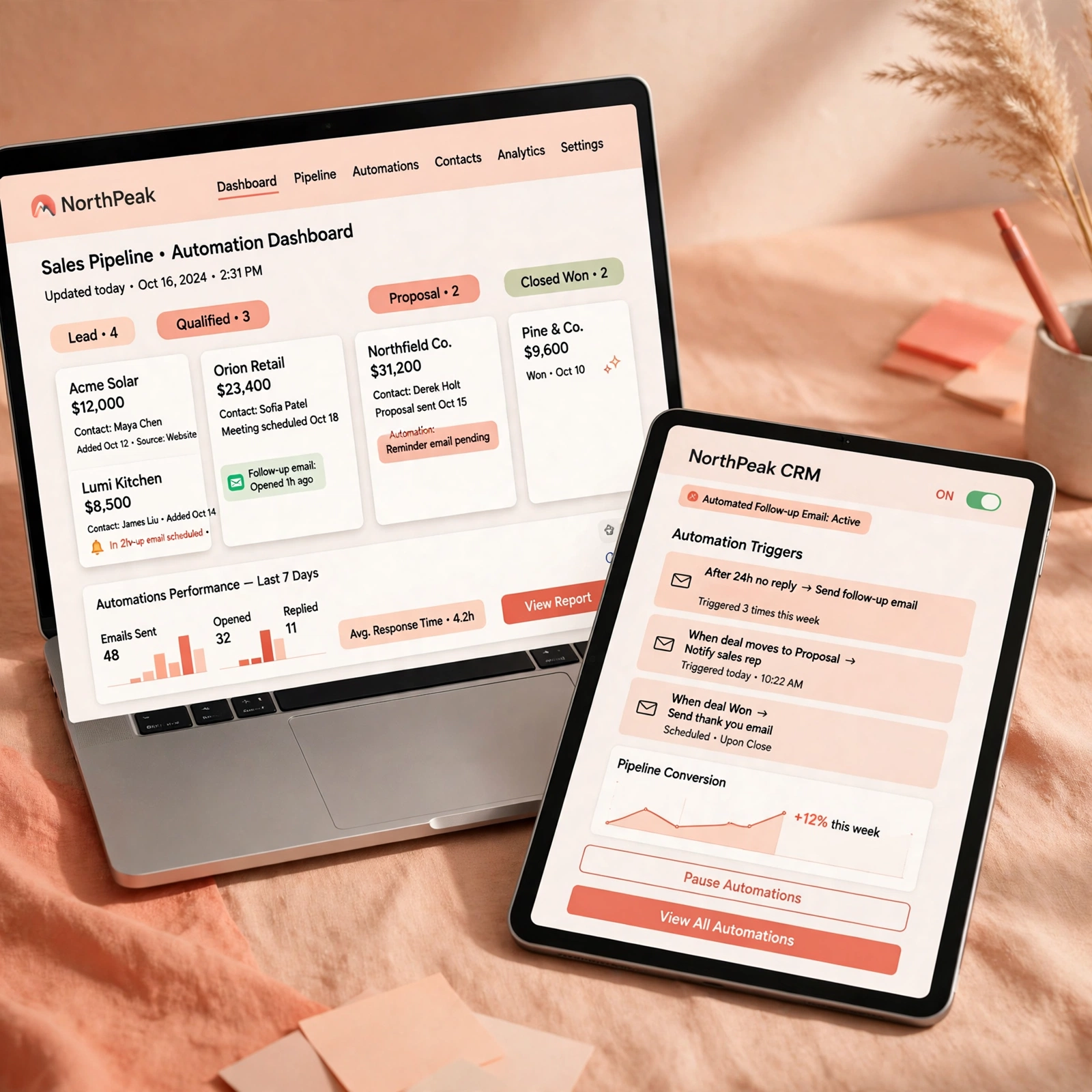
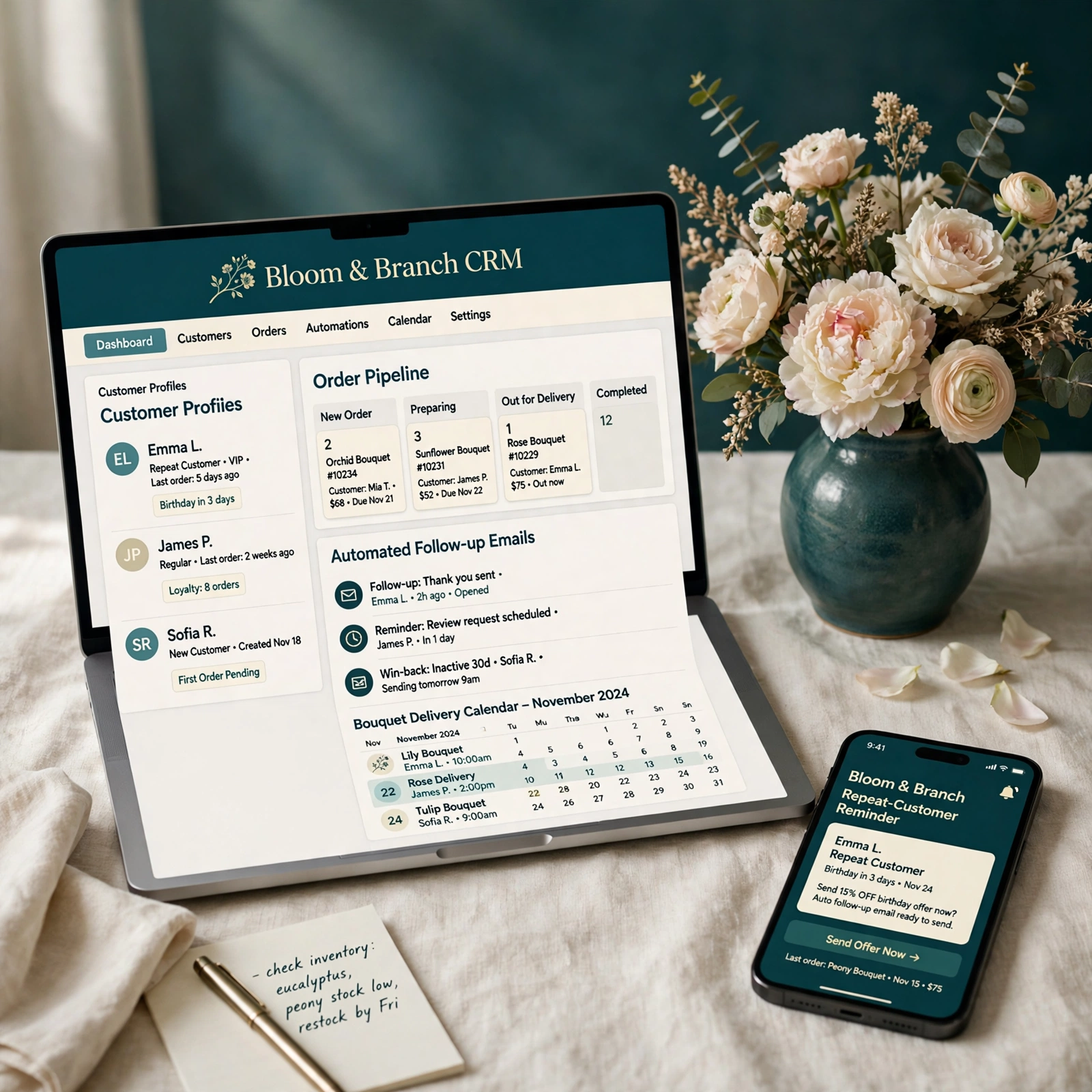
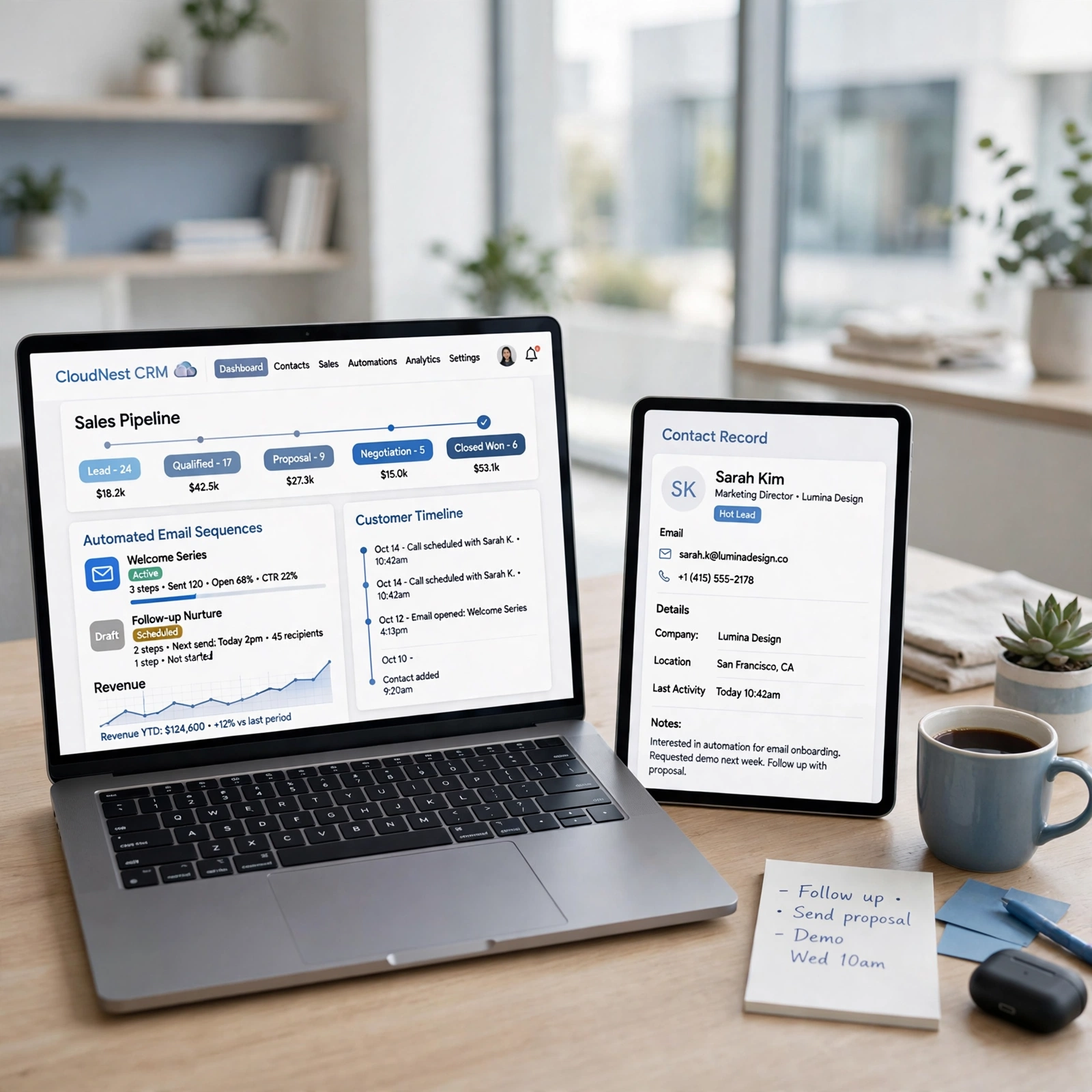
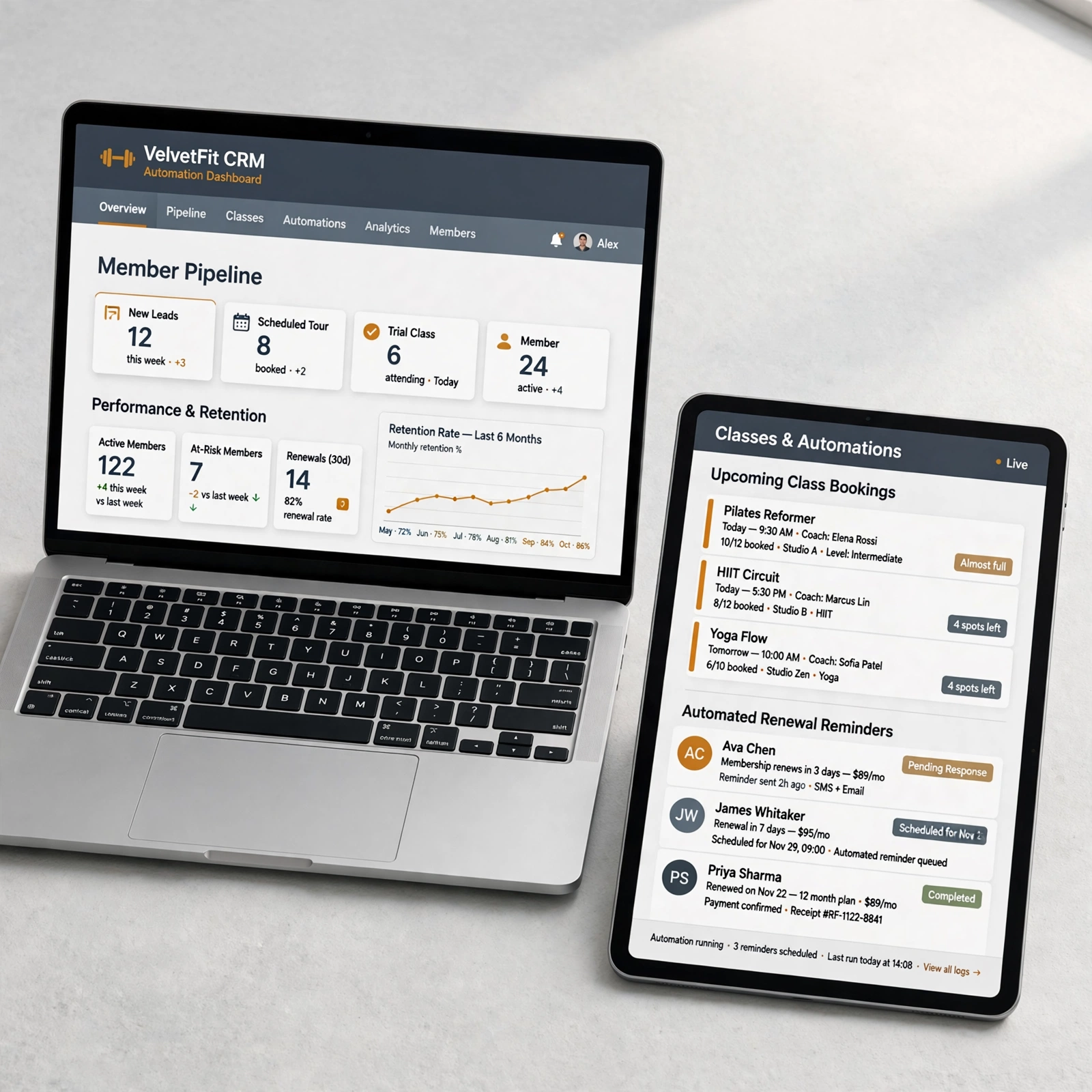
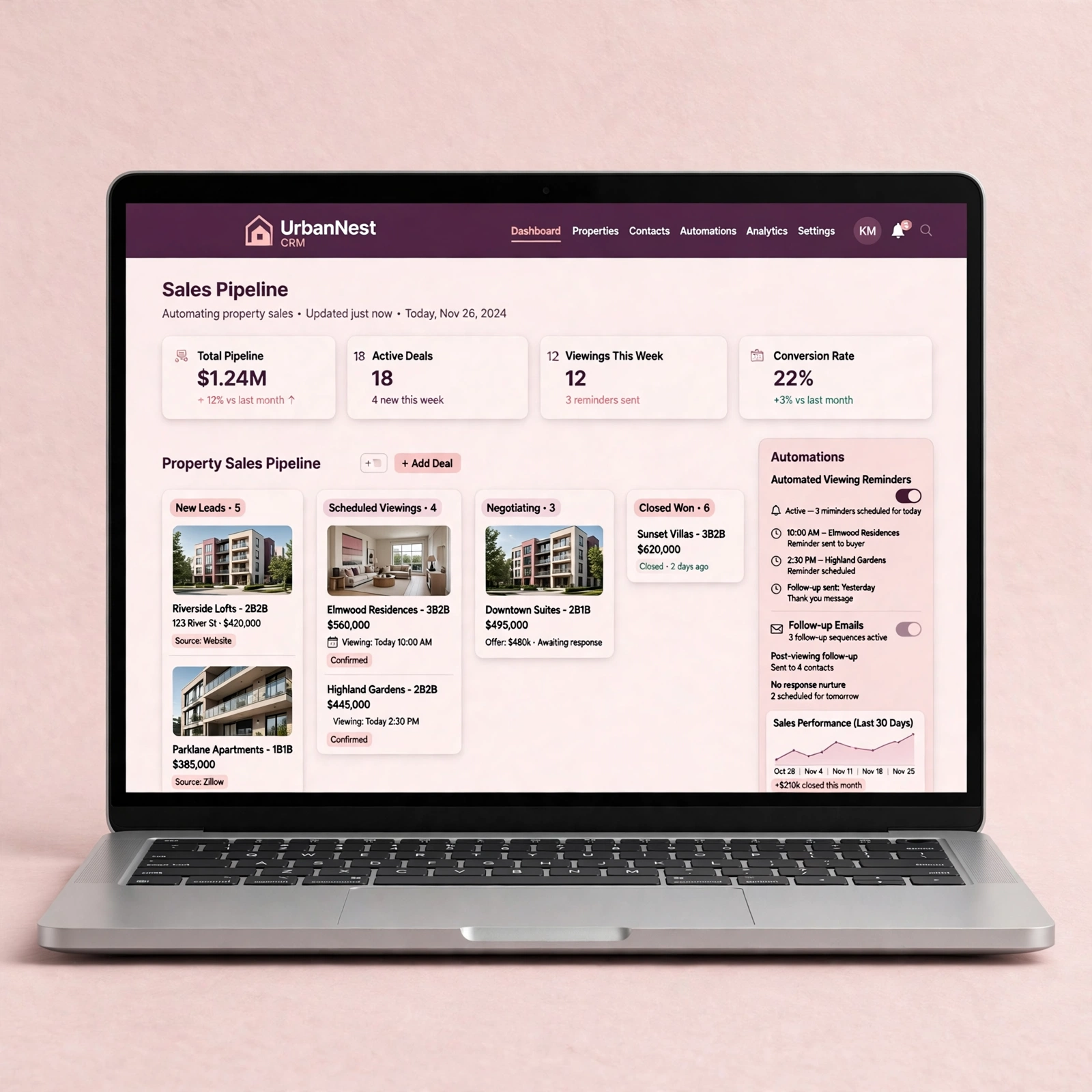
CRM automation touches personal data, sales conversations and commercial decisions. We limit access to what each workflow genuinely needs, keep sensitive actions under human control, and make sure nothing is emailed, deleted or changed without a clear rule behind it.
Each workflow sees only the records and fields it needs — no broad access handed out for convenience.
Discounts, exceptions and sensitive customer situations stay with your team, not with an automated rule.
Every automated change is recorded, so you can always see what happened to a record, when, and why.
Customer data is handled under your privacy obligations, with retention and access rules agreed before launch.
CRM projects start from these packages, and the final scope depends on how many pipelines you run, which tools must connect, and how much of your sales process needs automating.
For one CRM job done properly — a single workflow that keeps records, routing and reminders accurate without manual upkeep.
For sales teams connecting lead capture, pipeline, chat and follow-up, so nothing slips between systems.
For a CRM operation with AI agents across several pipelines, with approvals and error handling that keep the data trustworthy.
Need one specific automation rather than a full package? These starting prices show how a typical CRM automation project is scoped. Final pricing for the CRM automation depends on integrations, data access and workflow complexity.
| Automation Type | Starting Price | Typical Scope |
|---|---|---|
| AI Chatbot Setup | From $399 | Approved knowledge, FAQ handling and lead capture feeding the CRM, with human escalation and website integration planning. |
| WhatsApp Automation | From $499 | WhatsApp enquiry flow and qualification, with customer-data capture, CRM handoff and follow-up logic using supported provider access. |
| CRM Workflow Automation | From $399 | Lead creation, routing and pipeline actions, with reminders, notes, summaries and notifications keeping the pipeline honest. |
| Lead Qualification System | From $399 | Form or chat intake feeding the CRM, with qualification questions, categorisation, scoring rules and salesperson routing. |
| AI Customer Support Assistant | From $599 | Knowledge-based answers with support triage and issue categorisation, escalating to the CRM with conversation context. |
| Custom AI Agent | From $659 | A multi-step task flow across the CRM, with connected tools, defined permissions, approval steps and controlled actions. |
| Document Automation | From $599 | Extraction, classification and summarisation into structured CRM data, with optional human verification steps. |
| Additional API Integration | From $249 | One supported external system connected to the CRM automation you already have. |
Important: CRM package prices cover the agreed implementation scope only. Third-party platform subscriptions, CRM fees, hosting, WhatsApp provider charges, messaging costs, AI model and API usage, paid automation tools and other external service fees are separate from the CRM automation price. CRM automation projects requiring custom software, complex dashboards, compliance-specific architecture or ongoing managed operations are quoted separately.
Common questions about lead routing, pipeline stages, follow-ups, onboarding and keeping CRM records trustworthy.
Usually not. We build inside the CRM you already use wherever its access and integrations allow it. If your current CRM cannot support the workflow you need, we will tell you that early and discuss the options, rather than forcing a system change you did not ask for.
Routing follows rules you define — source, location, product, deal value, team capacity or working hours. A lead is matched the moment it arrives and the owner is notified, so nothing waits in a shared inbox. Rules can be adjusted as your team grows or territories change.
Only when a clear event has happened, such as a call completed, a quote sent or a contract signed. Stages never move on a guess. Your team can always move a deal manually, and every automated change is recorded so the history stays honest.
Routing and reminders respect availability. If the owner is away, the follow-up can pass to a colleague or wait until they return, depending on the rule you set. The point is that the follow-up is never simply forgotten because one person is away.
It can surface the warning signs — unanswered messages, missed renewals, falling activity — as alerts with the account history attached. Acting on those signals is still a human job, but automation makes sure your team sees the risk while there is still time to save the relationship.
Tell us how leads reach you today and where follow-ups get missed. We will build CRM automation that keeps every record current and every lead moving.