



















"> ">

UI Animation

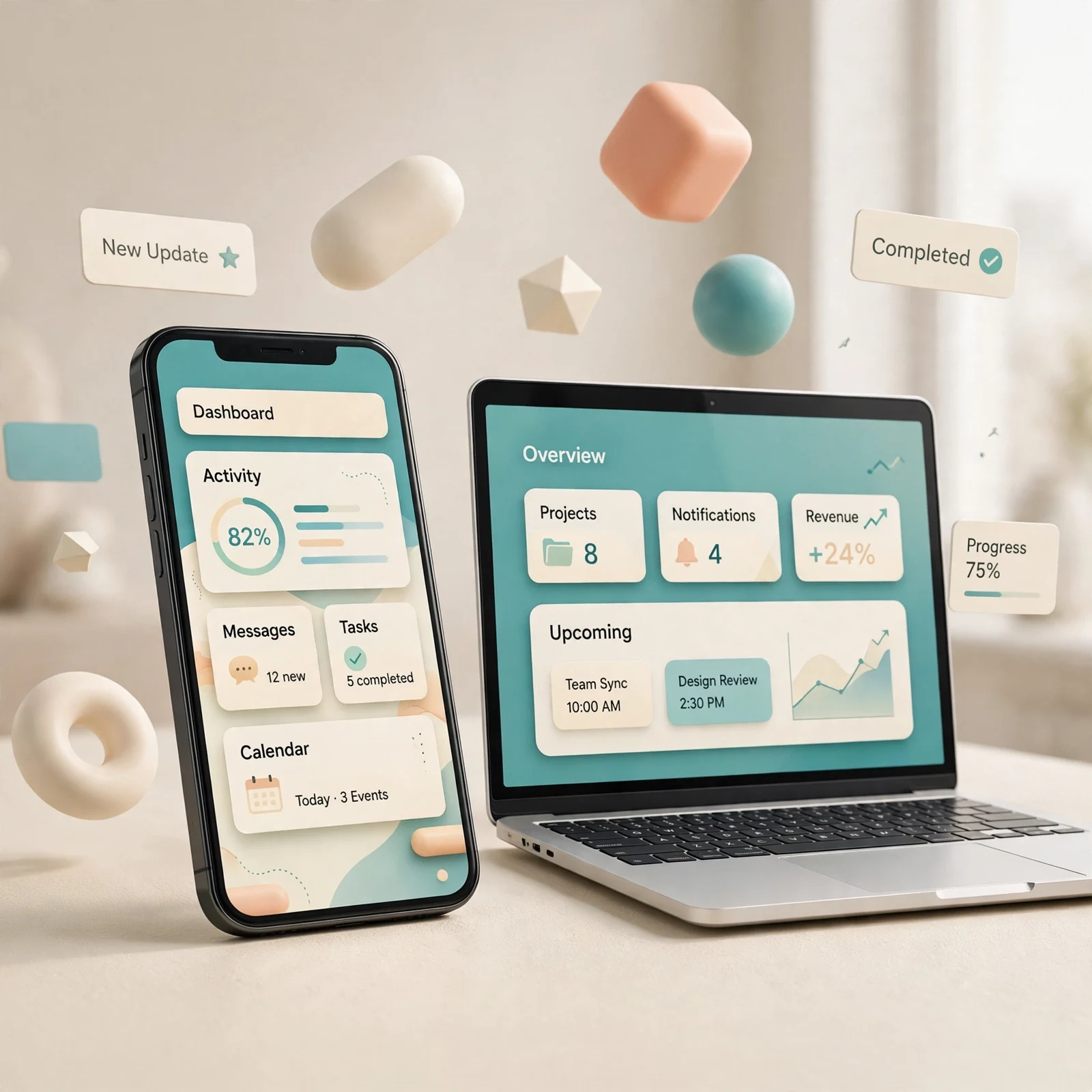
Interface motion that guides, reassures and delights β€” every tap, swipe and transition designed on purpose.

Micro-InteractionsSmall Moments, Carefully Timed
FlowsOnboarding & Navigation in Motion
HandoffSpecs Developers Can Build From
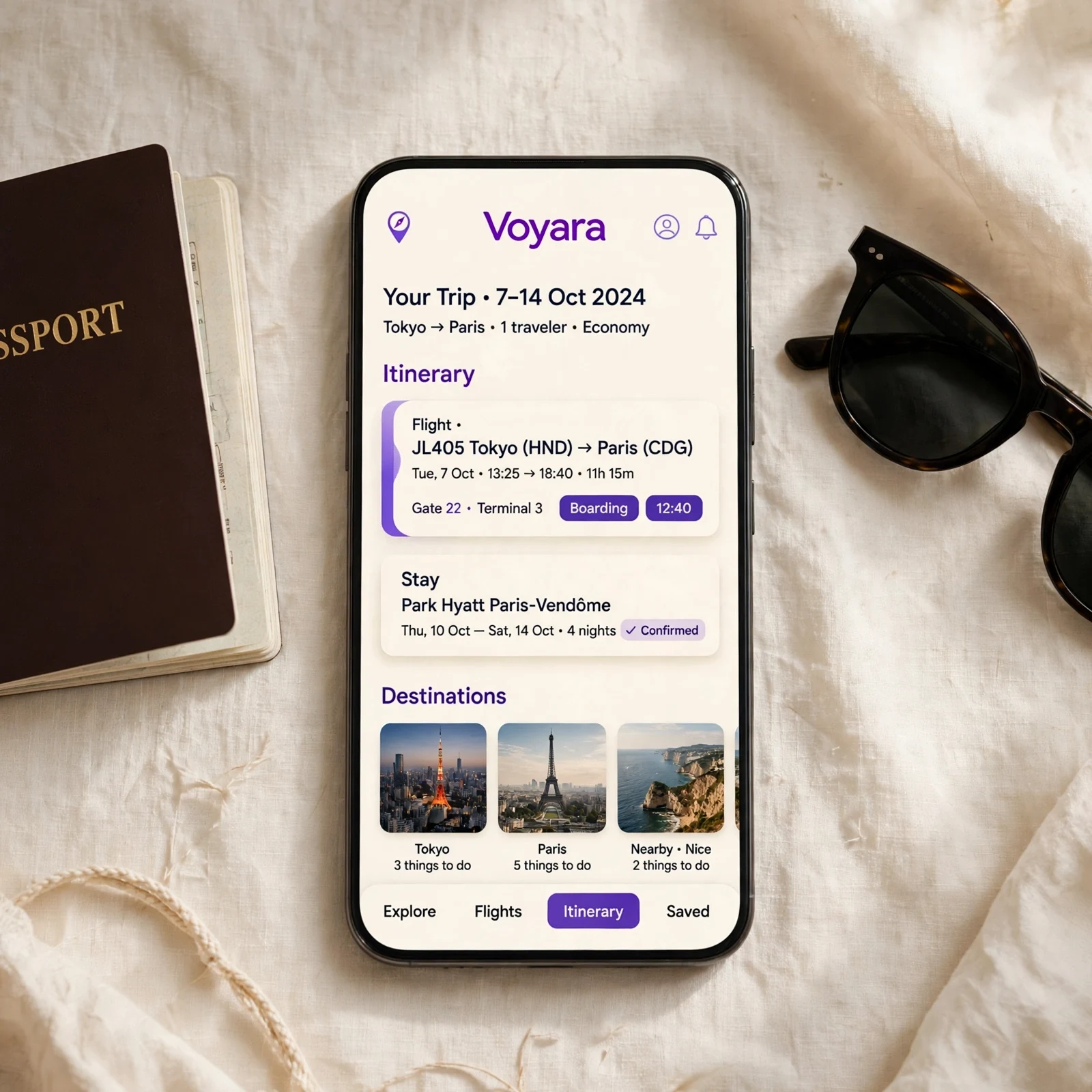
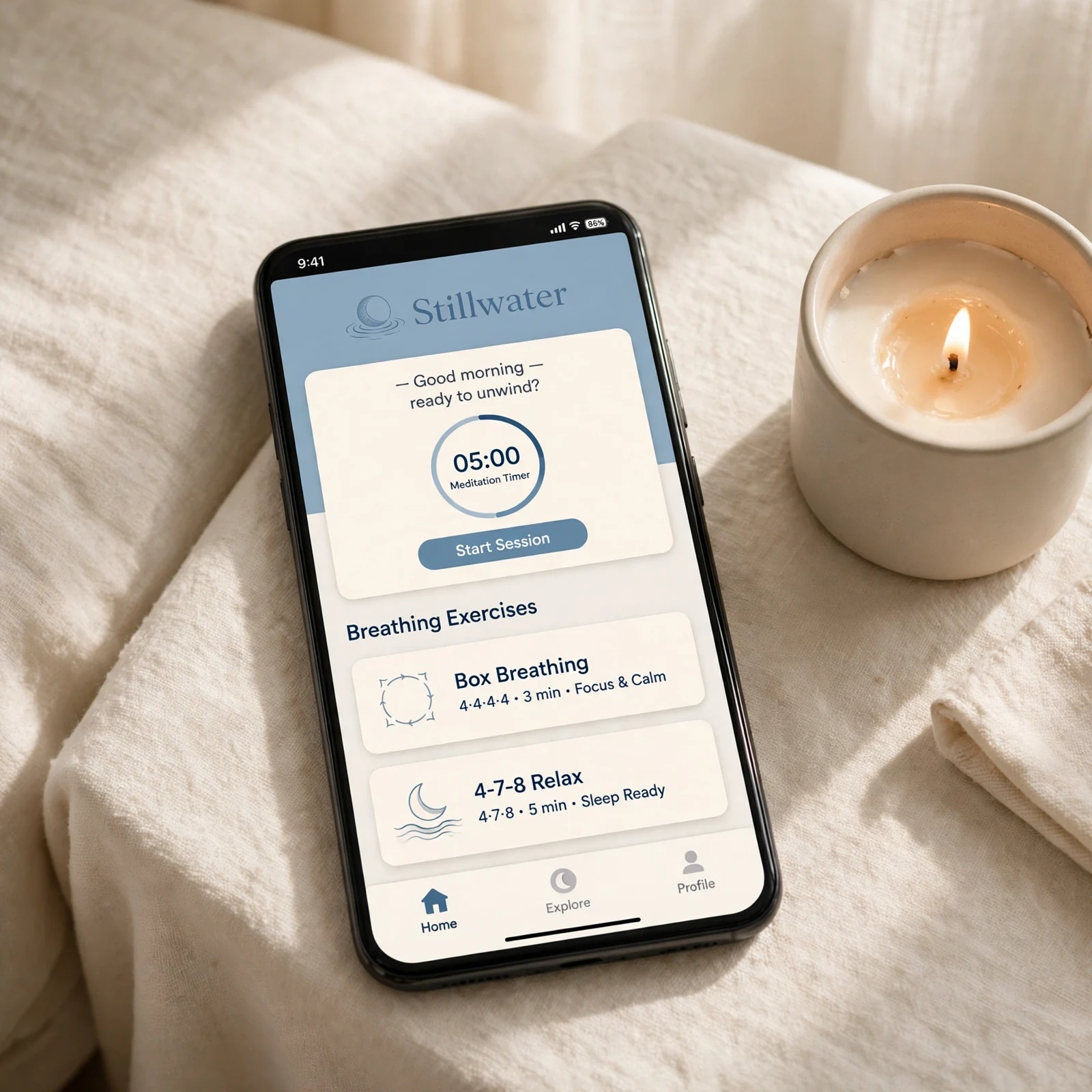
Motion design composition
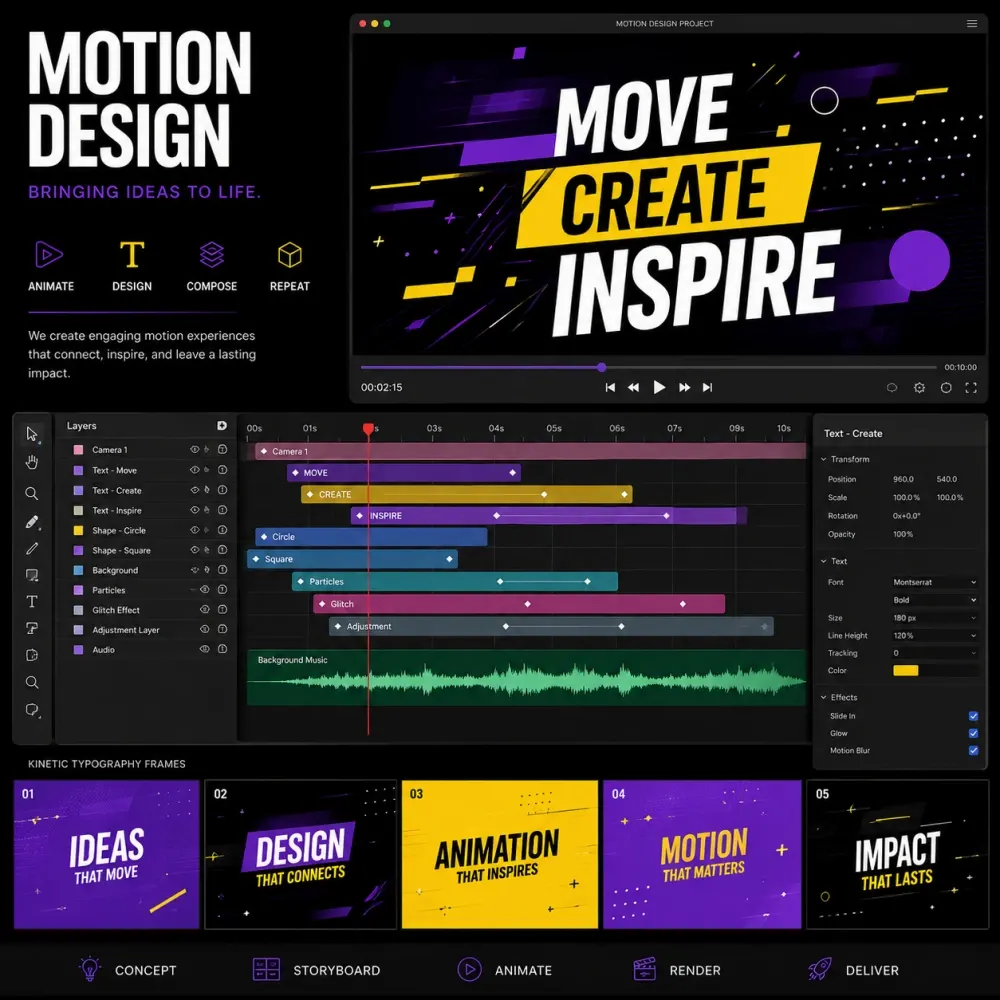
Motion graphics design composition
Tap β€’ Transition β€’ Feedback

Good interface motion answers a question: did that work, where am I, and what happens next?

Selected Brands & Businesses We Have Designed For
Asset 38 brand logo Asset 4 brand logo Asset 45 brand logo Asset 46 brand logo Asset 47 brand logo Decent Solar logo Dentesthetix logo Gazal Lounge logo GH Landscape logo Asset 38 brand logo Asset 4 brand logo Asset 45 brand logo Asset 46 brand logo Asset 47 brand logo Decent Solar logo Dentesthetix logo Gazal Lounge logo GH Landscape logo
Ghazoor logo Goodluck Trader logo Kingsley logo Lahoris logo MOI logo Naqaa Salt logo Nature Hug logo Netsole logo Ghazoor logo Goodluck Trader logo Kingsley logo Lahoris logo MOI logo Naqaa Salt logo Nature Hug logo Netsole logo
Nexcell Energy logo Roots logo Sheikh logo Shellbee logo Softcore logo Solvac Lifesciences logo Trendex logo Zameenex logo Nexcell Energy logo Roots logo Sheikh logo Shellbee logo Softcore logo Solvac Lifesciences logo Trendex logo Zameenex logo
UI Animation Services

Motion is part of the interface, not decoration on top of it.

When a button is tapped, something should answer. When a screen changes, the user should know where they went. When a form is submitted, the wait should feel accounted for. That is the whole job of interface motion.

Our UI animation services cover micro-interactions, onboarding flows, navigation transitions, loading and empty states, Lottie vector animation and motion specifications for developers. Everything is designed against your real screens, not generic mockups.

We start with the moments that matter: the actions users take most, the places they get lost, and the states where feedback is missing. Motion is then designed for those moments, with timing rules the whole product can share.

UI Animation Services

Nine ways interface motion can make a product feel considered.

Each item below is designed against your screens and your design system, so the motion belongs to the product.

Motion Principles

One set of timing rules for the whole product.

A product with ten different transition speeds feels broken, even if every screen looks good. Motion principles fix the basics: how fast things enter, how they ease, how long feedback lasts, and what never animates.

We define a small set of durations and easings matched to the product β€” quick for feedback, slower for navigation, gentler for first-run moments β€” and document them so every future screen follows the same rules.

The result is a product that feels considered rather than assembled, because the movement is consistent even when different people build the screens.

Design System Motion

Transitions your whole team can reuse.

When motion lives inside the design system, it stops being reinvented for every feature. Standard transitions, loading patterns and feedback states become components, just like buttons and cards.

We can define those components against your existing system β€” Figma variables, tokens and variants β€” so designers pick motion the same way they pick a colour.

That also makes handoff cleaner: developers receive named, specified transitions instead of a video they have to interpret frame by frame.

Onboarding Animation

First-run flows that teach by showing.

New users decide quickly whether a product is worth learning. Onboarding motion can stage that first experience: one idea per screen, a clear next step, and feedback that confirms progress.

We design these flows around the moments where users actually hesitate β€” permissions, setup, first creation β€” and animate the guidance rather than writing longer instructions.

The sequences are tested as prototypes, so the timing can be felt before anything is built.

Feature Walkthroughs

Show the feature working, not just the screen.

A feature walkthrough is a short, choreographed tour of a product doing its job. Real screens, a cursor that moves with intent, zoomed details and short callouts β€” one feature at a time.

These walkthroughs work on landing pages, in sales decks and inside help content, because they answer the buyer’s real question: what does this actually do for me?

We plan them around the feature’s value, not around every menu and setting the product happens to have.

Marketing Motion From the Product

Real screens, moving the way the app moves.

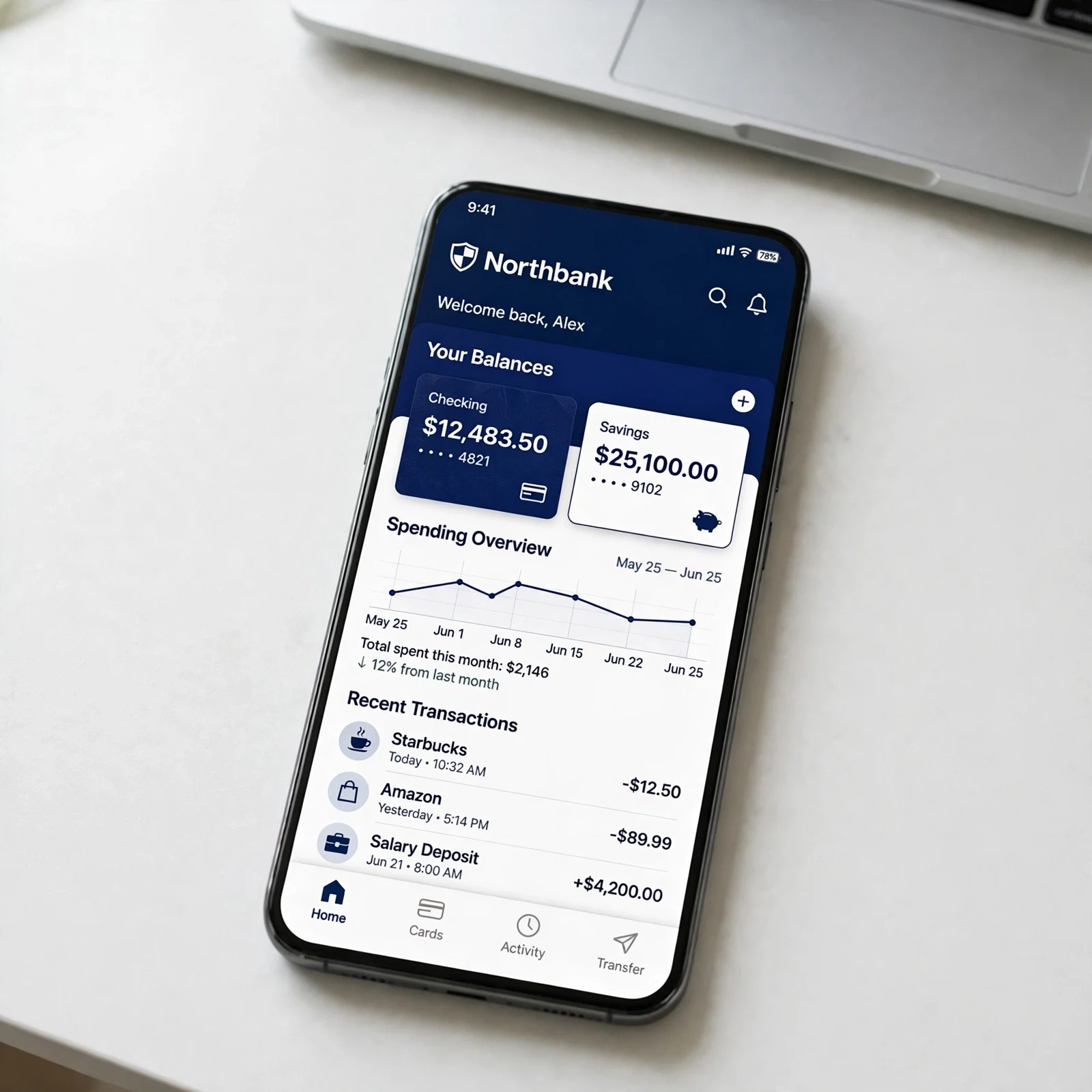
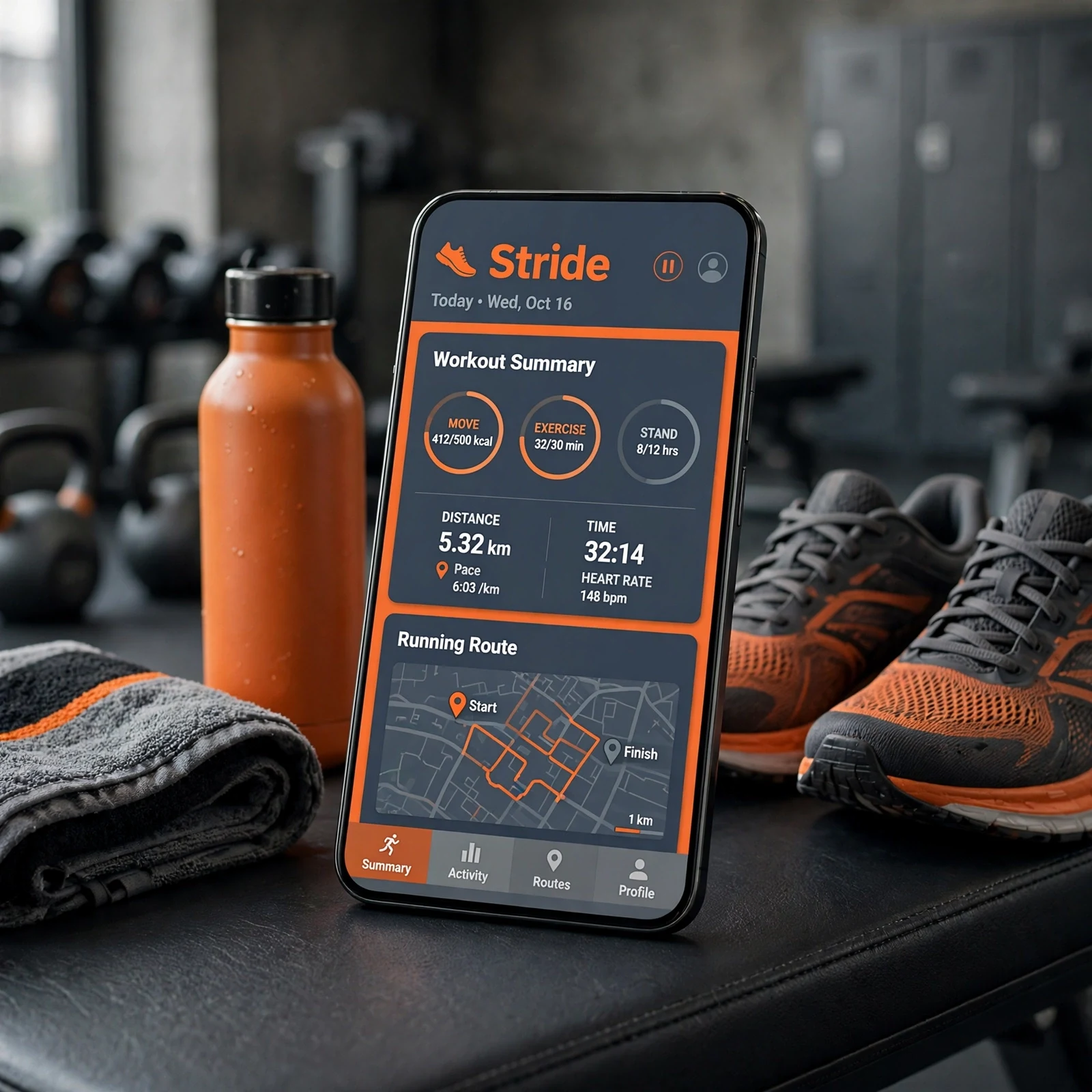
The most convincing product video is the product itself, moving properly. We record and choreograph real flows β€” a checkout, a dashboard, a booking β€” so marketing material shows the app as it genuinely behaves.

These sequences are recomposed for vertical, square and widescreen placements, with callouts and captions added where the message needs support. The interface stays the hero; nothing covers it up.

Because the motion follows the product’s own timing rules, the marketing and the app feel like one product, not two.

Button & Control States

Pressed, disabled, loading and success states that answer the user instantly, in the product’s own visual language.

Loading & Empty States

Skeletons, spinners and empty screens that make waiting feel accounted for instead of broken.

Navigation Transitions

Screen changes with consistent direction, so users always know where they came from and how to get back.

Gesture Feedback

Swipe, drag and pull responses that confirm the gesture and show what will happen next.

Animated Icons

Icons that change state with meaning β€” a menu becoming a close, a bookmark filling, a bell clearing.

Progress & Confirmation

Step indicators, checkmarks and confirmations that close the loop on a completed action.

Prototypes & Style Frames

Feel the flow before anything is built.

Interface motion is hard to judge from a description, so we prototype it. A clickable flow with real timing lets you feel whether a transition is too slow, a step is confusing, or a moment needs feedback.

Style frames then settle the visual treatment β€” easing, scale, opacity β€” before the full set of interactions is produced.

Handoff & Delivery

Files and specs your developers can use.

Deliverables may include interactive prototypes, Lottie JSON, video references and written motion specifications with durations, easings and delays.

We agree the handoff format early, because a prototype, a Lottie file and a spec sheet serve different people on the team, and each needs to be correct.

UI Motion With Restraint

If the motion distracts, it has failed.

Interface motion earns its place by making a product clearer. Anything else is decoration the user has to wait for.

Reduced Motion

Essential meaning should never depend on animation alone. Reduced-motion behaviour is considered where appropriate.

Performance First

Motion that stutters is worse than no motion. We favour lightweight techniques that run smoothly on real devices.

Feedback, Not Fireworks

A button needs a response, not a celebration. The most useful interface motion is often the quietest.

UI Animation Process

Eight checkpoints from screens to shipped motion.

Each stage keeps the motion tied to real user tasks, not to effects.

01

Brief & Screens

We review your screens, flows and design system, and agree which moments need motion.

02

Flow Mapping

The user journeys are mapped, and the moments of hesitation, waiting or confusion are marked.

03

Motion Principles

Durations, easings and standard transitions are defined so the whole product moves consistently.

04

Prototyping

Key flows are built as clickable prototypes with real timing, for review and testing.

05

Micro-Interaction Build

Individual interactions are designed and refined against the live screens.

06

Testing

Prototypes are checked on real devices, with reduced-motion and performance behaviour reviewed.

07

Handoff

Specs, Lottie files and video references are prepared for the development team.

08

Delivery

Approved prototypes, assets and documentation are handed over in the agreed formats.

Scoping UI Motion

Count the states, not the screens.

A screen can hide five states: empty, loading, filled, error and success. UI motion is priced by those states and interactions, not by the number of screens in the app.

We scope by interaction count, flow complexity, prototype depth and handoff format, so the quotation matches the real design effort rather than the size of the sitemap.

Working With Your Team

We animate your designs β€” or design the motion with you.

Product teams often arrive with finished screens in Figma and only need motion designed on top. In that case we work inside your files and your design system.

Where screens are still evolving, we can shape the motion alongside the interface work, so timing and layout decisions are made together rather than bolted on.

Motion Design Pricing

Starting packages for common motion design scopes.

Pricing is based on duration, scene complexity, original artwork, number of formats and review requirements. The packages below are useful starting points for 2D work; complex 3D, character animation, filming and unusually large version sets are quoted separately.

Focused Motion

Motion Starter

Starting from$349

For a short logo, title, social or simple branded motion asset with a focused visual idea.

  • Up to 10 seconds of 2D motion
  • One primary concept direction
  • Simple storyboard or style frame
  • Typography, shapes or supplied brand assets
  • One main aspect ratio + one resize
  • Up to 3 revision rounds
  • Final MP4/MOV/GIF as applicable
Choose Motion Starter β†—
Longer Story

Explainer & Product Motion

Starting from$799

For a longer 2D explainer, SaaS walkthrough or product demonstration with a structured sequence.

  • Up to 60 seconds of 2D animation
  • Storyboard + selected style frames
  • Light refinement of supplied script/copy
  • Product, UI or infographic scenes as agreed
  • Voiceover synchronization when audio is supplied
  • Up to 3 agreed aspect ratios
  • Up to 5 revision rounds
  • Editable source project when included in scope
Discuss Explainer Motion β†—

Individual motion design starting prices

ServiceStarting PriceTypical Scope
Logo Animation$349Short reusable logo reveal or animated brand mark
15-Second Social Motion$449One focused short-form 2D campaign asset
30-Second Animated Ad$749Storyboard-led motion ad with branded graphic scenes
60-Second Explainer Video$1,4992D explainer using an approved or supplied script
SaaS / Product Demo$1,499Interface or feature demonstration using supplied product screens
UI Micro-Interaction / Lottie$349Focused vector interaction where the target format supports it
3D Product Animation$1,999Starting point; modeling, materials and render complexity affect final quote
Additional Aspect-Ratio Version$99Recomposed version of an approved master animation

Pricing note: prices are design and animation fees in USD. Paid stock footage, music licenses, voice talent, advanced character animation, filming, complex 3D modeling, external render costs, specialist plugins, translation and unusually large version sets are separate unless the quotation explicitly includes them.

What We Need

Screens, flows and the moments that matter.

Useful starting material includes your Figma files or screens, the user flows, your design system, brand guidelines and examples of app motion you like β€” or dislike.

If screens do not exist yet, we identify them in the scope instead of animating placeholders that will be thrown away.

What You Can Receive

Prototypes, Lottie files and motion specs.

A UI animation project can include clickable prototypes, micro-interaction concepts, Lottie JSON, video references and written motion specifications for developers.

The handover list is agreed before production, so the number of flows, interactions, formats and editable files is clear.

Why DesignBub for UI Animation

Motion designed by people who also design interfaces.

DesignBub designs apps, websites and SaaS products as well as animation, so interface motion is judged the way a user will judge it: does it help, does it feel right, does it get out of the way.

We also make the technical boundaries visible. Lottie compatibility, reduced-motion behaviour, performance on low-end devices and implementation effort are discussed in the quotation, not discovered after delivery.

That gives your developers a handoff they can actually build from, and your users motion that feels like part of the product.

UI Animation FAQ

UI animation questions, answered plainly.

Answers about what UI animation covers, Lottie, handoff to developers, timing and pricing.

UI animation is motion designed for interfaces: micro-interactions, screen transitions, onboarding flows, loading states and feedback. Its job is to guide users, confirm actions and explain state changes.

Yes. We work from your Figma files or screens and design motion on top of them, following your design system. Final implementation inside a live product is a development task and is quoted separately when required.

Lottie-ready vector animation can be produced when the artwork and required effects are compatible with the format. We confirm technical limitations before including Lottie JSON as a final deliverable.

Yes. Handoff can include durations, easings, delays and state diagrams alongside prototypes and video references, so the built product matches the designed motion.

DesignBub lists UI micro-interaction and Lottie work from $349 as a starting point, and focused short-form motion packages start at $349, with campaign motion from $499. Larger flows and full motion systems are quoted separately.

Make your product feel alive.

Share your screens or your Figma link, and tell us which moments need motion. We can recommend whether the project needs micro-interactions, an onboarding flow, a prototype or a full motion system.

WhatsApp DesignBubChat with us now