Premium App UI Design Services for modern mobile apps.
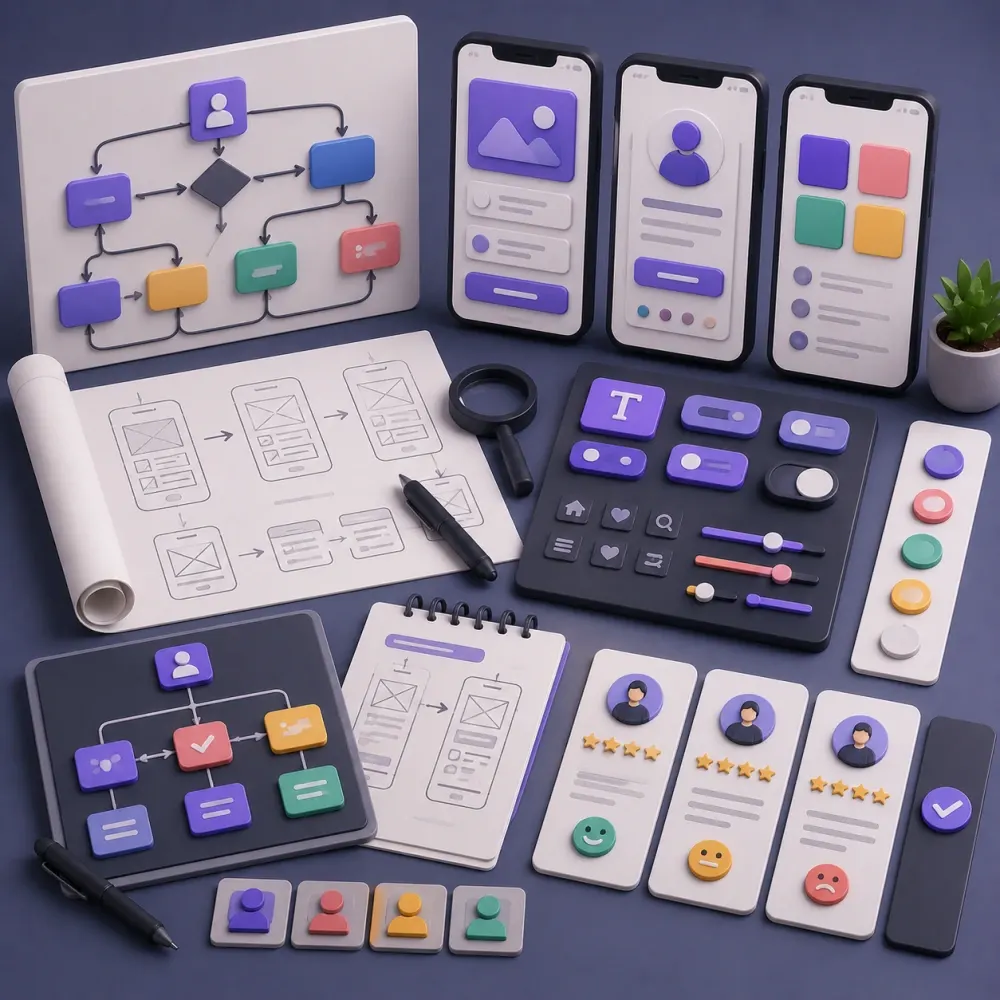
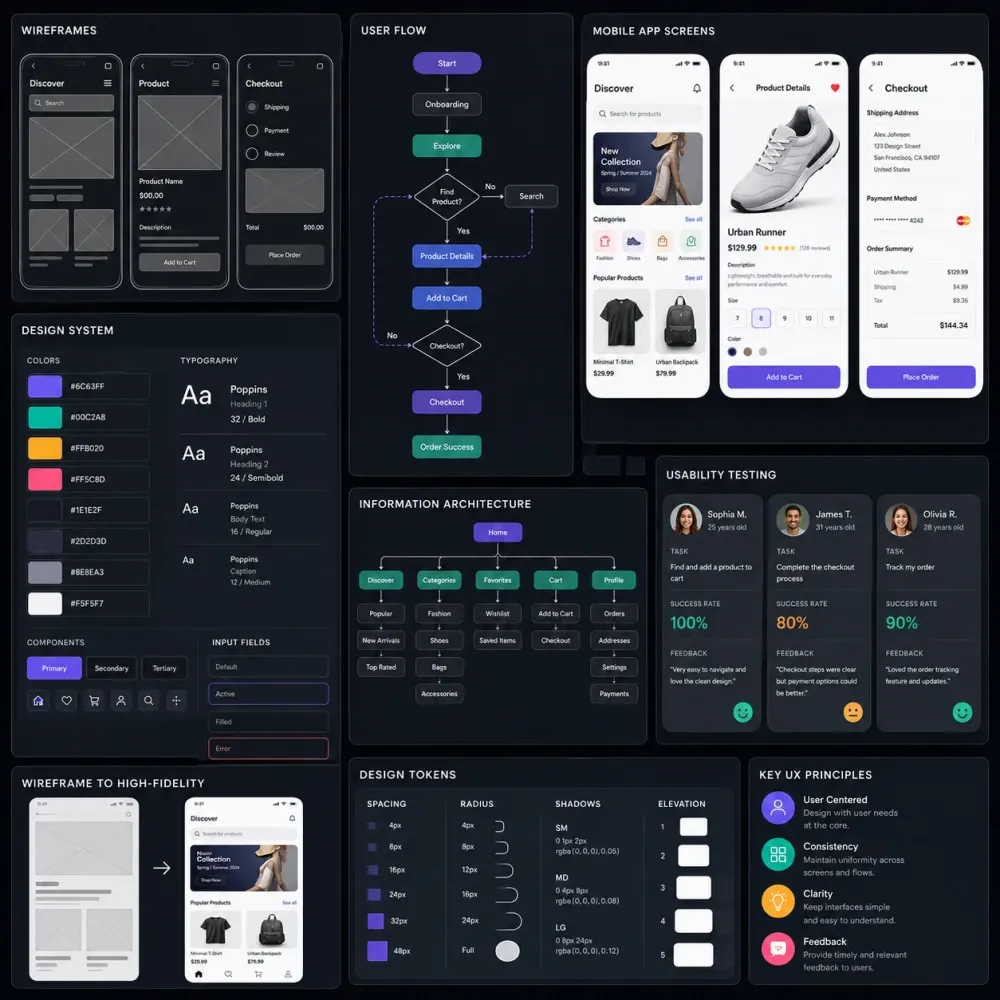
DesignBub designs clean, conversion-focused and developer-ready mobile app interfaces for iOS, Android, SaaS apps, ecommerce apps, startup MVPs and digital products. We create user flows, wireframes, high-fidelity app screens, clickable prototypes and Figma design systems that make your app easier to use, easier to build and easier to scale.
App UI Design for SaaS founders, app teams, ecommerce brands and product managers who need stronger visibility, clearer positioning and better conversion from their service pages.
Design app interfaces around real users, clear journeys and business goals.
Strong app UI design is not only about beautiful screens. It connects product strategy, user behavior, navigation, content hierarchy and conversion goals into one smooth mobile experience. We plan how users move through your app, where they make decisions and what each screen must communicate.
- User journey mapping for iOS, Android and cross-platform apps
- Wireframes for onboarding, dashboards, profiles, checkout and key flows
- UX improvements for clarity, speed, retention and conversion
- App UI direction aligned with your brand, market and product model
Create polished, scalable and developer-ready mobile app screens.
DesignBub turns app ideas into premium UI screens with consistent typography, spacing, components, icons, states and interactions. Every design is prepared for smooth development with organized Figma files, responsive considerations and clear handoff notes.
- High-fidelity iOS and Android app screen design
- Clickable prototypes for testing, investor demos and team review
- Reusable UI components, design systems and style guides
- Developer-ready Figma handoff with assets, states and layout notes
Complete mobile app UI UX design for startups, SaaS products and digital brands.
We design app experiences that look premium, feel easy to use and help users complete important actions. Whether you need a new app concept, MVP interface, redesign or scalable product UI system, DesignBub creates clean app screens ready for development.
Mobile App UI Design
Custom app screens for iOS, Android and cross-platform products with modern layouts, clear hierarchy, premium visuals and strong usability.
App Screens 02App UX & User Flows
We map onboarding, signup, dashboards, search, booking, checkout, profile and core user journeys so the app feels simple and logical.
UX Flow 03Wireframes & Prototypes
Low-fidelity wireframes and clickable Figma prototypes help validate structure, test the experience and present the product before development.
Prototype 04SaaS App UI Design
Clean SaaS mobile interfaces for dashboards, analytics, subscriptions, account settings, admin workflows and product management features.
SaaS UI 05App Design System
Reusable buttons, inputs, cards, tabs, icons, colors, typography, states and components for consistent design and faster development.
Design System 06App UI Redesign
Improve outdated or confusing app screens with better layouts, stronger visual direction, cleaner navigation and conversion-focused UX.
RedesignBetter app UI design improves trust, usability, retention and conversions.
Users decide quickly whether an app feels reliable. A polished interface helps them understand the product, complete actions faster and stay engaged. DesignBub combines mobile UX strategy with premium UI execution so your app feels professional from the first screen.
Clearer User Experience
Structured user flows reduce confusion and help people complete tasks with fewer steps.
Premium Product Trust
Modern app screens, consistent components and polished visuals make your product feel credible.
Faster Development
Organized Figma files, UI components and handoff notes help developers build with less guesswork.
Better Product Validation
Clickable prototypes help founders test ideas, pitch investors and review flows before coding.
A focused workflow from product idea to developer-ready app design.
Discovery
We understand your app idea, users, business model, features, competitors and launch goals.
User Flows
We map key journeys, screen structure, navigation logic and feature priorities.
Wireframes
We create low-fidelity layouts to confirm flow, hierarchy and content placement.
UI Design
We design polished mobile screens with typography, colors, icons, components and interaction states.
Figma Handoff
You receive organized design files, prototype links, assets and developer-ready handoff notes.
What you receive with App UI Design Services.
App UI Design FAQs for founders and product teams.
These answers explain what is included, how the process works and what you receive before development starts.
App UI Design includes user flow planning, wireframes, high-fidelity app screens, clickable prototypes, UI components, design system basics and developer-ready Figma handoff based on your scope.
Yes. We design mobile app interfaces for iOS, Android and cross-platform apps. The design can follow platform-specific behavior or a unified brand style depending on your product needs.
Yes. We can build clickable Figma prototypes for testing user flows, reviewing the product experience, presenting to investors or sharing with your development team.
Yes. We organize Figma files with screens, components, assets and handoff notes so developers can understand spacing, colors, states and interaction details.
Yes. We can redesign existing app screens to improve visual quality, usability, navigation, conversion flow and overall product consistency.
Ready to design a premium mobile app interface?
Tell us about your app idea, current screens, target users and launch goals. We will recommend the right App UI Design scope for your product.
Turn your app idea into a clean, premium and usable interface.
DesignBub creates mobile app UI designs that help users understand your product, trust your brand and move through the app with confidence.