Make.com Automation Services for Business Workflows
DesignBub builds Make.com scenarios for teams that need more control over multi-step automation. We connect forms, CRMs, sheets, project tools, databases, APIs and communication apps with clear routing, filters and error handling.

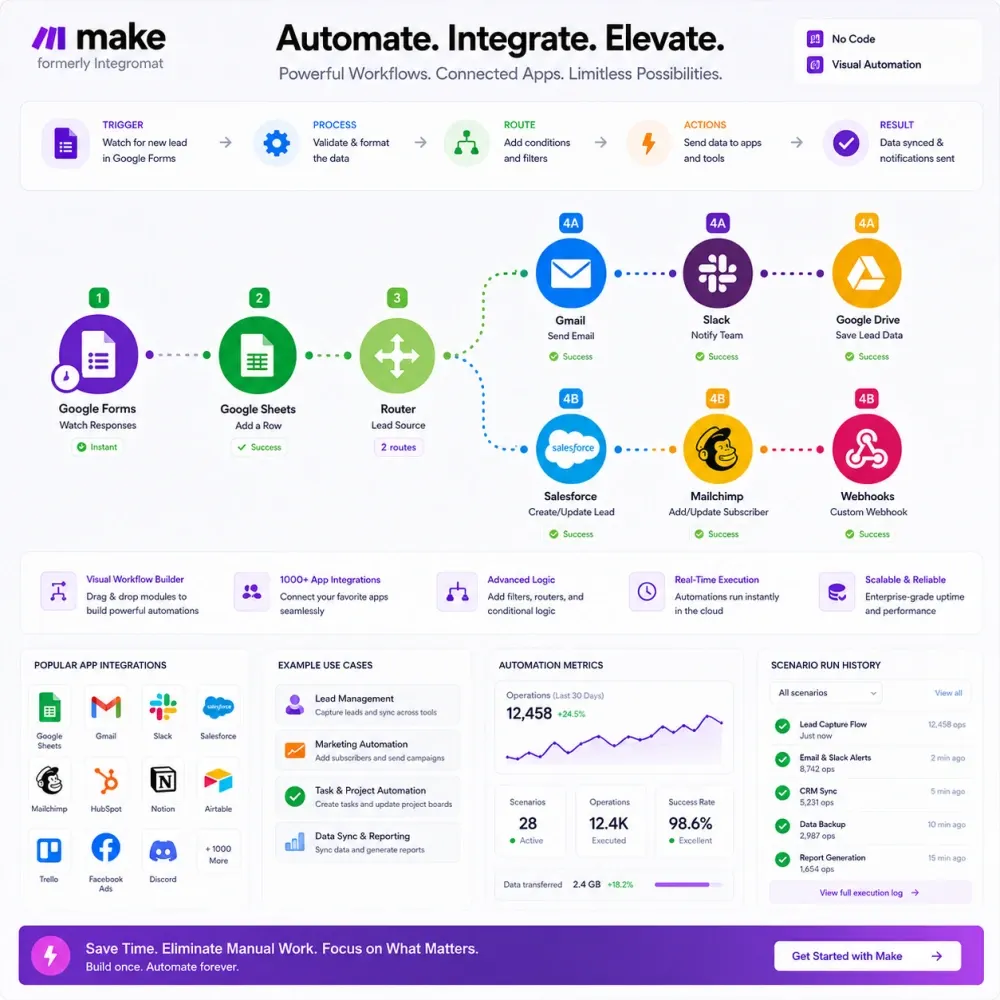
Make Automation planned with clear strategy, careful execution and practical business outcomes.


























Make.com Automation Services
We document the business event that should trigger the scenario, the apps involved, data fields and branching rules before building in Make. Connection limits and error cases are identified so the automation remains understandable as it grows.
- Scenario mapping with triggers, routers and filters
- Data structure and field mapping review
- API, webhook and app integration planning
- Error handling and notification workflow design

Make Workflow Automation
The scenario is built with the required modules, filters, routers and transformations, then tested with realistic records. Handoff notes explain the important connections, assumptions and places to check if a run fails.
- Make scenario setup and app integrations
- Router, filter and iterator configuration
- Webhook and API connection support
- Testing, documentation and optimization notes
Benefits of Professional Make Automation for Complex Workflows
Make automation can include scenario mapping, app connections, webhooks, filters, routers, data transformation, error handling and testing. The scope follows the number of systems, branches and operational edge cases involved.
Workflow Mapping
Document triggers, data fields, approvals and handoffs before anything is automated.
Mapping 02App & API Integration
Connect business tools through native apps, APIs, webhooks or structured data flows.
Integration 03Lead Routing Automation
Send new inquiries to the right CRM, sheet, inbox or sales person automatically.
Leads 04Notifications & Alerts
Create useful alerts for missed steps, failed workflows or high-value actions.
Alerts 05Reporting Automation
Compile routine data into dashboards, spreadsheets or scheduled summaries.
Reports 06Testing & Documentation
Test real scenarios and provide notes so the workflow can be maintained later.
QAWhy Make is effective for visual multi-step business automation
Make is a practical choice for teams that want to connect common SaaS tools, transform data and build multi-step scenarios without maintaining a full custom application.
Visual Scenarios
See the sequence of triggers, actions, filters and routers in a workflow instead of relying on hidden manual steps.
Data Transformation
Reformat, combine and route data between tools so each destination receives the fields it actually needs.
Faster Operations
Automate recurring notifications, record creation, synchronization and follow-up tasks across everyday business apps.
Easier Iteration
Adjust a scenario as processes change without rebuilding an entire software system for every workflow update.
A Make automation process from scenario map to live testing
Process Map
We define the trigger, source data, destination tools and business rules for the scenario.
App & Access Check
We confirm available Make modules, permissions, webhooks and any API requirements.
Scenario Build
We configure modules, filters, routers and data mappings for the agreed workflow.
Test Runs
We test sample records, edge cases and error behavior before relying on the automation in daily operations.
Launch & Handoff
We activate the approved scenario and document the key connections, logic and monitoring points.
FAQs About Make Automation Services
Questions about make automation
Practical questions about Make scenarios, integrations, data mapping and ongoing workflow maintenance.
Typical examples include lead routing, form-to-CRM flows, order notifications, spreadsheet updates, reporting and synchronized records across SaaS tools.
Yes, when the connected service provides the required access. Webhooks and HTTP/API modules can extend scenarios beyond native app actions.
Yes. We can review the current logic, identify fragile steps, simplify mappings and improve error handling where practical.
We structure scenarios clearly and can provide notes on the main modules, filters and data flow included in the agreed scope.
Share the manual process, apps involved, sample inputs, desired output and any steps where a person must approve or review the result.
Work With DesignBub for Expert Make Automation Services
DesignBub builds Make scenarios around clear triggers, data mapping and controlled branching so repetitive work can run with less manual handling.